Spec-Driven Development: A Practical Guide for Engineering Teams

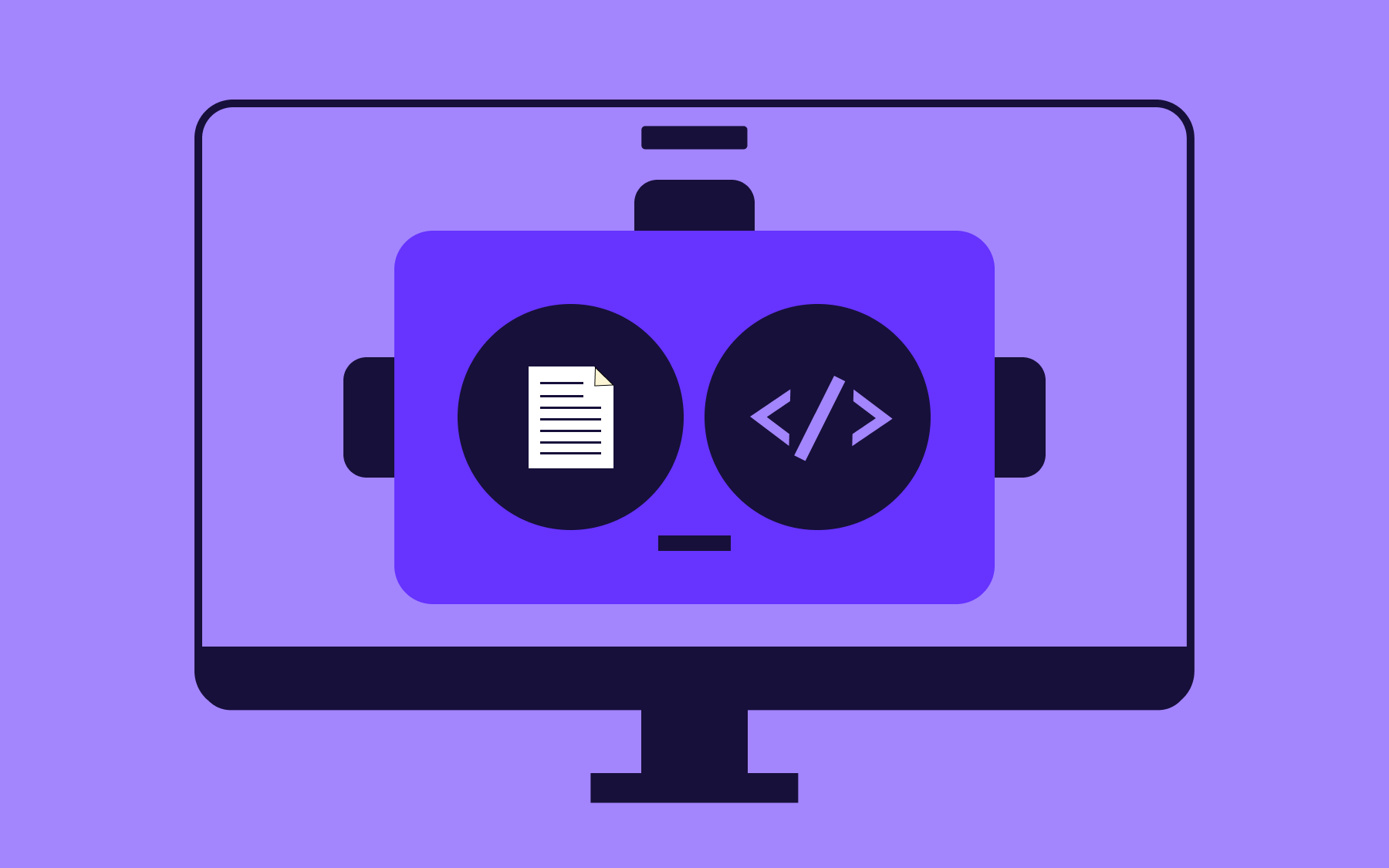
If you've ever asked it to add a login flow and watched it invent fields, skip edge cases, or quietly contradict your existing codebase.
Even though it's one of the biggest leaps forward in software development ever, vibe coding still has its limits, whether that's inventing fields to add to a login flow, skipping edge cases, contradicting the rules of your codebase, or just generally hallucinating.
Spec-driven development (SDD) helps provide AI coding assistants with clear specifications: instead of prompting and hoping, you write a detailed specification first, then let AI agents generate code against it.
In this blog post, I cover what spec-driven development is, why it's become a popular discipline for AI-assisted development and spec-driven development AI workflows, how it compares to test-driven development for reliability, how to run it inside an agile team, how it holds up on legacy systems, and which tools to consider.
What is spec-driven development?
Spec-driven development (SDD) is a software development approach where a detailed specification, written in natural language, acts as the shared source of truth before any code gets generated, folding the spec into the wider software development lifecycle instead of adding it afterwards. Instead of a one-line prompt, you write the acceptance criteria, edge cases, and architectural constraints a feature needs to satisfy, agree on them with your team, and only then start coding.
Specs sit on a spectrum. At one end is spec-first development, where the specification is a one-time input: write it, generate the first draft of code from it, then let the code take over as the source of truth, similar to how a creative brief guides a first draft today.
Further along, spec-anchored development keeps the spec live alongside the codebase, updated whenever the code changes, so it remains an authority rather than a stale artifact.
At the far end, spec-as-source development flips the relationship entirely: engineers edit only the spec, and the code files are regenerated from it.
A spec is only valuable if it's genuinely clearer than the code it replaces, not an extra layer of static documents nobody keeps updated.
A good spec reads like a tightly scoped set of user stories with just enough technical details to remove ambiguity, not a requirements document filed away after the planning phase and never opened again.
Why spec-driven development is important to AI-assisted coding
AI agents and coding assistants like Claude Code and GitHub Copilot can create lots of code in the time it takes a human to review a single pull request—the bottleneck in software engineering has moved from writing code to defining intent clearly enough for that code to be trustworthy.
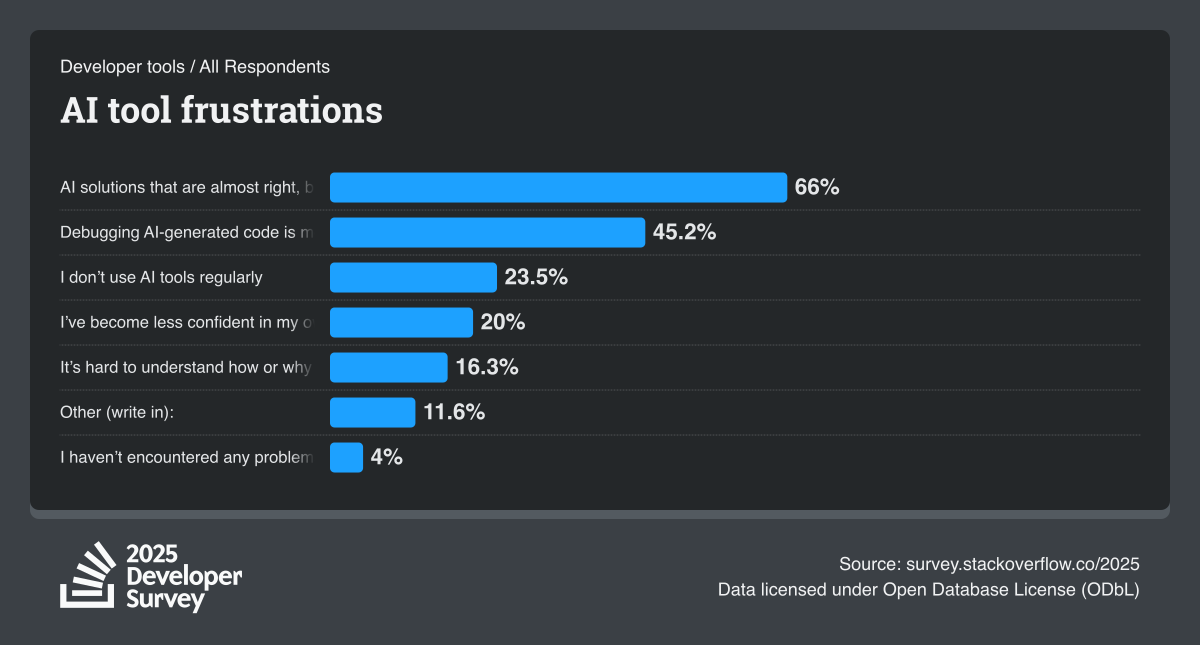
Two-thirds of developers—66%, according to Stack Overflow's 2025 Developer Survey—say their biggest AI frustration is code that's almost right, but not quite, and 45% name debugging that AI-generated code as their next-biggest frustration.
A vague prompt and a thought-out spec can run through the exact same coding agent, in the same context window, and produce wildly different results: the agent only has what you gave it to work with.
There is a loss during translation: every handoff between a stakeholder's original intent, a product requirement, an architectural decision, and the final implementation is a chance for meaning to drift.
A shared spec, kept in the same repo as the code, gives every person and every AI agent the same context to work from, rather than five different interpretations of the same two-line prompt.
That same logic extends beyond code review into release. Plenty of engineering teams now run feature-flagged AI workflows, releasing AI-generated changes to a small slice of users before trusting them with everyone.
Spec-driven development vs test-driven development
It's tempting to treat spec-driven development as a replacement for test-driven development (TDD), but the two solve different problems.
- TDD validates code: write a failing test, write the code to pass it, refactor with confidence because the suite catches regressions.
- SDD validates intent: there is a spec before the code, so everyone, human or AI agent, is building the right thing, not just building something correctly.
Used together, the two form a tighter loop than one alone. A detailed specification becomes the source for acceptance criteria, those acceptance criteria become automated tests, and an AI agent generates code that has to satisfy both the test suite and the same spec a human reviewer is reading.
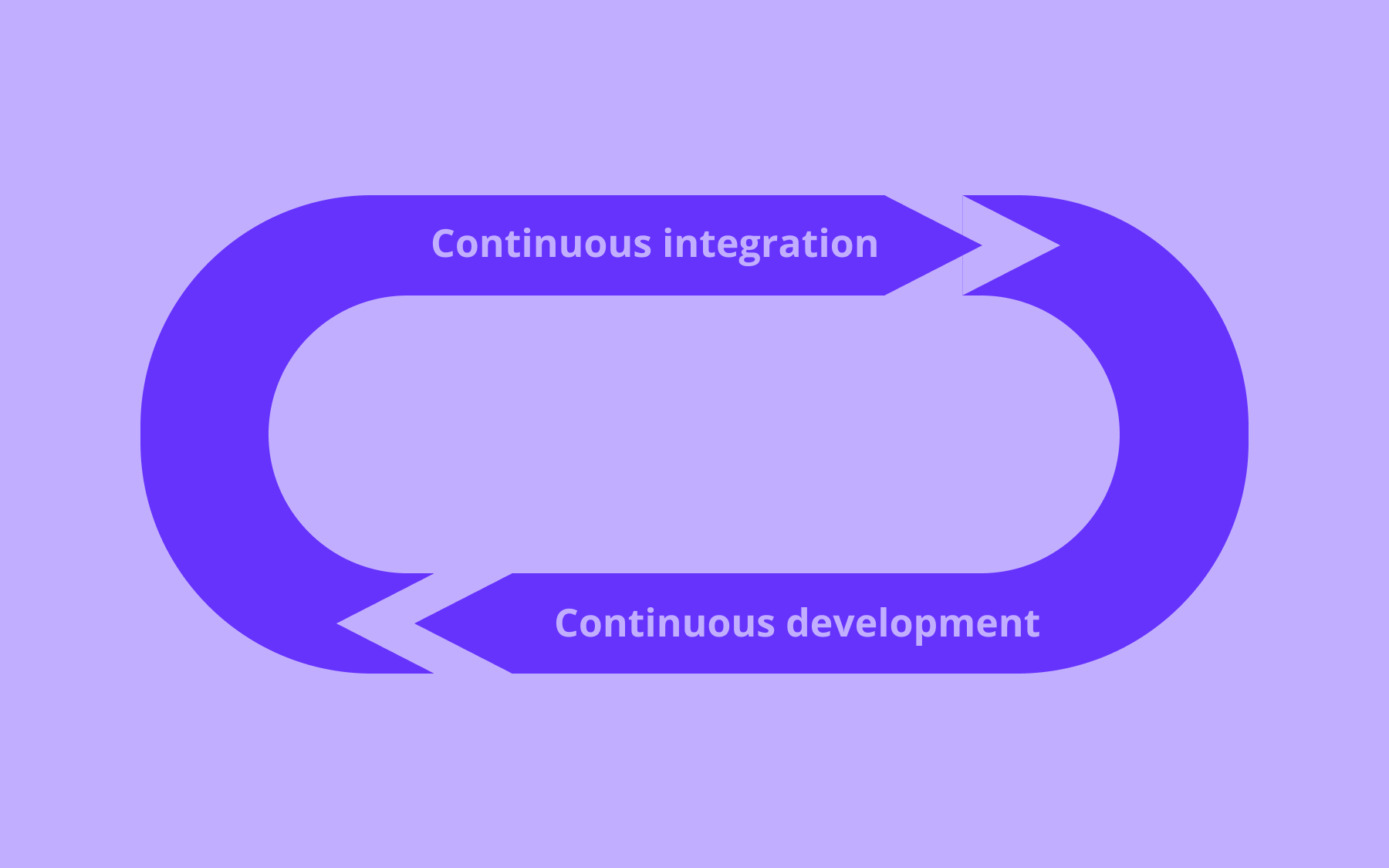
Pair that with automated regression testing, and you catch whether the code matches intent and whether it still works after the next change. Run both inside the same continuous integration and delivery (CI/CD) pipeline and you get two independent checks on the same change: one confirming the result matches what you agreed to build, the other confirming it works.
The spec-driven development workflow
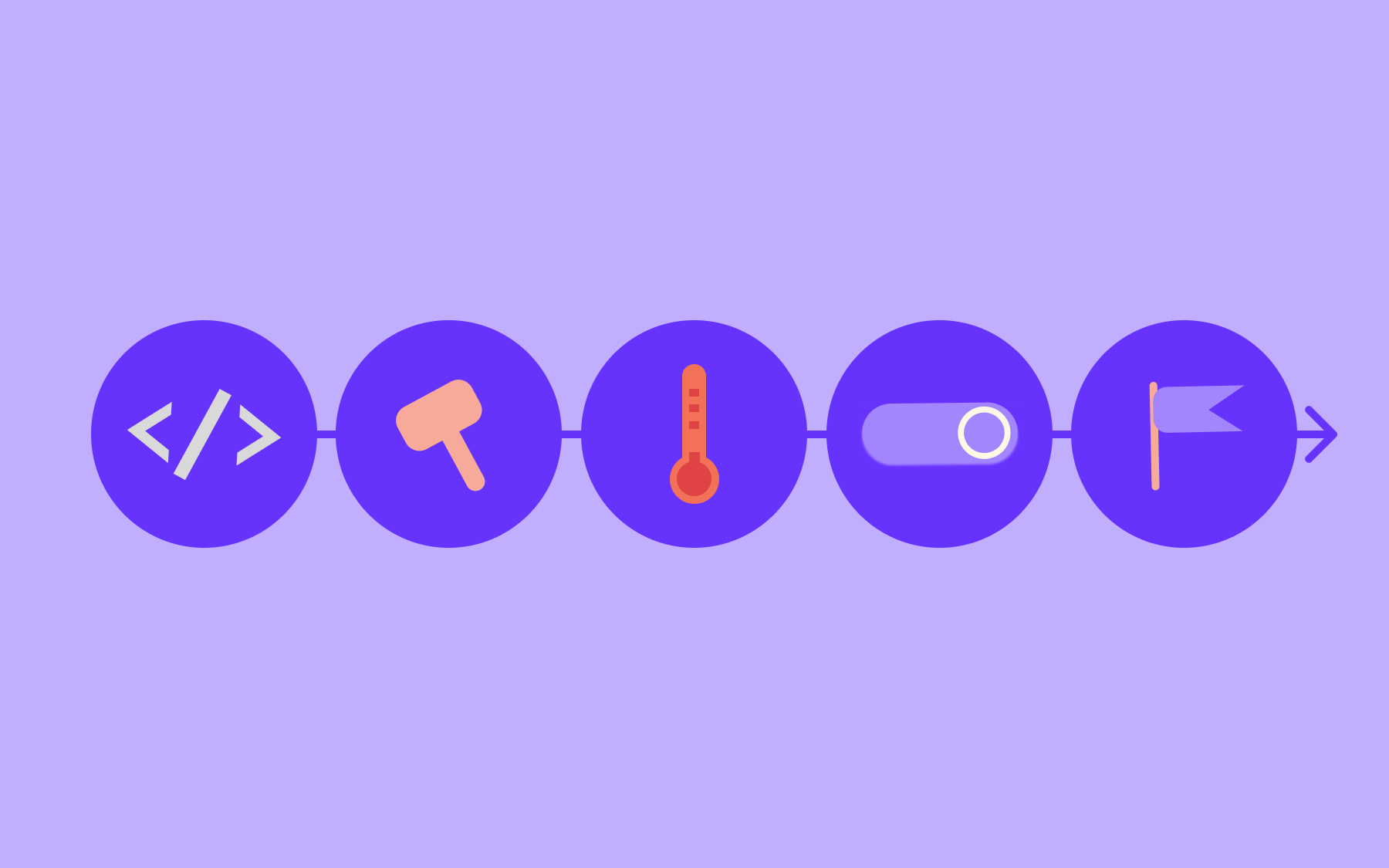
Most spec-driven development tools have different names for the same basic loop, all of which increase the chance of predictable software delivery, so it's worth understanding the structured workflow underneath any one tool's branding.
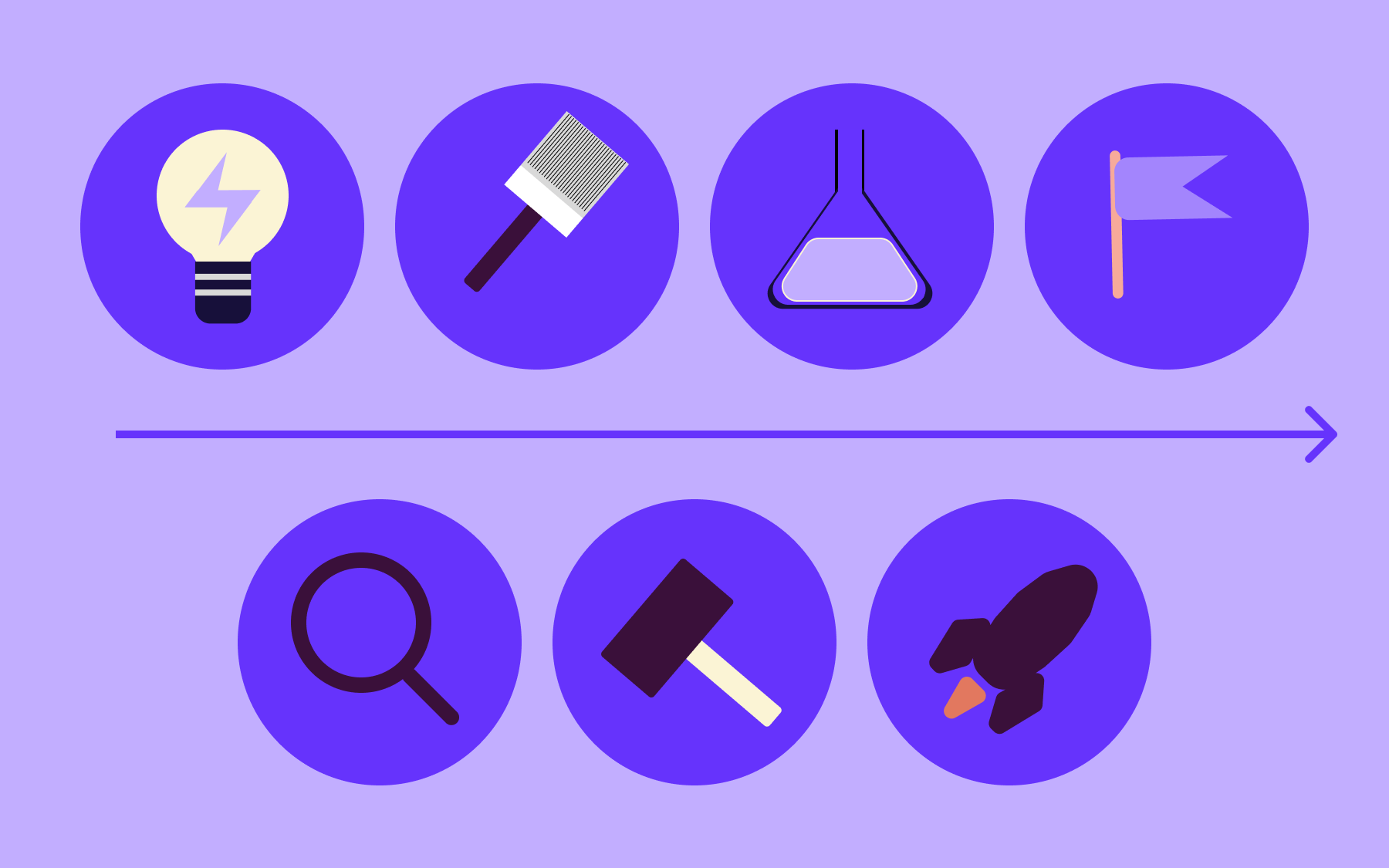
- Ground rules. Capture the architectural constraints, tech stack, and conventions your team already works within—some tools call these steering documents—so every future spec inherits them instead of repeating them.
- Write the spec. Turn a feature into user stories, acceptance criteria, and edge cases, in natural language and saved as markdown files alongside your code.
- Clarify. Get the spec reviewed by a human before any code generation starts, catching ambiguity cheaply rather than three days into implementation.
- Break it down. Split the spec into implementation-ready tasks small enough to review individually.
- Generate. Connect your coding agent with the same spec and the same context every task shares, so output stays consistent across a large codebase.
- Validate. Check the AI-generated output against both the spec and your automated tests, not just whether it compiles.
- Ship behind a flag. Treat the rollout itself as a reversible step inside your CI/CD pipeline, rather than a one-shot merge to production.
Treat specs as executable artifacts you keep editing, not static documents you file away once planning ends. If a spec stops matching the code, it stops being useful, and trust in the whole structured workflow can start to erode.
How to implement spec-driven development in agile teams
Spec-driven development works well inside an agile workflow, as long as you avoid adding it after the fact as a separate heavyweight phase.
- Fold it into Definition of Ready. A ticket isn't ready for a sprint until its spec has acceptance criteria and edge cases attached, not just a one-line description.
- Review specs in refinement. Spend part of your existing backlog refinement session reviewing the spec itself, not just the ticket title, so the whole team shares the same original intent before work starts.
- Slice stories from the spec's tasks. Once a spec is broken into tasks, those tasks map directly onto user stories, rather than a product owner guessing at scope from a two-line prompt.
- Keep specs version-controlled. Store them as markdown files in the same repository as the code they describe, so they change through the same pull request process as everything else.
- Gate the release behind feature flag testing. Validate the finished feature with real users on a flag before the sprint is marked done, instead of calling it complete the moment the pull request merges.
Right-size the process. A one-line bug fix doesn't need a full spec; a new feature spanning multiple services probably does. Teams that apply spec-driven development to every change, regardless of size, tend to resent it within a sprint or two—the goal is working software, not paperwork.
Spec-driven development for legacy systems and existing codebases
Specs can have a significant positive impact on legacy systems, where so little about an existing codebase is ever written down.
Before asking an AI agent to touch existing code that nobody's opened in years, write a spec that documents the current behaviour and architectural patterns first, then the change you actually want.
By ensuring you follow that sequence, you protect against the fact that an AI agent has no memory of why a legacy decision was made; it only sees the existing systems in front of it.
A spec that separates current behaviour from the intended change gives both the AI agent and the human reviewer something to validate the AI-generated output against, rather than trusting that the regenerated code files behave identically to the old ones.
Roll the change out gradually rather than in one cutover. Running the new, spec-built path alongside the old one—similar to a dark launch or a canary deployment—lets you compare real behaviour before the legacy code is retired for good.
Common pitfalls and edge cases
Spec-driven development isn't free, and it isn't the right solution for everything.
- Over-specifying trivial changes. Writing a three-page spec for a one-line bug fix slows a team down without adding safety, and becomes its own technical debt.
- Spec drift. A spec that isn't updated when requirements change becomes actively misleading, worse than having no spec at all.
- Context window limits. Once a project grows complex enough, a single spec can outgrow what a coding agent can hold in one pass, and needs splitting by feature or service.
- Treating the spec as the finish line. A spec removes ambiguity; it doesn't remove the need for a developer's judgement, human creativity, and a user's perspective on trade-offs the document doesn't cover.
Name edge cases explicitly in the spec rather than assuming an AI agent will infer them. A detailed specification that lists what should happen when an input is empty, a request times out, a permission is missing, or two users edit the same record at once saves a review cycle later.
De-risking spec-driven development with feature flags
A spec and a test suite both validate code before it ships. Neither reveals how that code behaves under real production traffic once it's live. Production behaviour under real traffic is a separate problem, and it's where feature toggle management comes in.
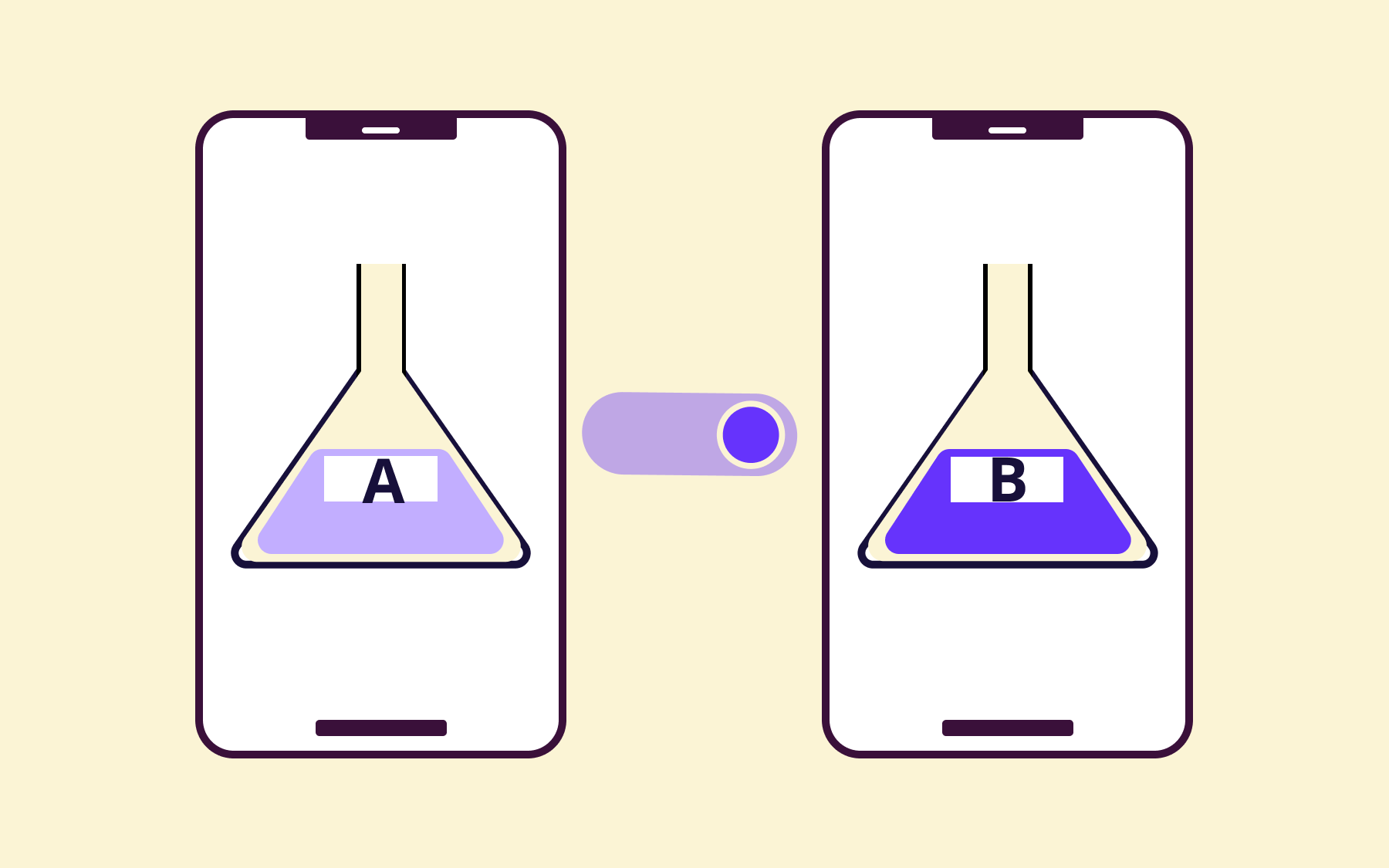
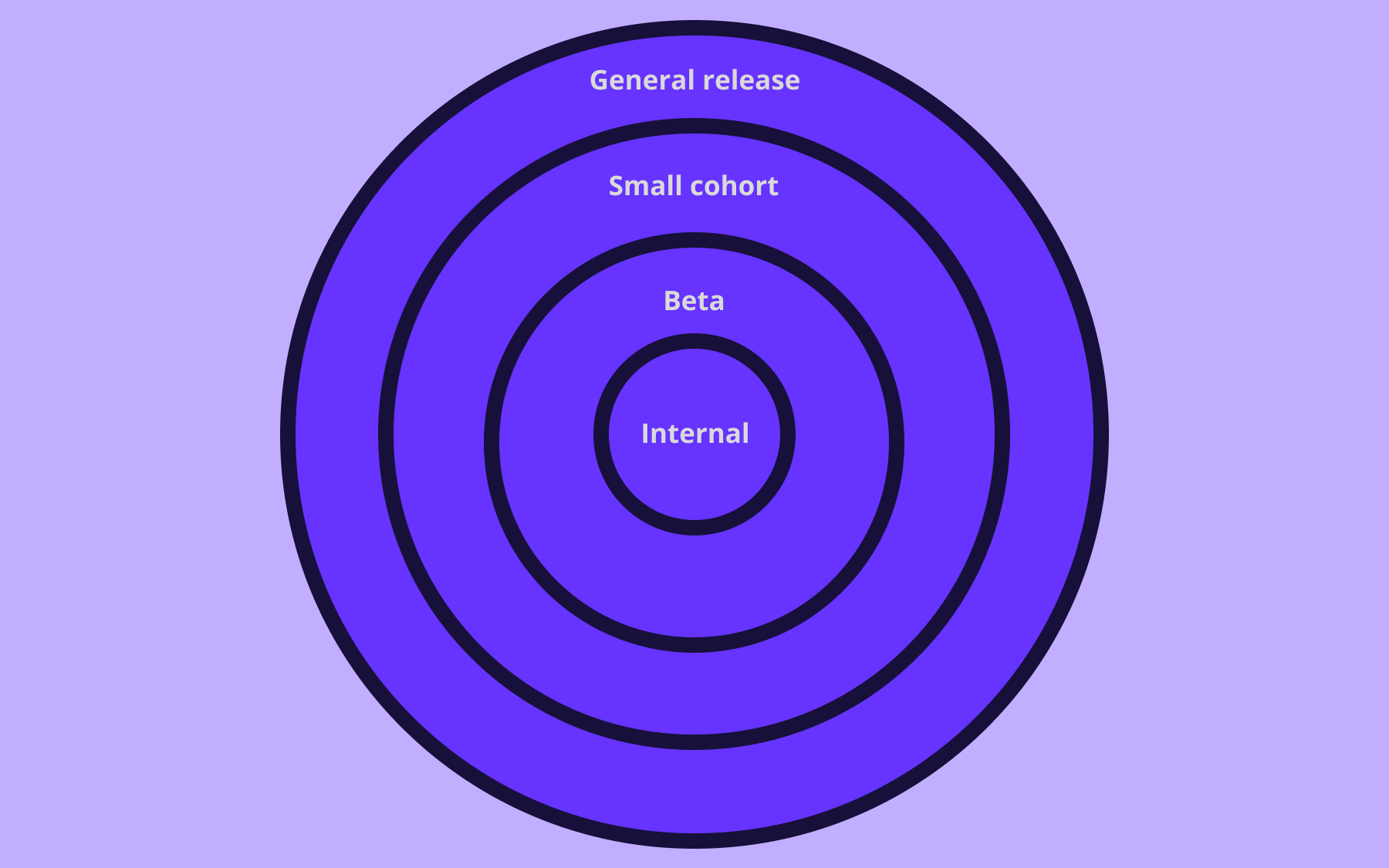
Wrapping AI-generated, spec-built code in a feature flag turns a release into a reversible step instead of a one-shot bet. You can roll a new, spec-built feature out to a small percentage of users, watch how it performs against the success criteria in the original spec, and turn it off instantly if it doesn't, without a redeploy or an emergency rollback strategy.
Flagsmith is an open-source feature flag and remote configuration platform built to enable this kind of progressive rollout. It doesn't write or validate specs—that part of the workflow still belongs to the engineering team and their coding agent—but it gives teams control over who sees spec-driven, AI-generated changes and when, with role-based access control and an audit trail that help teams meet compliance requirements by documenting who approved a given rollout.
If you want to pair the two, start by wrapping your next AI-generated feature in a flag before it reaches everyone.
Best tools for spec-driven development
No one tool here does the whole job. Select software based on how far along the spec-first to spec-as-source spectrum you want to go, and which coding agent your team already relies on.
GitHub Spec Kit
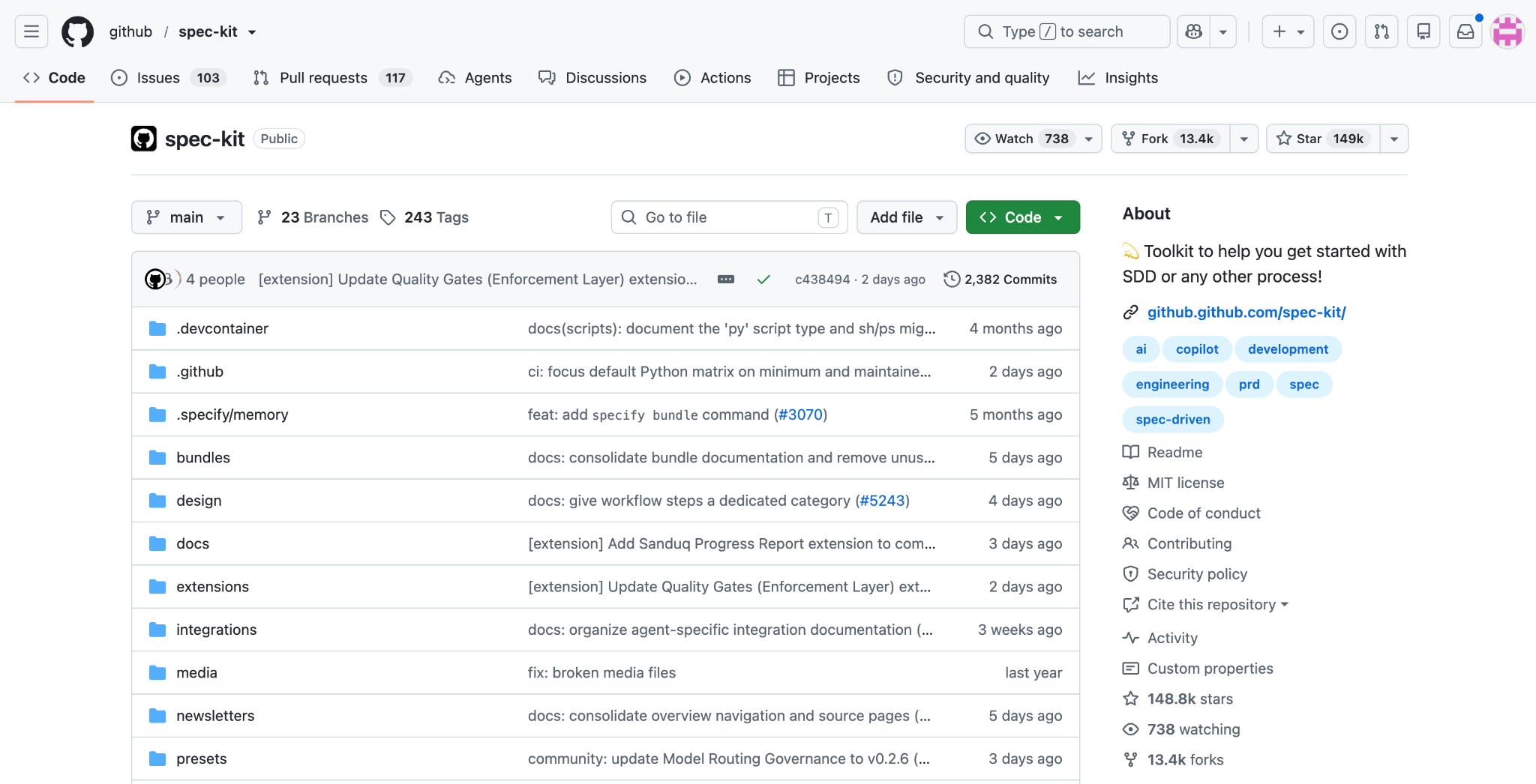
Best for: Teams already standardised on GitHub Copilot that want an open-source, structured way to run the full spec-to-code lifecycle without licensing another platform.
GitHub Spec Kit is Microsoft and GitHub's open-source toolkit for running spec-driven development end to end. It installs as a command-line interface (CLI) and adds slash commands—including /specify, /plan, and /tasks—directly inside tools like GitHub Copilot and Claude Code, walking a team through constitution, specification, clarification, planning, tasks, implementation, and validation.
Because it's free, open source, and designed to slot into an existing GitHub workflow, Spec Kit is one of the lowest-friction ways for a team to try spec-driven development without adopting a new platform.
It leans closer to spec-first than spec-anchored in practice—once implementation starts, the generated code, not the spec, tends to become the thing people actually read day to day.
Features:
- CLI installer that scaffolds a spec-kit project structure into any existing repository.
- Slash commands for each lifecycle stage, from /constitution through to /tasks.
- Works across multiple coding agents, including GitHub Copilot, Claude Code, and Gemini CLI.
- Templated specification and plan documents, so every feature starts from the same structure.
- Fully open source, with no vendor lock-in to a single AI provider.
Kiro
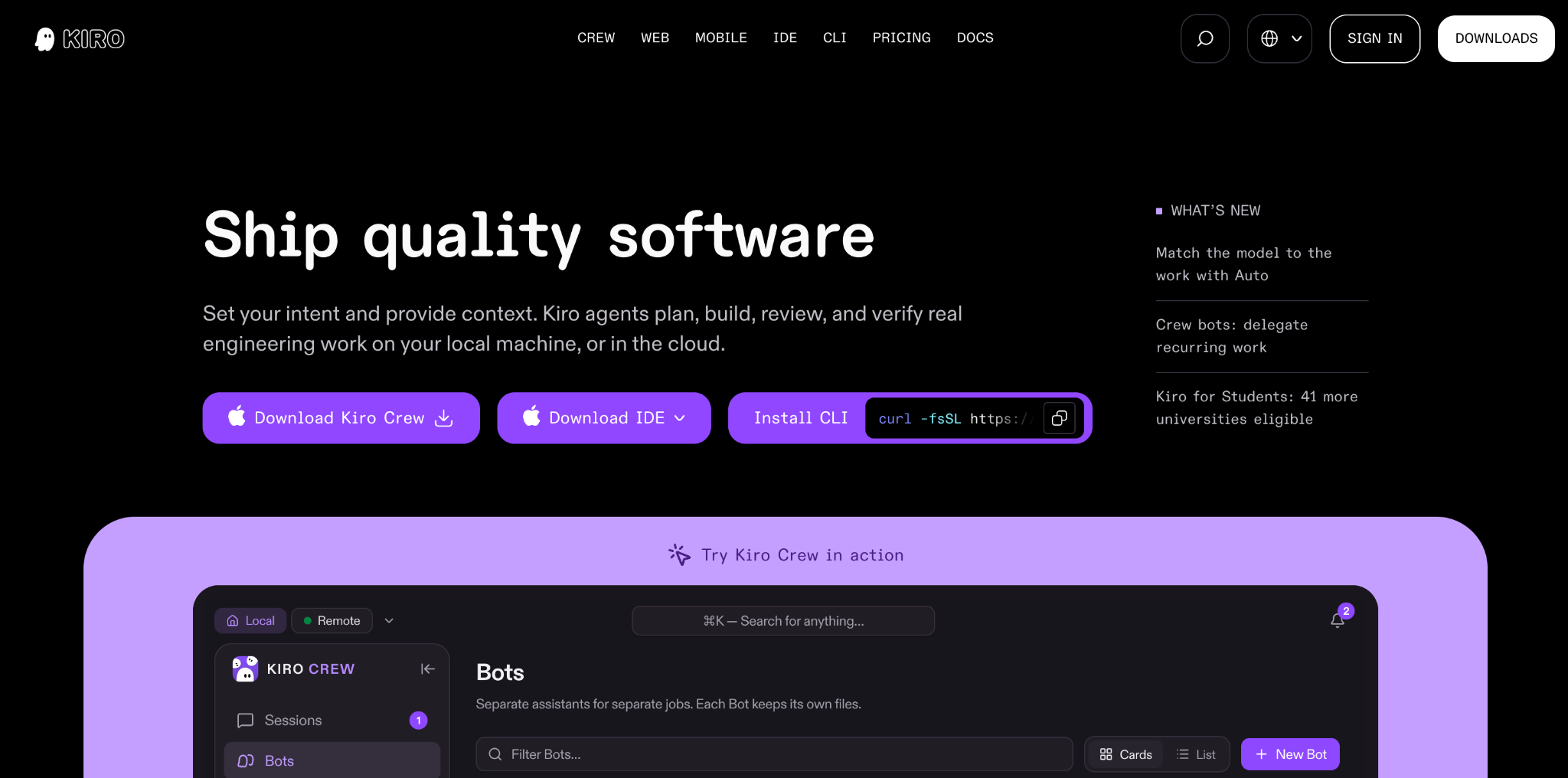
Best for: Teams that want a lightweight, dedicated spec-first tool rather than a full toolkit bolted onto an existing coding agent.
Kiro is a purpose-built spec-first tool that walks a feature through requirements, design, and tasks before any code gets generated. Rather than retrofitting slash commands onto a general-purpose coding agent, Kiro treats the spec itself as the primary interface, with the resulting tasks feeding directly into implementation.
That focus makes Kiro a solid option for teams that mainly want a cleaner on-ramp into spec-driven development, without configuring a broader toolkit. It's lighter-weight than some alternatives, which is a strength for small teams and a limitation for anyone who wants the spec to remain the long-term source of truth once code generation finishes.
Features:
- Structured requirements-to-design-to-tasks flow, built around a single spec.
- Minimal setup compared with toolkit-style alternatives.
- Tasks generated directly from the approved spec, ready to hand to a coding agent.
Tessl
Best for: Teams willing to commit furthest along the spec-as-source end of the spectrum, where the specification, not the code, is the long-term artifact engineers maintain.
Tessl is a framework built around spec-as-source development. Instead of generating code once from a spec and moving on, Tessl keeps the specification authoritative, treating specs as executable specifications that regenerate the underlying code files as requirements change.
Specs are broken down close to a file-by-file level, so the relationship between a piece of the specification and the code it produces stays traceable.
Tessl is the most ambitious tool of the four here, and it's currently still in beta. For teams prepared to rethink their workflow around specs as the primary artifact, rather than a planning step before writing code, Tessl offers the greatest chance of specification authority outlasting any individual AI agent or model used to generate the code.
Features:
- File-by-file specification granularity, so each spec maps closely to the code it generates.
- Specs remain the editable source of truth after code generation, not just before it.
- Designed to regenerate code files as specs change, rather than hand-patching output.
- Built specifically for spec-as-source development rather than spec-first workflows.
- Aims to keep generated code consistent even as the underlying AI model changes.
- Early-access programme with active development and community feedback loops.
Claude Code
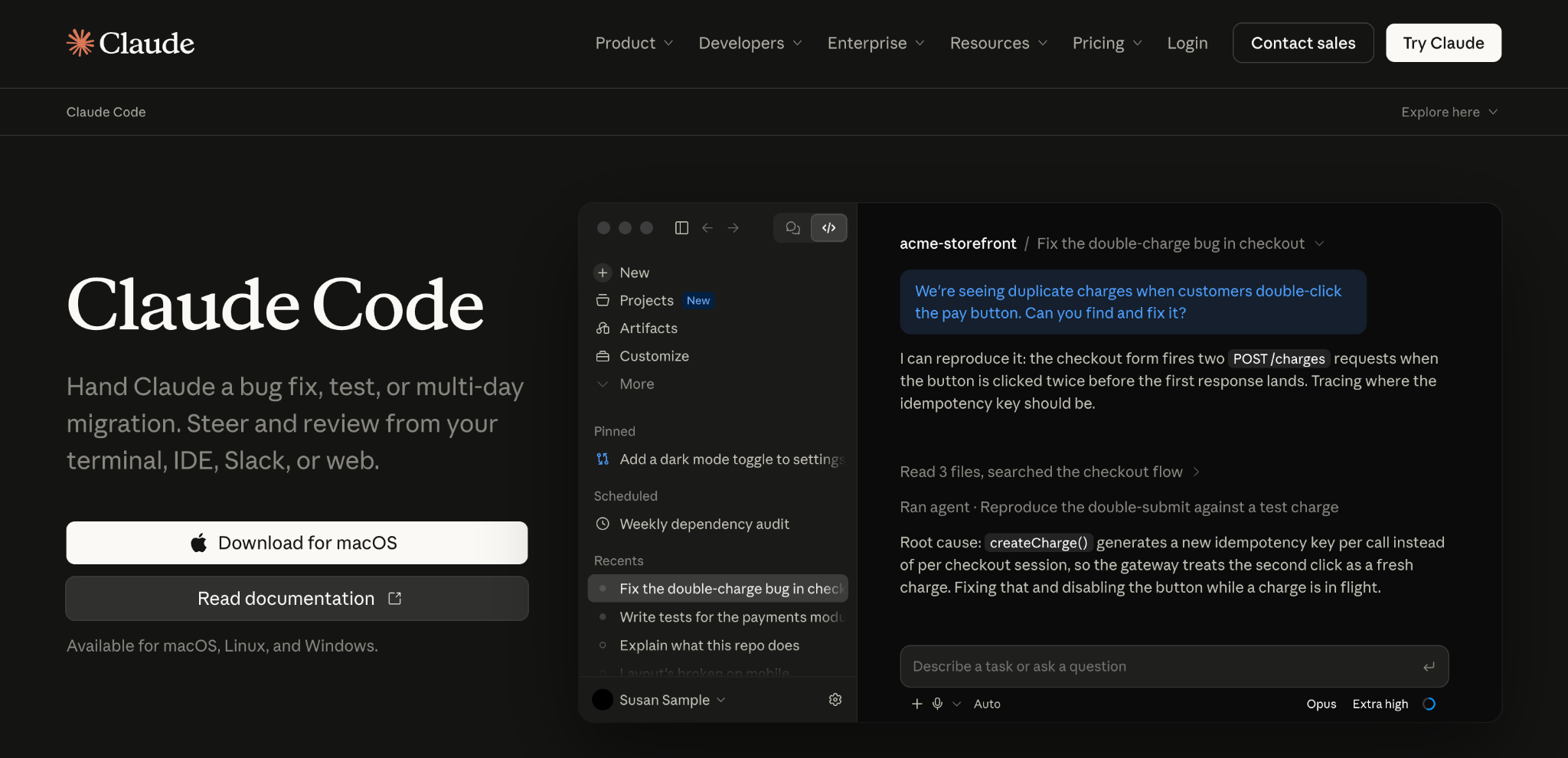
Best for: Teams that already have a strong coding agent and want to run a spec-driven workflow through a toolkit like Spec Kit, rather than adopt a dedicated spec-management product.
Claude Code is Anthropic's coding agent, built to work from a terminal or editor and handle multi-step engineering tasks, including implementing a feature from a detailed specification.
Rather than being a spec-driven development tool by itself, it's the execution layer most spec-driven toolkits, including GitHub Spec Kit, are designed to generate code through.
Because it can read a whole existing codebase, follow a structured workflow across multiple files, and run commands directly, Claude Code tends to produce more consistent output when it's working from a thought-out spec and a defined set of tasks, rather than a single vague prompt.
It isn't opinionated about spec-driven development itself, so the discipline still has to come from the team and whichever spec toolkit sits in front of it.
Features:
- Operates directly in a terminal or editor, with access to the existing codebase and its tooling.
- Integrates with spec-driven toolkits, including GitHub Spec Kit's slash commands.
- Handles multi-file, multi-step tasks rather than single isolated code snippets.
- Can run tests and commands directly, supporting the validate step of a spec-driven workflow.
Conclusion
Spec-driven development won't fix a vague prompt on its own, but it gives both your team and your AI agents the same detailed specification to build against, instead of five different guesses at the same two-line brief.
Pair that discipline with validation that continues past the pull request, and you get a release process that catches more than a green test suite alone.
If feature flags aren't already part of how you ship AI-generated or spec-built code, that's the natural next step: sign up for Flagsmith and turn your next release into a reversible rollout instead of a one-shot merge.
Spec-driven development FAQs
Is spec-driven development the same as waterfall?
No. Waterfall freezes requirements before a single sprint starts and treats change as a failure. Spec-driven development keeps the spec as a living document, updated through the same pull requests as the code, and expects it to change as the team learns more.
Does spec-driven development replace automated testing?
No. A spec validates intent before code exists; automated tests validate behaviour once it does. The two work best together, with acceptance criteria from the spec becoming the automated tests.
What is vibe coding, and how is it different from spec-driven development?
Vibe coding is the process of prompting an AI agent without a structured spec and accepting whatever comes back, as long as it looks right.
Spec-driven development replaces that vague prompt with a detailed specification, written in natural language, that both a human and an AI agent can validate the output against.






























OpenTelemetry, without the vendor lock-in: Introducing full observability for Open Source and Self-Hosted Flagsmith customers