Turn any Feature Flag into an
Experiment
Flagsmith’s experimentation platform brings native A/B testing directly to your feature flags. Deploy your data-driven release strategies with full data sovereignty.
Trusted by top development teams



Watch the feature experimentation demo video
Start getting data from your A/B test in minutes with Flagsmith's feature experimentation platform, which turns your existing feature flags into full A/B experiments—with warehouse-native analysis built in.
Start experimenting with data-driven releases
Flasmith’s feature flag tool with built-in A/B testing. A data driven release platform loved by both engineers and PMs.
Clear answers
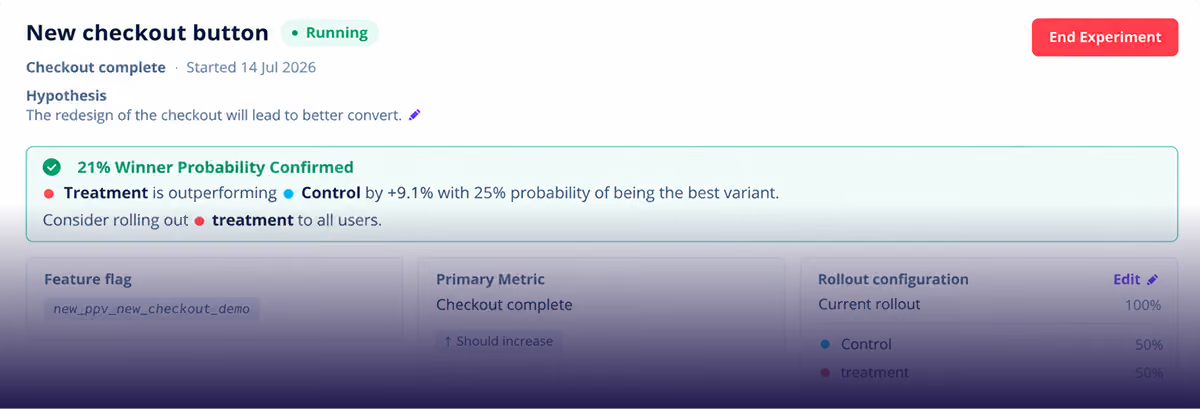
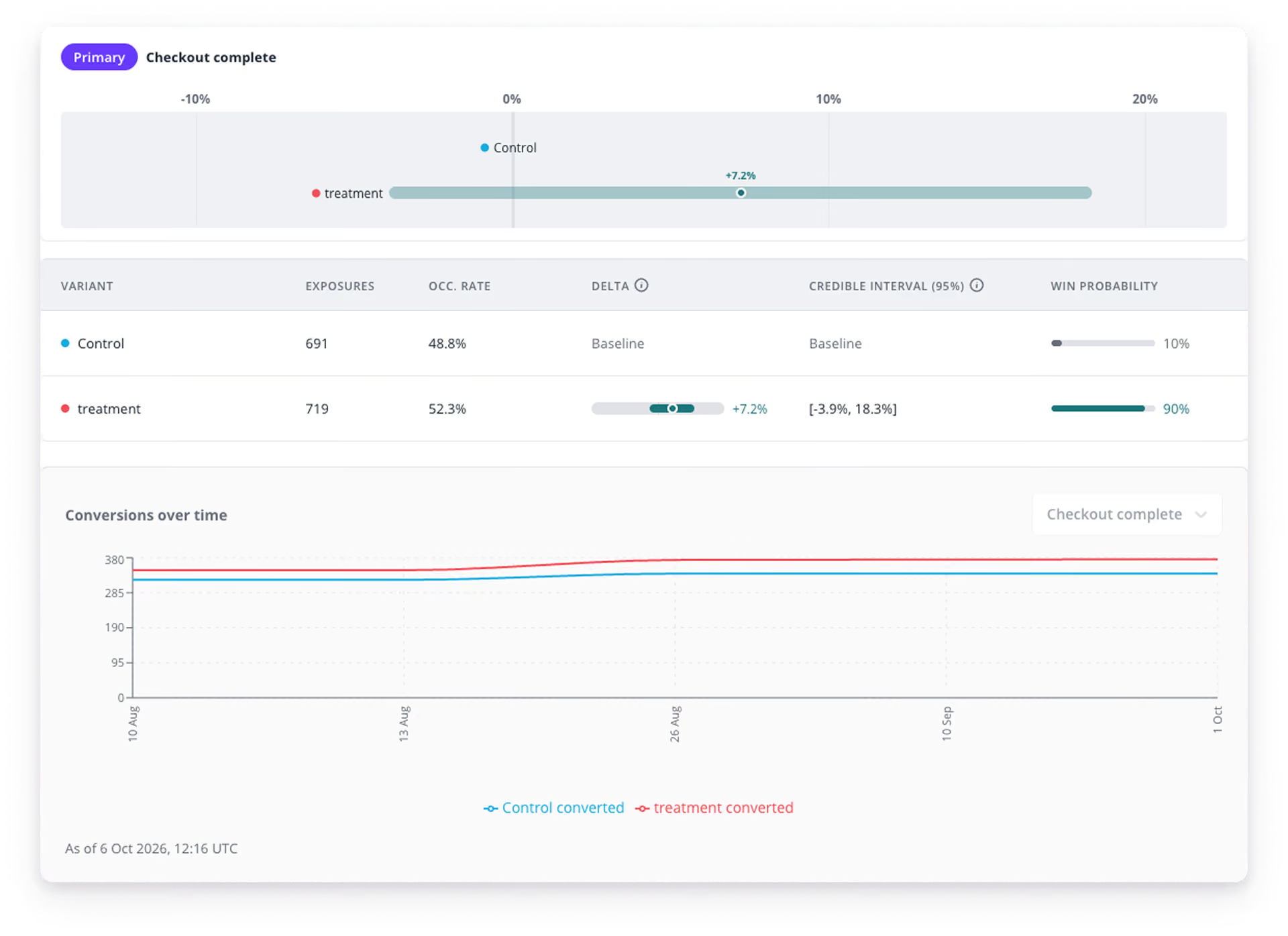
View chance-to-win metrics and expected lift.
Flexible targeting
Fully control which of your users are part of your feature experiments.
One platform
Run experiments with your existing feature flags
AI-native experimentation
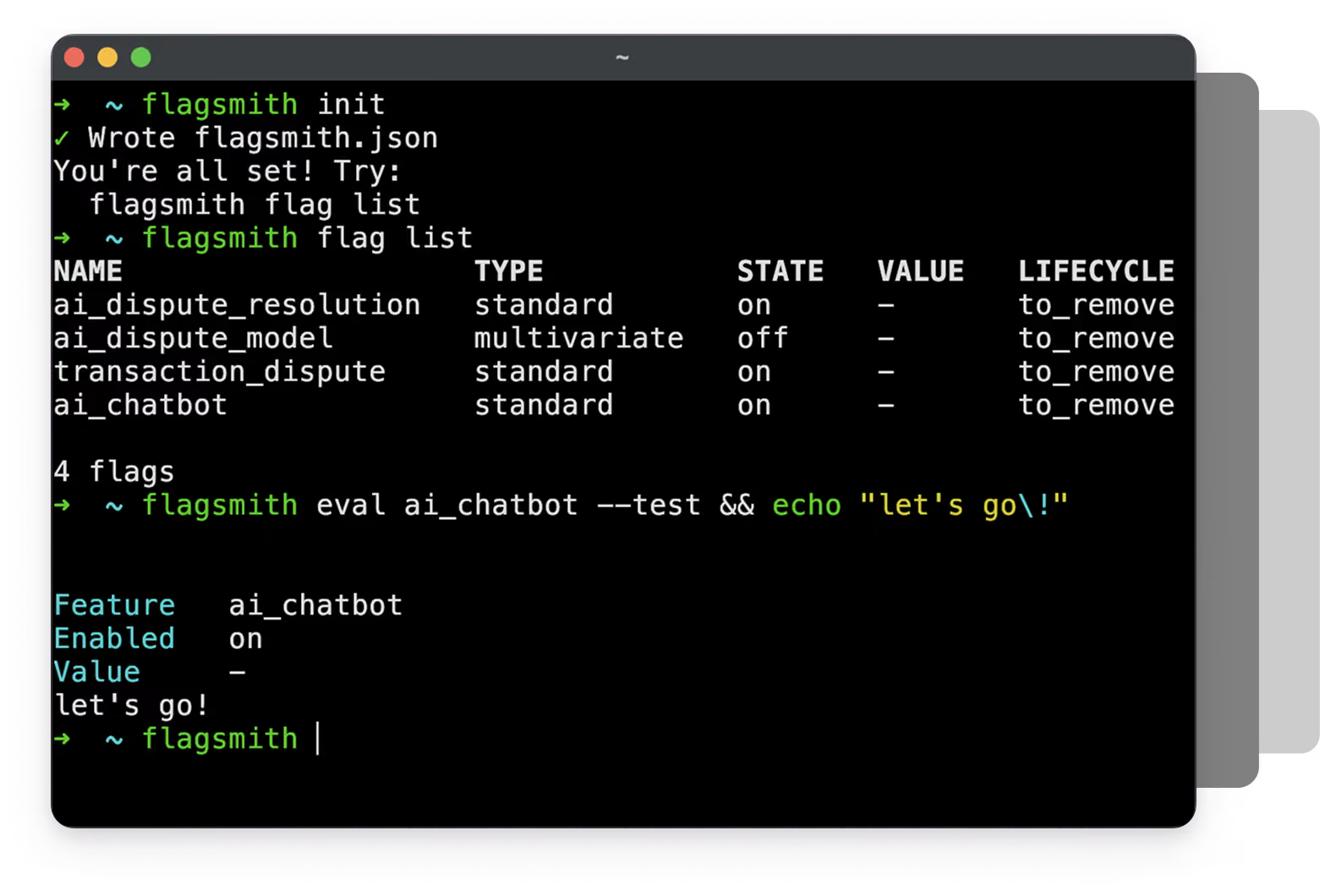
MCP Server and CLI
Flagsmith is equipped with Model Context Protocol (MCP) and Command Line Interface (CLI) connectors.
Agentic automation
Empower AI agents to autonomously manage your flags and experiments with strict security guardrails.
Zero friction
Stay in your workflow without bouncing between heavy UI dashboards.
BYOW (Bring your own warehouse)
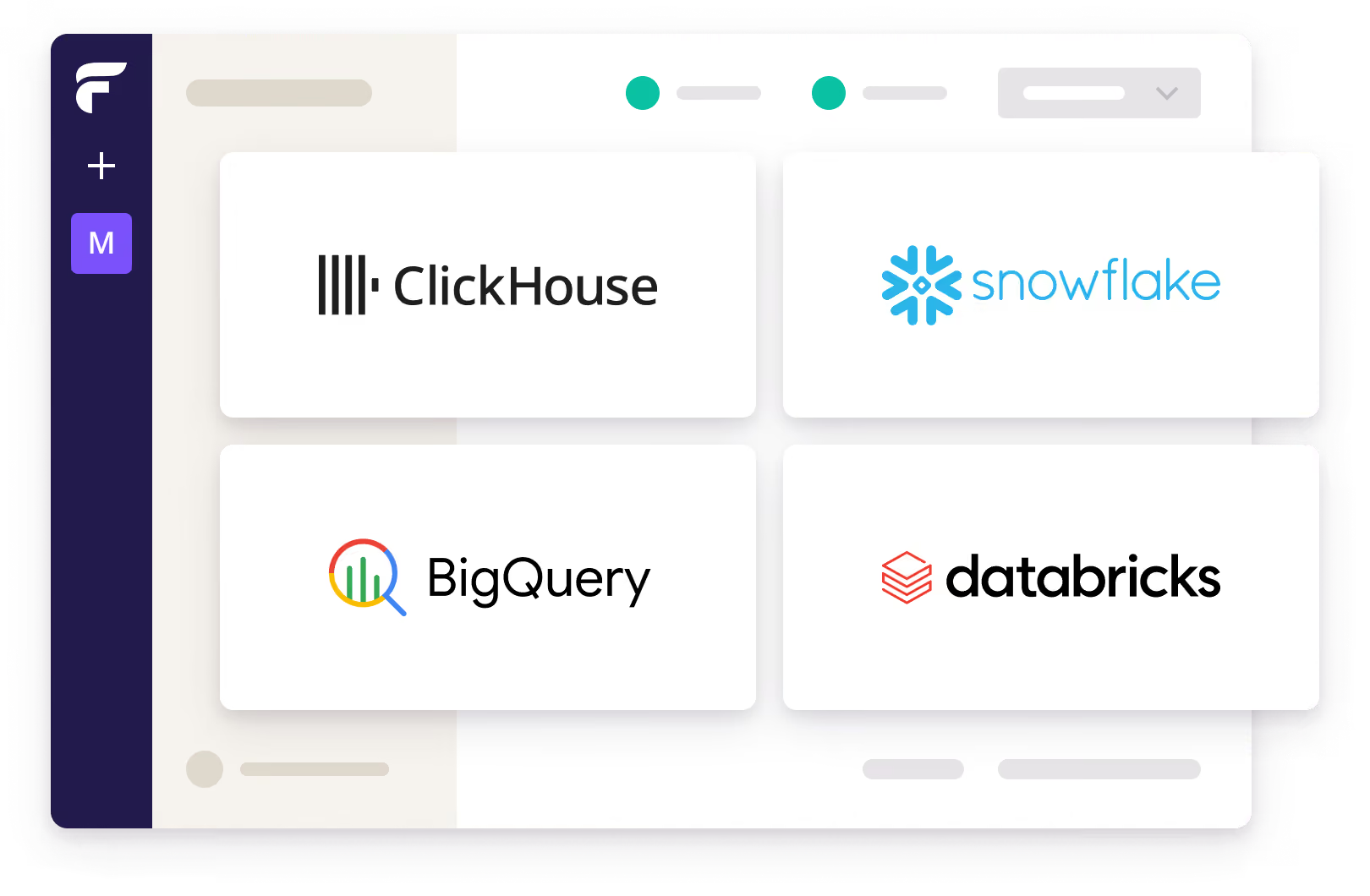
Seamlessly connect your existing data stack like Snowflake, BigQuery, or Databricks.
Total Flexibility
Run experiments on top of the data infrastructure you already own, using your existing data.
Managed Warehouse available
No warehouse? No problem.
Flagsmith can provide an optional zero config managed warehouse for you.
Data-Driven Flags Management
Take the guesswork out of your release process by building experiments based on your existing flags.
Frequently asked questions
Experimentation is available on all Flagsmith SaaS plans and private or on-premises deployments. You can use Flagsmith's managed warehouse to store your experiment data on all plans, with pricing based on monthly tracked users in experiments (MTUE). On Scale-Up and Enterprise plans, you can also run A/B tests using multivariate flags and your own analytics tool.
You can currently collect events in most Flagsmith SDKs, including JavaScript, Python, Go, Node.js, and Rust. React apps can use the useExperiment hook, which resolves the flag and records the exposure in one step. Users need to be identified, because Flagsmith joins exposures and conversion events per user.
Metrics are built from the events sent through Flagsmith SDKs or external events sent to your warehouse. You can measure whether an event happened at least once (such as a completed signup), how often it happened (such as purchases), a total value (such as revenue), or an average value (such as order value).
Each metric has a direction, so Flagsmith knows whether higher or lower is better, and you can reuse metrics across experiments.
Flagsmith uses a Bayesian statistics engine. For each variation, it reports the lift against control, a 95% credible interval, and the chance that the variation beats control. Once a variation reaches a 95% chance of beating control, Flagsmith recommends rolling it out. Unlike with p-values, you can check results as often as you like without inflating your error rate.
Each environment connects to one warehouse. By default, that's a managed warehouse hosted by Flagsmith, which you enable in a few clicks with nothing to provision. You can also send experiment events to your own ClickHouse, Databricks, or PosgreSQL instance. Connections for Snowflake and BigQuery are coming soon.
Yes, if you use your own data warehouse. You can store exposure and conversion events in your own warehouse. Experiment results are computed within your warehouse instance, so no data is copied or synced to Flagsmith's managed warehouse. Alternatively, you can use Flagsmith's managed warehouse to store experiment data.
Yes. You can serve variations with multivariate flags and analyse the results in your own analytics platform using one of Flagsmith's integrations. This self-managed approach is fully supported and isn't going away.
With a feature experimentation platform, you can test product changes on real users before rolling them out to everyone. It splits traffic between your current version and one or more variations, tracks how each group behaves, and shows which version performs better.
We have built experimentation on top of our feature flags platform, so the flag that controls a release also controls the test.
Wrap the change in a multivariate flag, with your current experience as the control and each change as a variation. Start by rolling out to just 10% of your users, split evenly, so most people are unaffected while you gather data.
If something goes wrong, you can reduce the rollout or end the experiment from the dashboard without redeploying. Flagsmith always places the same user in the same variation to keep the comparison fair.
Separate deployment from release. Ship new code behind a feature flag as part of your normal deployment cycle, then start the experiment when you're ready, meaning there is no release window to wait for.
Because the test runs on the flag, your team can keep deploying other changes as usual. Once there's a winner, update the flag to serve it to everyone and remove the losing code.
Make sure you define success before you launch. A good hypothesis names the change, the metric, the expected size of the effect, and the timeframe—for example, that offering PayPal at checkout will lift completed checkouts by at least 10% within 30 days.
Judge the result on one primary metric, and record exposures at the point users actually see the change.
Assign users consistently and count them fairly. Identify every user, including logged-out visitors with a persistent anonymous ID, so they stay in the same variation. Flagsmith counts each user once, sets aside anyone who saw more than one variation, and warns you when traffic hasn't split the way you configured. Avoid changing the rollout mid-experiment, as this can affect the validity of your results.
Start with one upcoming change that has a clear outcome, such as a checkout tweak, and wrap it in a flag instead of releasing it to everyone. Run it as an experiment on a small share of users, then roll out the winner by updating the flag. Once your team is comfortable, make flagging the default for changes on critical paths, and remove flags once a feature is permanent.