What is Multivariate Testing and How to Run an Effective Test


With multivariate testing, you can test several variables on the same page or feature at once, rather than one at a time.
Instead of asking whether a single change helps, during a multivariate test you ask how a handful of changes work together—which combination of headline, image, button copy, and layout actually moves your primary metric.
This guide covers what multivariate testing is, how it differs from A/B testing, and the full and partial factorial approaches teams use to reach statistically significant results.
You'll also find worked examples, a step-by-step tutorial for running your own test, and a look at how multivariate testing applies beyond the marketing page, to the features and flows your engineering team ships.
What is multivariate testing?
Multivariate testing (MVT) is a method for testing multiple variables in combination, on the same page, in-product user interface (UI) or app screen, to find out which combination has the biggest and best effect on a chosen metric. Instead of comparing two whole versions of a page, you break it down into individual page elements—a headline, an image, a button, a layout choice, for example—and test several variants of each at the same time.
If you want to get the total number of combinations in a multivariate test, multiply the number of variants for each element together. Three headline options and two image options give you six combinations, for instance. Add a third element with two variants, and you're up to twelve.
That level of detail across variables makes a multivariate test more useful than a single-element test when you want to understand how different elements interact. Do an A/B test to work out whether a change helped. Do a multivariate test to see which specific elements did the heavy lifting, and whether they helped more or less when combined with each other.
Multivariate testing can improve conversions because, rather than guessing which one change to prioritise, you let the test data show you which elements—and which combination of them—has the maximum positive impact on your primary metric, whether that's conversion rate or another key metric you're tracking.
Multivariate testing vs. A/B testing
The clearest way to understand multivariate testing is to compare it with A/B testing, since the two methods solve different problems.
An A/B test compares two versions of one element against each other—a classic example is testing one button colour against another. A multivariate test, by contrast, combines several variables into multiple variations and tests all of them concurrently.
Where an A/B test asks one question, a multivariate test asks several at once, then measures how the answers combine.
Here's how they compare:
If you're not sure which single element matters most on a page, start with a multivariate test to identify it, then run a focused A/B test to refine that one element further.
If your website visitors are limited, or you already have a clear hypothesis about one specific element, a simple A/B test—or one of the established A/B testing tools built for exactly that job—will get you a statistically significant result with far less traffic.
Because visitor numbers are a factor, the time you have to complete the test is also a factor. Multivariate tests need more website visitors to reach statistical significance: each combination only receives a fraction of your total traffic, split further with every extra variable you add, so you need to work out how long it will take for you to get reliable results based on your traffic data.
Full factorial vs. partial factorial testing
Not every multivariate test evaluates every possible combination equally. There are two approaches, and knowing the difference helps you plan how much traffic and time you'll need.
Full factorial testing
A full factorial test divides traffic evenly across every combination your variables produce, right through to the end of the test.
Testing three elements with three variants each produces 27 combinations, each collecting data until every one of them reaches statistical significance. It's the most rigorous approach, and the most resource-intensive in terms of traffic and time.
Partial factorial testing
Partial factorial testing takes a shortcut. Once the test detects that certain variants are consistently underperforming, it stops sending them traffic and concentrates on the combinations most likely to win.
Most multivariate testing tools run tests in this way by default: it reaches meaningful results faster without needing the huge sample size a full factorial test demands.
Partial factorial testing is less precise. A full factorial test gives you a complete picture of how every element interacts with every other element; partial factorial testing gets you to a winning variation faster, but at the cost of some of those detailed insights into the weaker combinations you never fully test. As a result, you could miss out on knowing what the best variation actually is.
For most teams optimising a single critical page, partial factorial testing is the more practical option. Reserve full factorial testing for situations where you specifically need to understand every interaction, not just find the best-performing combination.
Multivariate testing examples
Here are a few real-world scenarios that show how multivariate testing plays out in practice, whether you're testing a website, a product, or the step in between:
- A SaaS pricing page. Three headline variants and two pricing table layouts give six combinations, run concurrently to see which headline-and-layout pairing drives the most upgrades.
- An e-commerce checkout flow. Testing button copy alongside trust badges and shipping-cost placement reveals whether trust badges only help when paired with upfront shipping costs—an interaction an A/B test on either element alone would miss.
- A mobile app paywall. Testing trial length (7 vs. 14 days) alongside the position of the "restore purchase" link shows whether a longer trial only converts when the paywall feels less pushy—two backend-configured variables that would take weeks to test sequentially.
- A feature announcement banner. Testing the banner's copy alongside its trigger timing (immediately vs. after three sessions) reveals whether early prompts only work with softer messaging—both controlled remotely via flags, with no redeploy between variants.
- An onboarding flow. A product team testing the order of setup steps alongside the wording of the welcome screen can find the combination that gets the most new users to their first meaningful action, rather than testing each screen in isolation.
We're currently testing our own onboarding flow using our Experimentation feature. Reach out if you're interested in trying the feature yourself.
Each example above follows the same pattern: pick the page elements most likely to affect your key metrics, generate every reasonable combination of them, and let the test data determine the winner rather than a hunch.
A multivariate testing example: an e-commerce checkout flow
Let's look at what testing an e-commerce checkout flow could look like in practice.
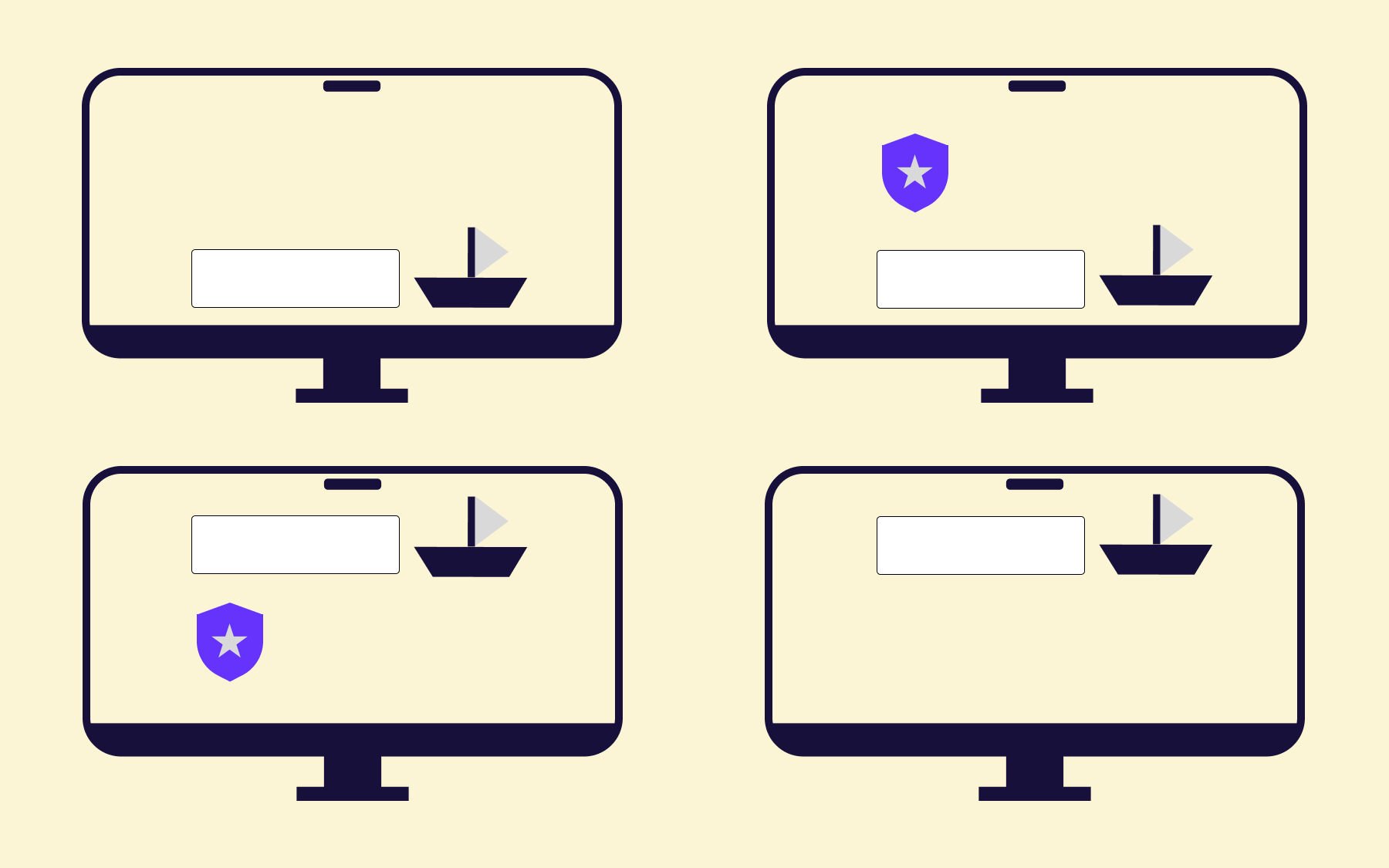
Say an online retailer wants to test two things at once: whether adding a security trust badge near the payment button lifts conversions, and whether showing shipping costs upfront (rather than at the final step) helps or hurts.
Two variables, two states each, give four combinations. Conversion numbers below are illustrative:
Traffic is split evenly, 25% to each variant, and the test runs until each cell has enough sessions to be statistically meaningful.
The result is the kind an A/B test would have missed. Tested alone, the trust badge does nothing—variant B actually performs slightly worse than control. Tested alone, upfront shipping gives a modest lift. Together, they produce a jump neither predicted.
One plausible reading of the data is that upfront shipping costs make shoppers pause to reconsider, and that's the moment the trust badge does its work. Shown at the final step, there's no hesitation left for it to resolve.
Where feature flags come in
Each variable is a multivariate flag: one flag controls the trust badge, another controls shipping-cost placement, with traffic weightings set remotely. With Flagsmith, anonymous shoppers need a persistent unique identifier (a stored GUID works) so each one lands in the same variant on every visit.
From there, the team can kill a misbehaving variant or, once the test concludes, roll variant D out to 100% of shoppers, without touching the codebase or waiting on a release cycle—avoid adjusting weightings mid-test, though: re-bucketing users invalidates your results.
If variant D turns out to misbehave on mobile, it's a flag change to pull it back, not a redeploy.
When to use multivariate testing
Multivariate testing isn't the right solution for every experiment, but there are a few indicators that show when it makes the most sense:
- You have enough traffic. Multivariate tests split website visitors across every combination, so each variation needs a smaller slice of a much larger pie to reach statistically significant results. A high-traffic landing page or homepage is a good candidate; a niche feature page with a few hundred monthly visitors usually isn't.
- You're testing a critical page. Multivariate testing suits pages where several elements plausibly affect the same primary metric—a landing page, a checkout flow, a signup screen, or a pricing page—rather than a page with only one obvious lever to pull.
- You don't have a clear single hypothesis. If you can't decide whether it's the headline, the image, the CTA copy, or the layout that's holding back your conversion rate, testing them together might be more efficient than running a separate A/B test for each.
On the flip side, stick with a simple A/B test if you have less traffic than a multivariate test needs, if you already know exactly which one element you want to change, or if you need an answer quickly. The straightforward method of testing one variable at a time will always reach an accurate conclusion faster than testing several at once.
How to run a multivariate test
Unsurprisingly, the multivariate testing process follows a similar shape to A/B testing, with a few extra steps for handling the added complexity. If you want a quick tutorial, here's how to do multivariate testing well, from hypothesis to result.
- Form a hypothesis. Identify the primary metric you want to improve, and the page elements you believe are holding it back. Be specific: "the hero image and headline aren't creating enough urgency" is a usable hypothesis. "The page could be better" isn't.
- Choose your variables and variants. Pick two to four elements most likely to affect your key metrics, and two to three variants of each. Every additional element or variant multiplies your total combinations, so resist the urge to test everything at once.
- Calculate your sample size. Work out how much traffic each combination needs to reach statistical significance, based on your current conversion rate and the minimum uplift you'd consider meaningful. A sample size calculator will do the maths for you, but the short version is that every extra variant divides your traffic further, so the total climbs fast once you're past two or three elements.
- Set up the test. Configure your testing tool to split traffic across every combination, and confirm your primary metric and any secondary metrics are tracking correctly before you launch.
- Run the test to completion. Let it run until each combination—or, in a partial factorial test, each surviving combination—reaches statistical significance. Stopping early on a promising-looking result is one of the most common ways multivariate tests produce misleading test results.
- Analyse your results. Look beyond which combination won. Break down the contribution of each individual element to understand which one had the biggest effect on your primary metric, and which pairings interacted with each other.
- Roll out the winner, then keep testing. Implement the winning variation for all your traffic, and use what you learned about how your elements interact to inform your next test.
Multivariate testing for software and product teams
Most examples so far are about a webpage tested through a visual editor. Multivariate testing isn't limited to marketing pages, though. The same logic—test several variables in combination, measure which combination wins—applies to in-product experiences your engineering team controls directly, such as an onboarding flow or a pricing page.
For that kind of test, feature flags are the delivery mechanism, not a visual page editor.
Flagsmith's multivariate flags enable a single flag to serve several weighted variants of one value, so instead of a plain on/off toggle, a flag can return one of three onboarding flows, split by percentage, to a consistent set of users.
Building a genuine multivariate test—several variables in combination, not just several variants of one—means using one multivariate flag per variable, then combining the values your application receives from each flag to construct every combination.
Because Flagsmith buckets users by identity, the same user always lands in the same combination for as long as the test runs, which is as important for a multivariate test as it is for a simple A/B test.
Once your application is instrumented, you can read the results two ways. If you're already using an analytics platform like Amplitude or Mixpanel, Flagsmith's guide to A/B testing with integrations covers sending flag values as event properties, so you can filter and compare combinations there.
On Enterprise plans, Flagsmith's Experimentation feature—currently in beta—runs the whole loop natively: a managed data warehouse plus a Bayesian statistics engine that reports lift alongside credible intervals and win probability.
That's a more honest way to read a result than eyeballing significance across a dozen combinations at once, given how quickly the chance of a false positive climbs as your combinations multiply.
Our example or a worked PayPal button test shows the flow end to end for a single-variable test; the same set-up scales to multiple flags for a full multivariate test.
Be aware that Flagsmith experimentation is a code-first approach for engineering and product teams, and though it's built to be approachable for any user, it's not a drag-and-drop visual editor for marketers testing copy on a landing page.
Flagsmith enables you to test the features and flows a visual editor can't reach—server-side testing of backend logic, or feature experimentation on functionality that only exists in your codebase—and in regulated environments where an audit trail, role-based permissions, lifecycle management, and the option to self-host are all as important as the test result itself.
Conclusion
Multivariate testing gives you a faster, more complete answer than running several A/B tests back to back, provided you have the traffic to support it. Start with a clear hypothesis, keep your variable count realistic, and let the full or partial factorial approach match your traffic and timeline.
If you're testing in-product features rather than marketing pages, sign up for a free Flagsmith account and set up your first multivariate flag to see how it fits into your existing release process.
Multivariate testing FAQs
What is multivariate testing for landing pages?
On a landing page, multivariate testing means testing combinations of the elements most likely to affect conversions—the headline, hero image, primary call-to-action, and layout—all at once, rather than testing each one in a separate A/B test.
Because landing pages usually carry a single, clear conversion goal, they're one of the most common places to run a multivariate test, provided the page gets enough traffic to reach statistical significance across every combination.
What is multivariate testing in marketing?
In marketing, multivariate testing is used to find the best-performing combination of copy and imagery across ads and marketing pages.
Rather than optimising a single element and hoping the rest of the page keeps up, marketing teams use multivariate tests to see how several changes work together, which is particularly useful ahead of a bigger campaign or redesign where multiple elements are already in flux.





























































OpenTelemetry, without the vendor lock-in: Introducing full observability for Open Source and Self-Hosted Flagsmith customers