What Is Product Lifecycle Management?

Most successful products—the ones that grow, adapt, and eventually retire gracefully—get there because someone is paying attention to the full arc of their existence. That discipline has a name: product lifecycle management, or PLM for short.
PLM is not a niche concern for manufacturing teams or procurement departments; it’s the strategic backbone behind how organisations decide when to invest in a product, when to scale it, and when to let it go.
Even though PLM content is written with physical products in mind, the framework is just as relevant for software teams.
This article covers what product lifecycle management actually means, the stages every product passes through, and how software teams are applying PLM thinking not just at the product level but at the feature level.
At the end of the article, you’ll leave with a clear framework for thinking about your own products and the tools available to manage them across their entire lifecycle.
What is product lifecycle management?
Product lifecycle management is a strategic framework for managing a product from its initial concept to release, and finally through to sunsetting, or end-of-life. It’s not a single tool or process but a coordinated approach that spans multiple teams—product, engineering, design, marketing, and operations—throughout a product's life.
PLM gives those cross-functional teams a shared language and structure for making decisions at each stage of a product's journey. Done well, it reduces waste, accelerates time to market, and ensures that investments are directed where they create the most value.
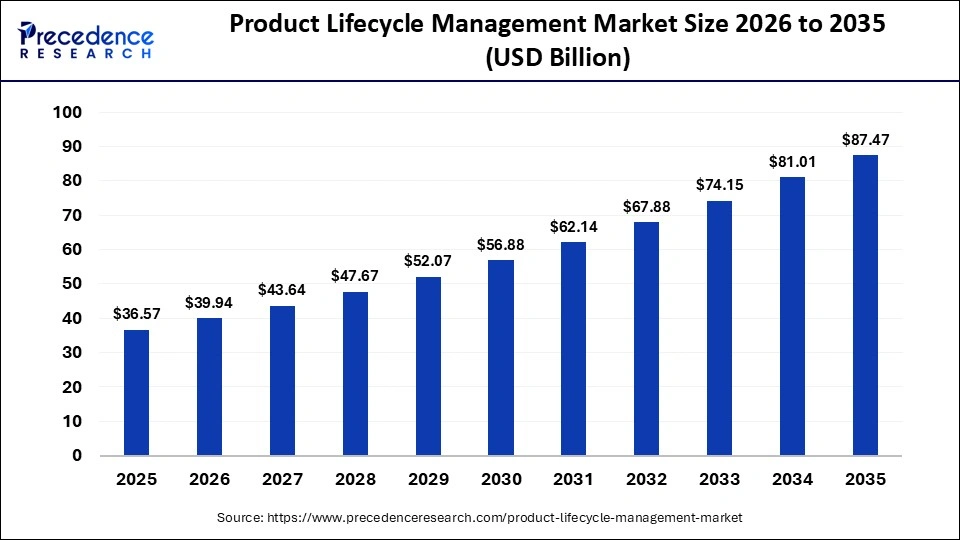
Investment in PLM software reflects how seriously organisations take this discipline. The global PLM software market reached $36.57 billion in 2025 and is projected to reach $87.47 billion by 2035, according to IMARC Group. That growth reflects increasing demand across industries for tools that centralise product-related data, track progress across lifecycle stages, and give teams a shared view of where each product sits.
PLM originated in manufacturing and hardware development, where redesigning a physical product mid-cycle carries a high cost. Catching design flaws after tooling has been commissioned, or discovering a component failure after a product line has launched, can set a project back by months and millions.
Getting the lifecycle right from the start, then, is a financial necessity. The structured handoffs between lifecycle stages, the cross-functional alignment, and the deliberate decisions about when to invest, iterate, or retire are all responses to that pressure.
The same principles transfer directly to software, even though the cadences and mechanics differ. Software can be updated overnight; physical products cannot.
However, the underlying logic—that different lifecycle stages require different investments, different success metrics, and different kinds of decision-making—applies regardless of what is being built. PLM processes for software teams may look different in practice, but they rest on the same foundation.
PLM software helps by centralising product data, tracking progress, and providing up-to-date information across teams and environments.
The stages of the product lifecycle
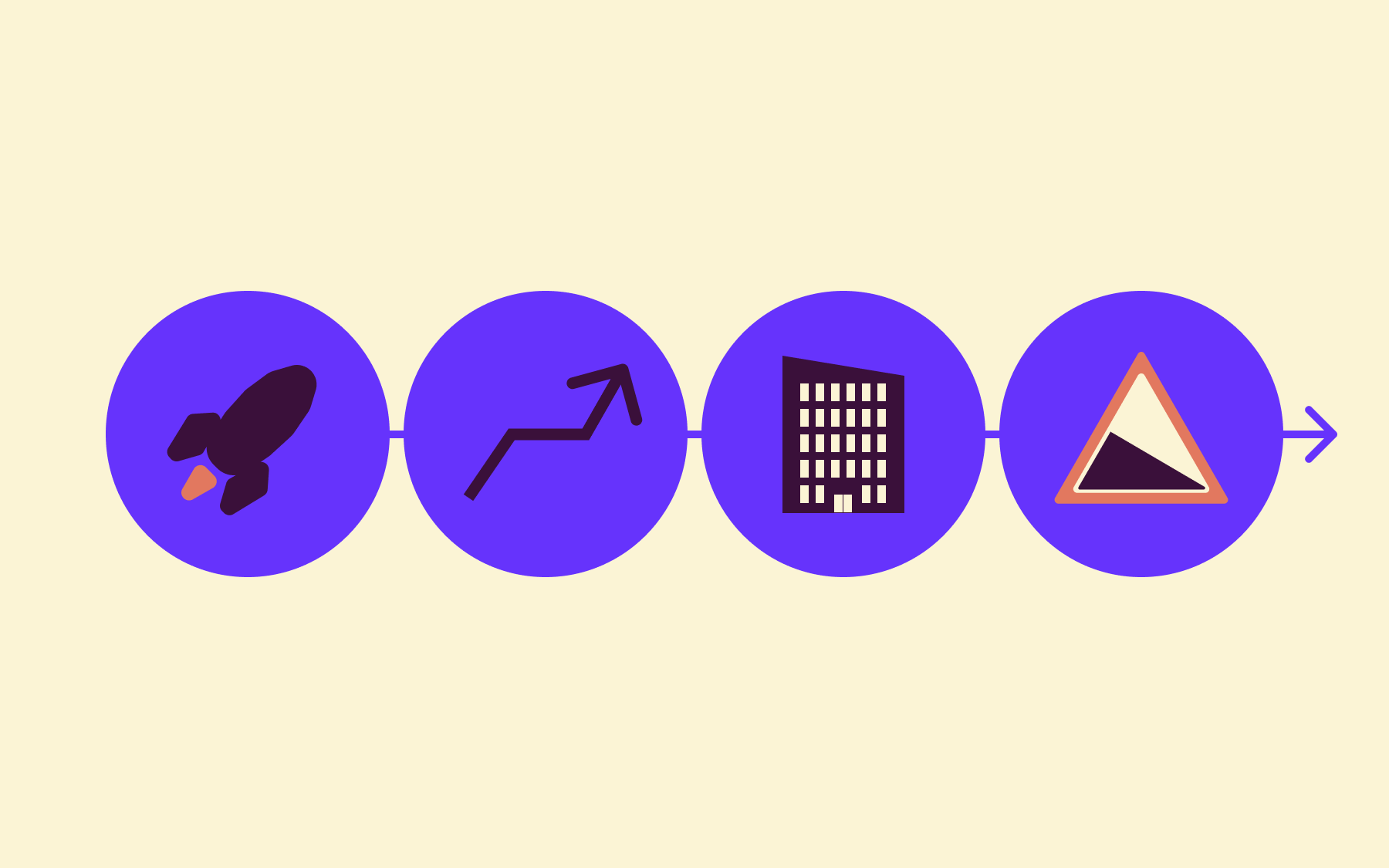
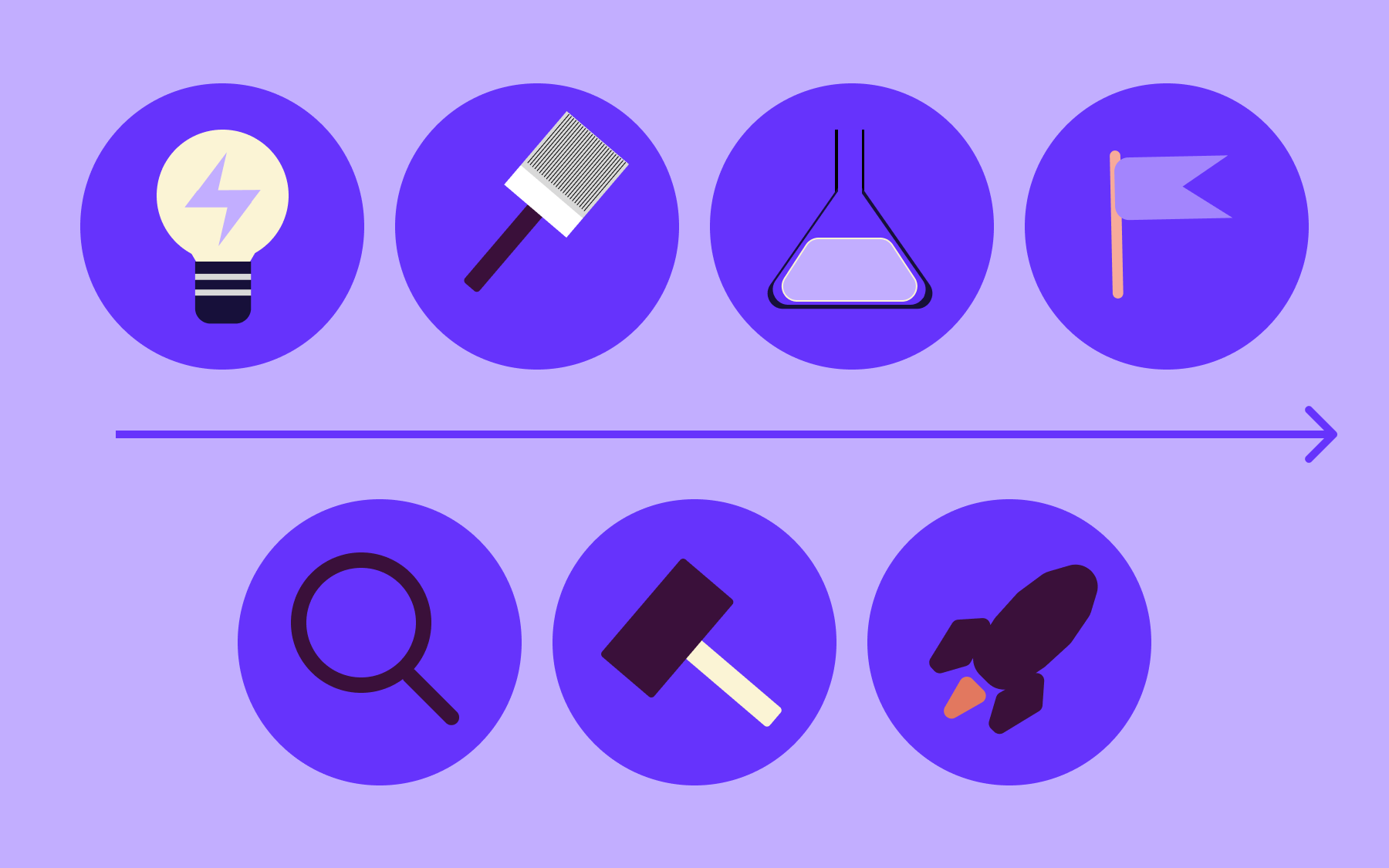
All PLM frameworks are organised around lifecycle stages. Understanding those stages is the foundation for applying PLM effectively—they determine what success looks like at any given point, what investments are appropriate, and what risks need managing. The exact number and naming of stages vary by framework, but the underlying shape is consistent. Most models have four stages:
- Introduction
- Growth
- Maturity
- Decline and end-of-life
Introduction
The product—or feature—enters the market. The primary goal at this stage is adoption, not profitability.
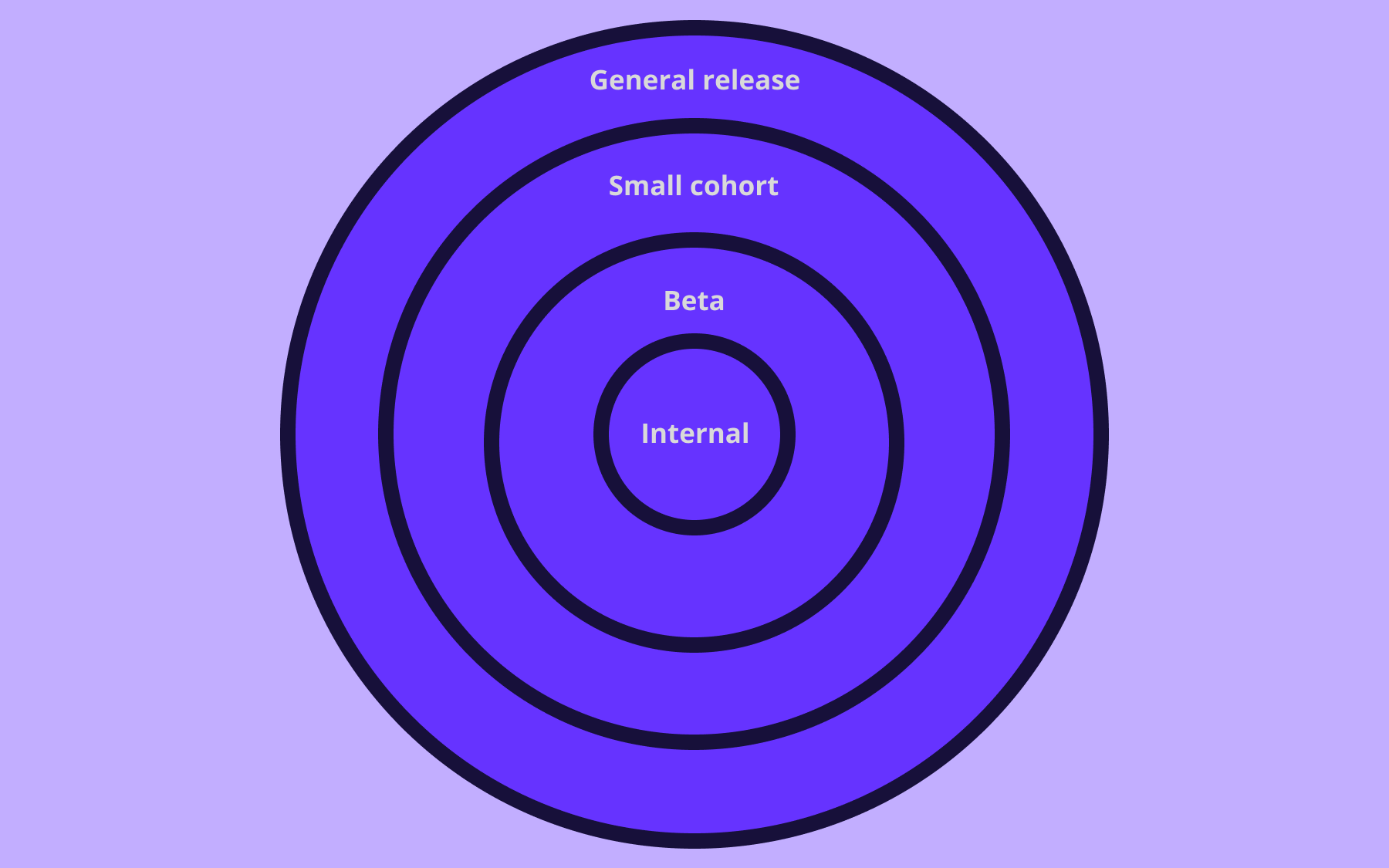
Teams invest in awareness, onboarding, testing, and early feedback loops. For software teams, introduction typically means a controlled release: a limited rollout to internal users, beta participants, or a small percentage of the user base, rather than a full launch to everyone at once.
Revenue or engagement at this stage is secondary to learning whether the product solves the problem it was built to solve. Negative signals at introduction are valuable data; they are also far cheaper to act on than after a full rollout.
Growth
Demand increases and the market responds. Competitors start paying attention, and the team shifts focus from validating the product to scaling it.
When it comes to software, the growth stage involves widening access, addressing performance under real load, and iterating quickly based on actual usage data. Cross-functional coordination becomes critical here—sales, support, and marketing need to stay aligned with what engineering is shipping, and the pace of change can make that alignment harder to maintain without deliberate process management.
Maturity
Growth plateaus. The market is familiar with the product, and differentiation becomes the main lever for maintaining position. Teams focus on retention, refinement, and defending market share.
For software products, this often means optimising existing functionality rather than adding new features—chasing incremental performance gains, reducing friction in key flows, and starting to think seriously about what a next-generation version looks like.
The maturity stage is where most products spend the majority of their commercial life.
Decline and end-of-life
Demand falls—whether because the market has shifted, a better alternative exists, or the product has simply served its purpose.
Teams face a decision:
- Invest in a significant reinvention
- Find a niche where the product still creates value
- Begin a deliberate wind-down
For software, end-of-life means deprecating features or retiring products in a way that does not disrupt users who are still relying on them.
PLM for software teams
The biggest difference between PLM in manufacturing and PLM in software is speed and reversibility. A physical product cannot be updated overnight, recalled cheaply, or iterated on without significant cost.
Software can, which means the introduction stage can start with a partial rollout rather than a full launch, the growth stage can be accelerated through rapid data-driven iteration, and even decisions at the maturity or decline stage can be revised quickly if market signals change. Flexibility is one of software's core advantages, but it only translates into better outcomes when teams have the operational mechanisms to use it.
The second difference is granularity. Traditional PLM operates at the product level—the whole platform, the full software suite, the complete hardware line.
Software teams increasingly need to manage lifecycle decisions at the feature level. A payment flow within a product might be at maturity, while a new analytics dashboard is at introduction.
Each has different investment requirements, different customer considerations, different success metrics, and a different end-of-life timeline. Managing those simultaneously, within a single codebase and a single team's attention, requires a finer-grained approach than product-level PLM frameworks were designed for.
Coordination across functions is a challenge regardless of whether your team is launching software or a physical product.
Product, design, engineering, data, and go-to-market teams all need to stay aligned on where each feature or product is in its lifecycle—and on what decisions that position requires. Without that shared understanding, teams pull in different directions: engineering marks a feature as stable while product is already planning its successor, or marketing launches a feature that engineering has not yet validated at scale.
This feature-level granularity is one of the places where traditional PLM tooling falls short for software teams. Roadmapping and project management tools handle planning well, but they stop short of controlling what is actually live in production at any given moment.
The benefits of product lifecycle management
There are numerous benefits to running an effective PLM process, but these are the main ones to know about:
- Faster time to market. A shared PLM framework reduces the coordination overhead that slows release cycles; teams spend less time debating priorities and more time acting on them.
- Lower cost and reduced waste. Catching problems early in the product development process is cheaper than fixing them after a full rollout. Prototyping, staged releases, and structured feedback loops all surface issues before they compound.
- Better cross-team alignment. PLM creates a common language across cross-functional teams—introduction, growth, maturity, decline—so everyone operates on the same assumptions about a product's status and priorities.
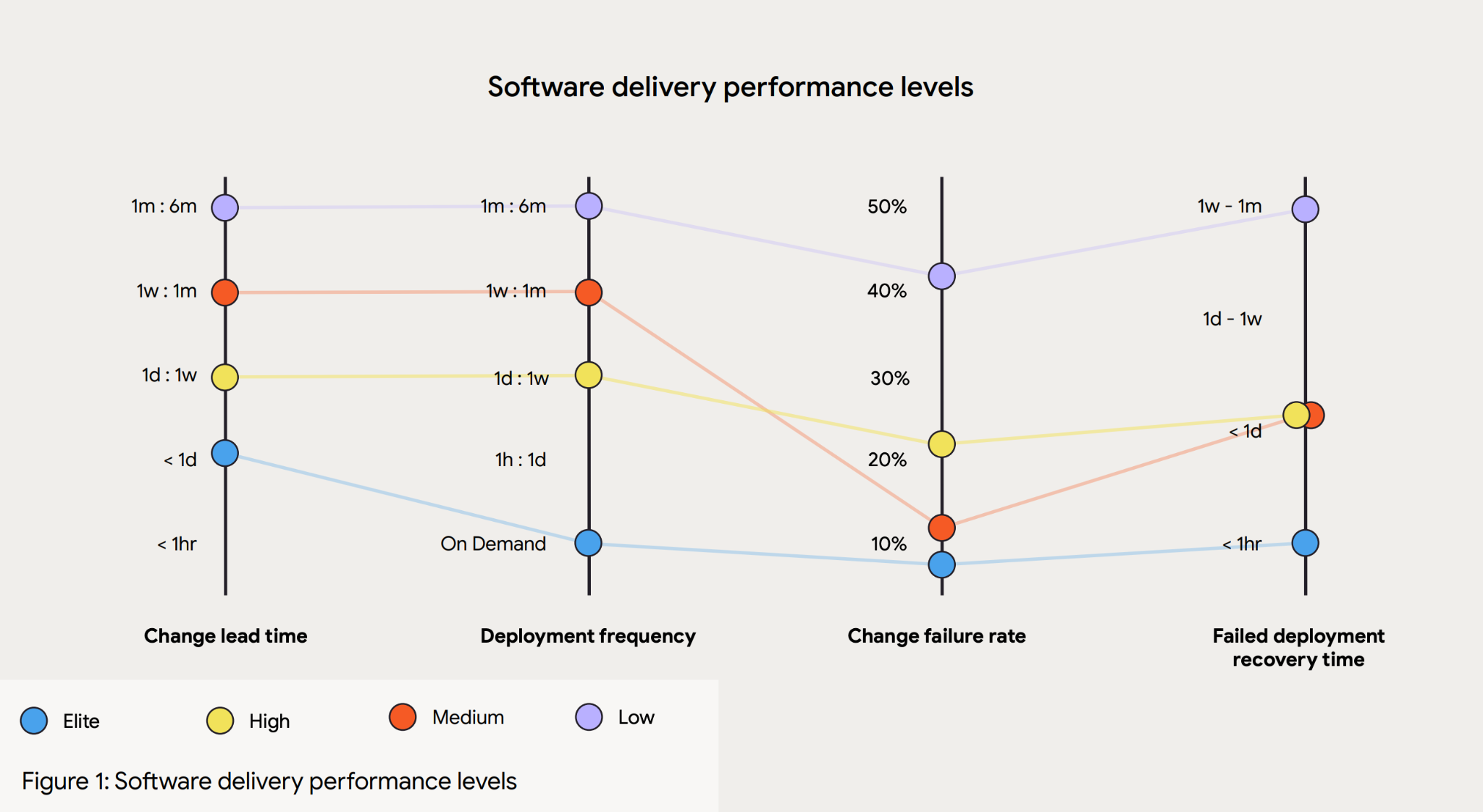
- Reduced risk. No single decision—a new feature launch, a pricing change, a deprecation—hits all users at once without prior validation. Elite engineering organisations that deploy on demand with low failure rates, per the DORA State of DevOps 2024 report, achieve that through structured delivery practices.
- Clearer decisions about retirement. PLM solutions explicitly include end of life. Teams have a process for deciding when to retire something, not just how to build it. Most software development methodologies stop at delivery; PLM closes the loop.
- Higher product quality. If you’re running smoother PLM systems and business processes, testing products, and improving decision-making through the product life cycle, then quality will improve.
- Customer feedback that is easy to incorporate. With a faster release schedule and gradual rollouts, you not only improve product quality management, you also can take a more strategic approach to user testing and customer research— you can understand market demands as you release a product to the market.
Feature flags and the software PLM gap
Consider a software team with a strong PLM practice: they have a roadmap, cross-functional buy-in, and a clear view of where each feature sits in its lifecycle. When it comes to the moment of release—or the decision to stage a rollout, or the need to retire a feature without disrupting existing users—there is typically no mechanism in standard PLM tools that controls who sees what in production.
That control lives in the codebase, and changing it usually means a full deployment.
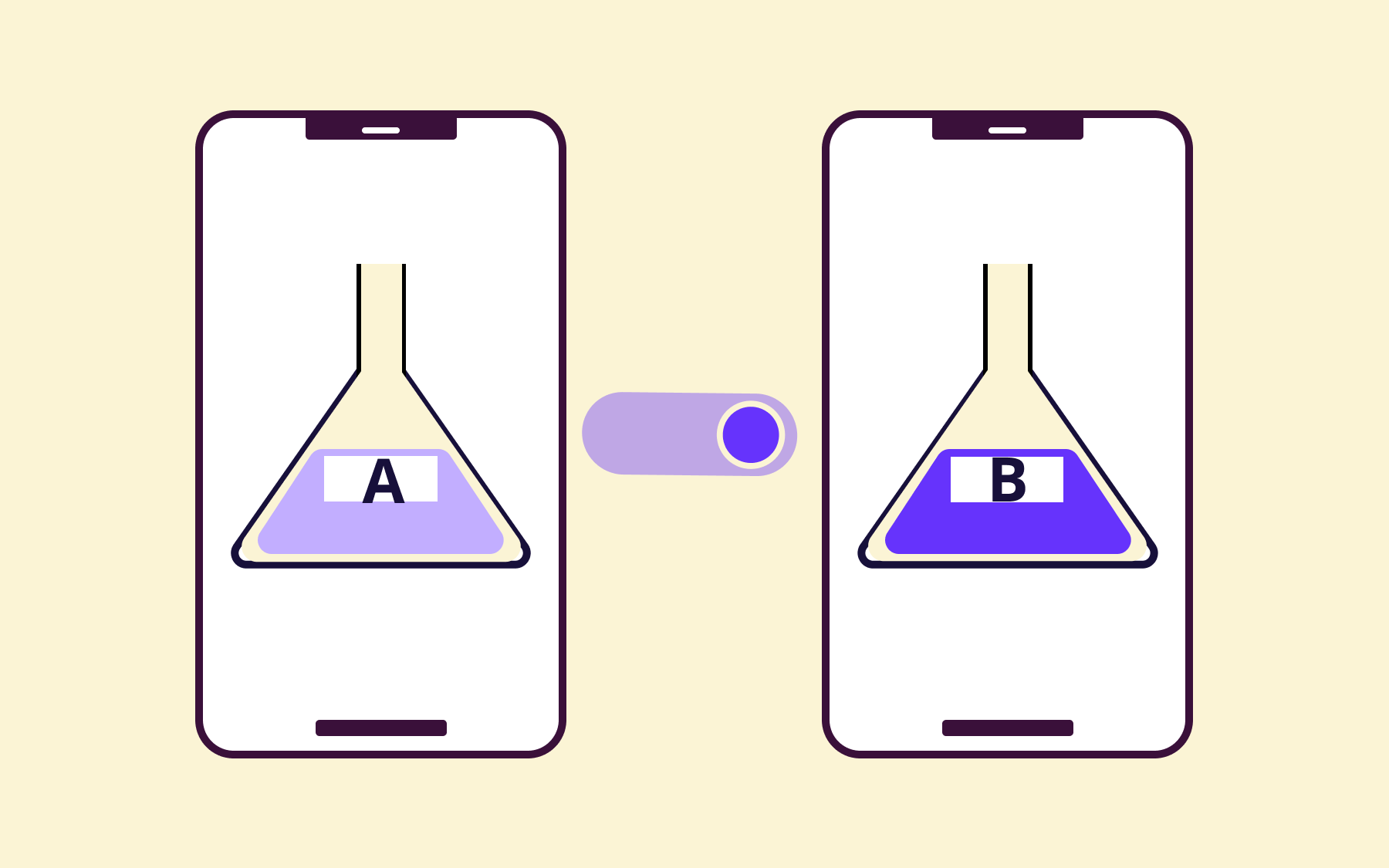
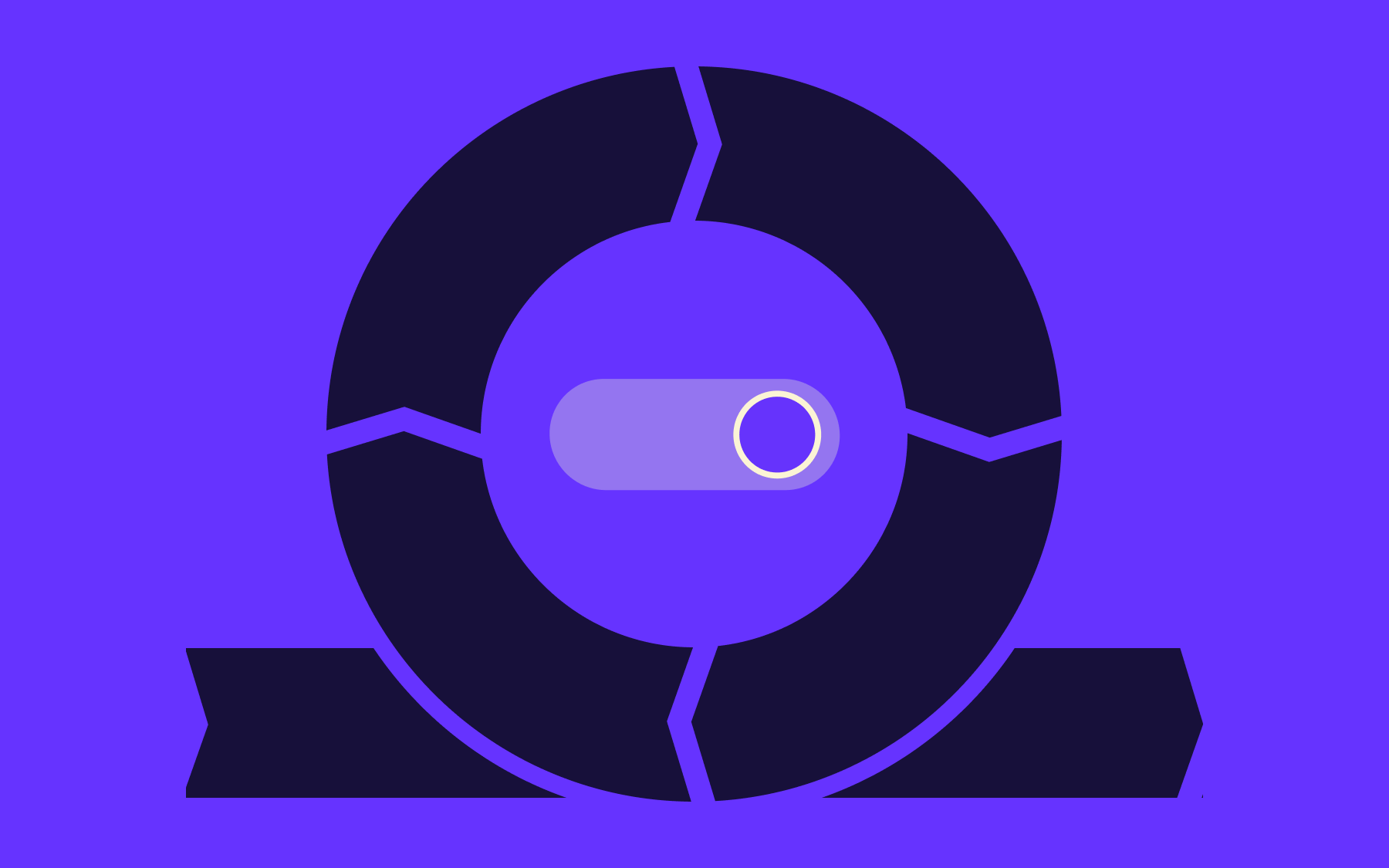
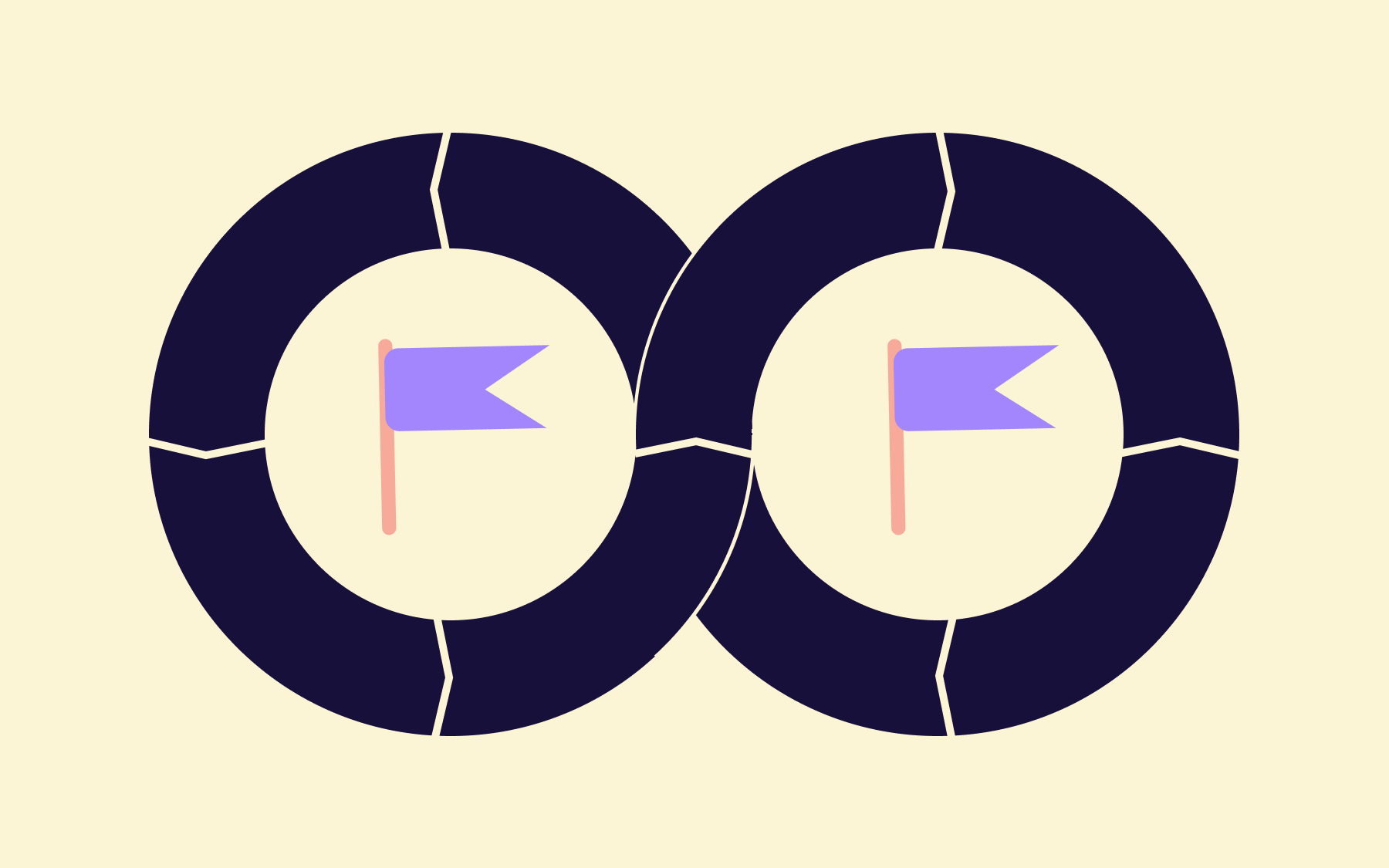
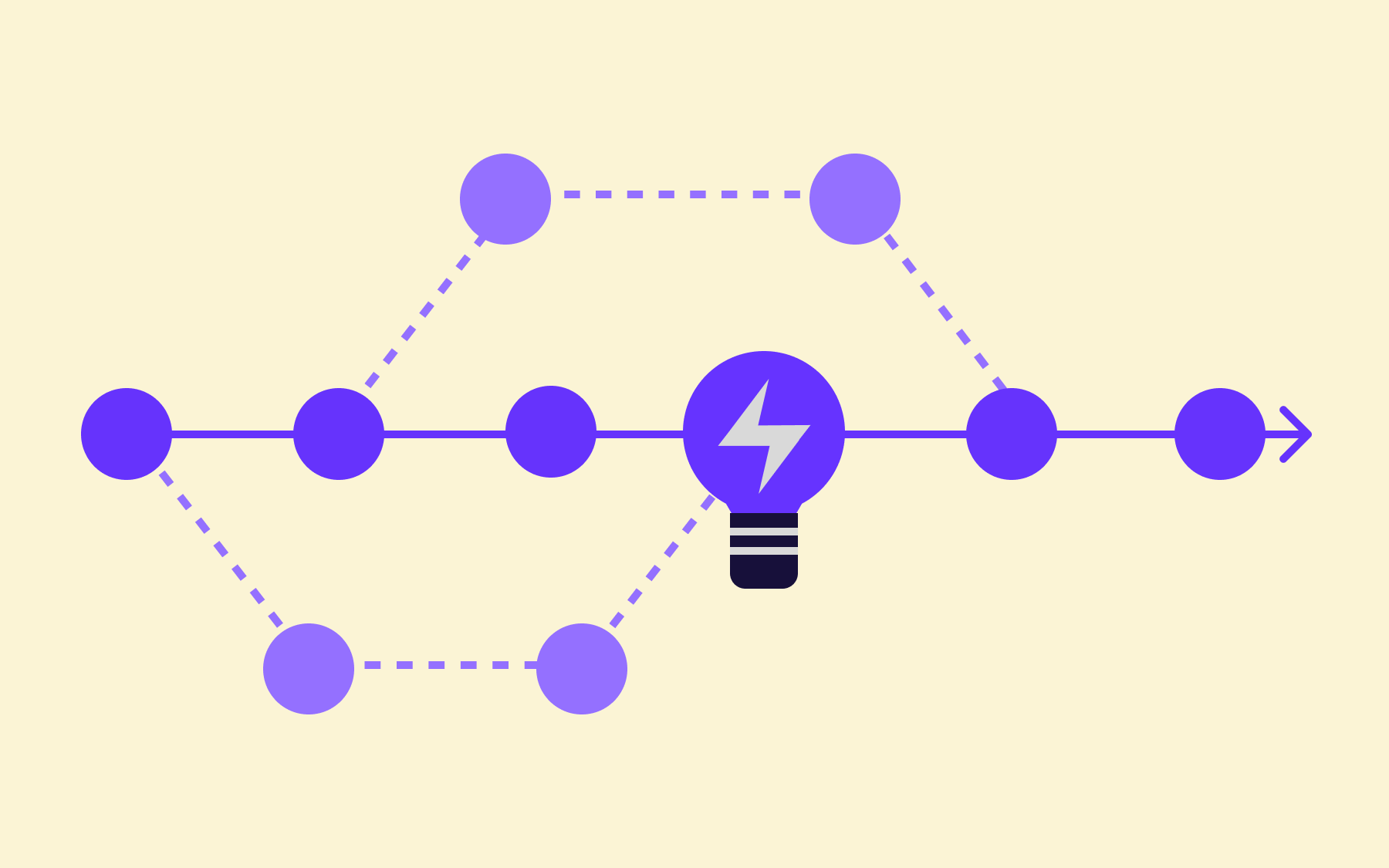
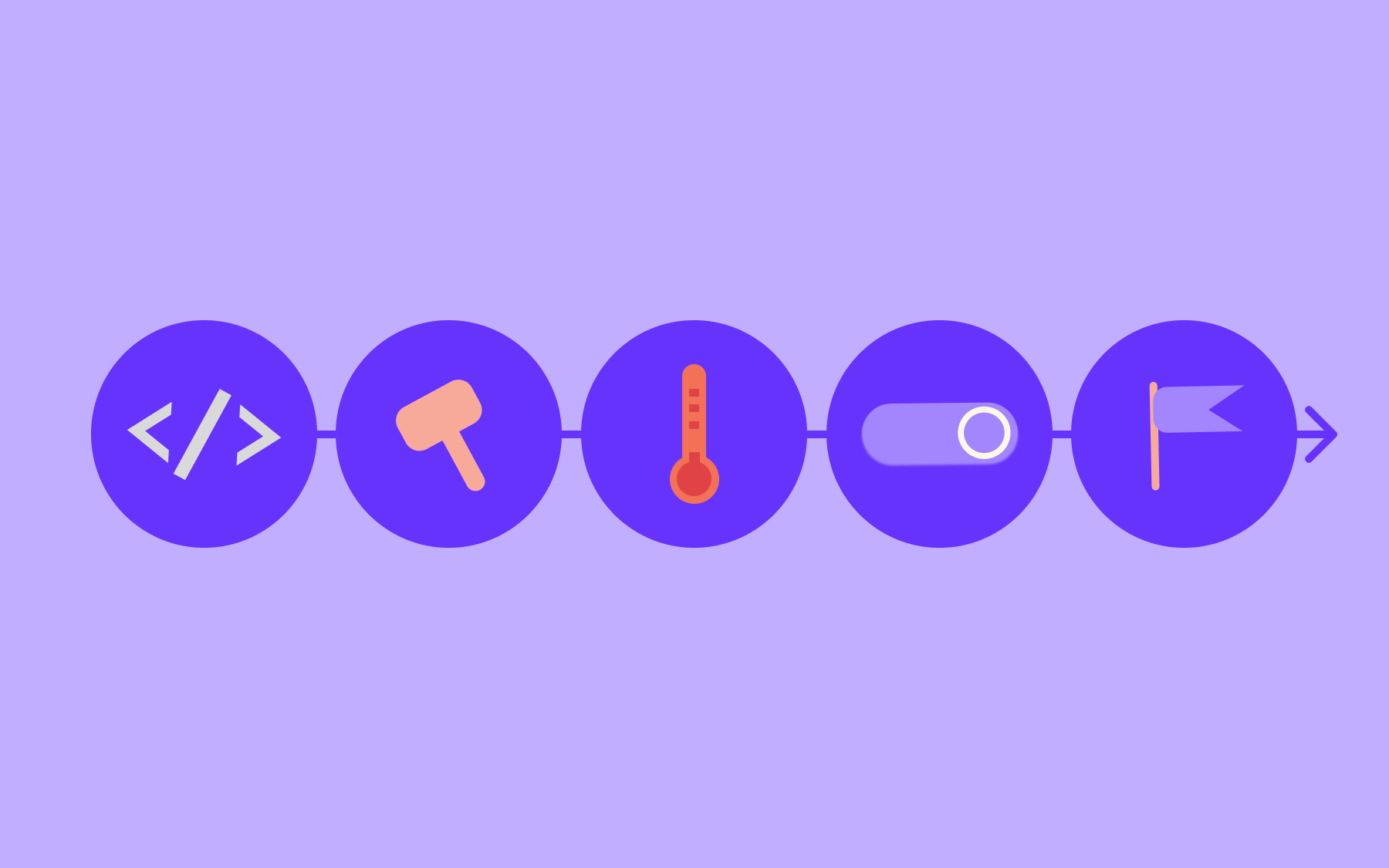
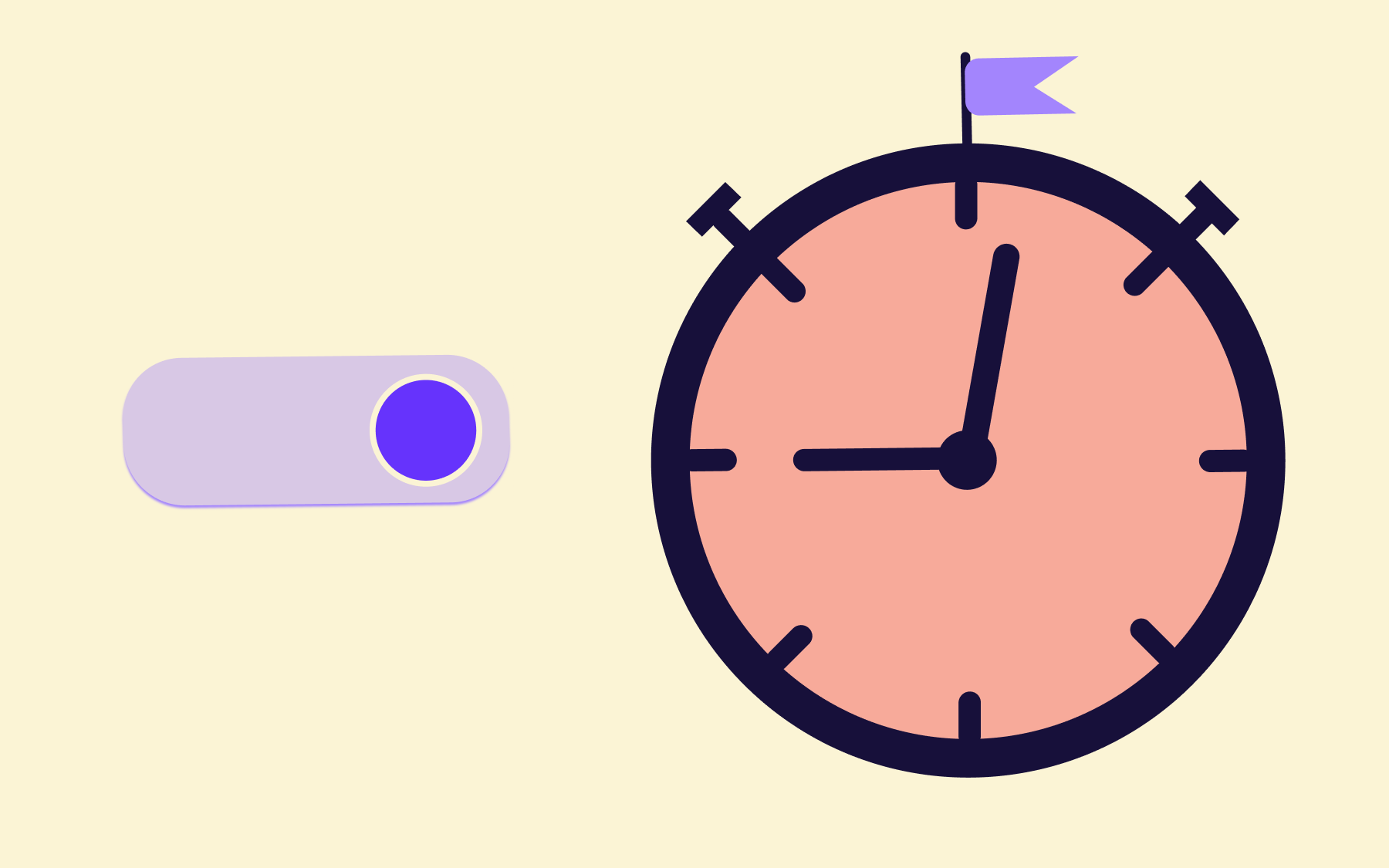
With a feature flag, the decision to release is decoupled from the decision to deploy. Code ships to production while a feature remains invisible to users. When the team is ready—after validation, after a go-to-market check, after a compliance review, after user testing—the flag is switched on.
Even though it seems like more risk management stages in the feature production process, it actually means you get quality products to market faster.
With feature flags, you can separate deployment from release—it’s the operational foundation that makes feature-level PLM executable.
Managing the feature lifecycle in production
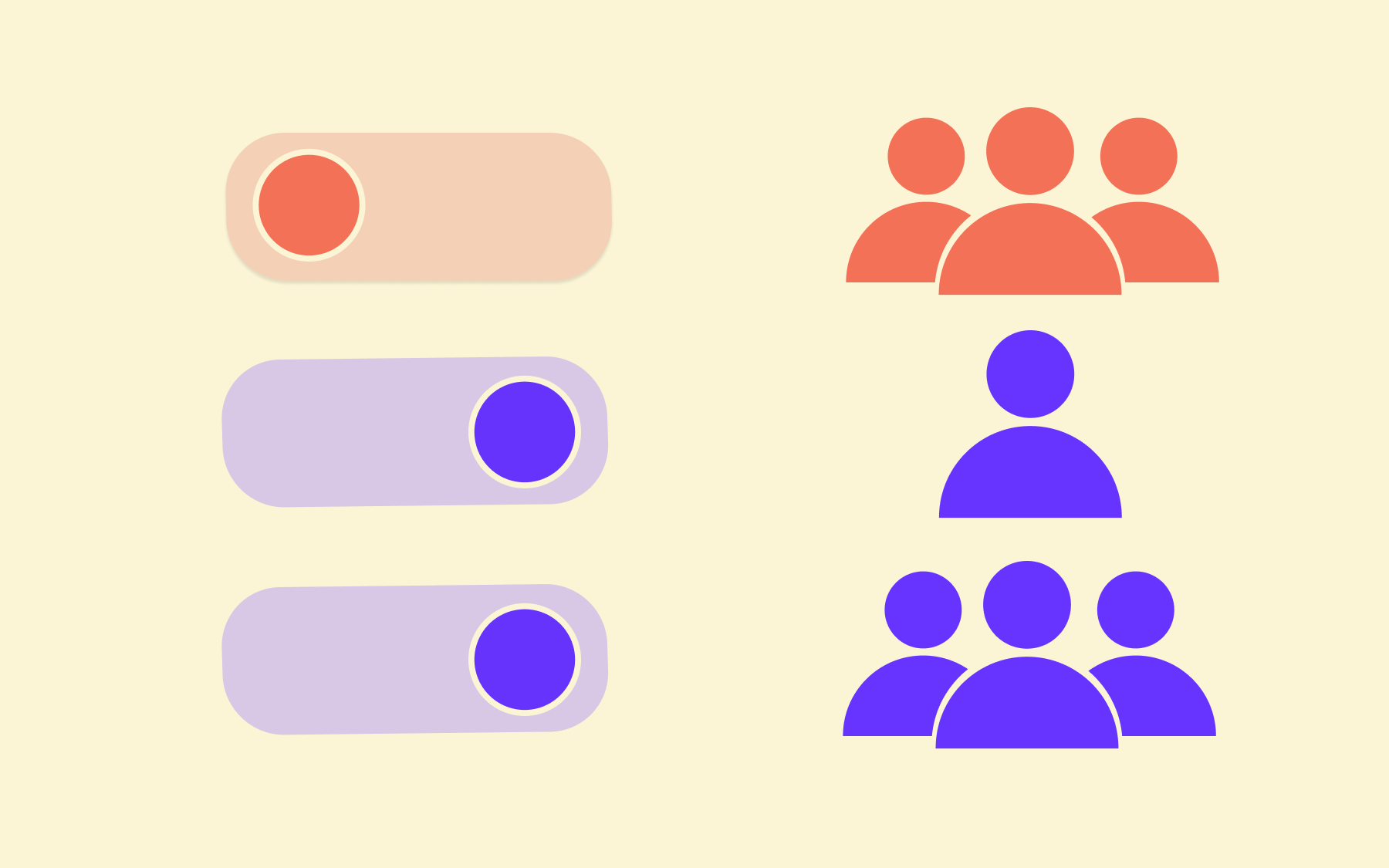
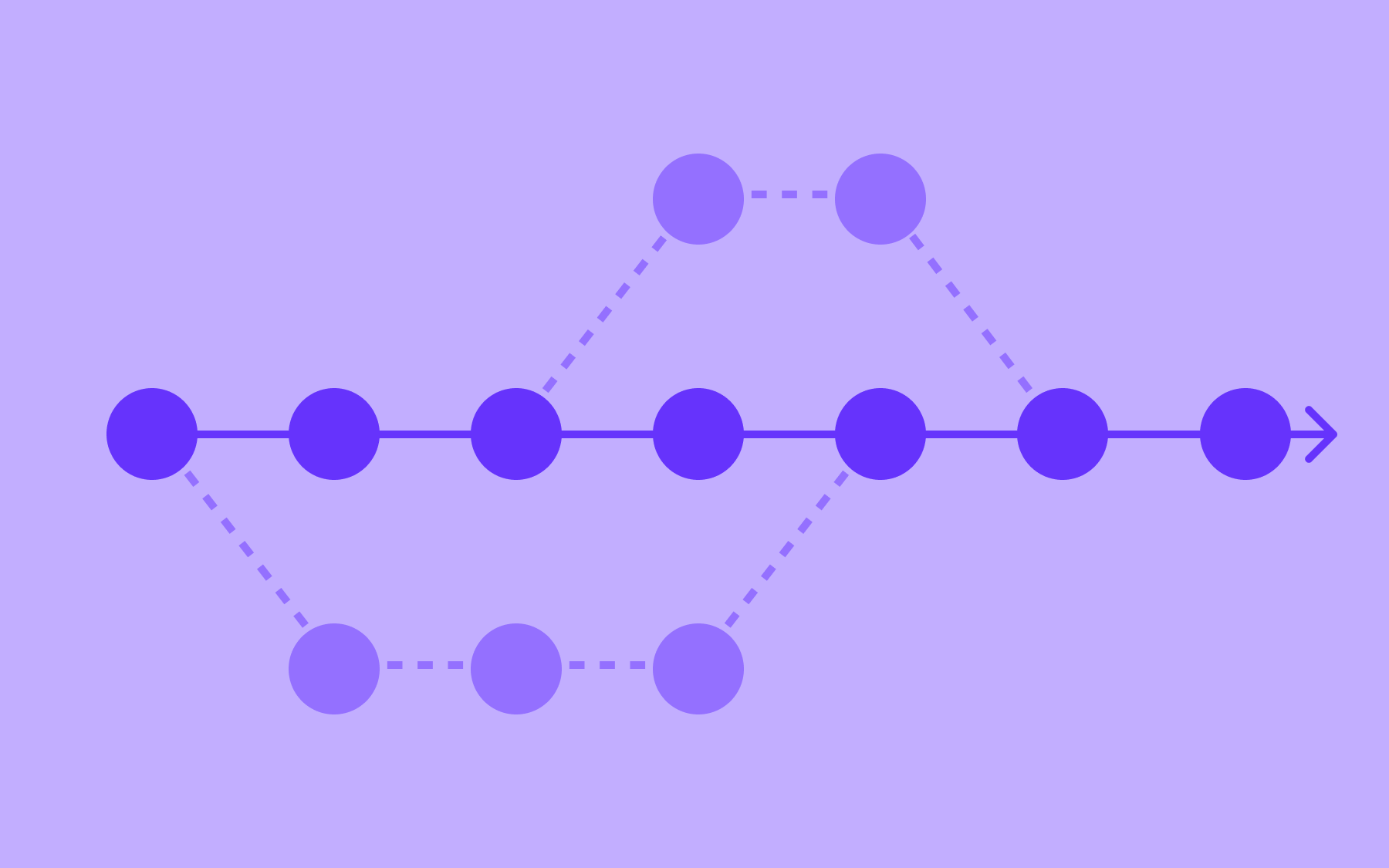
Feature flags map directly onto the PLM lifecycle stages at the feature level. At introduction, a flag enables a controlled release: enable the feature for internal users first, then a defined beta segment, then a percentage rollout to the broader user base.
The team gathers real usage data before the feature is fully live. If you discover a problem at this stage, all it takes to remedy it is a small rollback, rather than a public incident.
As confidence and adoption grow—the growth stage—the rollout percentage widens. Flagsmith's segmentation capabilities enable you to target specific user cohorts by plan tier, geography, account age, or any other attribute, giving teams precise control over how a feature scales.
That same targeting mechanism enables the kind of data collection that informs maturity-stage decisions: which segments are engaging, which are not, and what that signals about the feature's trajectory.
At maturity, the flag is typically fully enabled or retained as a permanent configuration toggle—a low-overhead mechanism for adjusting behaviour across environments without a redeployment.
At decline, the flag becomes the retirement mechanism: disable for a subset, monitor the impact, widen the disable progressively, and eventually archive the flag once the feature is fully retired.
For software teams, PLM raises production control challenges, and feature flags are the operational layer that solves them.
From product-level PLM to feature-level control
Traditional PLM treats a product as a single unit moving through the lifecycle. A mature software product—particularly a SaaS platform—contains dozens or hundreds of features, each at a different lifecycle stage simultaneously.
Managing that complexity informally, through ad hoc deployment practices and institutional memory, is what leads to the flag sprawl and technical debt that accumulates quietly over time.
Flagsmith lets teams label, tag, and organise feature flags by lifecycle stage, team ownership, or environment.
The same discipline that PLM applies at the product level can be applied at the feature level: each flag has an owner, a purpose, and an expected lifetime. That structure is the difference between feature flag management and feature flag sprawl.
For teams looking to scale this approach, the feature flags best practices guide and the engineering leader's guide to scaling feature flags both cover this in depth.
PLM tools for software teams
No single tool covers the entire product lifecycle. In practice, most PLM implementations combine several categories of tooling, each strong in a different part of the workflow— though there are workflow automation and supply chain collaboration tools like Slack and Zapier that can be integrated at every stage.
Roadmapping and product management tools cover the planning stages:
- Prioritisation
- Idea capture
- Milestone tracking
- Product data management
They are strong at the concept and early introduction stages, where the primary need is cross-team alignment on what to build and when.
Project management and sprint tooling cover execution: sprint planning, backlog management, and coordination across development teams. These tools are strong from introduction through growth, tracking the work in progress, and managing the handoffs between design and development teams.
Feature management platforms cover the production control stage: what is live, for whom, in which environment, and at what point in a rollout or retirement process.
It’s this category that Flagsmith belongs to. Without it, the other two layers of PLM tooling leave a gap at the critical moment when planning becomes reality.
Flagsmith integrates with analytics platforms such as Mixpanel, Amplitude, and Segment, which means feature-level lifecycle data—adoption rates, engagement patterns, drop-off signals—flows into the tools teams already use to measure product performance.
That integration closes the feedback loop that PLM frameworks depend on: the data generated at each lifecycle stage informs the decisions made at the next.
Retiring features safely
Most software PLM attention goes to introduction and growth. Retirement is treated as an afterthought—features get disabled abruptly after a brief internal discussion, or more commonly, they stay live indefinitely because no one is confident it is safe to remove them.
The longer a feature stays past its useful life, the less institutional knowledge exists about what would break if it were removed. Over time, those dormant features accumulate into what developers call technical debt.
The scale of this problem is well documented. Stripe's Developer Coefficient study found that developers spend 13.5 hours a week dealing with technical debt and maintenance.
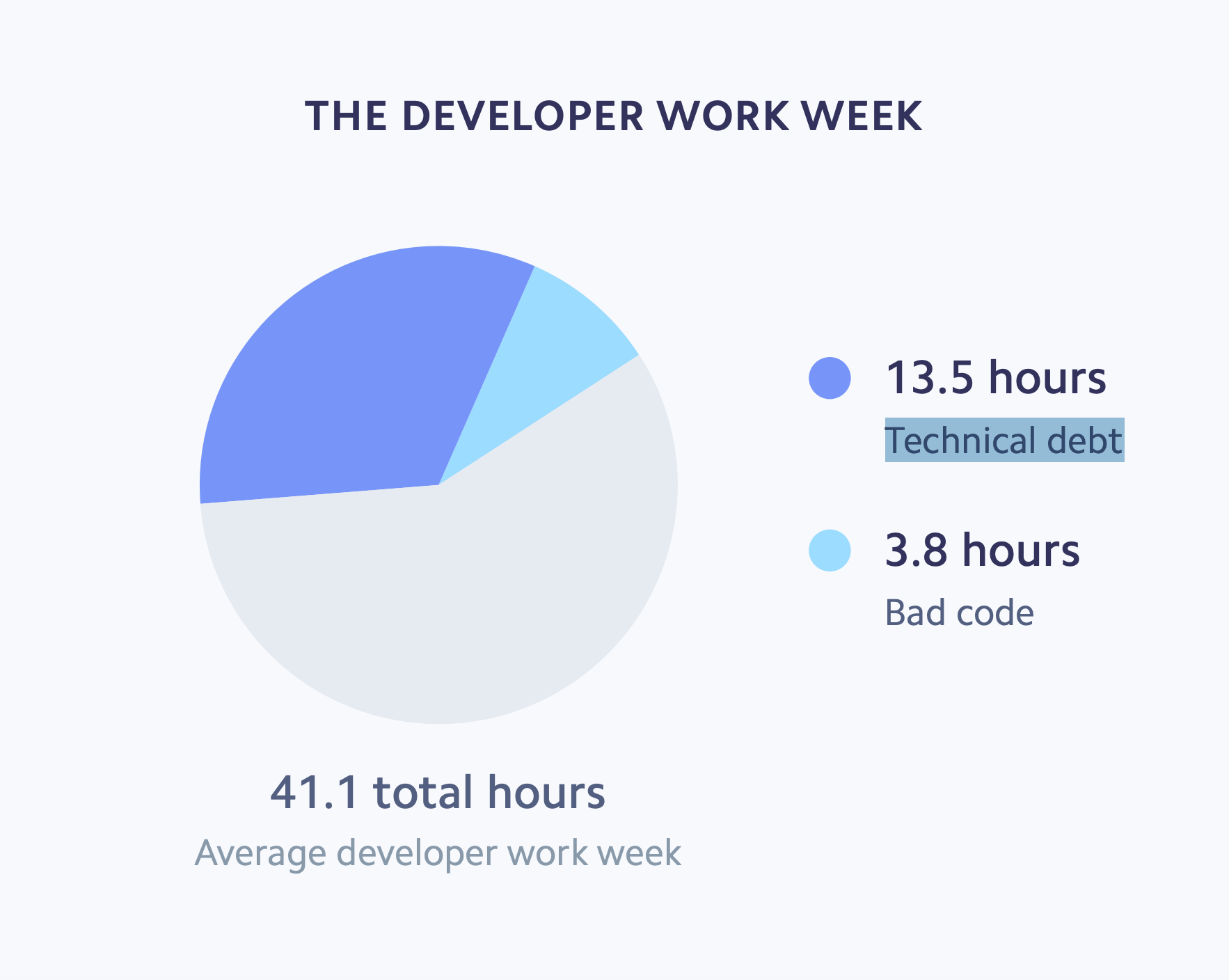
Meanwhile, McKinsey's research found that technical debt accounts for approximately 40% of IT balance sheets, and that companies actively managing it can free engineers to spend up to 50% more of their time on work that directly supports business goals. Stale features—kept live because retirement feels risky—are a direct and measurable contributor to that burden.
Every feature that stays past its useful life is a surface area that must be tested, maintained, monitored, and understood by every developer who touches related code. It is complexity without value, and it compounds. A codebase with thirty stale features is much harder to work in than one with three.
Feature flags change the calculus of retirement. Without a flag, disabling a feature means a deployment—and deployments carry risk, require coordination, and take time. With a flag, retirement is a configuration change: gradual, measurable, and reversible at every step. The risk of each retirement decision is bounded in the same way as the risk of each introduction decision is bounded.
There are also consequences to skipping feature retirement. In 2012, Knight Capital deprecated a trading feature called "Power Peg".
The flag was marked as deprecated, and users were switched away, but the code was never removed. When engineers reused the flag for a new feature, one server still had the old Power Peg code active. The result was 397 million shares traded incorrectly in a matter of minutes—a loss of approximately $460 million and, ultimately, the acquisition of the company.
Most stale flags do not cause catastrophic failures. But the Knight Capital incident illustrates what happens when you ignore the pitfalls of failing to manage retirement with feature flags.
How to retire a feature with feature flags
Here’s a quick five-step process to retiring a feature with Flagsmith:
- Identify the feature. Use usage data from Flagsmith's analytics integrations to confirm how many users are actively using the feature and how frequently. This data will help you understand whether retirement will have a meaningful user impact, and which cohorts are most exposed.
- Communicate ahead of time. For customer-facing features, give users advance notice before the flag is disabled. Pay special attention to features used by enterprise accounts or embedded in API integrations, where a silent removal can cause downstream failures in PLM systems the team does not directly control.
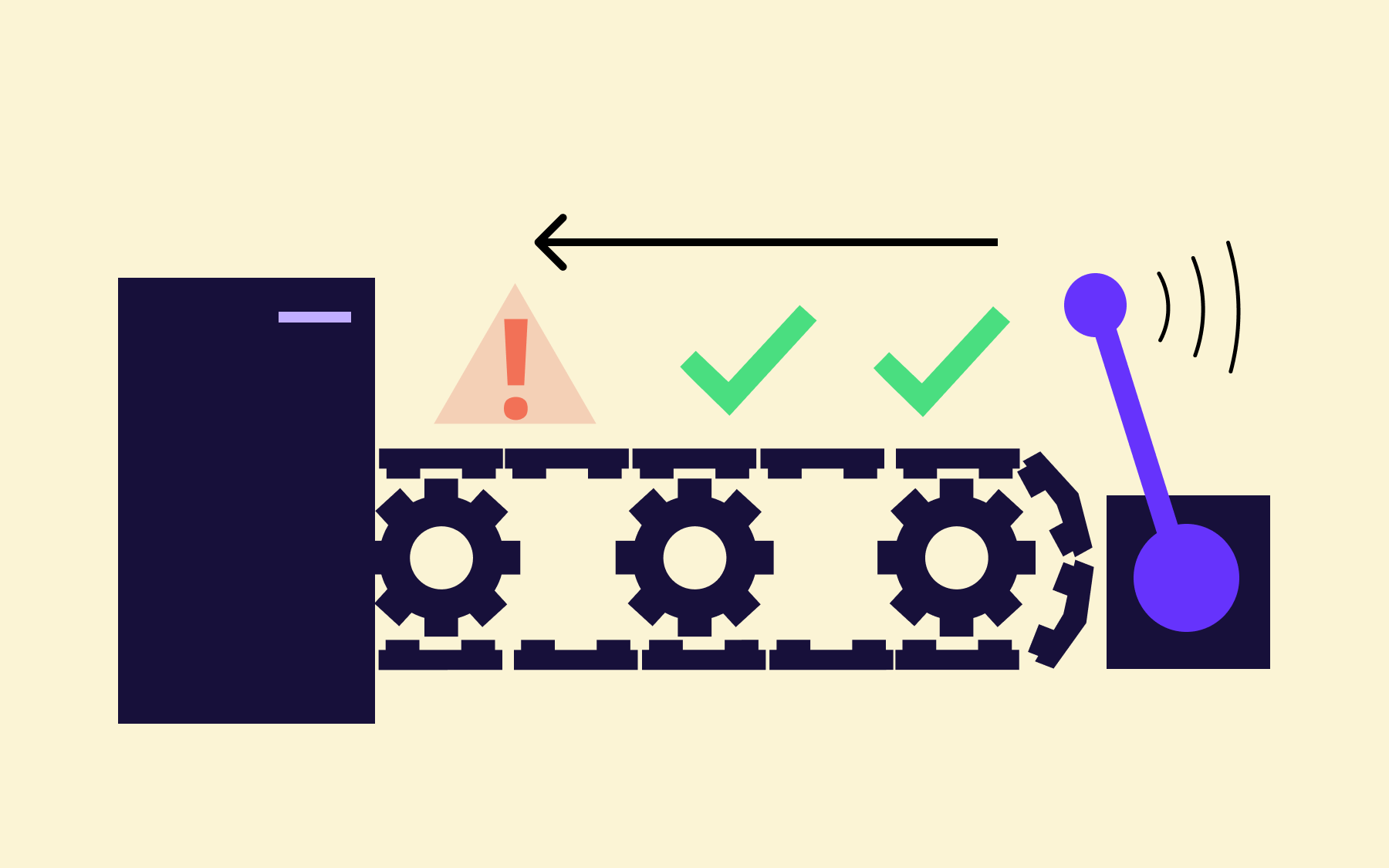
- Disable for a cohort first. Use Flagsmith's segmentation to disable the feature for a small, low-risk segment. Monitor for issues, support tickets, or unexpected behaviour before widening the retirement. If something surfaces, the flag can be re-enabled instantly—no deployment required.
- Widen the disabling and monitor. Roll the retirement out progressively, using the same staged approach as a feature introduction. The risk of each step is bounded. A problem that emerges at 20% retirement is easier to address than one that emerges after a full removal.
- Archive and remove the flag. Once the feature is fully retired, archive the flag in Flagsmith to filter it from the active view, then delete it entirely and remove the associated code from the codebase. Archiving without eventual deletion is its own form of housekeeping debt.
Flagsmith's governance and audit log features maintain a full history of the retirement process, which can help with compliance reviews and post-incident analysis.
Making PLM work at every stage
Product lifecycle management provides the strategic framework. For software teams, its value depends on having the right tooling at each stage—planning tools that align teams on what to build, execution tools that track the work, and production control tools that manage what is actually live and for whom.
The planning and execution layers are well served by existing categories of software. The production control layer—the one that answers the question of which features are live, for which users, and under what conditions—is where feature management platforms fill the gap that traditional PLM tooling leaves.
Feature flags are not a replacement for PLM strategy; they are the operational layer that makes PLM executable at the feature level, where software teams increasingly need it most.
Flagsmith provides that feature management layer: segmented rollouts for controlled introductions, analytics integrations for growth-stage measurement, and a safe, reversible process for feature retirement.
As a result, you reduce the inherent risk in releases at every stage of the lifecycle. Teams that want to see it in practice can try Flagsmith for free or explore an interactive demo.
Product lifecycle management FAQs
What does PLM stand for?
PLM stands for product lifecycle management—a strategic framework for managing a product from initial concept through to end-of-life.
What are the stages of the product lifecycle?
Most PLM frameworks describe four stages: introduction, growth, maturity, and decline or end-of-life. Each stage has different investment requirements, success metrics, and risk profiles.
How is PLM different from project management?
Project management focuses on the execution of specific initiatives within a defined scope and timeline. PLM is broader: it covers the strategic arc of a product from inception to retirement, including decisions about when to invest, when to scale, and when to retire. Project management sits within the PLM lifecycle, not above it.
What is the difference between PLM and product management?
Product management is a business strategy that focuses on defining what to build, for whom, and why—primarily at the roadmap and discovery stages. PLM encompasses the full lifecycle, including post-launch stages: growth, maturity, decline, and retirement.
The two disciplines are complementary; PLM provides the framework within which product management decisions are made.
How do feature flags relate to product lifecycle management?
Feature flags provide the production control layer that makes PLM executable at the feature level. They decouple deployment from release, enable staged rollouts at introduction, support targeted expansion at growth, and provide a safe, reversible mechanism for feature retirement.
For software teams, they close the gap between PLM planning and what actually happens in production.





















OpenTelemetry, without the vendor lock-in: Introducing full observability for Open Source and Self-Hosted Flagsmith customers




































.png)
.png)