What Is Blue-Green Deployment? The Complete Guide


Every software release is a calculated risk. The moment your team pushes new code to production, something can go wrong—and when it does, users notice immediately.
One instinct is to reduce risk by releasing less frequently. The better answer is to release more safely. Blue-green deployment is one of the most proven strategies for doing exactly that: letting teams ship new code to production without taking the service down or gambling on a slow, manual rollback if issues arise.
Read on to learn how blue-green deployment works, how it stacks up against canary releases and rolling updates, which CI/CD platforms support it natively, and how feature flags extend its value further.
What is blue-green deployment?
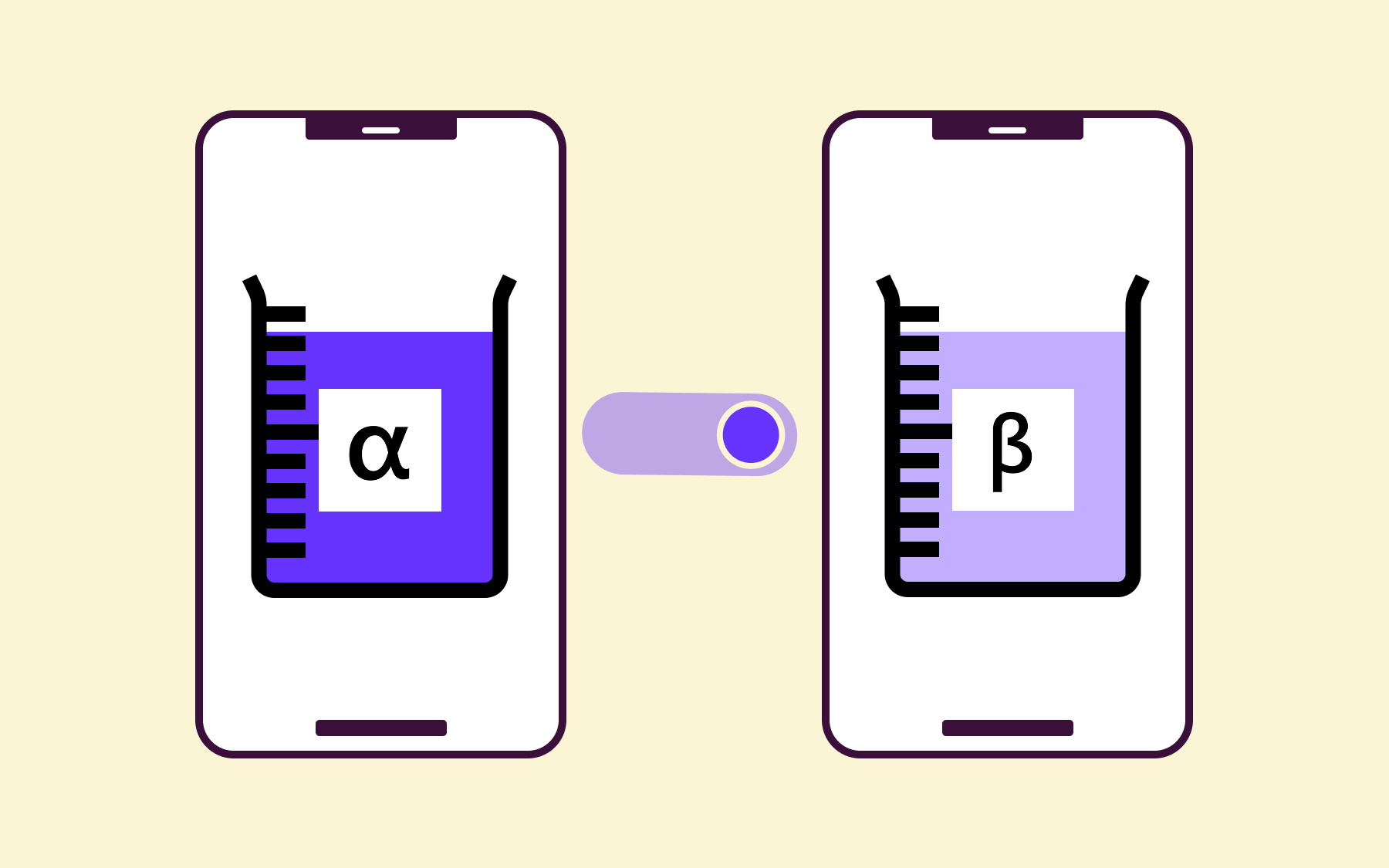
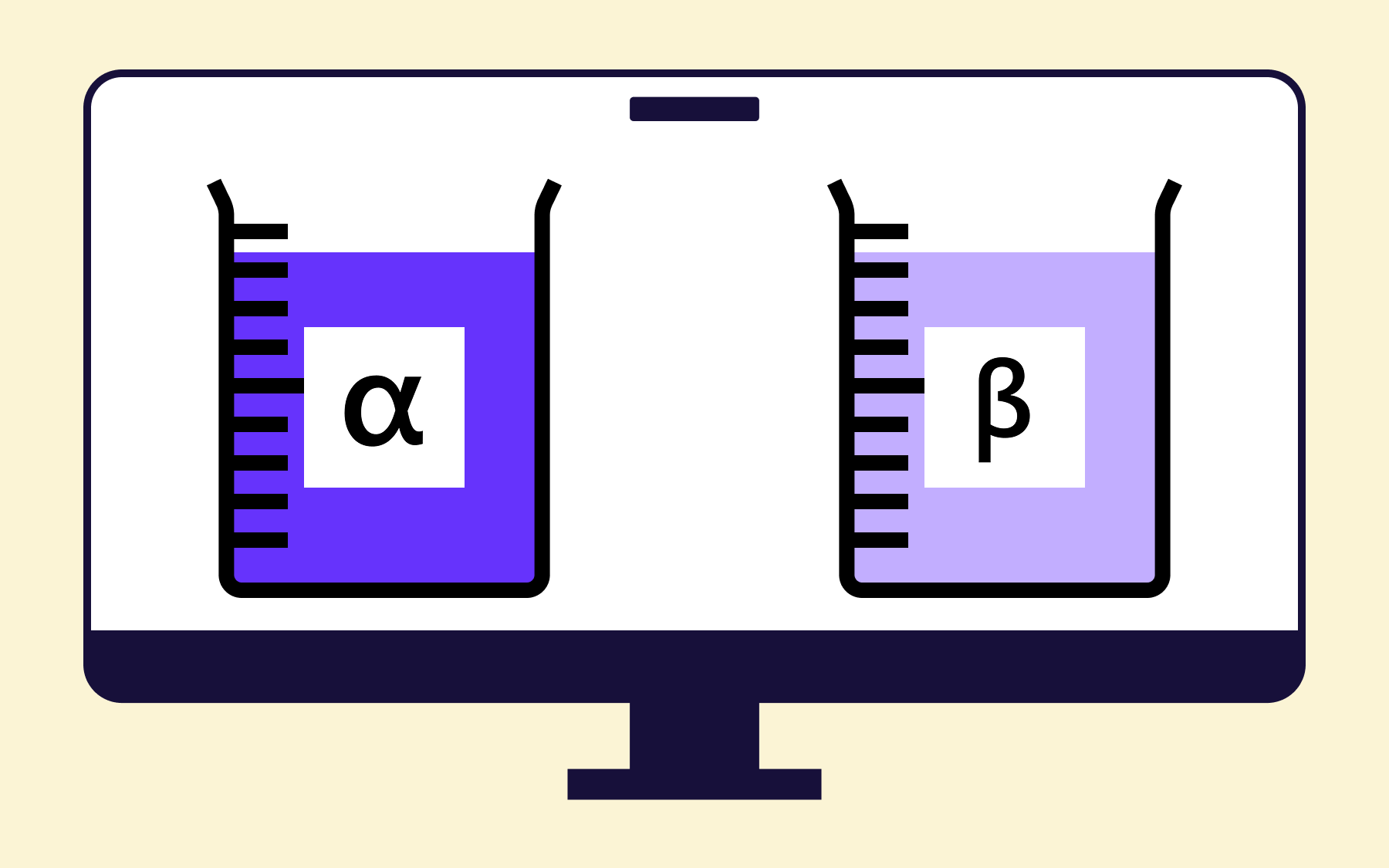
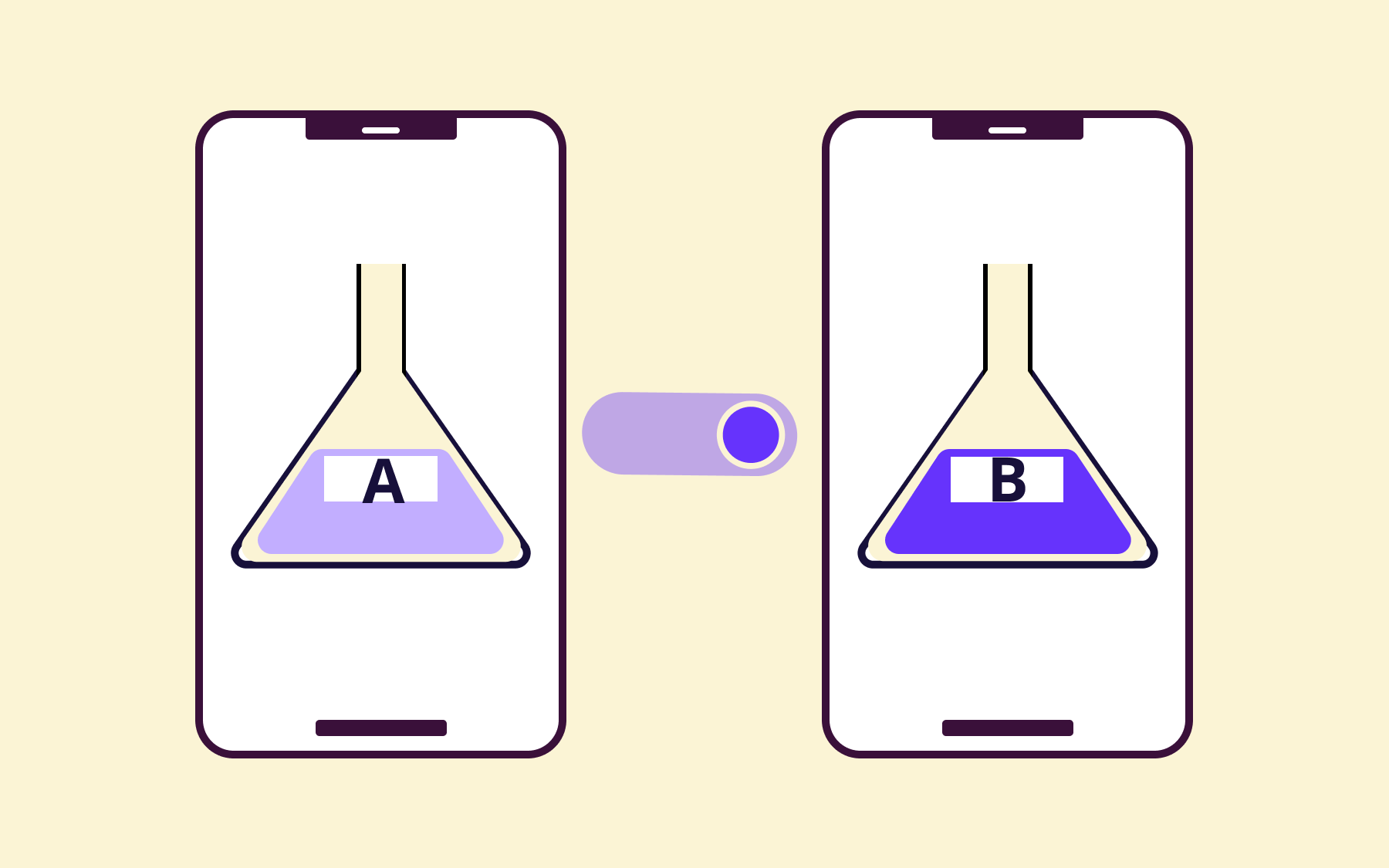
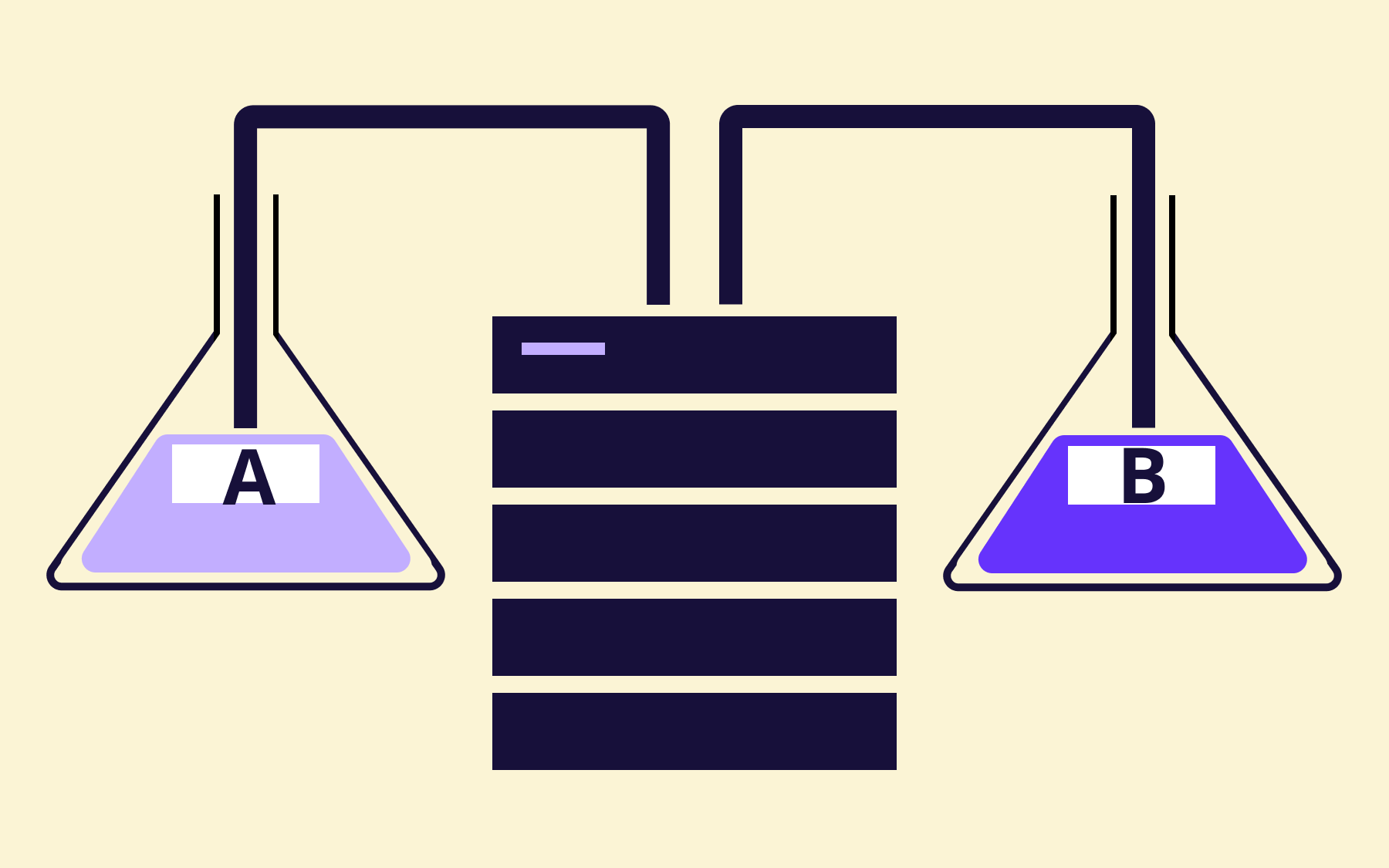
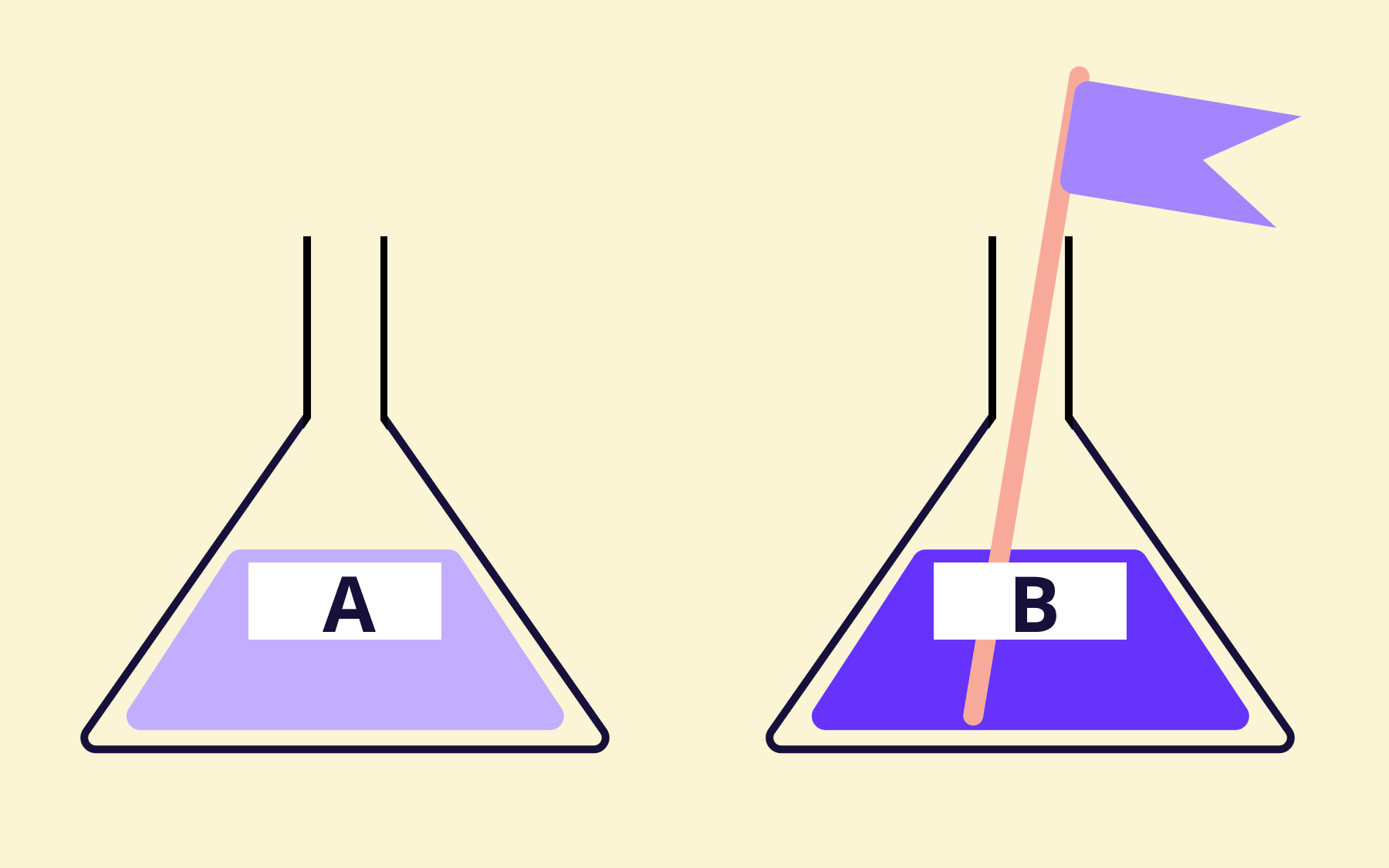
Blue-green deployment is a release technique that uses two identical production environments, referred to as blue and green. At any given time, one environment is live and serving all production traffic—that's your blue environment. The other, green, sits idle and is used to stage the next release.
When a new version is ready to ship, it's deployed to the green environment while blue continues handling user traffic without interruption. The team runs health checks and automated tests against green in isolation. Once everything looks good, a load balancer or DNS update flips all traffic from blue to green in a single, near-instantaneous switch. Green is now the live environment; blue becomes the idle standby, ready for the next deployment cycle.
The technique was named by Dan North and Jez Humble around 2005 and later formalised in Continuous Delivery, the seminal book by Humble and Dave Farley.
The core insight hasn't changed: separating the deployment process from the release event means you can prepare a new version thoroughly before a single user ever sees it.
How a blue-green deployment strategy works
Understanding a concept is one thing; understanding how the sequence fits in your deployment workflow is what makes the difference. Here's how a typical, complete blue-green deployment process plays out.
- Deploy to the idle environment. The new application version is deployed to green while blue continues serving production traffic. Users see nothing different at this stage.
- Run automated tests and health checks. With green isolated from live traffic, the team runs integration tests, smoke tests, and health checks against the new environment. Critically, this is a production-identical environment, not a staging approximation, which means test results are far more reliable.
- Switch traffic via load balancer or DNS update. Once green passes all checks, traffic routing is updated. A load balancer rule or DNS change redirects user traffic to green. The switch is normally instantaneous from the user's perspective.
- Monitor the new live environment. In the minutes and hours after the switch, the team watches error rates, latency, and any application-specific metrics. Green is now the live environment and under full production load for the first time.
- Repurpose or decommission blue. If green is stable, blue becomes the new idle environment for the next deployment. The two environments cycle roles on each release—green becomes the new blue, and blue becomes the next green.
When it comes to changes to the database, bear in mind that schema updates must be backwards-compatible with both the old and new application versions during a transition, because both environments may be reading from the same database at some point in the cycle.
The standard approach is to decouple schema updates from application releases entirely—apply additive, backwards-compatible database changes first, deploy the application second, and clean up deprecated columns or tables only after the old version is fully decommissioned.
The benefits of blue-green software deployment
Zero downtime
Because the traffic switch happens at the routing layer rather than the application layer, users experience no interruption. There's no deployment window, no maintenance page, no queued requests—just a seamless handoff from one environment to the other.
According to ITIC's 2025 Global Server Hardware and Server OS Reliability Report, a single hour of unplanned downtime can cost enterprises $300,000, with that figure climbing to between $1–5 million for larger organisations or those with high transaction volumes. For engineering teams shipping multiple times a week, that exposure adds up fast.
Instant rollback
If problems arise after the switch, restoring service is a matter of re-routing traffic back to blue. That's a configuration change, not a code deployment. Given that ITIC's 2025 report puts the cost of downtime well above $1 million per hour for many enterprises, the ability to recover in seconds rather than minutes has real financial value.
Test fidelity
Blue-green software deployment means the green environment is production-grade—same infrastructure, same configuration, same data access patterns.
Staging environments almost never achieve full parity with production, which is why bugs so often appear only after a release. Testing in an identical environment before routing any user traffic to it catches far more issues than even thorough testing in a lower environment.
There's a compounding effect worth mentioning, too. Teams that can release without fear tend to release more often. More frequent releases mean smaller changesets, which means lower deployment risk per release. The discipline builds on itself.
Drawbacks and trade-offs
Blue-green deployment isn't without cost. Running two full, identical production environments doubles your infrastructure overhead—at least during the deployment window, and potentially longer if you keep both environments warm for quick disaster recovery purposes. Cloud-native infrastructure and containerisation have made this significantly more affordable than it once was, but it's never free.
Operational complexity is a real consideration as well.
Maintaining environmental parity between blue and green requires discipline. Configuration drift—where the two environments gradually diverge—can undermine the reliability of pre-switch testing. Tooling and automation help, but they require investment to set up correctly.
The database migration challenge described above adds another layer of planning overhead. Teams that haven't yet decoupled schema changes from application releases will need to change their approach before blue-green deployment delivers its full value.
None of these trade-offs is a dealbreaker, but they're worth understanding before committing to the strategy.
Blue-green deployment vs. canary vs rolling updates
Blue-green isn't the only approach to safer releases. Canary, rolling and blue-green deployments represent three distinct approaches worth comparing.
Blue-green deployment switches 100% of traffic at once between two complete environments. Rollback is immediate; infrastructure cost is higher.
Canary deployment routes a small percentage of users—say, 1% or 5%—to the new version first, incrementally increasing exposure as confidence grows.
It allows real-world validation before a full release, but extends the rollout window, and managing two concurrent versions adds complexity. It's particularly well-suited to high-traffic applications where even 1% of users represents a statistically meaningful sample.
Rolling updates replace instances of the old version one by one, gradually shifting traffic without requiring duplicate infrastructure. Resource overhead is lower, but full rollback is slower because you're unwinding multiple partial updates rather than flipping a single switch.
The right deployment strategy choice depends on your priorities: speed of rollback, infrastructure budget, and tolerance for gradual validation versus an all-or-nothing switch. Here’s a table to help you decide what’s right for your business.
Here's a table you can drop into that section:
What about red-black deployment?
You may encounter the terms red-black deployment or blue-red deployment in certain communities or tooling documentation.
These terms describe the same core pattern as blue-green—two environments, one live and one idle, with a traffic switch between them.
The naming difference is historical and tied to specific platforms rather than any meaningful technical distinction. Blue-green is the more widely recognised term.
CI/CD platforms and tools that support blue-green deployments
Blue-green deployment is platform-agnostic at its core—the switching mechanism might be a load balancer, a DNS update, or a service mesh, depending on your stack. Several platforms offer native or first-class support for the pattern.
- AWS CodeDeploy provides built-in blue-green support for EC2 and Lambda deployments, handling environment provisioning and traffic shifting automatically.
- Kubernetes supports the pattern using separate deployments with service selectors. Pairing it with Argo Rollouts adds automated traffic management and health-check-driven promotion.
- Google Cloud Run allows native traffic splitting between revisions, making blue-green deployment straightforward without additional tooling.
- Azure Container Apps similarly supports traffic weight configuration across multiple revisions.
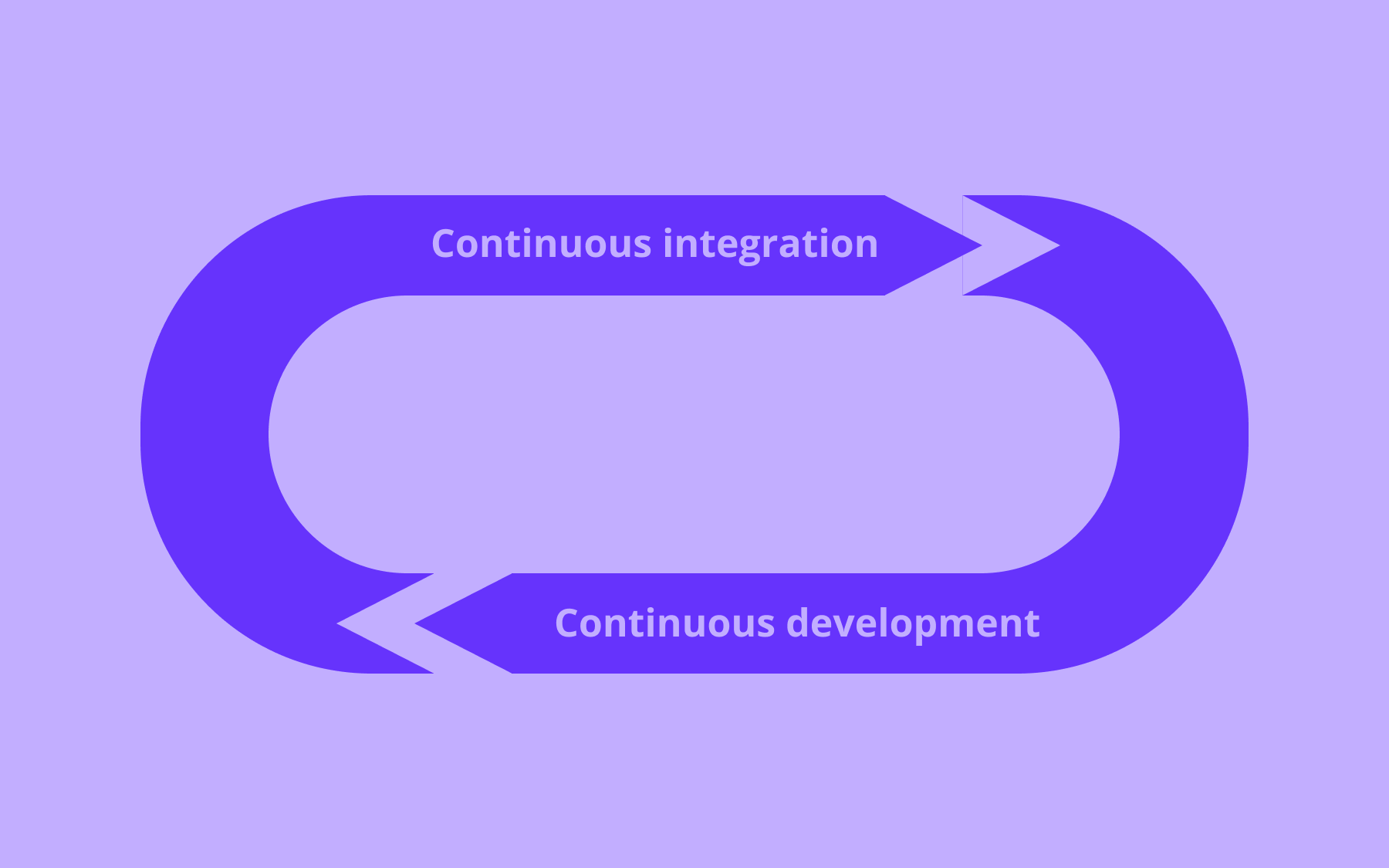
Continuous integration and continuous delivery pipelines across all of these platforms benefit from deployment automation—the more of the deployment process that's scripted and tested, the less room for human error.
How feature flags extend blue-green deployments
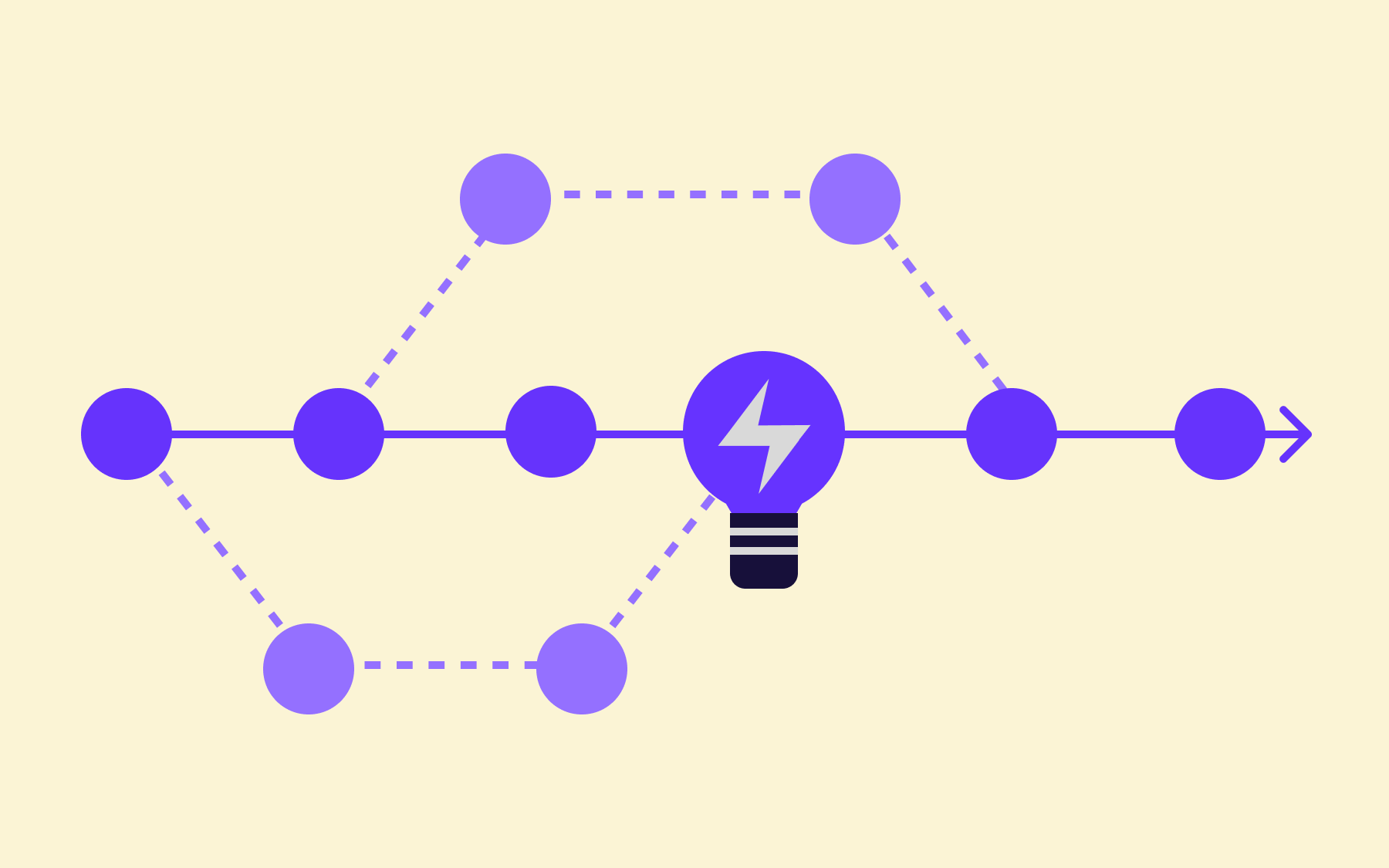
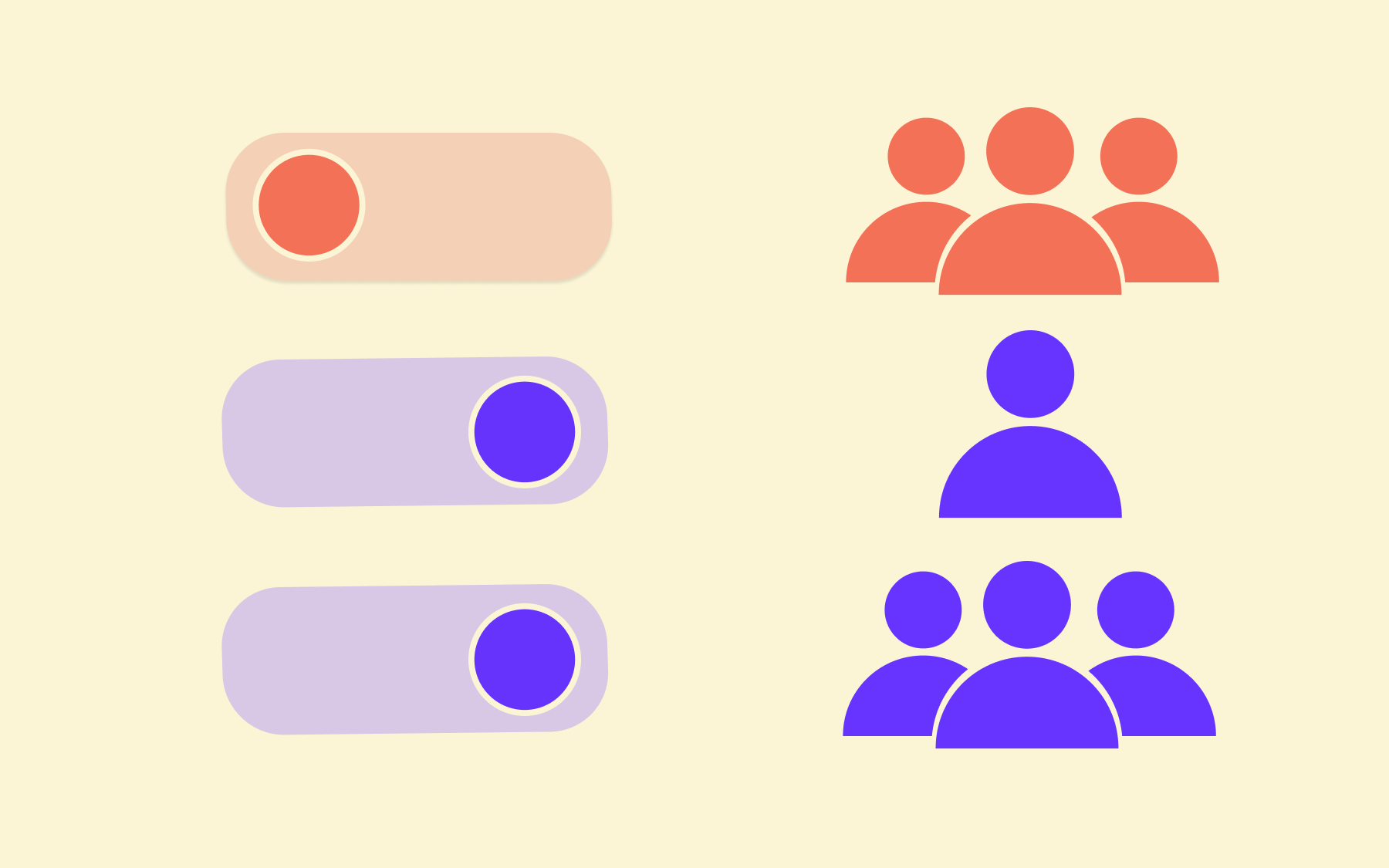
Blue-green deployment controls which version of your application is live. Feature flags control which features within that version are visible to which users. The two operate at different levels, and used together, they're considerably more powerful than either is alone.
Here’s a typical workflow you can follow:
- Deploy the new application version to green with a feature flag turned off
- Switch traffic to green
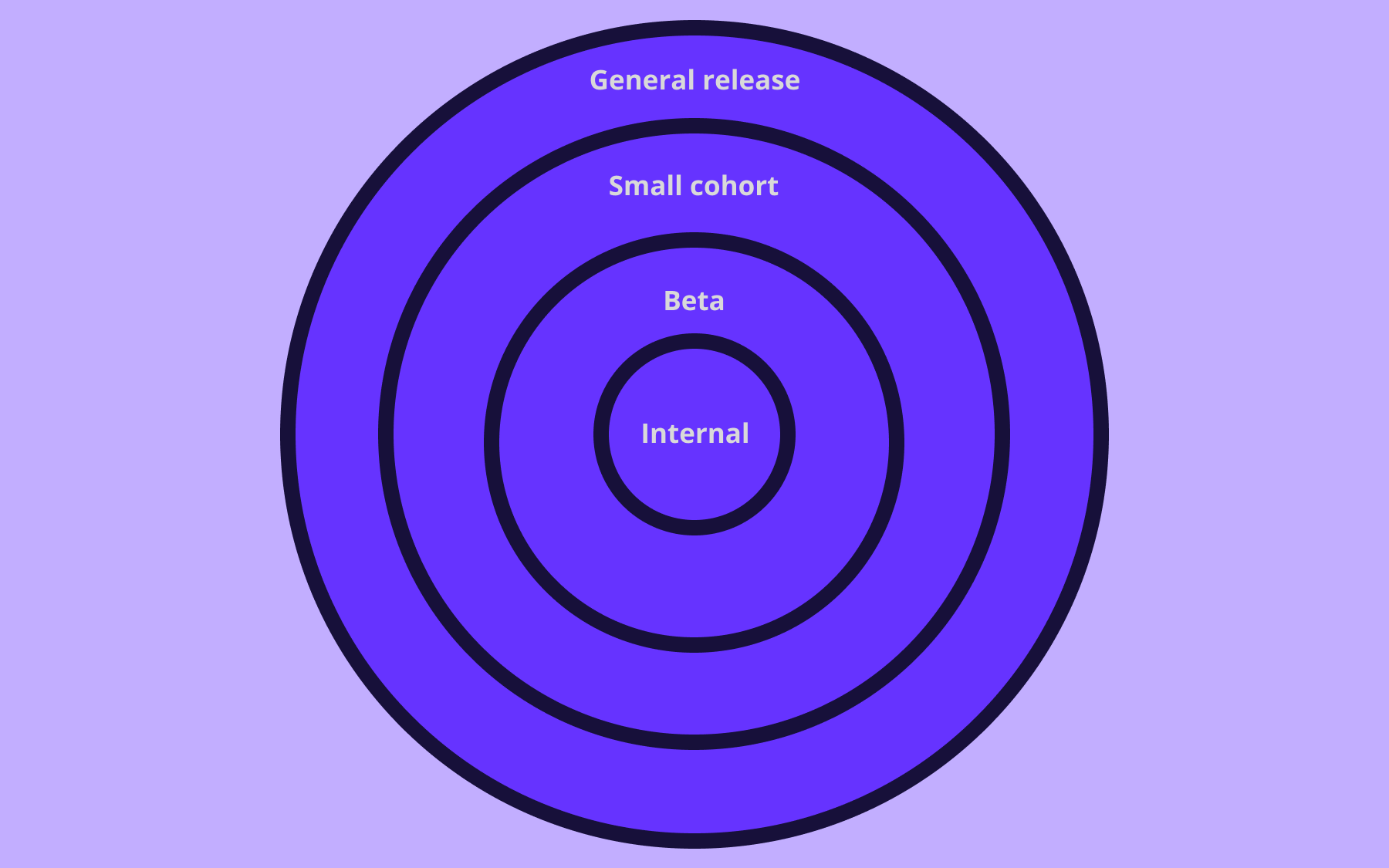
- Gradually roll the flag on for 1%, then 5%, then 20% of users—monitoring for errors at each increment
If something goes wrong, the rollback is a flag toggle rather than a full environment switch. That process is faster, cheaper, and carries lower risk than re-routing all production traffic.
With blue-green and feature flags, you can fully separate deployment from release. The code is in production; who sees it is a separate decision, made independently of the deployment process itself.
Flagsmith is built for exactly this kind of workflow. Whether you're running a blue-green strategy, a canary rollout, or trunk-based development, Flagsmith gives you feature-level control alongside your infrastructure-level deployment strategy—with cloud, private cloud, open source, and self-hosted options for teams in regulated industries.
Conclusion
Blue-green deployment remains one of the most reliable approaches to releasing software without disrupting users. Zero-downtime releases, instant rollback, and production-fidelity testing aren't minor conveniences; they're the difference between a team that ships with confidence and one that treats every release as a potential incident.
That value increases when you add feature-level control on top. Infrastructure-level deployment handles the environment switch; feature flags handle the feature switch. Together, they give engineering teams the precision to release incrementally, validate in production, and roll back at any level without a full redeployment.
If you're building or refining your deployment strategy, try Flagsmith for free and see how feature flag management fits alongside the blue-green deployment approach your team already uses—or is about to adopt.





































OpenTelemetry, without the vendor lock-in: Introducing full observability for Open Source and Self-Hosted Flagsmith customers