Rolling Deployment Vs. Blue-Green: Which Strategy Fits Your Pipeline?


Key takeaways
- Rolling deployments replace instances in sequential batches without a duplicate environment, making them a lower-cost option for teams with limited infrastructure.
- Blue-green deployments maintain two identical environments and switch all traffic instantly, giving teams near-zero downtime and fast rollback at roughly double the infrastructure cost.
- Canary deployments offer a middle ground, routing a small initial percentage of traffic to a new version so teams can validate performance before a full rollout.
- Choosing between strategies comes down to risk tolerance, infrastructure budget, and how quickly a team needs to recover from a bad release.
Most deployment incidents show up as a spike in error rates, a slowdown nobody can immediately explain, or—worst of all—a complete outage.
Choosing the right deployment strategy and understanding the trade-offs involved is a practical approach to reducing that exposure.
This article breaks down how rolling deployments and blue-green deployments work, what separates them in practice, where canary deployments fit into the comparison, and how to decide between all three based on your team's actual constraints.
Whether you're weighing blue-green vs rolling deployment for the first time or reassessing a strategy that's already causing problems, the goal here is clarity over theory.
What is a rolling deployment?
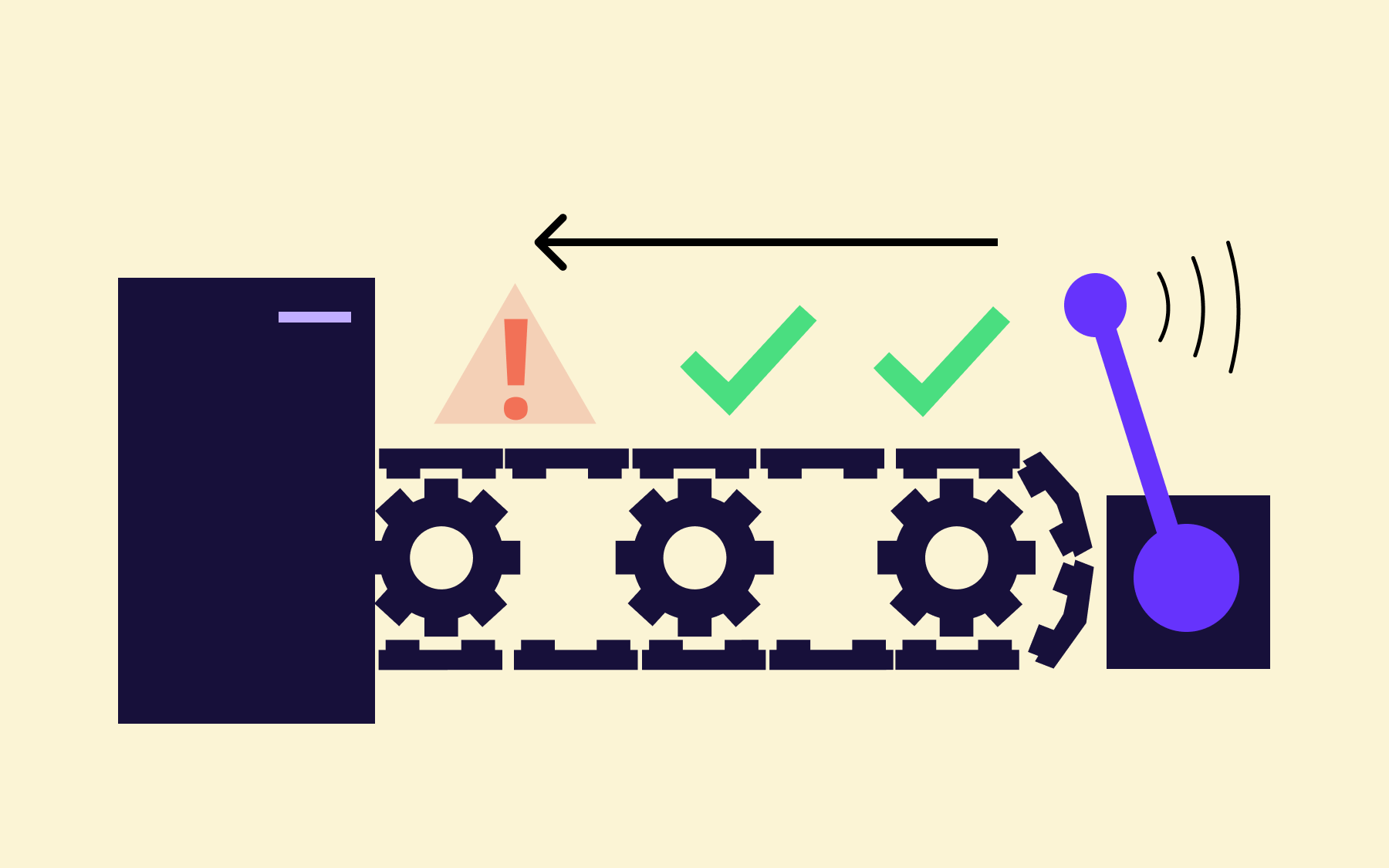
A rolling deployment updates a live fleet of instances by replacing old ones with new ones in sequential batches—until the entire fleet is running the updated version. There's no second environment involved. The rollout process happens directly on your existing infrastructure, one batch at a time.
The defining characteristic of rolling deployments is that old and new versions of the application coexist during the update window.
While the rollout is underway, different users may be routed to different versions of the service. That's manageable for stateless applications with backwards-compatible changes, but it requires careful management when there are breaking API changes, schema migrations, or any behaviour that varies meaningfully between the previous version and the new one.
Here’s a straightforward example: imagine a fleet of ten web server instances. A rolling deployment updates two at a time. The first batch goes offline briefly, receives the new code, and rejoins the pool. Then the next two, and so on.
At the halfway point, five instances are on the previous version and five are running the new release. The process continues until all ten are updated.
The pros and cons of rolling deployments
Rolling deployments work well for development teams that need to ship new features gradually without the overhead of maintaining parallel environments. The incremental approach keeps infrastructure costs down and naturally limits the blast radius of any issue—only users routed to the batch currently being updated are affected, rather than the entire user base.
That said, they're not without complications.
Rollback means re-deploying each instance in reverse, which takes time proportional to your fleet size. The version coexistence window also introduces risk for any service that can't cleanly handle old and new versions running simultaneously.
Rolling deployments offer a practical, cost-conscious path for many teams, but they make a specific trade-off: lower cost in exchange for a more complex rollback and a mixed-version window. Blue-green deployment takes almost the opposite approach.
What is a blue-green deployment?
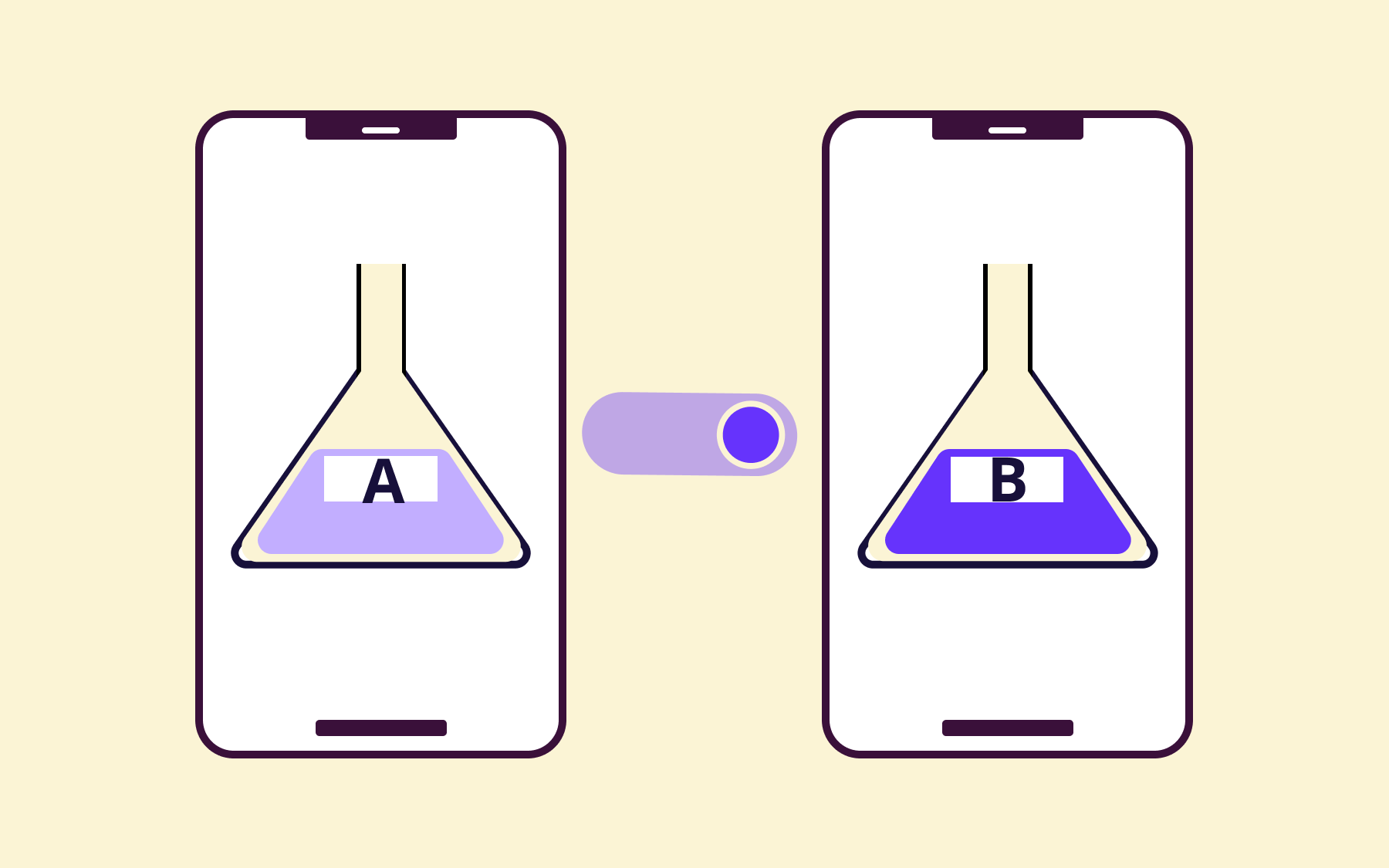
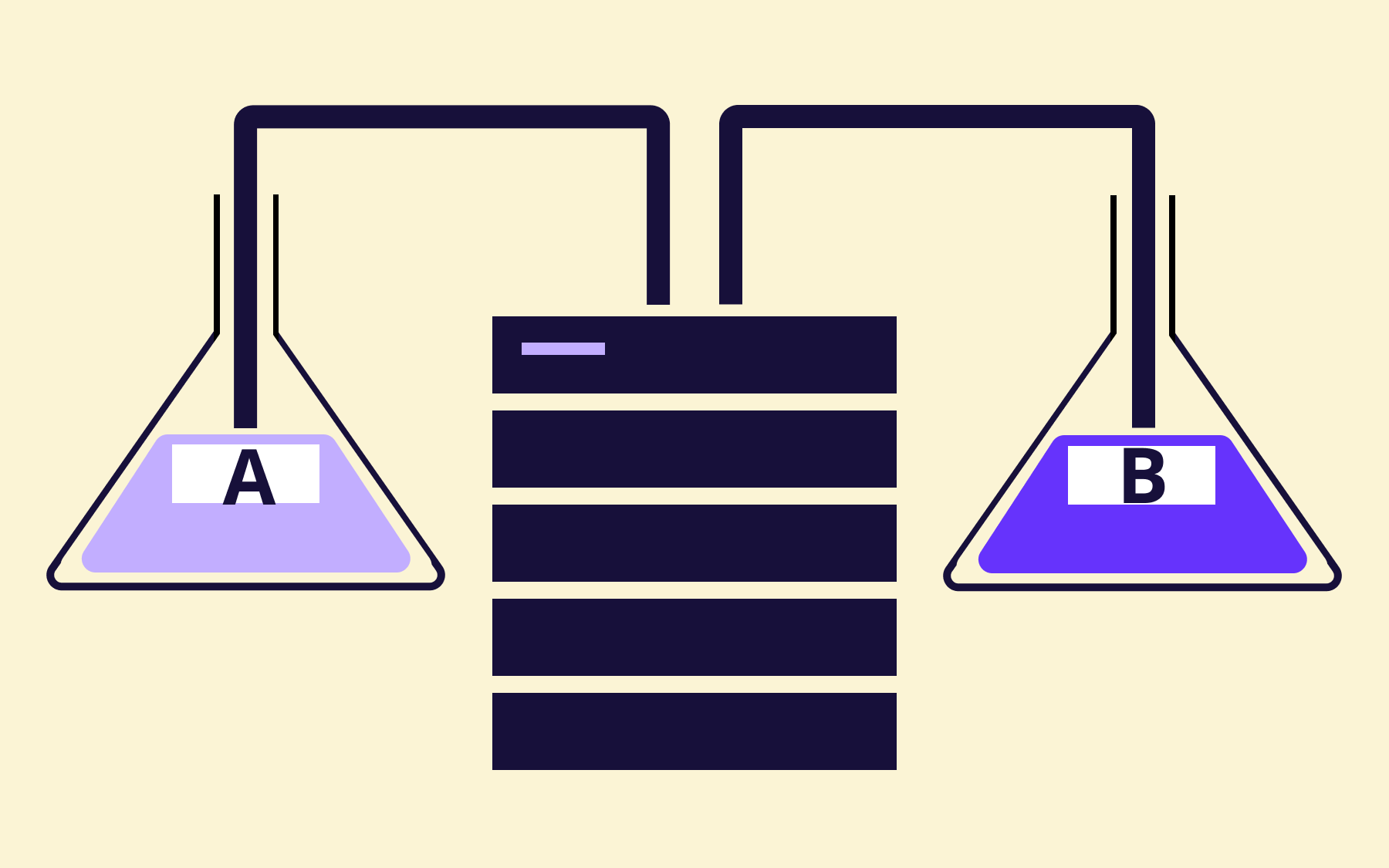
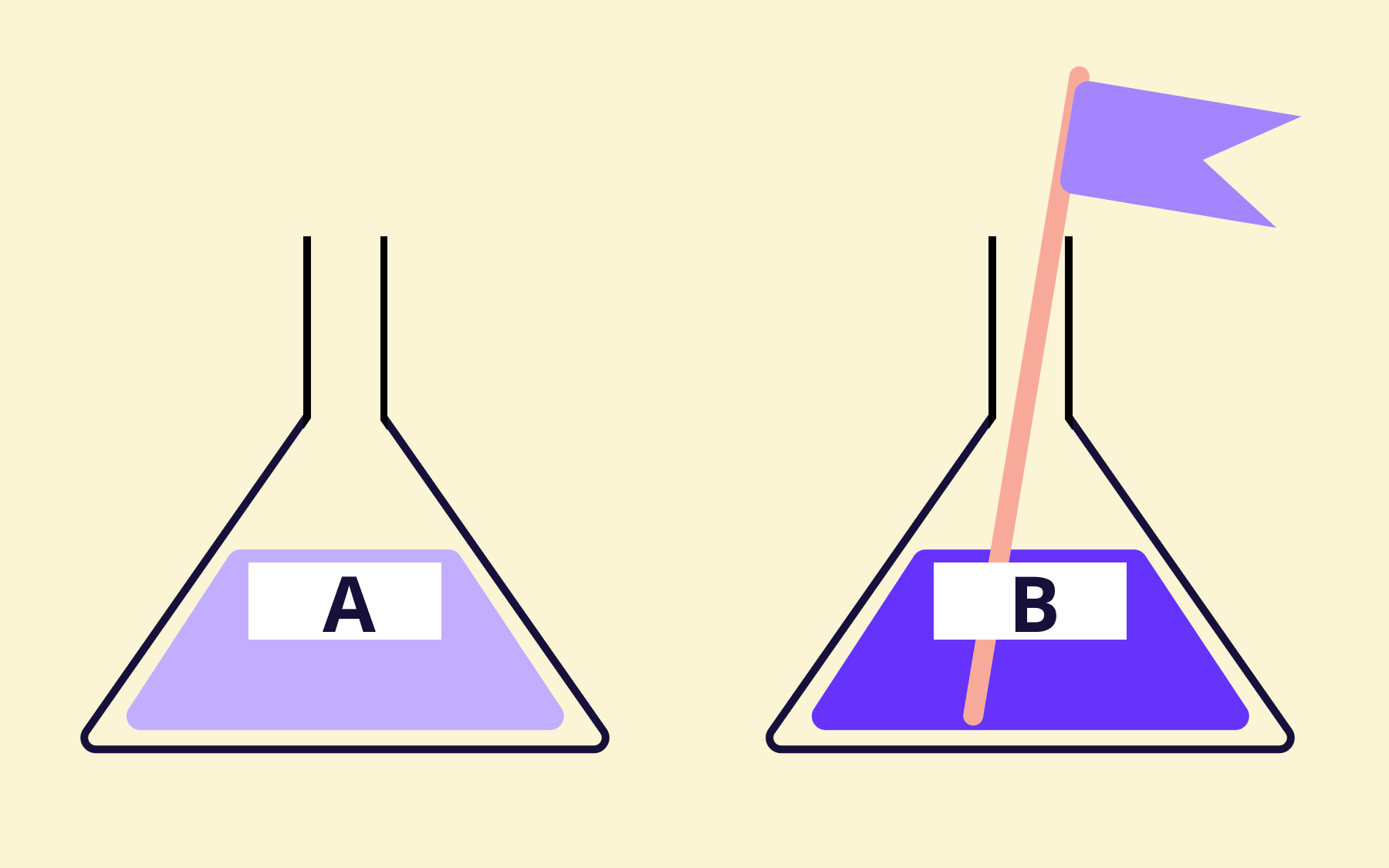
A blue-green deployment maintains two separate environments—the blue environment and the green environment—that are identical in configuration. The blue environment serves all live production traffic. The green environment receives the new version and undergoes thorough testing before any user traffic reaches it.
Once the green environment has passed validation—integration tests, load tests, or whatever the team requires—a load balancer or DNS change flips all production traffic from blue to green in a single step.
The entire deployment, from the user's perspective, happens instantaneously. The blue environment doesn't get decommissioned; it stays live and idle as an immediate rollback option.
Consider a team deploying a major API update to a payment service. The existing version continues handling all live transactions in the blue environment, while the new release is deployed to green and subjected to a full suite of integration tests in a production-like environment.
Only when those pass does the environment switch occur. If a critical bug surfaces after the switch, reverting to the stable version means pointing the load balancer back at blue—no re-deployment, no scramble.
Pros and cons of blue-green deployments
The core appeal of blue-green releases is that users only ever see one version of the application at a time. There's no mixed-version window, no question of backwards compatibility across running instances, and rollback is instant. For critical applications where service interruptions translate directly into lost revenue, that predictability is worth a lot.
The cost is the main constraint. Running two complete environments at production scale roughly doubles infrastructure spend, which isn't always justifiable—particularly for teams shipping small, backwards-compatible changes frequently.
Database migrations also require careful management: if both environments share a data store, the schema needs to remain compatible with both versions until the blue environment is safely decommissioned.
With both strategies laid out, let’s compare them directly—because the decision between rolling and blue-green almost always comes down to the same handful of practical dimensions.
Rolling deployment vs. blue-green: the core differences
When teams debate blue-green vs. rolling deployment, the conversation tends to centre on a few concrete concerns: infrastructure cost, what happens when something breaks, and how much disruption users experience during a release.
Here's how they compare across the dimensions that actually drive the decision.
Infrastructure cost is the most immediate difference.
- Rolling deployments are a resource-efficient approach because there's no parallel environment to maintain—existing infrastructure is updated in place.
- Blue-green deployments require two full production environments running simultaneously, which means provisioning and maintaining double the capacity. The idle environment still needs to be production-grade to be a credible rollback target, so there's no easy way to reduce that cost without compromising the strategy.
Rollback speed/ease is the dimension where the two strategies diverge most sharply, and where the difference has the most practical impact.
- In a rolling deployment, rollback means re-deploying each instance in reverse, which takes the same amount of time as the original deployment. On a large fleet, that can be minutes or longer.
- In a blue-green setup, rollback is a single redirect: switch the load balancer back to the previous environment and traffic returns to the stable version in seconds. For services where recovery time directly affects revenue or user trust, that distinction is important.
Downtime risk is low for both strategies when implemented correctly, but they achieve minimal downtime in different ways.
- Blue-green deployment relies on maintaining service availability through continuous operation of one environment at all times—there's no interruption because the live environment never stops.
- Rolling deployments use health checks and gradual batch processing to avoid taking too many instances offline simultaneously. The risk isn't usually outright downtime; it's degraded performance or inconsistent behaviour during the update window.
Version coexistence is handled in opposite ways by each approach.
- Blue-green deployment means the new version is validated in isolation before the environment switch—after the switch, every user is on the same version.
- Rolling deployments expose users to different versions throughout the entire deployment. For stateless services, this is usually manageable, but for anything with session state, breaking API changes, or database interactions that differ between versions, this coexistence creates risk that needs to be explicitly designed around.
Overall complexity.
- Complexity might seem higher for blue-green deployment given the two-environment overhead, but in practice, the model is conceptually straightforward.
- Rolling deployments introduce more subtle complexity: managing backwards compatibility, handling partial failures mid-rollout, and validating a deployment process where different versions are genuinely live at the same time.
In short, the decision between blue-green deployment vs. rolling comes down to whether you'd rather absorb higher infrastructure costs for instant rollback and clean version isolation, or keep costs low at the expense of a more complex rollout and a mixed-version window.
Neither answer is universally right. But there's a third model worth understanding before making that call—one that sits between the two.
Blue-green vs. canary vs. rolling
Comparing blue-green deployment vs. canary vs. rolling introduces a strategy that often gets overlooked in favour of the two more familiar options.
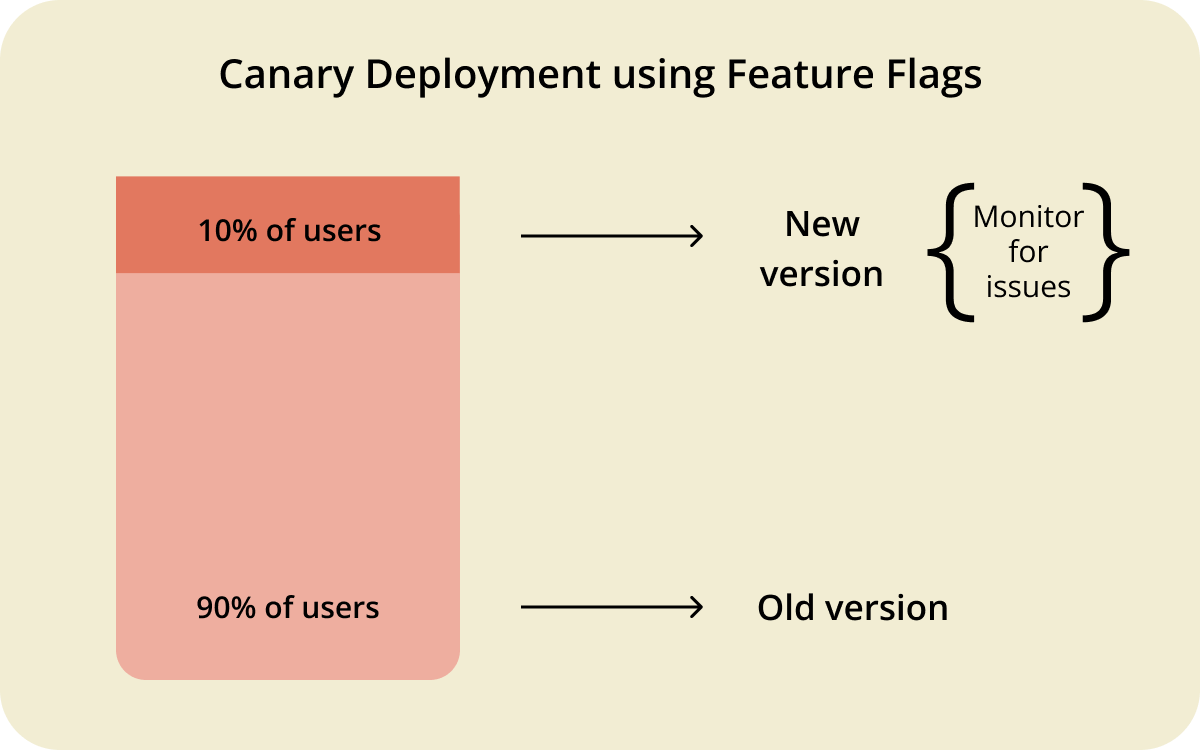
A canary deployment routes a small initial percentage of production traffic, typically 2–5%, to the new version while the rest of the users remain on the existing one. The team monitors error rates, latency, and key business metrics from the canary group.
If the new release behaves as expected, the rollout expands gradually: perhaps 10%, then 50%, then the entire user base. If something looks wrong, the rollout pauses and traffic is pulled back, without affecting anyone outside the canary segment.
By comparison, rolling deployments are infrastructure-focused: instances are updated regardless of which users happen to be routed to them. Canary deployments are user-focused: specific user segments receive the new version deliberately, while everyone else stays on the stable version. Blue-green deployments, meanwhile, switch all production traffic at once—after the new version has been validated in an isolated environment rather than in front of real users.
The infrastructure cost of a canary deployment sits somewhere between rolling and blue-green. There's no need for two complete environments, which keeps costs closer to the rolling model.
However, canary deployments do require a solid monitoring layer and traffic-routing infrastructure. Without robust observability, there's no reliable signal from the canary group, and the entire strategy loses its value.
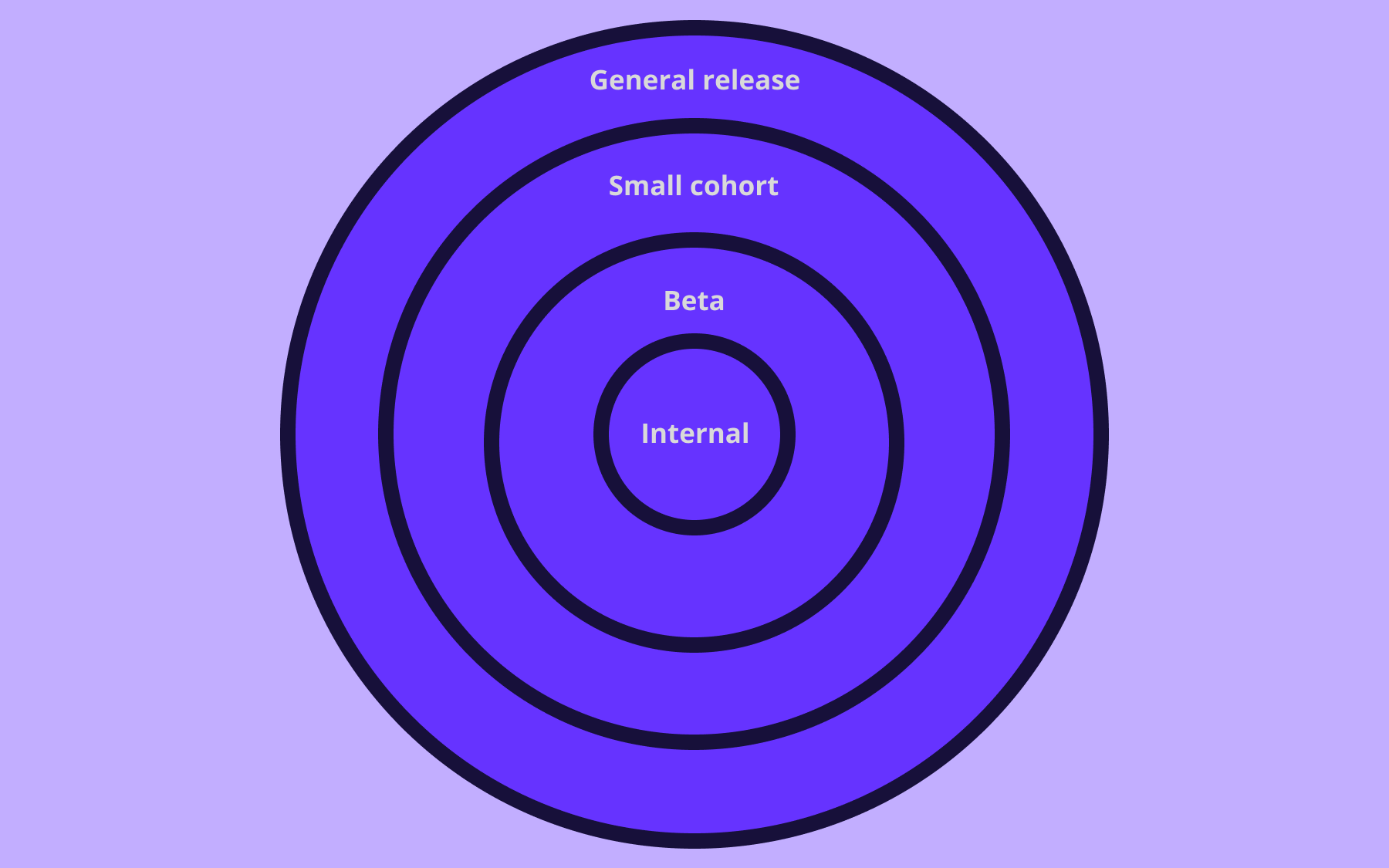
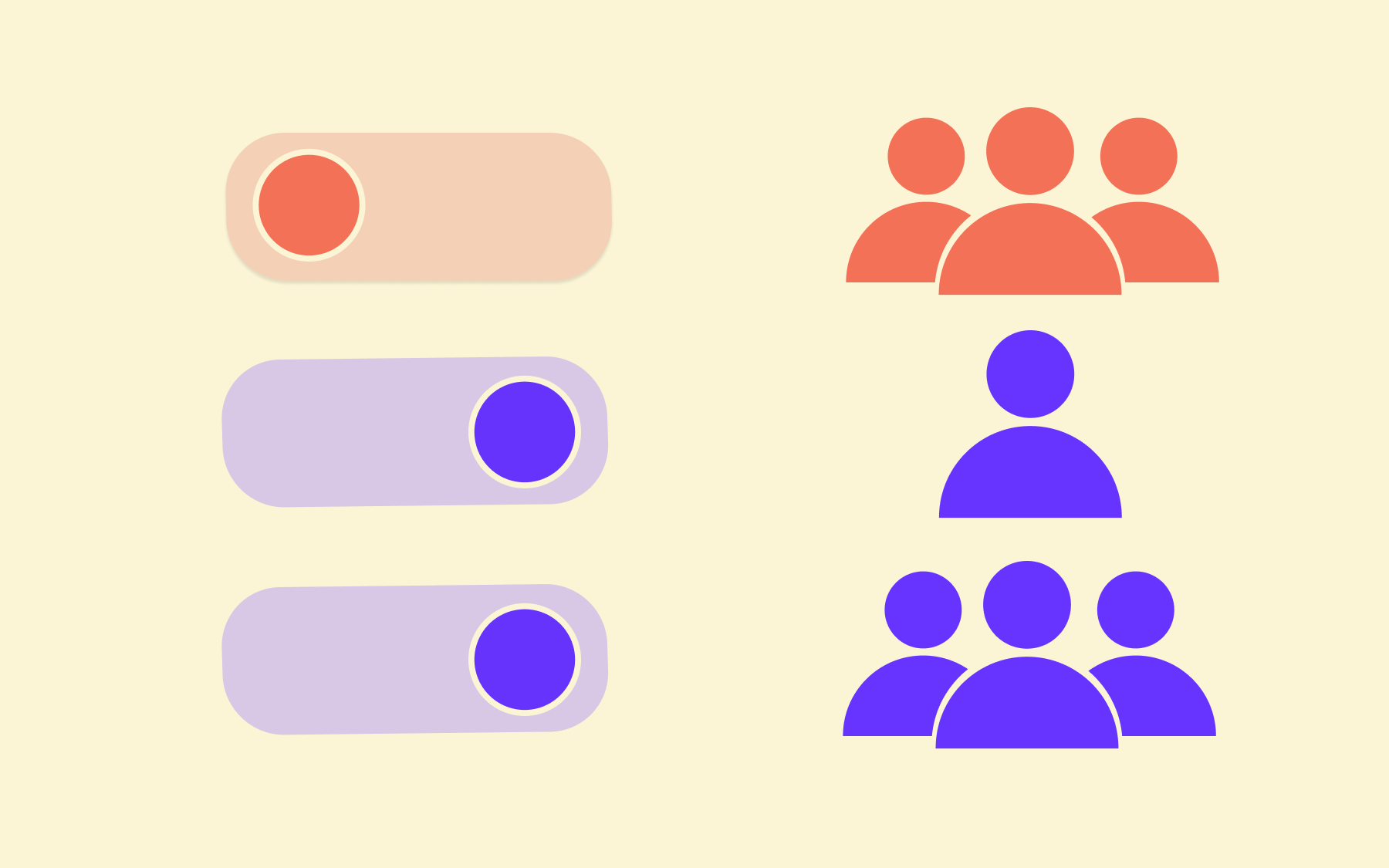
Integrating feature flags into a canary rollout adds another layer of control. Rather than routing by infrastructure, teams can target specific user segments—internal users first, then beta testers, then a percentage of the broader base—and roll back by toggling a flag rather than changing deployment configuration.
This approach to decoupling deployment from release gives teams more granular control over the rollout process without requiring a full re-deployment to reverse a decision.
Choosing the right deployment strategy
According to the 2024 DORA report, only 21.3% of teams can recover from a failed deployment in under an hour. These aren't abstract benchmarks; they're the real-world consequences of treating deployment strategy as an afterthought.
There's no single right answer here, but there is a useful framework. The right deployment strategy depends on three things:
- How much infrastructure budget you have
- How quickly you need to recover from a bad release
- How much mixed-version risk your application can tolerate
Rolling deployments suit teams with limited infrastructure budgets that are shipping incremental, backwards-compatible updates to applications that can handle a brief mixed-version window. They're a sensible default for many teams—particularly those early in their continuous delivery journey who want gradual rollouts without the overhead of maintaining parallel environments.
Blue-green deployments suit teams running mission-critical or high-traffic services where maintaining service availability is non-negotiable. The higher infrastructure costs are the trade-off for instant rollback and a clean version transition.
If your team needs to deploy code with confidence that any post-release problem can be reversed in seconds, and if your application handles breaking API changes or complex schema migrations, blue-green is the more appropriate deployment method.
Canary deployments suit teams with robust observability already in place that want real-user validation before committing to a full rollout. If you can't justify a fully duplicate environment but you also don't want a bad release affecting your entire user base at once, a canary strategy—particularly when combined with feature management tooling—gives you granular control over who sees the new version and when.
In reality, many teams don't pick one strategy and apply it everywhere.
A common and sensible pattern is blue-green releases for major versioned changes—especially those involving API or schema changes—paired with rolling deployments for minor patches, configuration updates, and low-risk releases. This combination balances infrastructure costs against the actual risk level of each individual deployment rather than treating everything the same way.
Whichever approach your team takes, two DORA metrics are worth tracking consistently:
- Change failure rate – The percentage of deployments that cause a production incident
- Failed deployment recovery time – How long it takes to restore service when something goes wrong
These two measures give you an honest picture of whether your deployment strategy is working in practice, not just in theory. The DORA research homepage publishes industry benchmarks for both.
Conclusion
Rolling deployments and blue-green deployments both aim to minimise the risk of releasing new software to production—they just take different routes.
Rolling deployments use existing infrastructure and update it incrementally, keeping costs low while accepting a brief mixed-version window. Blue-green deployments run two identical production environments in parallel and switch all traffic at once, trading infrastructure cost for instant rollback and zero-downtime releases.
Canary deployments sit between the two, routing a small slice of production traffic to the new version so teams can validate performance before it reaches everyone.
The right choice depends on your risk tolerance, your infrastructure budget, and—critically—how quickly your team needs to recover from a bad release.
For teams choosing between blue-green and rolling deployments, the right solution makes a world of difference. Flagsmith gives you feature flags to decouple deployment from release, so you can ship to production with confidence, control exactly who sees what, and kill a bad feature in seconds without a redeploy.
If you're looking to make your deployment strategy safer and more flexible, try Flagsmith free and see how much calmer release day can be.
Rolling deployment vs. blue-green FAQs
Which deployment strategy offers the fastest rollback?
Blue-green deployment offers the fastest rollback. Because the previous environment remains live and idle after the traffic switch, reverting is a single load balancer change—traffic redirects in seconds.
Rolling deployments require re-deploying each instance, which takes time proportional to fleet size.
Canary deployments fall between the two: reducing the traffic percentage to zero or disabling a feature flag is fast, but requires a routing layer to be in place first.
Does blue-green deployment cause any downtime?
In most implementations, no. The blue environment continues serving all production traffic while the green environment is being validated, so there's no interruption during the deployment process.
The environment switch itself, when traffic flips from blue to green via a load balancer change, is near-instantaneous. The one edge case is database migrations: a schema change that's incompatible with the running blue environment can cause a brief period of degraded service availability. Careful management of database changes across both environments prevents this.
Which deployment strategy is the most cost-effective?
Rolling deployments are the most cost-effective option. They reuse existing infrastructure and don't require a parallel environment, making them a genuinely resource-efficient approach for teams with tighter infrastructure budgets.
Canary deployments add a modest overhead for traffic routing but avoid the full cost of maintaining two complete environments.
Blue-green deployments are usually the most expensive, since two identical production environments run simultaneously.
When should you use blue-green deployment instead of a canary deployment?
Blue-green deployment is the better choice when you need clean version isolation—particularly for releases involving breaking API changes, major schema migrations, or any scenario where having old and new versions coexist would cause unpredictable behaviour. It's also a better fit when your team doesn't yet have the observability infrastructure that canary deployments depend on.
Canary deployments are more appropriate when you want real-user validation before a full rollout, have solid monitoring in place to act on what you observe, and can't justify the infrastructure cost of two complete environments.













































OpenTelemetry, without the vendor lock-in: Introducing full observability for Open Source and Self-Hosted Flagsmith customers