What Is a Kill Switch in Software and Why Do Developers Need Them?

TL;DR:
- A kill switch is a mechanism that lets you instantly disable a feature in production without redeploying code.
- Kill switches are a specific use of feature flags, built in before you ship, not scrambled together after something breaks.
- This article covers how a kill switch works, how it differs from a feature flag, when to use one, and best practices.
- If you’re shipping to a real user base, a kill switch could be the difference between a recoverable incident and a full-blown crisis.
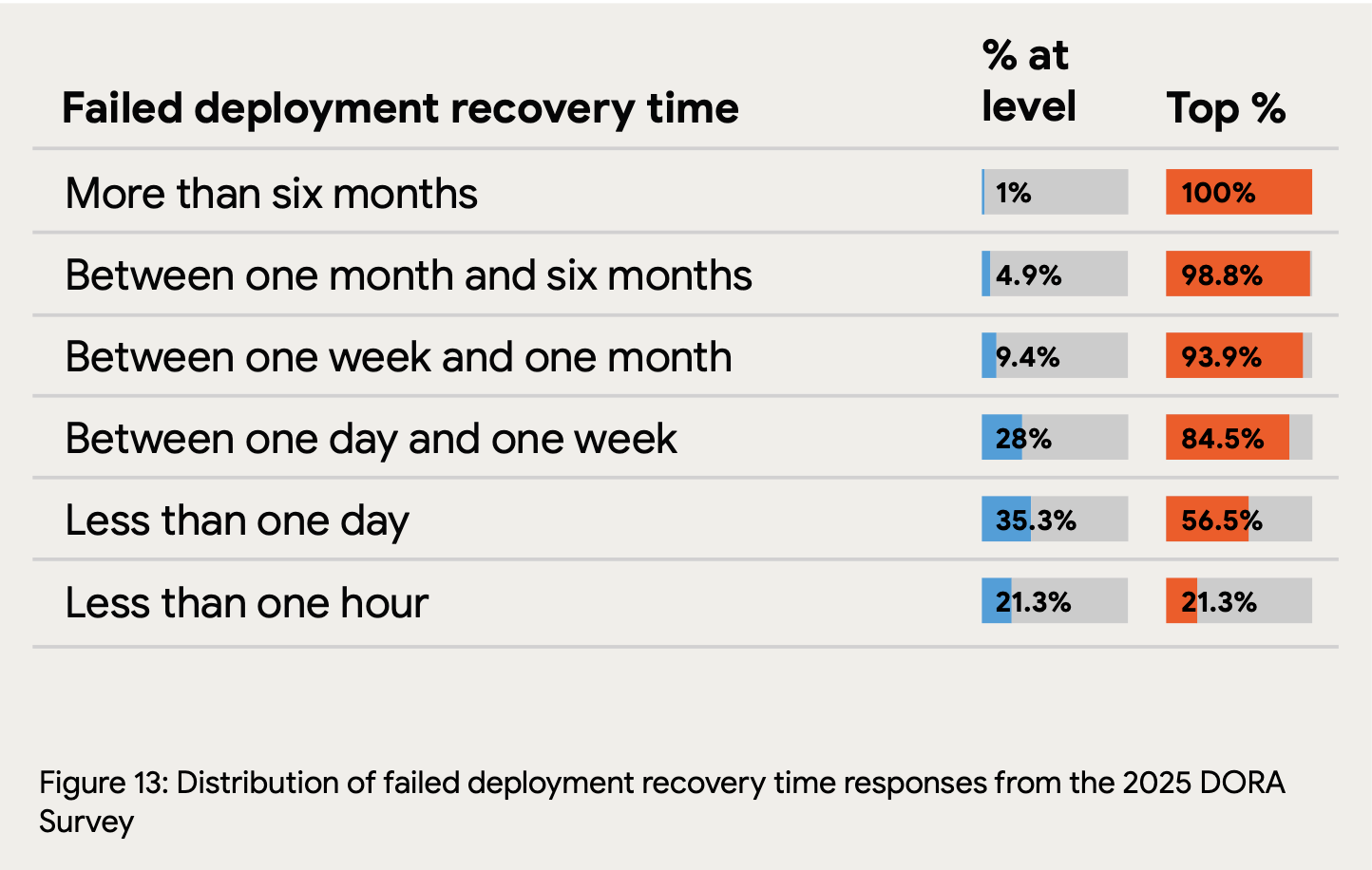
Production bugs are inevitable. Deployments will fail. The question isn’t whether something will go wrong, it’s how quickly you can respond when it does. According to the 2025 State of AI-assisted Software Development report (DORA), only 21.3% of teams can restore service after a failed deployment in under an hour. For the majority, recovery is measured in days.
Kill switch software closes that window. Rather than triggering a full rollback or waiting for an emergency deployment, teams can remotely disable a broken feature in seconds—without touching the codebase, restarting the application, or waking up someone in a different time zone.
This article covers what a kill switch is, how kill switch software works under the hood, how it relates to feature flags, when to reach for one, and the best practices that separate teams who use kill switches well from those who discover, mid-incident, that theirs doesn’t work the way they thought it did.
What is a kill switch in software development?
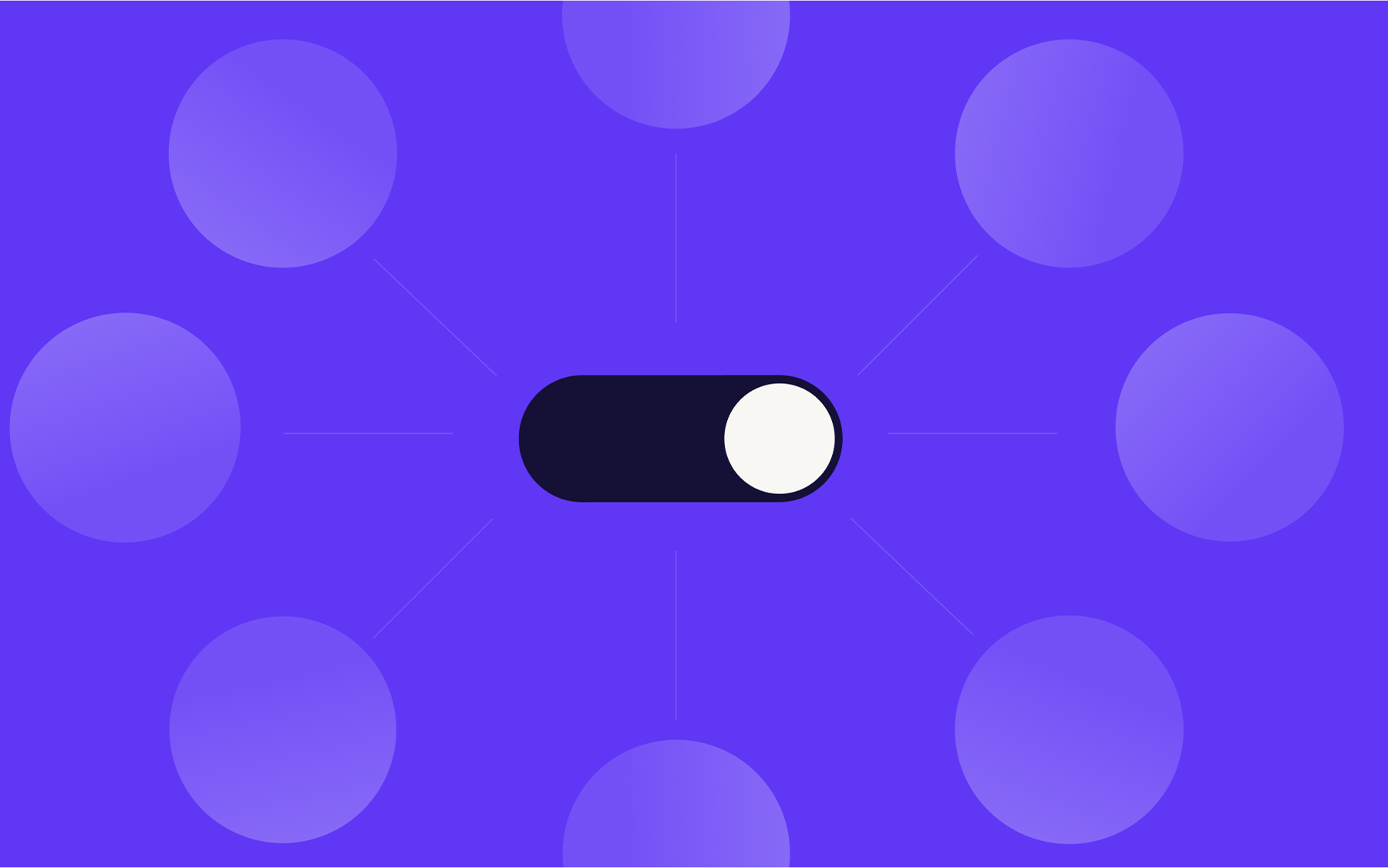
A kill switch in software is a mechanism that lets a team instantly disable a specific feature, service, or piece of functionality, without pushing new code or triggering a redeployment. The moment it’s activated, the affected code path stops executing. Users stop hitting the broken feature. The rest of the application continues operating as normal.
It’s sometimes called a circuit breaker or an emergency toggle, depending on the context, but the core idea is the same: you ship a feature with an off switch already built in, so you can pull it the moment something goes wrong.
So, a kill switch in software development isn’t a separate safety system bolted on after the fact, but a deliberate design decision baked into the release process from the start.
The name borrows from electrical engineering and industrial systems, where a kill switch is a physical mechanism used to shut down a system in an emergency—a big red button, essentially.
In software, the principle is identical: fast, reliable, and decisive. In most cases, triggering one requires nothing more than a single configuration change in a dashboard.
How a kill switch works
Understanding what a kill switch is leads naturally to the question of how it actually functions in practice.
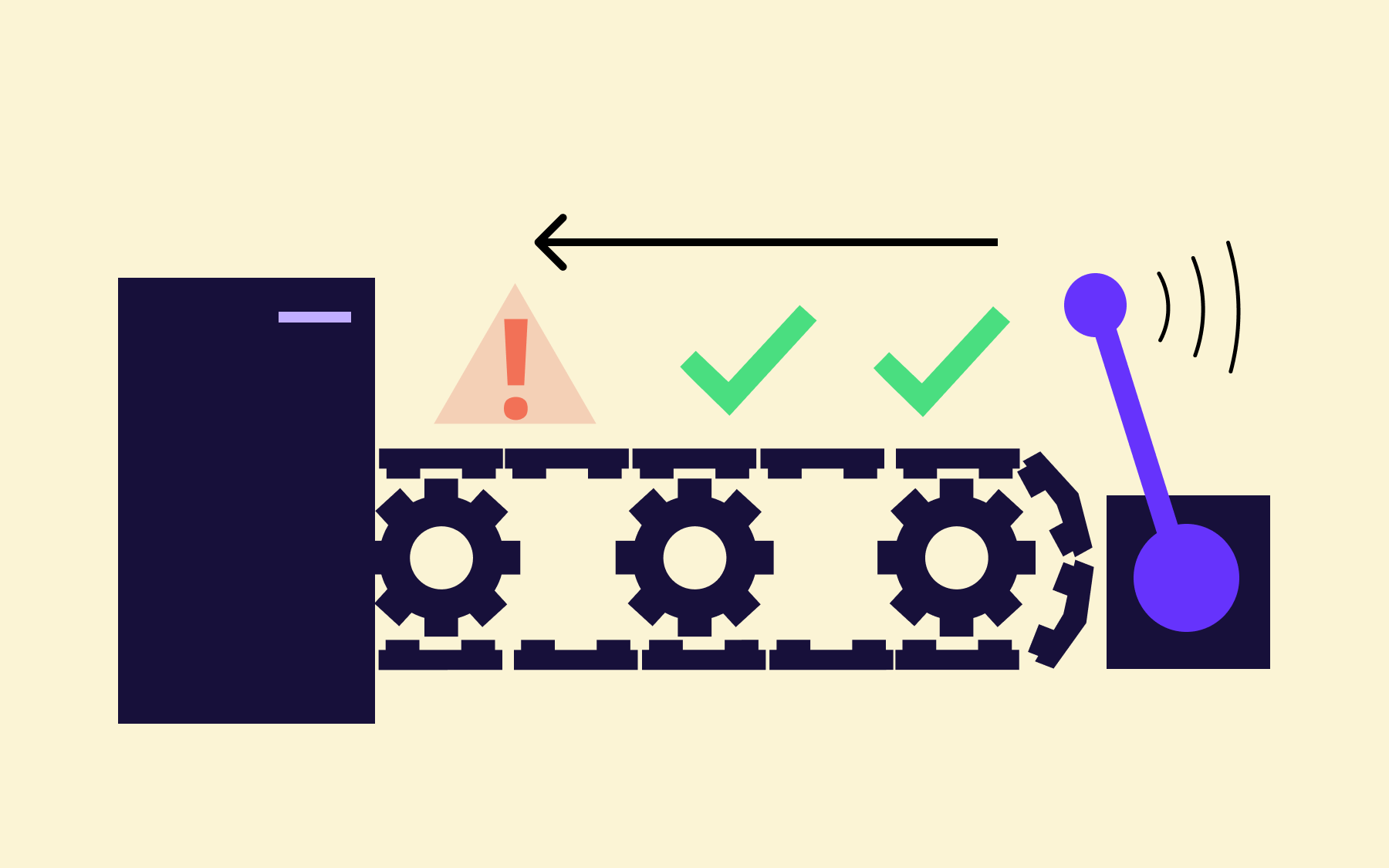
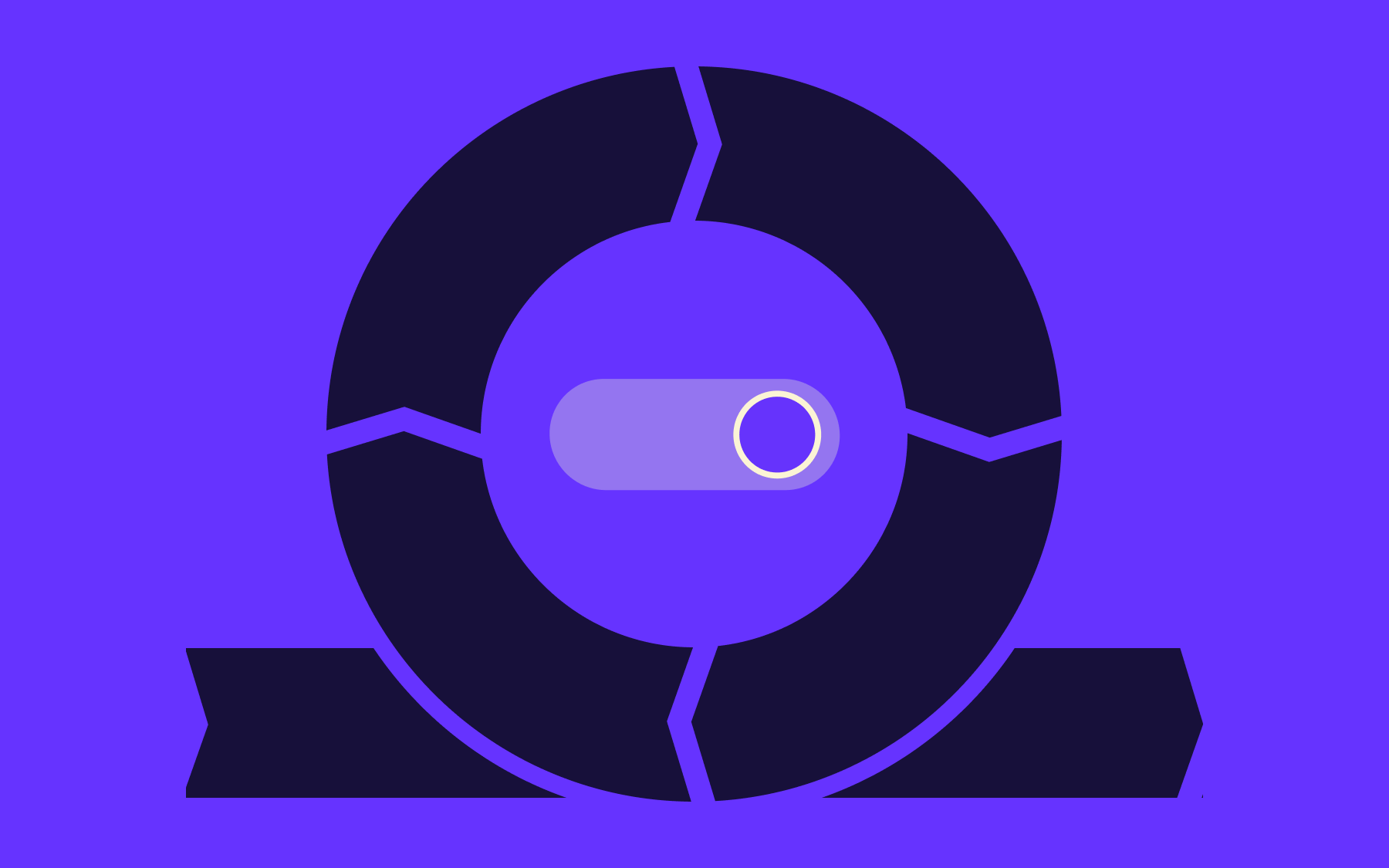
At its most basic level, a kill switch is a Boolean flag evaluated at runtime. When it’s set to on, the application executes the feature as normal. When it’s set to off, that code path is skipped entirely—no restart, no redeployment, no code change required. The check happens fast because it happens in the running application.
What makes kill switch software useful is the centralised management layer that sits above those flags. Rather than hardcoding a toggle into a config file and re-pushing it, a kill switch lets you change a flag’s state through a dashboard or API call, and that change propagates instantly across all environments, instances, and regions. You can remotely disable a specific feature for your entire user base, or restrict the change to a single environment, in seconds.
The check itself is lightweight. Your application polls or streams the flag state at runtime, so the decision to execute or skip a feature happens in milliseconds. From the user’s perspective, a disabled feature simply isn’t there—they won’t see an error, they’ll see the absence of that functionality, cleanly handled.
This separation of deployment from release is what gives development teams real control. The code is live, but the feature is gated. Turning it off requires no developer involvement at the moment of the incident, which, in a production emergency, is exactly the kind of operation you want to be trivial.
Kill switches vs. feature flags
With kill switches and feature flags often used interchangeably, it’s worth being clear about what separates them, especially since the distinction affects how you design your release process.
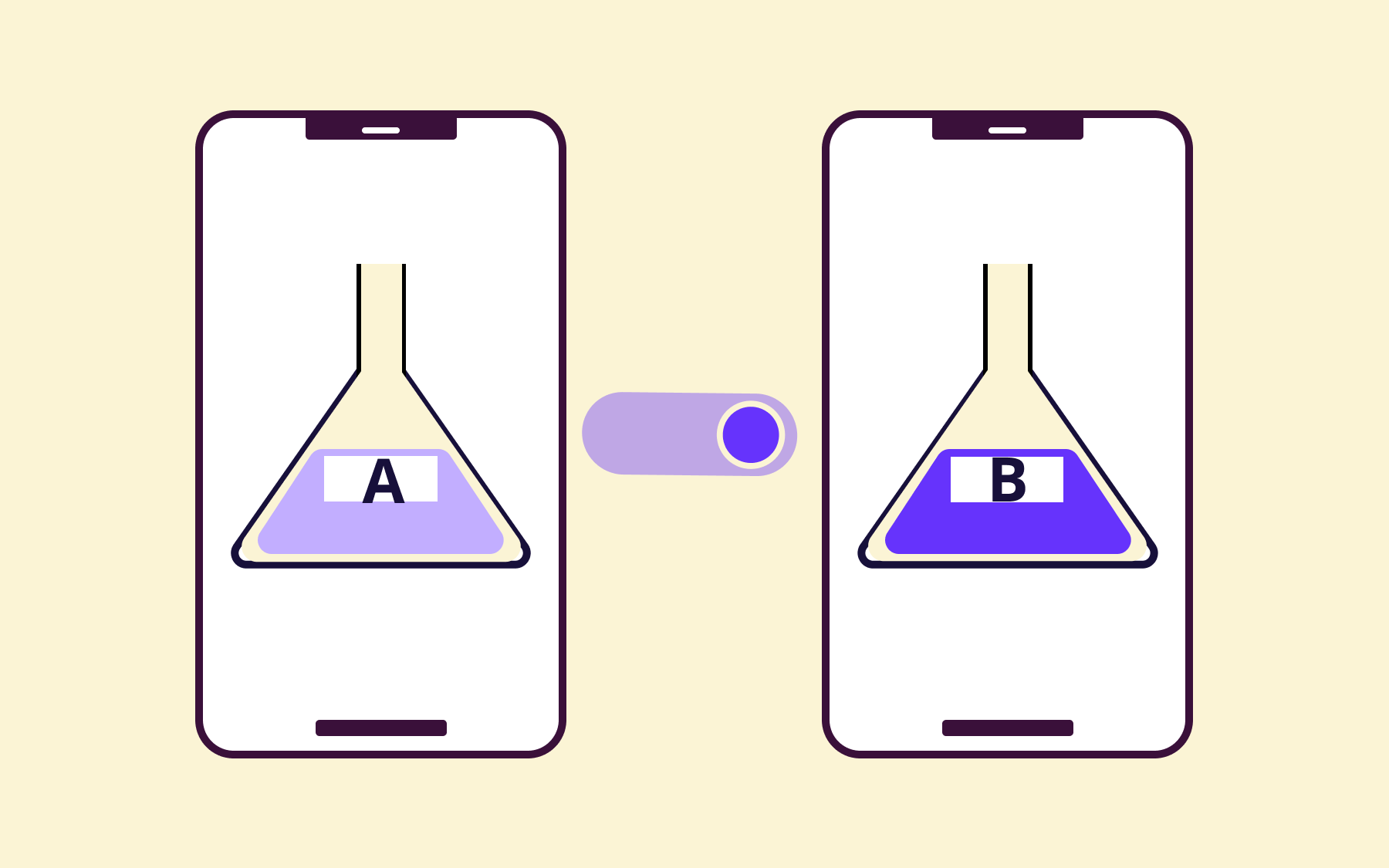
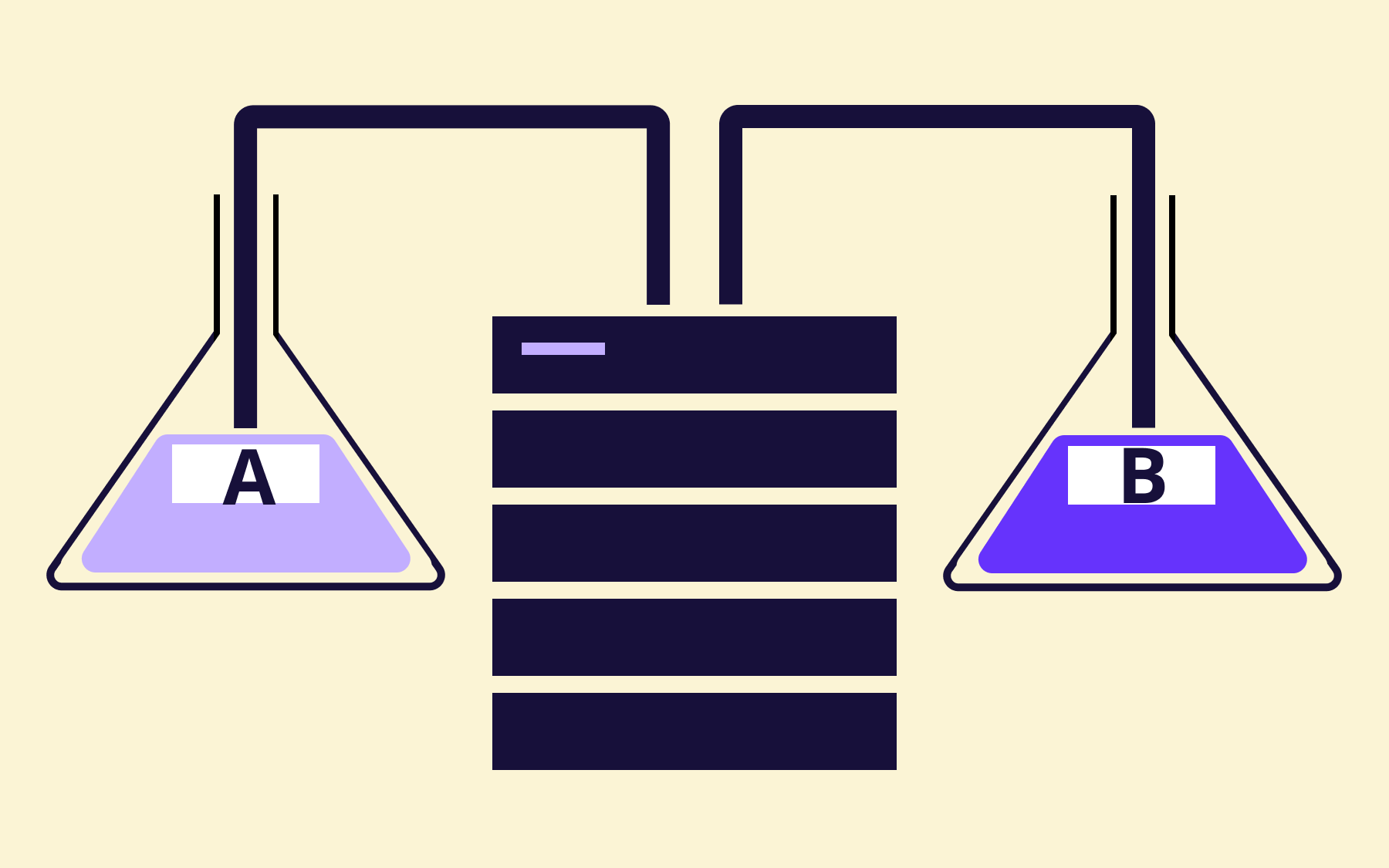
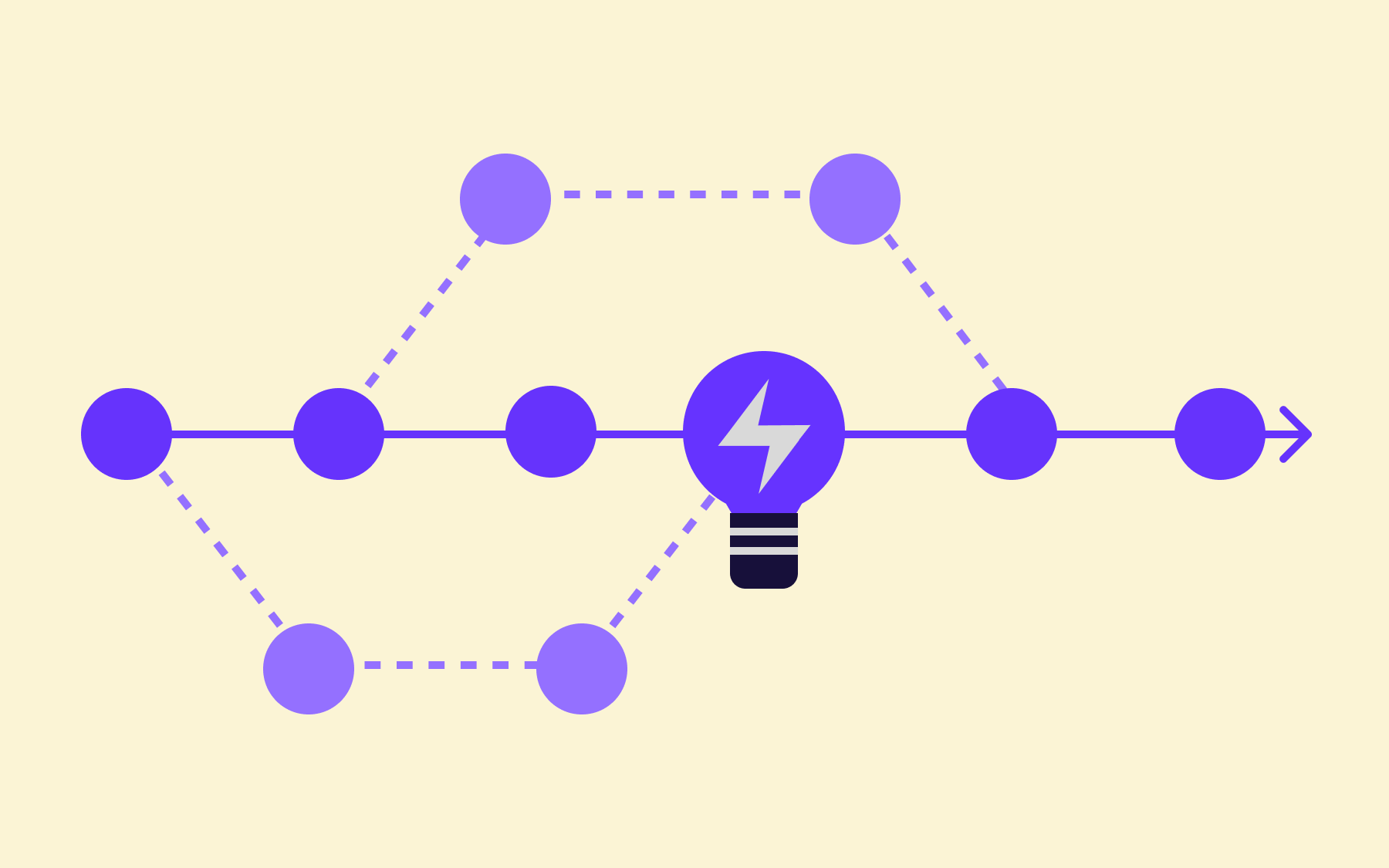
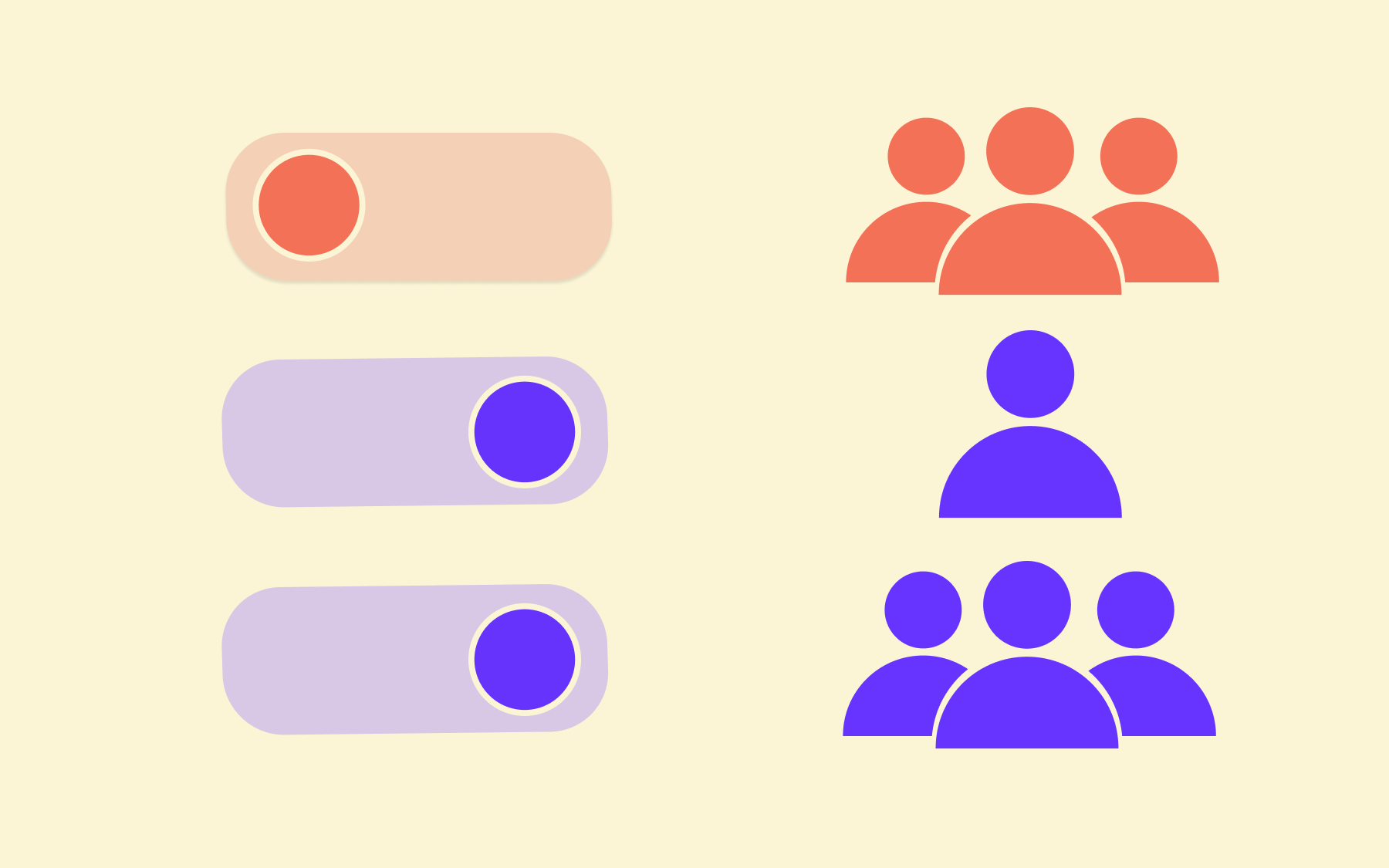
A feature flag is the broader mechanism. It’s a form of feature release management that can control gradual or phased rollouts to a percentage of your user base, enable A/B testing between two variants, target a specific segment of users, or gate access to a feature by environment.
Feature flags are a general-purpose tool used throughout the development and deployment lifecycle.
A kill switch is a specific, narrower use of that same mechanism—one designed purely for emergency disablement. The intent is different: where a feature flag might be configured carefully over days or weeks to manage a canary rollout, a kill switch exists to be flipped off immediately when something goes wrong. Speed and simplicity are the point.
The simplest way to think about it: all kill switches are feature flags, but not all feature flags are kill switches.
Teams using a feature flag platform like Flagsmith get kill switch capability as part of the same toolset. There’s no need to build a separate toggle infrastructure or maintain two parallel systems.
When to use a kill switch
Knowing what a kill switch is only useful if you know when to reach for one. The following scenarios cover the most common and important use cases.
Unexpected error or latency spikes
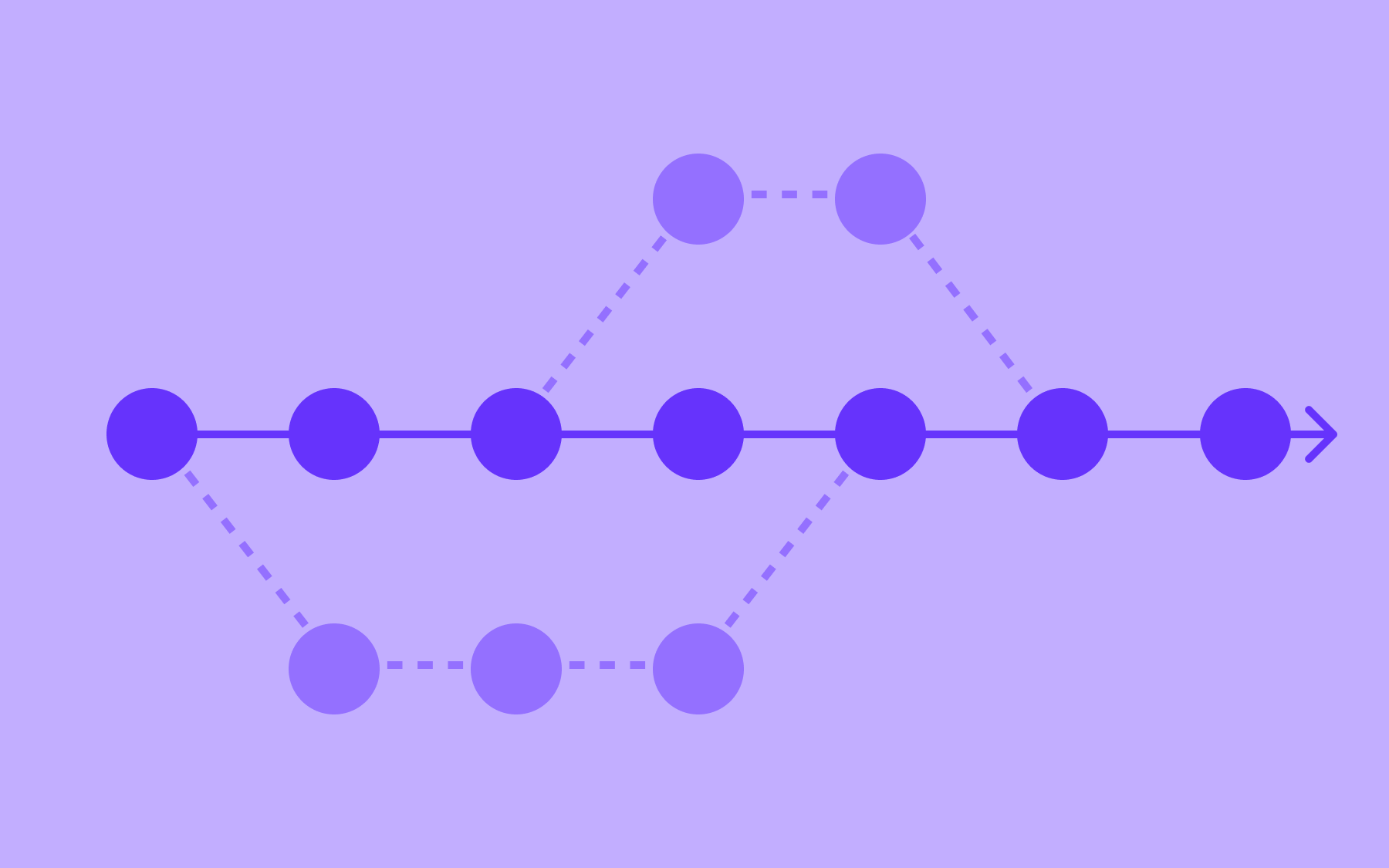
The most obvious is a newly deployed feature that causes an unexpected spike in errors or latency. Rather than initiating a full rollback—which takes time, involves coordination, and risks introducing new problems—you remotely disable the feature and buy time to investigate. The rest of the application keeps running properly.
An issue with a third-party integration
A third-party integration going down is another common scenario.
If your application depends on an external API for a specific feature—e.g., for payment processing, address lookup, or a data enrichment service—and that provider has an outage, a kill switch lets you bypass that code path entirely without a deployment.
The rest of your app keeps working; that functionality is temporarily disabled until the connection is restored.
For compliance or required by law
Kill switches are also valuable when compliance or legal requirements come into play. If a feature needs to be switched off for a specific region or segment of users at short notice, a kill switch gives you that control without touching code or triggering a release.
To halt a poor-performing rollout
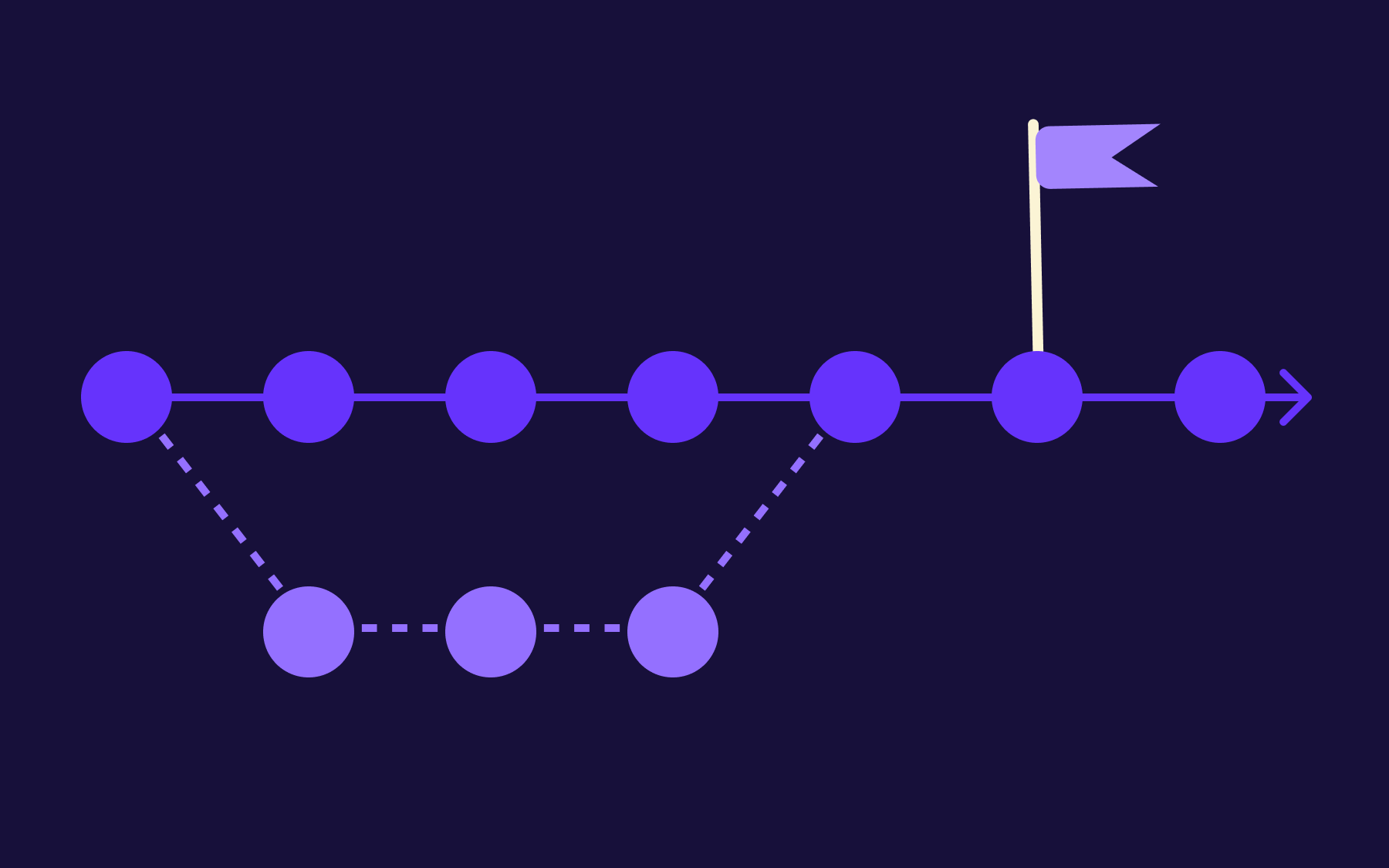
Finally, if you’re running a gradual rollout and early feedback is poor, or your monitoring shows degraded performance for the subset of users already receiving the new feature, you need to be able to halt that rollout immediately. A kill switch enables that in seconds.
To put some numbers behind the urgency: A 2024 study found that outages cost the enterprise businesses an average of $200 million a year.
The ability to cut off a broken feature almost instantly, rather than waiting on a deployment pipeline, is a direct risk reduction for any team shipping to production regularly.
Kill switch best practices
Knowing when to use a kill switch is one thing. Making sure it works when you need it is another. These are the habits that separate teams with a reliable safety mechanism from those who reach for one in a crisis and find it fails them.
Build kill switches in before you ship
Retrofitting a kill switch after a feature is already live is significantly harder. By that point, the feature’s code may be tightly coupled with other parts of the application, and wrapping it safely in a toggle requires changes that could themselves introduce bugs—exactly what you want to avoid.
A better habit is to treat the kill switch as part of the definition of done. Before a feature ships, the toggle should be in place, tested, and documented—not as an afterthought, but as a standard part of the release checklist.
Keep kill switch logic separate from business logic
If the flag check is deeply tangled with application code, disabling the feature can produce unexpected side effects, such as broken UI states, failed fallbacks, or cascading errors in dependent services. Keep the toggle at the entry point of the feature path, not woven through it.
Think of it as a gate, not a thread. The kill switch decides whether the feature runs at all; it shouldn’t be involved in how it runs.
Test that the kill switch actually works
A kill switch that’s never been exercised may not work when you need it.
Toggle-off testing should be a standard QA step. Don’t just confirm that the feature works when the flag is on, confirm that disabling it produces the expected result cleanly, without errors or broken states. Kill switches that have never been tested are, in most cases, a false sense of security.
Set clear ownership
In a production incident, the last thing you want is ambiguity about who has the ability and the permission to trigger a kill switch. That decision should be made in advance: who can flip the switch, under what conditions, and through which system.
Incident management moves significantly faster when the process is already defined and access controls are already in place before anything goes wrong.
Conclusion
Kill switches are among the lowest-effort, highest-value additions to any deployment strategy. The investment happens up front–building toggles in before you ship, testing them, and agreeing on ownership. The return is the ability to respond to production incidents in seconds rather than hours.
For teams looking for kill switch capability without building their own toggle infrastructure, Flagsmith provides it as part of a full feature flagging platform.
Flagsmith is open source, which means no vendor lock-in and full visibility into how the system works—something that matters increasingly as feature flags become critical infrastructure for teams of any size. You can get started for free in under five minutes. Start using Flagsmith for free.

















OpenTelemetry, without the vendor lock-in: Introducing full observability for Open Source and Self-Hosted Flagsmith customers