10 Best Practices to Build and Ship AI Features With Minimal Risk


It’s 2026 and every product team is thinking about AI. Everyone’s been in a roadmap meeting where someone says, “What if we added AI to this?”
The noise in the market doesn’t help either. Most of your competitors might be moving in the same direction, too, which only exacerbates the pressure.
The upside is compelling. Your customers get smarter recommendations and faster workflows when the AI features work well. But in a regulated industry, the risks aren’t hypothetical. A hallucinating model creates a bad user experience, but more than that, it creates compliance issues and damages your reputation.
This doesn’t mean you should avoid adding AI to your product, but it does mean that you should work to reduce risk and follow stringent release practices. AI features need scoped rollouts, kill switches, audit trails, and feedback loops just like any other production change.
In this guide, we’ll cover best practices for building and shipping AI features with confidence, without breaking things.
1. Define the scope of your feature and performance criteria
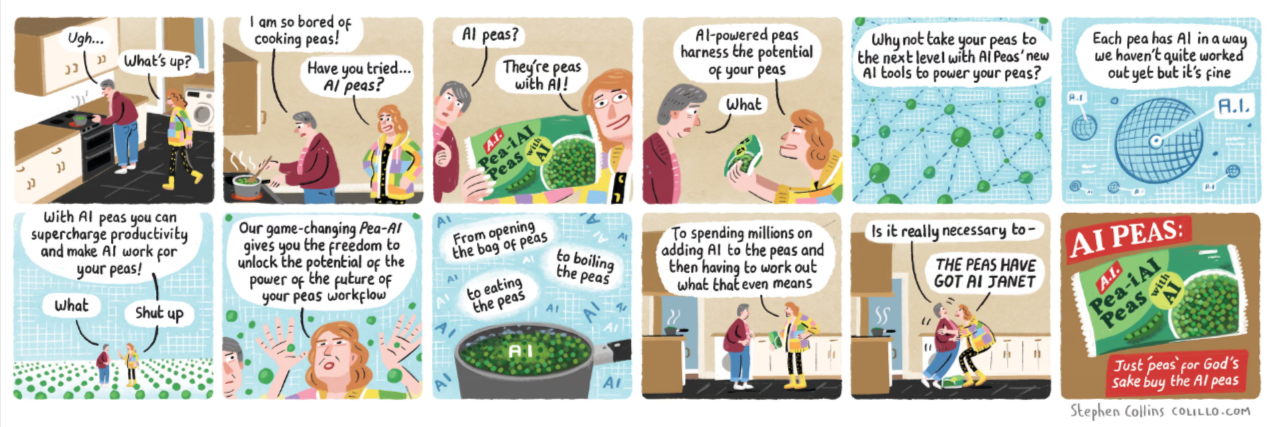
This may sound basic, but as the AI peas demonstrate, sometimes teams get swept aboard the AI hype train and forget to focus on the end goal. So get specific and identify what success looks like in measurable terms. For example, you might need the response latency to be below a certain threshold or to achieve X% lift in conversion to justify compute costs.
Also, map out the risk domains that apply to this specific feature. A few examples include:
- High error rates
- Privacy exposure
- Potential bias
- Cost spikes
- Unchecked AI usage
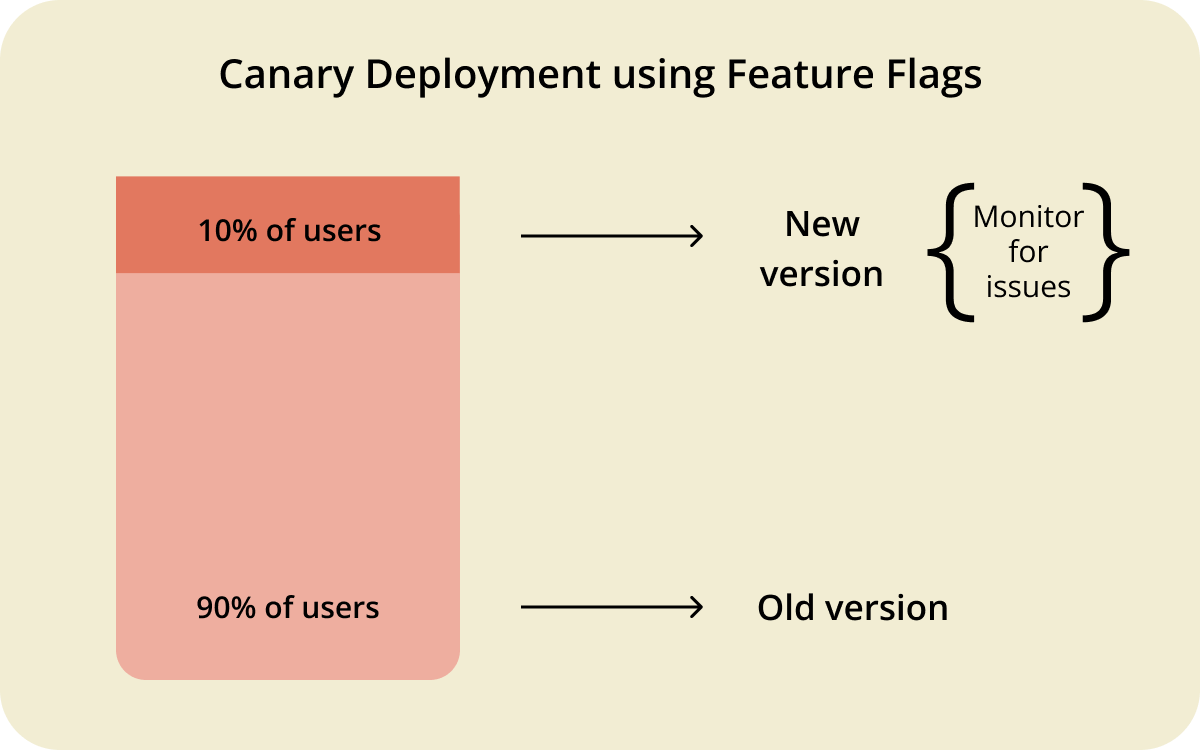
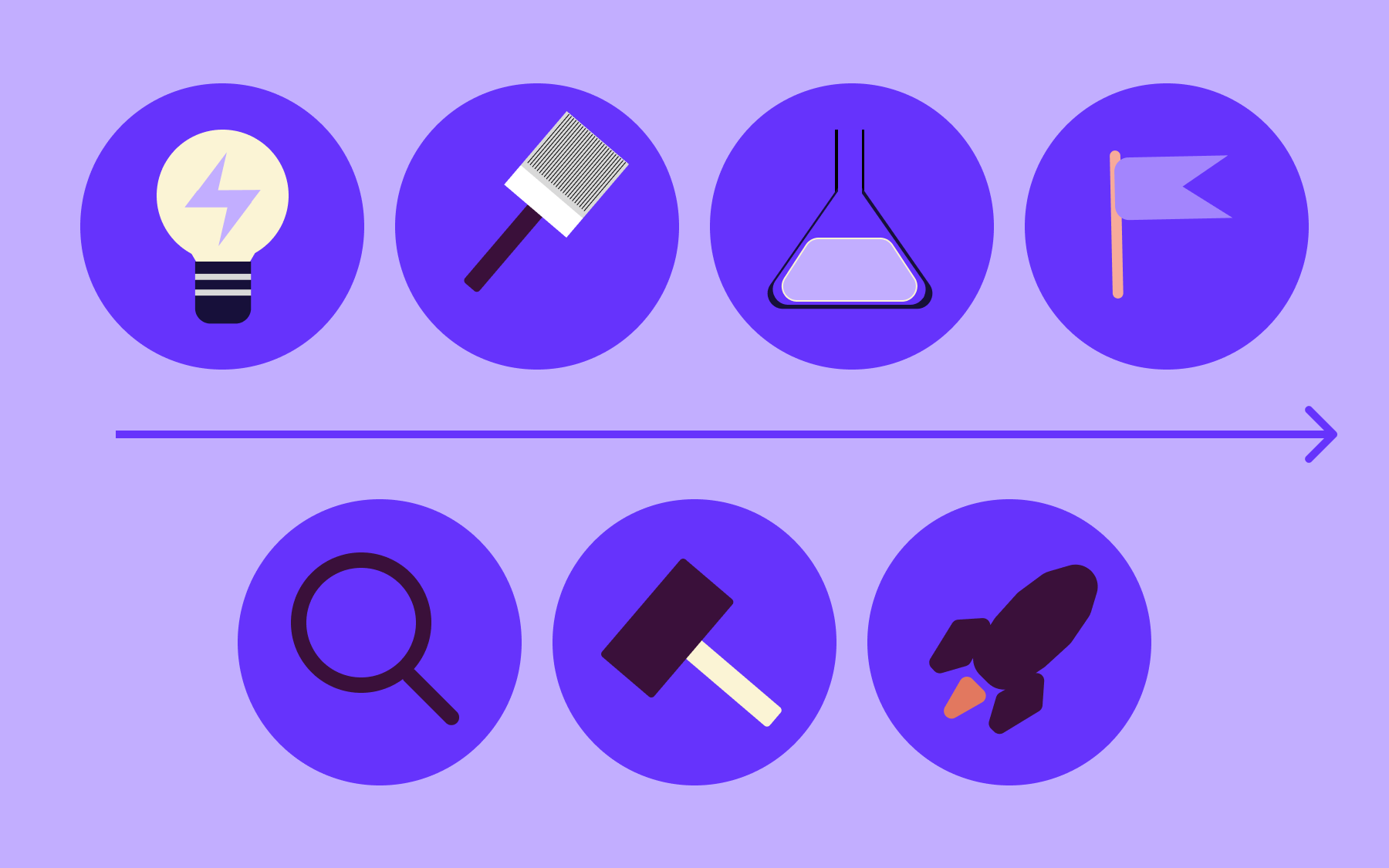
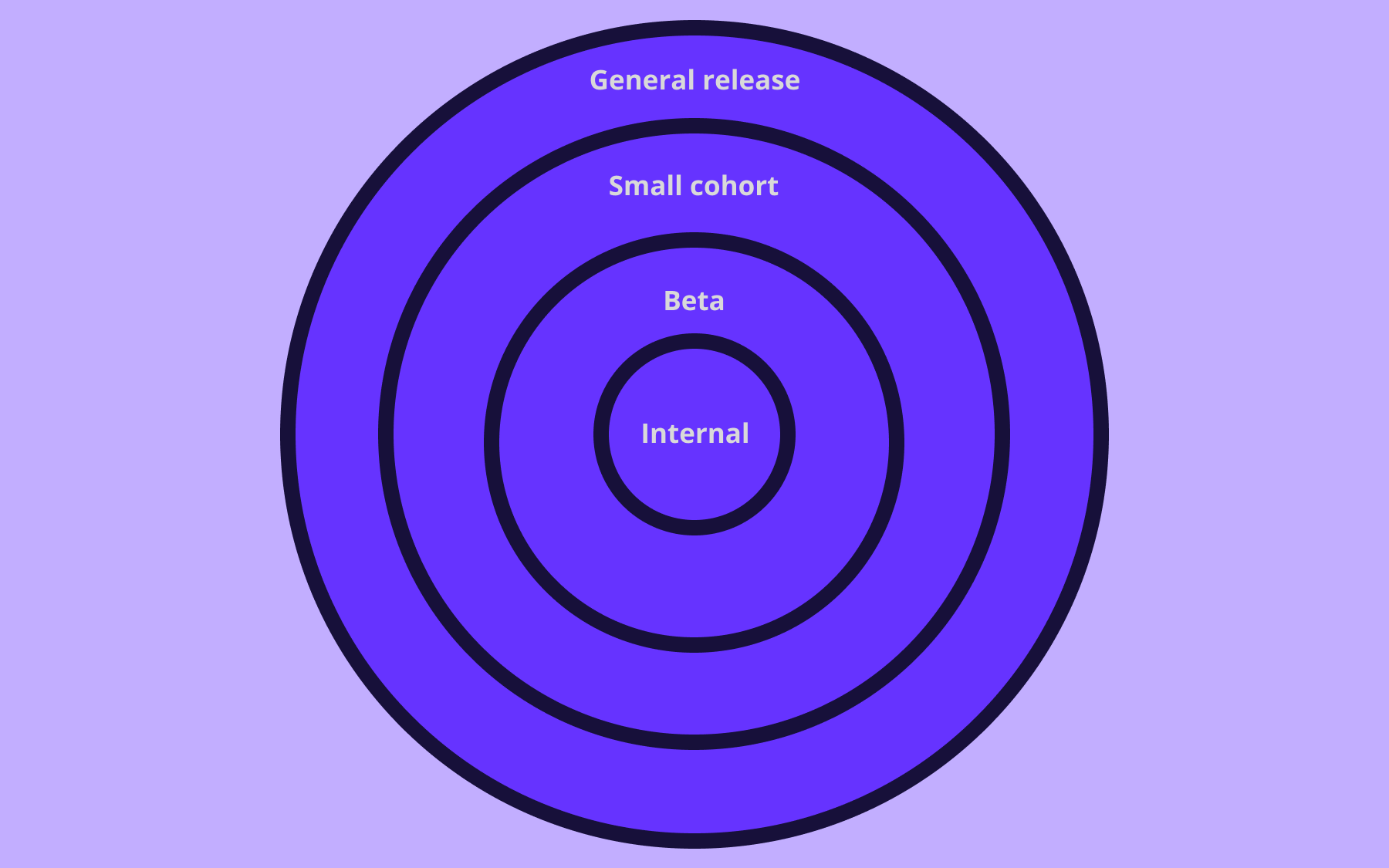
From there, sketch out your rollout phases: internal testing first, then a canary release to a small segment, and then broader deployment. Each phase should have clear exit criteria, so you’re not guessing when it's safe to expand.
2. Use feature flags for AI-enabled capabilities
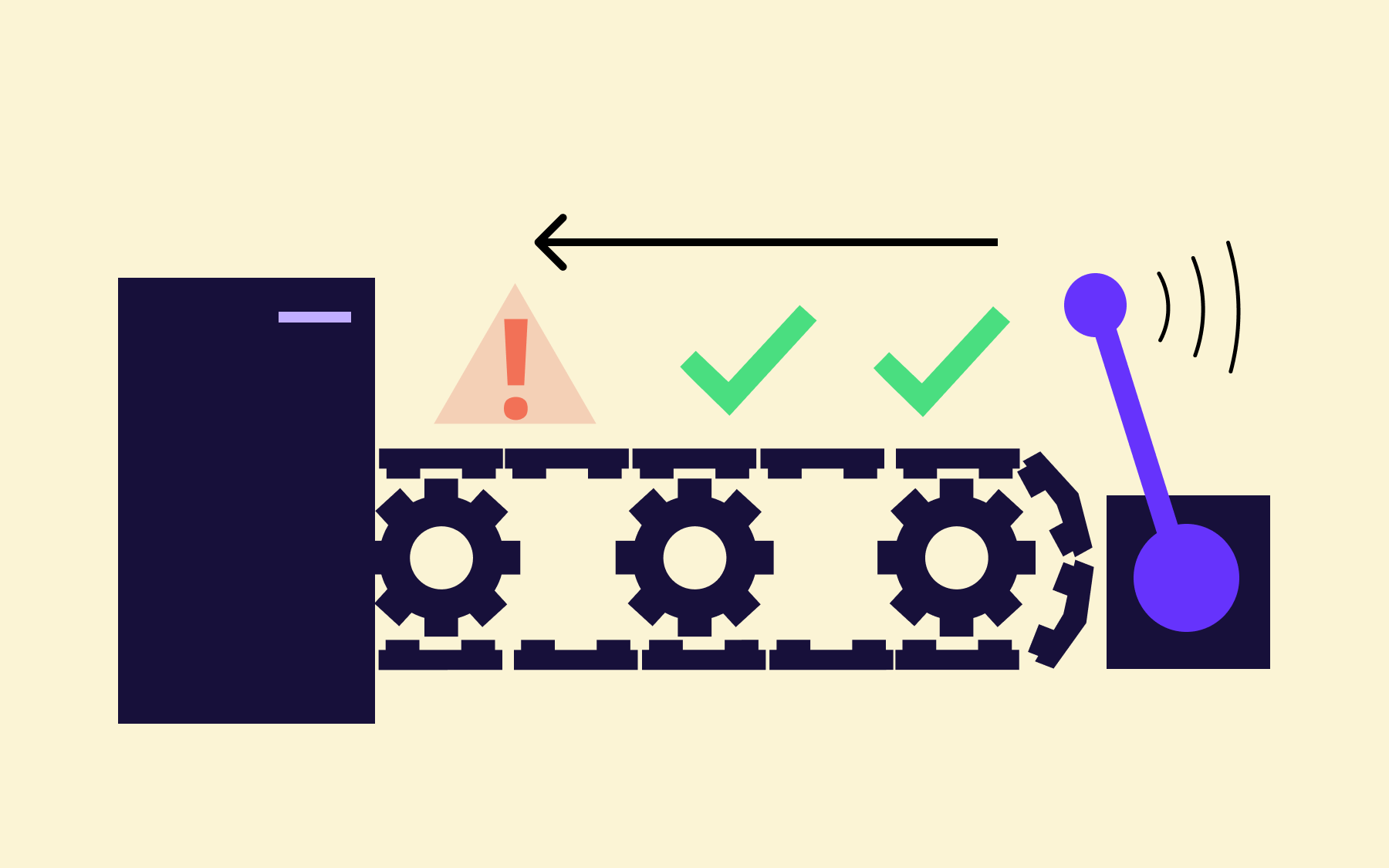
If you've ever shipped a feature and immediately wished you could roll it back without losing a wide swathe of other changes, feature flags are about to become your favourite tool. They let you wrap any AI capability in a toggle that you control at runtime. This means you can turn things on or off without redeploying code or waking up the on-call engineer at 3 AM.
The key is to use gradual exposure. Here’s how you can use it:
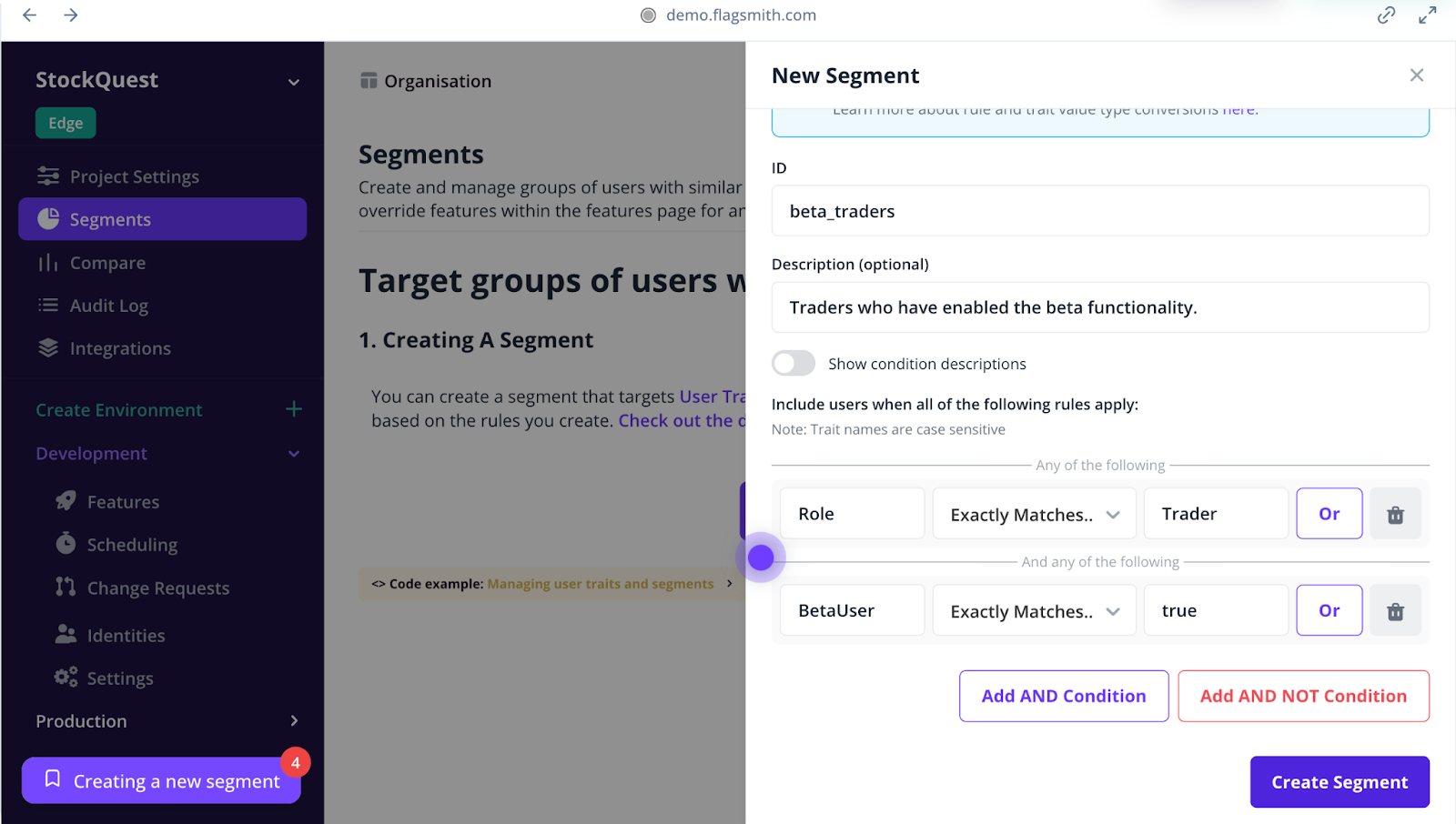
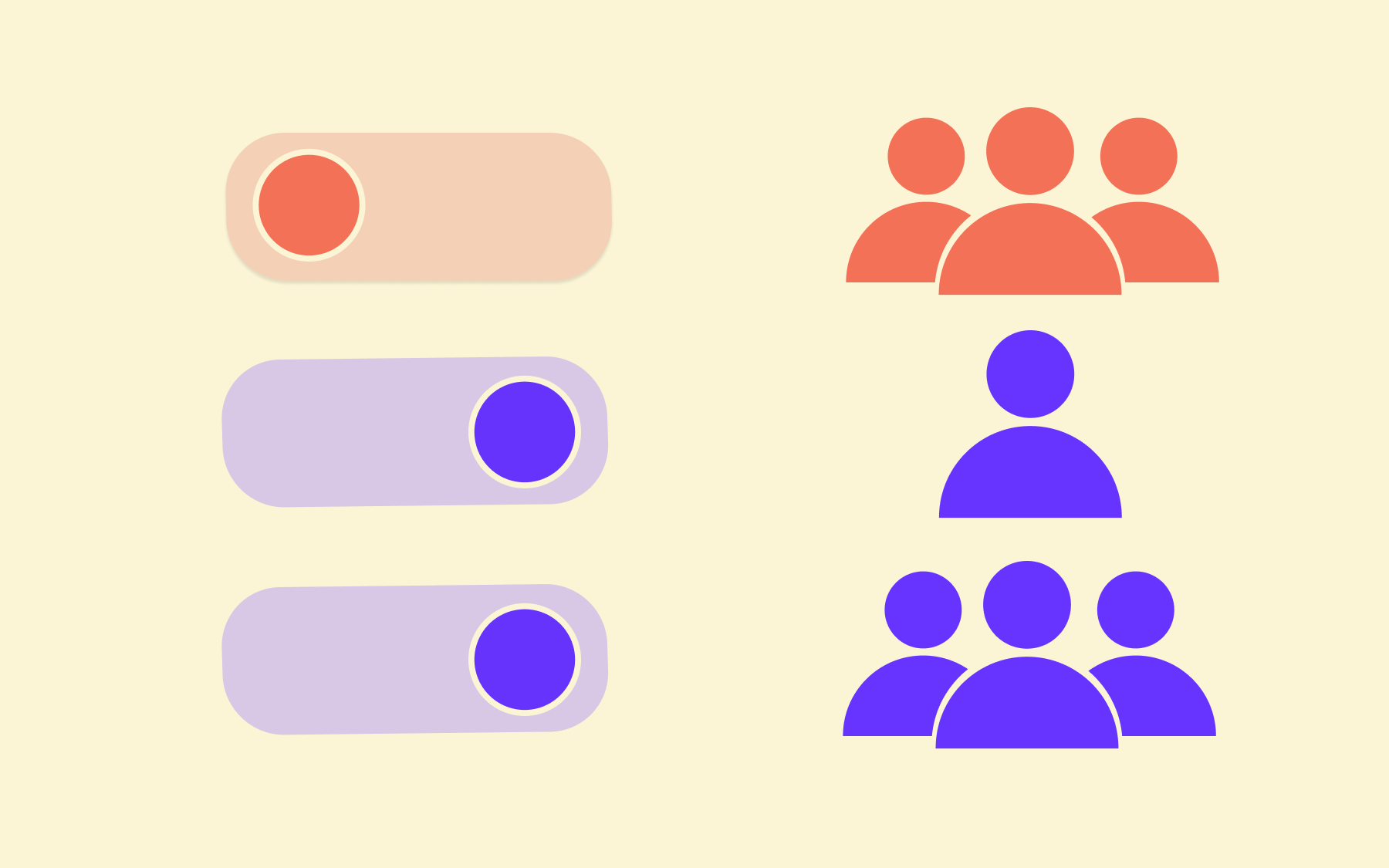
- Start by releasing your AI feature to internal teams only
- Expand to a handful of power users who’ve opted into beta testing
- Roll it out to your full user base once you’re confident it works well
If something goes sideways at any point, you switch the flag off and buy yourself time to investigate without leaving users stranded.
Flagsmith lets you combine feature flags with remote configuration, so you can adjust AI parameters on the fly without changing the underlying code.
3. Build AI features that fail safely
What happens when the model returns garbage? Or times out mid-request? Or confidently hallucinates something that makes no sense?
If your answer is “The user sees an error screen,” that’s not enough.
AI features are less predictable than traditional code paths as they depend on model availability and outputs you can’t fully control. That means you need to design for failure from the beginning.
Start by mapping out the failure modes that apply to your feature. A few common ones:
- Model timeouts or rate limits: What happens when the AI provider is slow or unreachable?
- Low-quality outputs: What if the response is technically valid but useless or wrong?
- Unexpected formats: What if the model returns something your downstream code can’t parse?
In those cases, you need to have a fallback in place. For instance, defaulting to a non-AI path or serving cached results. When you do, you’ll make sure users don’t hit a dead end because the feature didn’t work as expected.
Feature flags make this easier to implement. You can wrap the AI path in a flag and fall back to a simpler experience when something goes wrong.
4. Build in auditability and version control from day one
When something goes wrong with an AI feature—and at some point, something will—you need to be able to trace exactly what happened.
Which model version was live? What prompt configuration was active? Who approved the last change, and when was it released?
If you can’t answer these questions quickly, you’re debugging in the dark.
Version control isn’t just for your application code anymore. Your models, prompts, configurations, and feature flags all need to be versioned and tracked so you can see the full history of changes and why they happened. When you’re running multiple variants or rolling out updates to different user segments, you can get a clear picture of what’s happening in the backend.
Audit logs are the other half of the equation. For example, if you change a flag’s status or launch one, you should know exactly who did it and when. It’s a good hygiene practice and a critical compliance requirement in regulated industries.
5. Plan your rollout strategy around controlled experimentation
Shipping an AI feature to 100% of your users on day one is a bit like testing a parachute by jumping out of the plane first. It might work out fine, but you’ve left yourself no room to recover if it doesn't.
A staged rollout gives you that room.
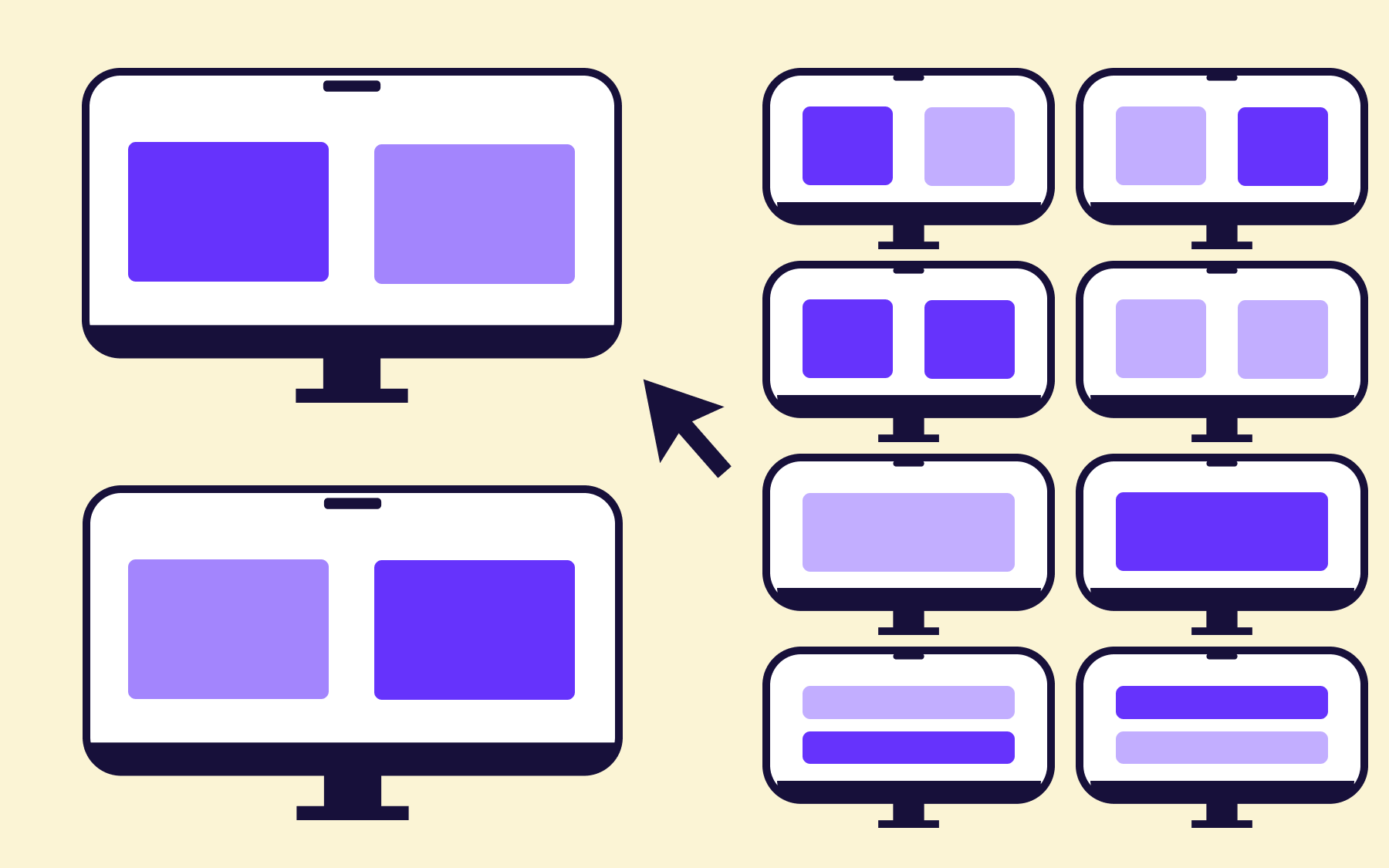
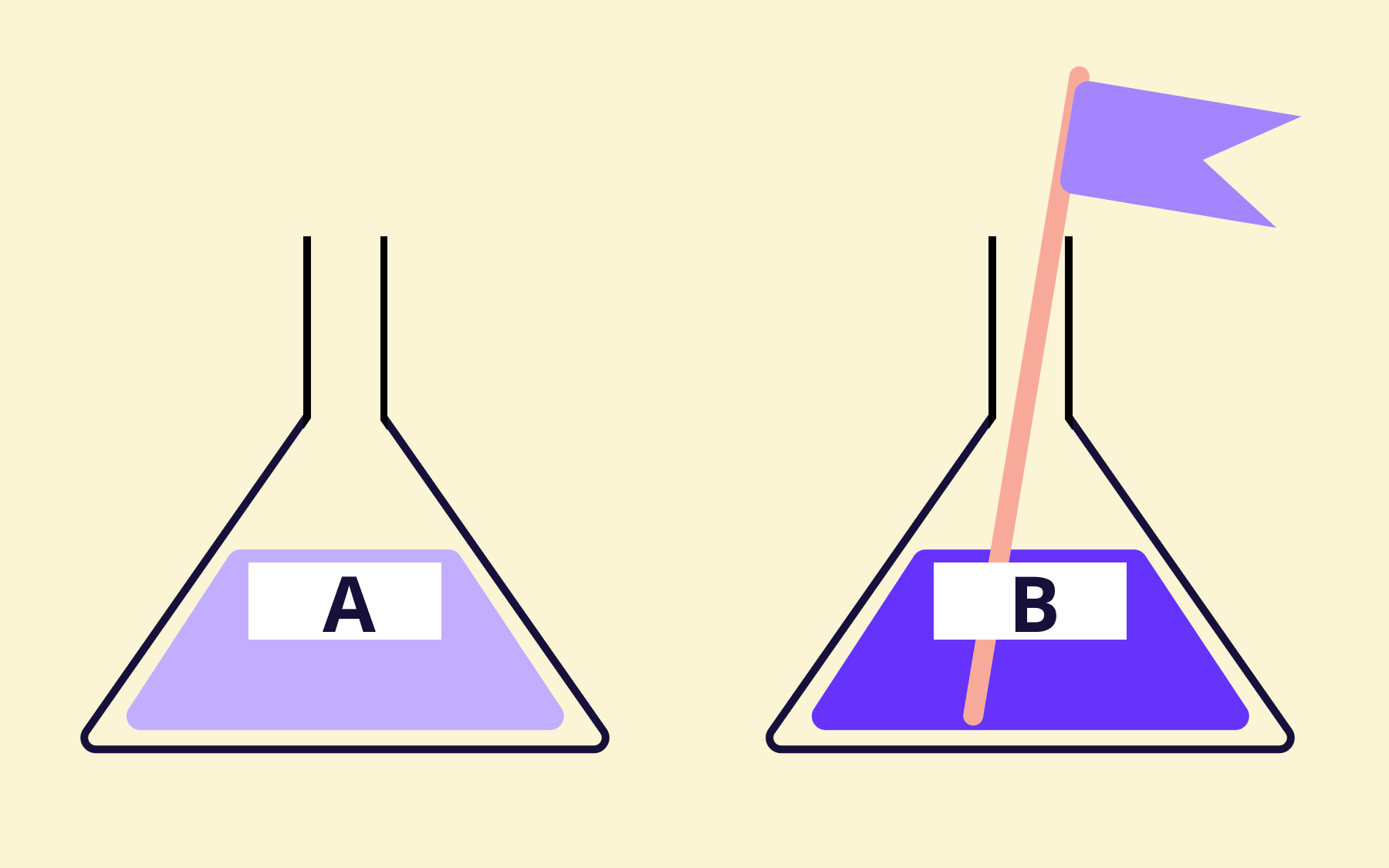
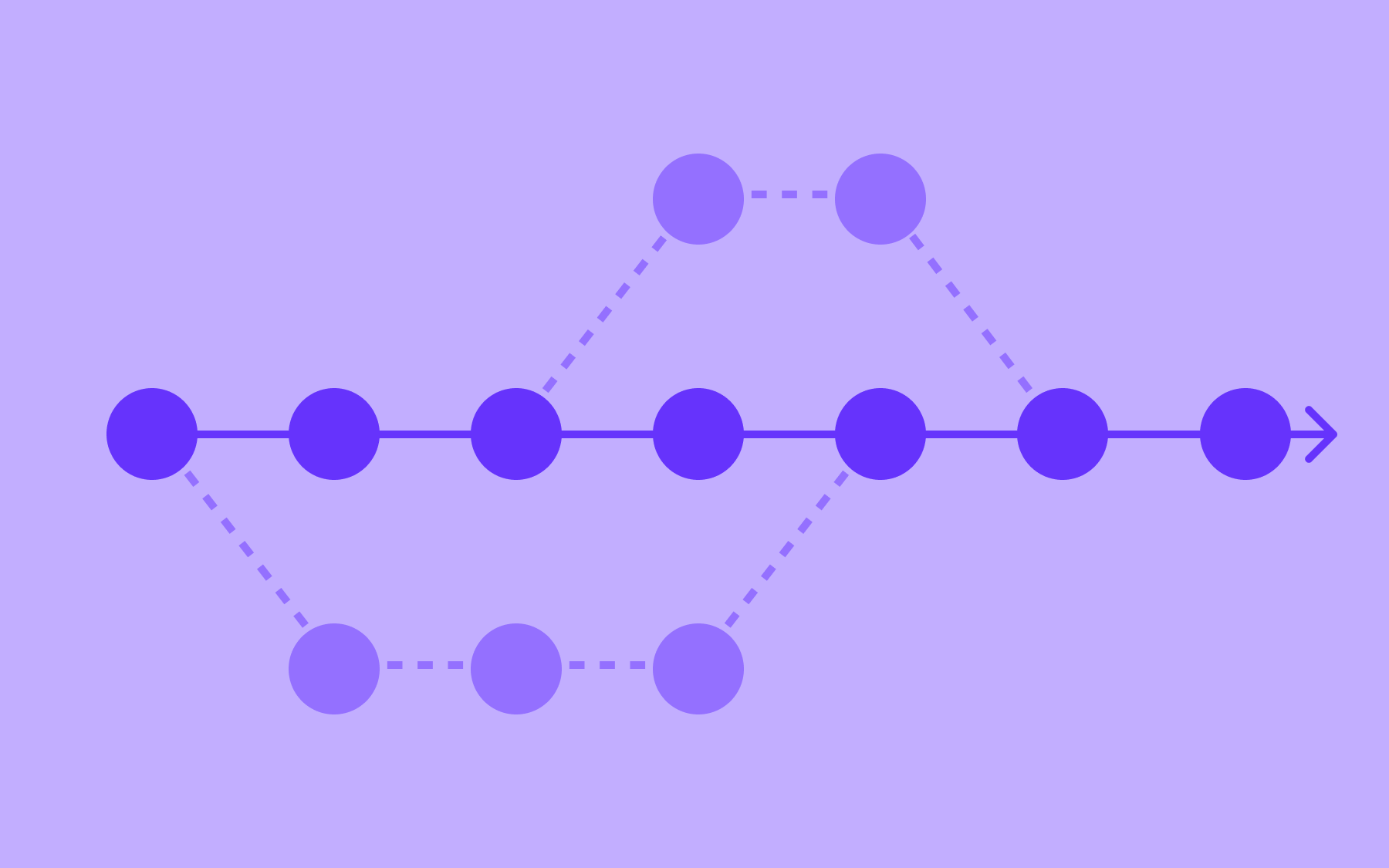
You start with a shadow deployment or internal release where the feature runs in production, but only your team can see the output. Once that looks stable, you expand to a small percentage of real users, maybe 5% or 10%, and watch closely for anything unexpected. Only after you’ve validated behaviour at each stage do you open it up further.
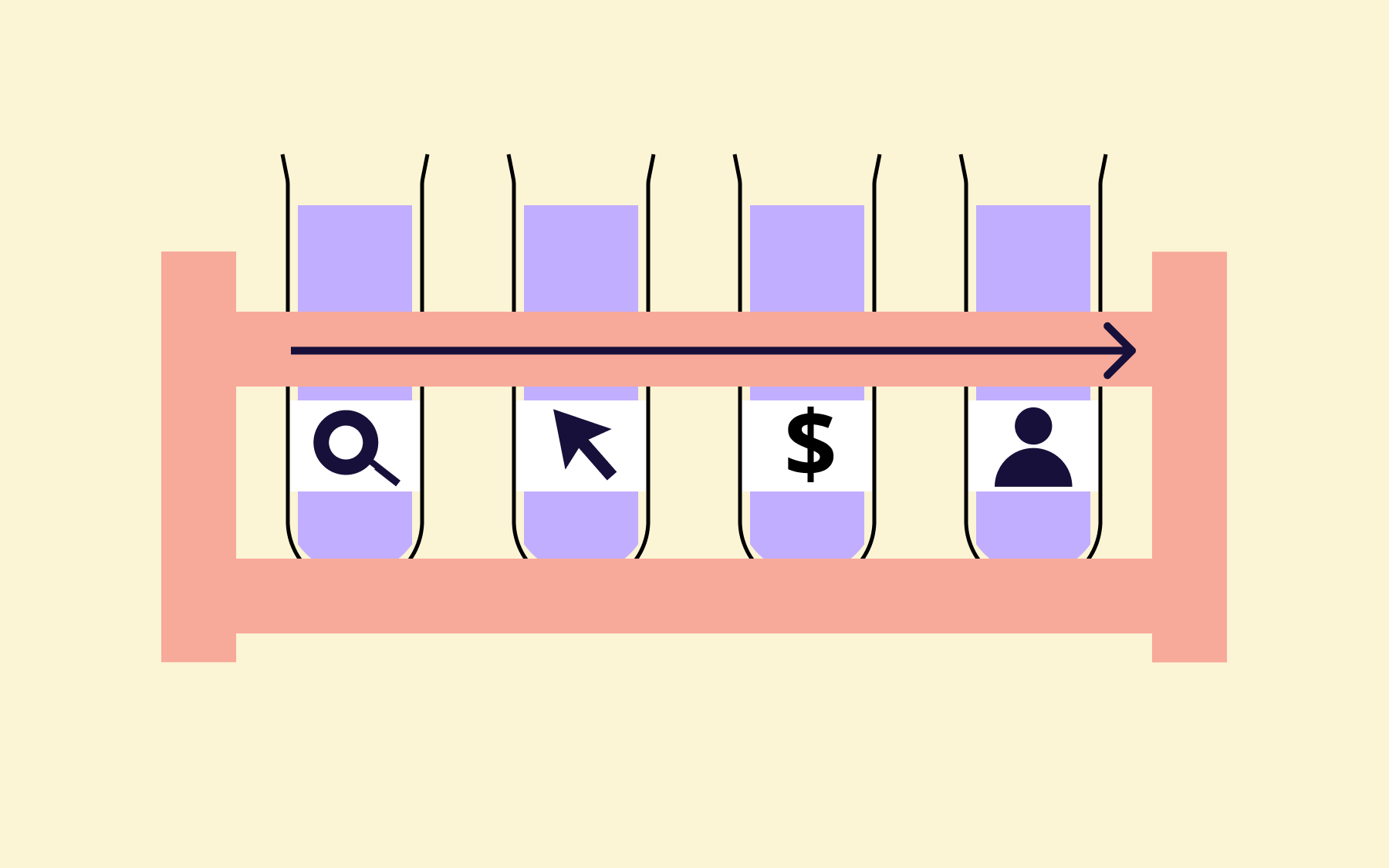
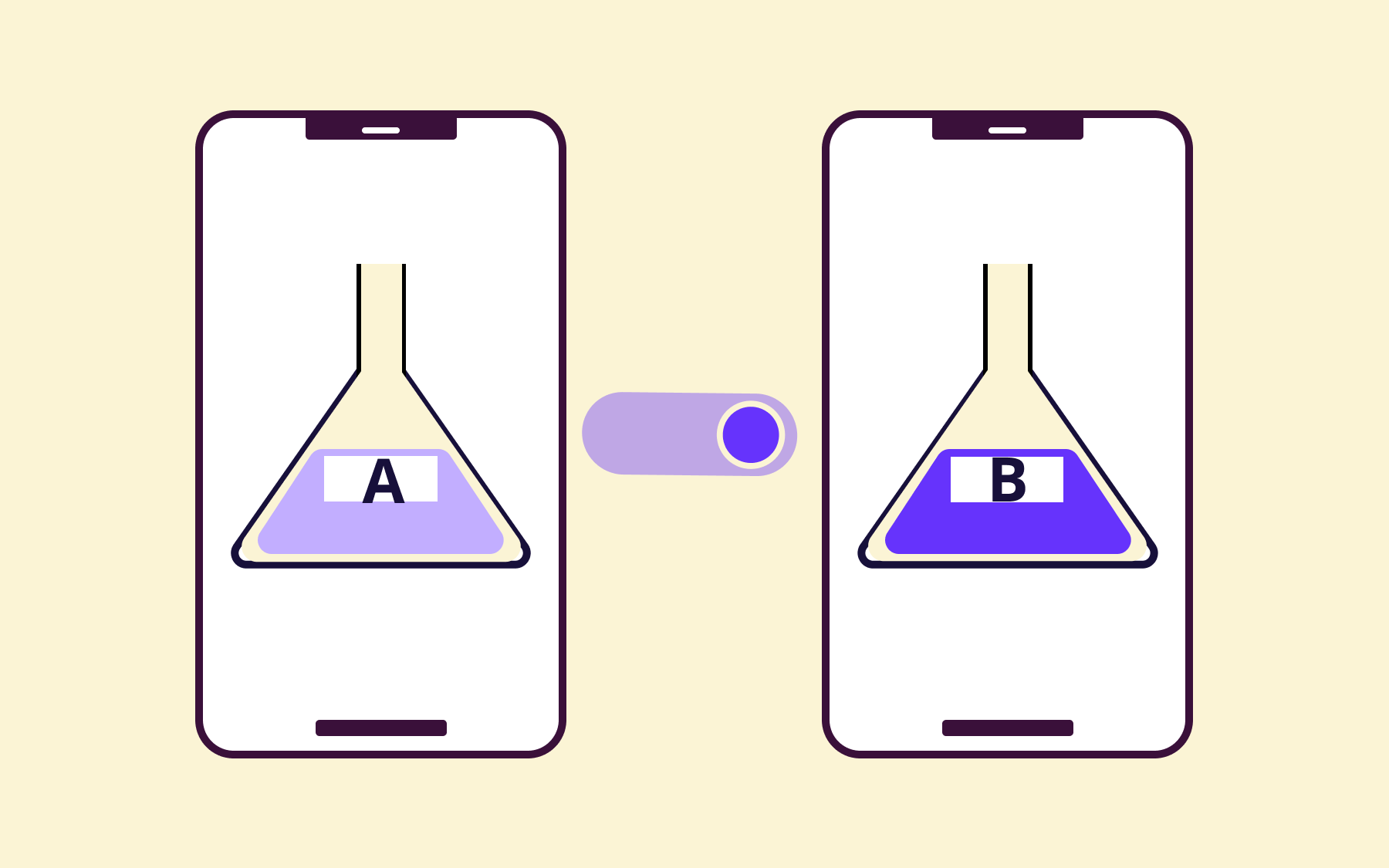
You can use your rollout phases to test different variations:
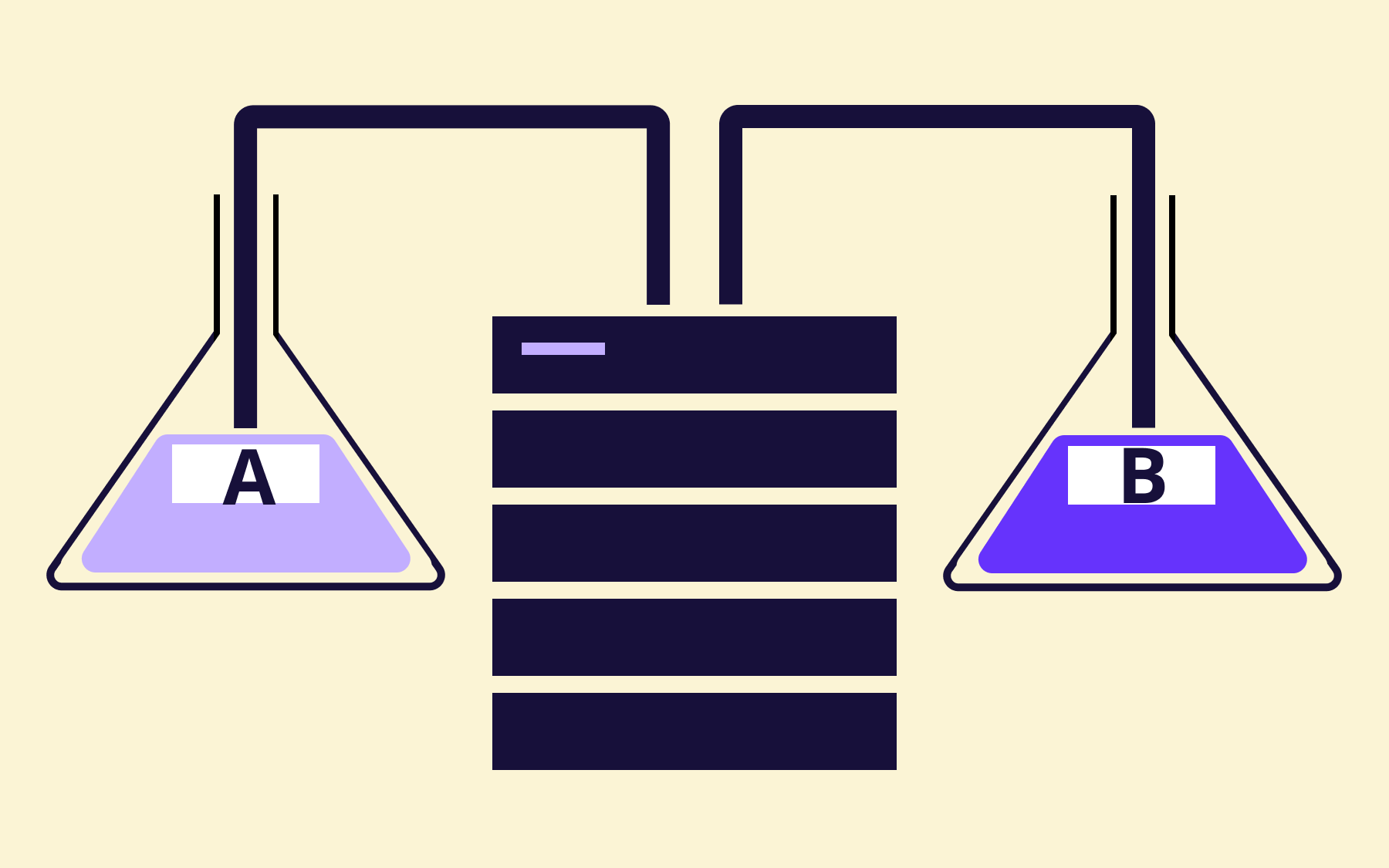
- Prompt versions: Does a more detailed system prompt reduce hallucinations, or does it slow response times without meaningful improvement?
- Model versions: How does the newer model compare to the current one on accuracy, latency, and cost per request?
- UI placements: Do users engage more when the AI feature is prominent, or does a subtler integration perform better?
Each experiment generates data you can use to make the next decision, which beats guessing every time.
6. Monitor performance and business impact continuously
Only when you launch your AI feature can you really tell how it behaves in the wild. The patterns you see in production will look different from anything you observed in testing, and you need visibility into what's actually happening.
That’s why we recommend setting up dashboards that track the metrics that matter the most to your feature. Here are a few example metrics:
- Latency
- Error rates
- Model accuracy
- Cost per request
- User engagement
- Conversion rates
- Retention
You can use a tool like LangWatch to evaluate and test platforms and features built using AI. It can tell you if there’s a drift in quality between models and even monitor your features in live production.
If you’re using feature flags, Flagsmith’s Flag Hygiene feature lets you integrate with observability platforms like Grafana and catch anomalies before they become a problem.
7. Bake governance and compliance into your deployment pipeline
If you’re in a regulated industry, you can’t treat governance as something you bolt on in the end. It has to be baked into your build pipeline. But when you’re working with AI features or models, the risks are harder to predict, and the regulations are also playing catch-up.
Let’s say you have a healthcare app. If your AI feature touches personal health information (PHI) of patients and ships without proper logging, you’ll violate HIPAA. The HIPAA Security Rule’s Audit Controls require you to have mechanisms in place to record this activity. If you don’t, you risk non-compliance and a massive hit to your bottom line (and credibility).
When you build governance into your deployment pipeline, you can:
- Define who can approve flag changes and model rollouts
- Decide who gets access to training data and production outputs
- Set up approval workflows that require sign-off before anything goes live
It's non-negotiable, so use a platform that gives you these features out of the box. For instance, Flagsmith provides change requests and approval workflows that you enforce a four-eyes sign-off for sensitive flag changes within the platform.
8. Iterate on your AI features and manage technical debt
The first version of your AI feature won’t be the best version. It’s the nature of working with systems that improve over time. What matters is how quickly you can learn from production behaviour and feed those insights back into the next iteration. But iteration only works if you’re not drowning in the mess left behind by previous experiments.
A 2025 IBM report found that 85% of IT decision makers say technical debt is a significant barrier to building competitive advantages with AI. The thing is, AI features can accumulate technical debt very quickly.
For instance, you could be using an old prompt version or model configurations that are scattered across environments. You could also have old feature flags wrapped in your code which could interfere with the improved version.
Build cleanup processes in your workflow to manage technical debt. For example, implement automated flag hygiene to clean up old flags and archive prompts and models after a certain expiration date.
9. Build for scalability and resilience
AI features have a way of becoming load-bearing walls faster than you expect. What starts as a small experiment quickly becomes something users depend on daily. If your architecture wasn’t designed to scale, you’ll feel that pain at the worst possible moment.
You need to think through your inference costs early on. Model calls aren’t free, and a feature that seems affordable at 1,000 requests per day can become eye-wateringly expensive at 100,000. Similarly, if your model provider has an outage, how will you deflect the impact on your users?
In those cases, feature flags could be an excellent solution. You can throttle exposure or reroute users to an alternative model when things go haywire. The goal is to prevent your users from hitting a wall when something upstream breaks.
10. Retire features cleanly when the time comes
Not every AI feature deserves to live forever. Some get replaced by better versions. Some turn out to be less useful than you hoped.
Whatever the reason, you need a plan for shutting things down gracefully.
Feature flags make retirement almost anticlimactic, which is exactly what you want. You ramp down exposure gradually and monitor for any unexpected impact before turning it off completely.
But flipping the switch isn't the end of the process. Here are a few things to keep in mind:
- Archive your model versions, prompts, and configuration logs
- Clean up the code paths that are no longer reachable
- Remove the flag itself once you’re confident nothing depends on it
Pro tip: Don’t forget to review your observability platform to see if anything changed once the feature was turned off. It’ll help you close the loop and start the slate clean next time.
Ship AI with confidence, not crossed fingers
You don’t need a completely different development playbook to build and ship AI features. It’s more about understanding how your development and deployment pipeline changes when you use AI models to build AI features.
At the end of the day, you need to eliminate risk and stay compliant. The teams that ship confidently are the ones who build the systems to make that possible. One way to do that is by adopting feature flags to derisk the process.
It helps them move fast without breaking things—while making deployment and experimentation safe and controlled.
If you’re ready to ship AI with confidence:
- Check out our interactive demo to see how feature flagging works.
Or start a free trial of Flagsmith to experience it yourself.






























OpenTelemetry, without the vendor lock-in: Introducing full observability for Open Source and Self-Hosted Flagsmith customers