What Is CI/CD? A Plain-English Guide to Faster, Safer Software Delivery

TL;DR
- CI/CD stands for continuous integration and continuous delivery (or deployment): a set of practices that automates the steps between writing code and shipping to users.
- A CI/CD pipeline moves code through build, test, staging, and production stages automatically, stopping and alerting the team if anything breaks along the way.
- Implementing CI/CD starts with version control and automated tests—a pipeline without tests just deploys broken code faster.
- The DORA four key metrics are the standard framework for measuring whether your pipeline is delivering value.
- Feature flags complement CI/CD pipelines by decoupling deployment from release, giving teams a safety net that makes shipping frequently far less risky.
Software development teams are shipping faster than ever. Competitive pressure, agile practices, cloud infrastructure, and, most prominently, AI have collectively shortened release cycles from months to days—sometimes hours.
However, speed without structure creates chaos: broken builds, failed deployments, and engineers scrambling to unpick whose change broke production.
CI/CD is the structure that keeps pace sustainable.
This article covers what CI/CD is in software development, how a pipeline works in practice, how teams implement one, and how to measure whether it's delivering value. It also touches on where feature flags fit in—because the two practices work closely together for teams serious about continuous deployment.
What is CI/CD?
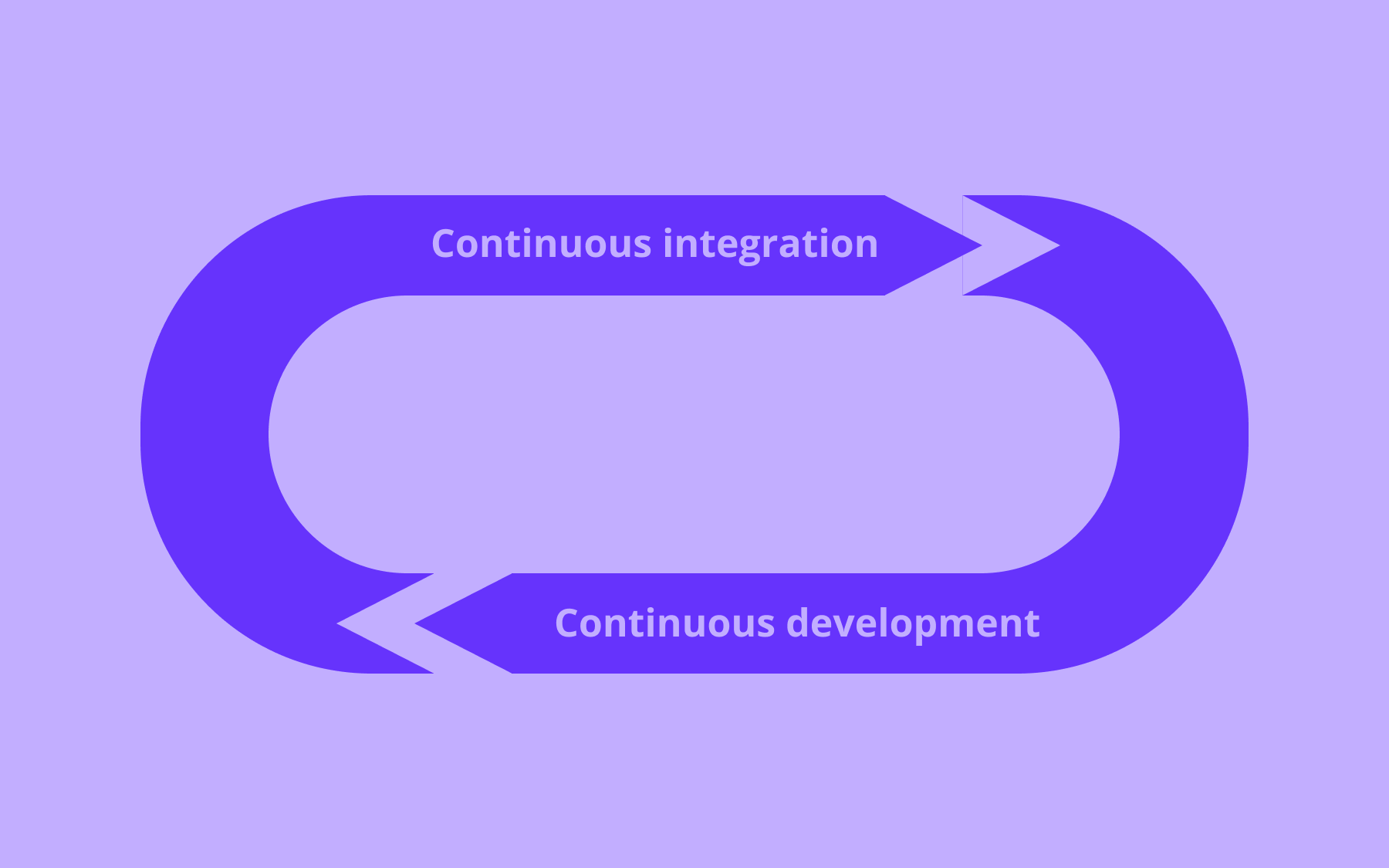
CI/CD stands for continuous integration and continuous delivery—or continuous deployment, depending on how far your team wants to take it. The two halves are related but distinct, and conflating them can cause confusion. At its core, CI/CD in software is a practice: automating the steps that move code changes from a developer's machine into a production environment reliably and repeatedly.
Before CI/CD, development teams would often work in isolation for days or weeks, then merge all their work at once. The result was painful, unpredictable integration sessions.
Continuous integration
Continuous integration is the practice of merging code into a shared source code repository frequently, typically multiple times a day, with automated builds and tests running each time. The goal is straightforward: catch integration problems early, when they're small and cheap to fix, rather than letting them accumulate into something more expensive and painful.
When multiple developers are working on the same codebase, continuous integration acts as a constant quality check. Unit tests run automatically on every commit. If the build breaks or tests fail, the team is alerted immediately. No one is left wondering whether their new code compiles correctly in context.
Continuous delivery
Continuous delivery takes CI further. Every code change that passes automated testing is automatically prepared so that it could, in theory, be released to production at any time. The important word here is “could”, as releasing is still a deliberate decision made by a human. The manual preparation work that once sat between a passing test suite and a live deployment is removed entirely.
Teams operating continuous delivery can ship on demand rather than on a schedule. That shift tends to reduce the stress and ceremony around releases considerably, and code releases happen faster as a result.
Continuous deployment
Continuous deployment goes one step further: every passing change is automatically deployed to production without human sign-off. If the code passes the test suite, it ships.
Not every team wants or needs this level of automation. It requires a high degree of confidence in the test suite, solid monitoring tools, and a culture that's genuinely comfortable with that cadence.
For teams that have invested in those foundations, continuous deployment is the logical end state—and where the productivity gains of CI/CD are most fully realised.
How a CI/CD Pipeline Works
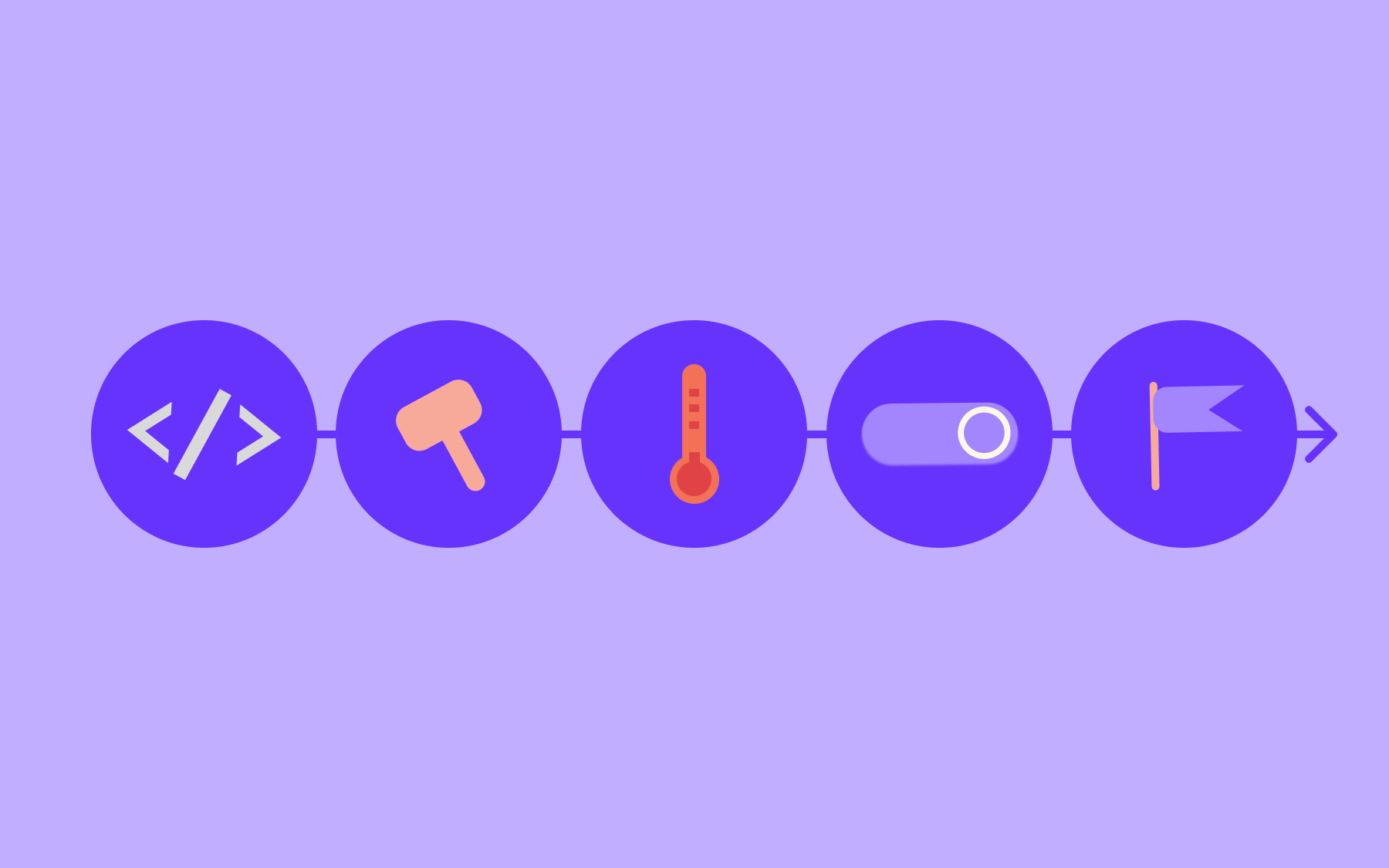
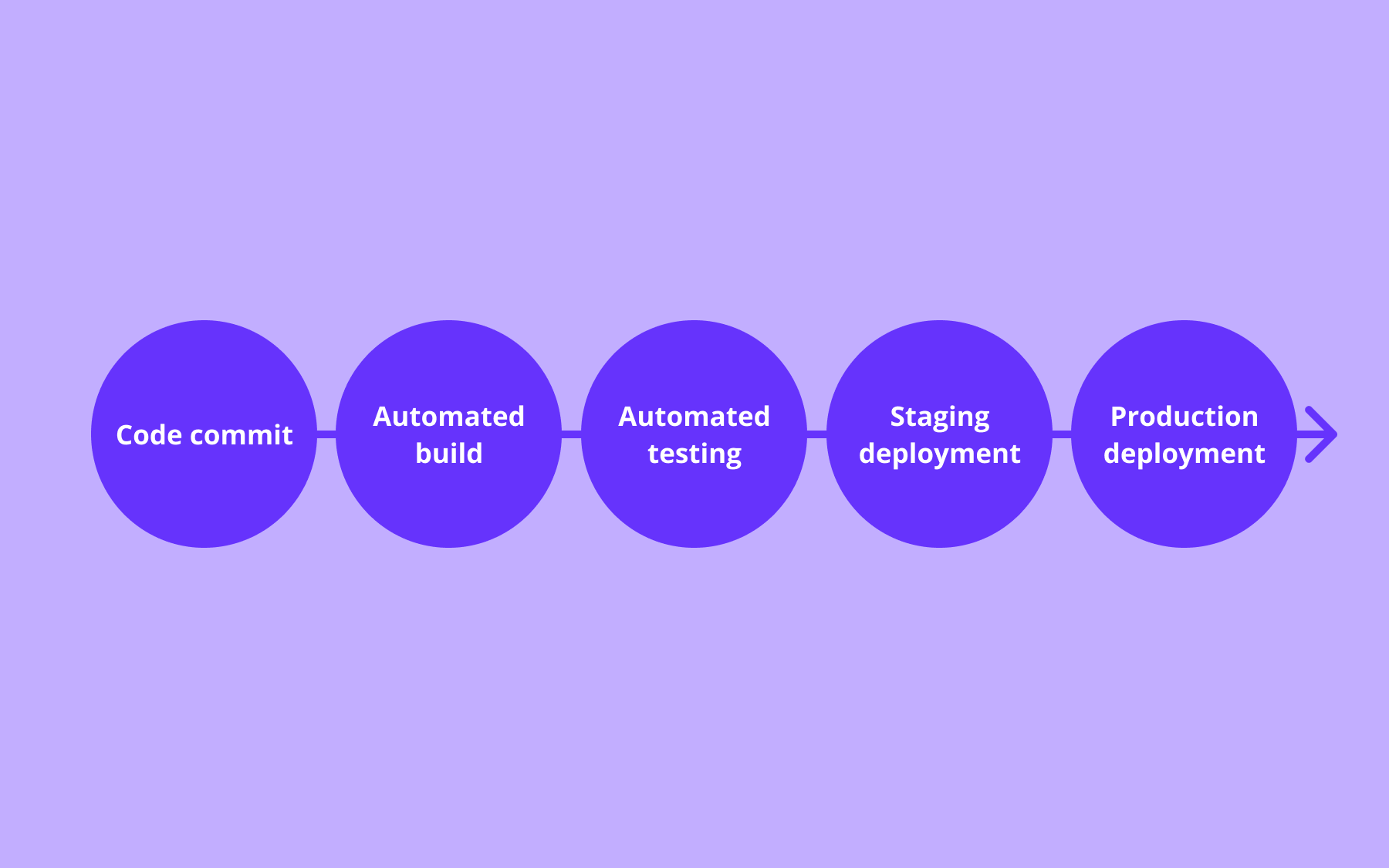
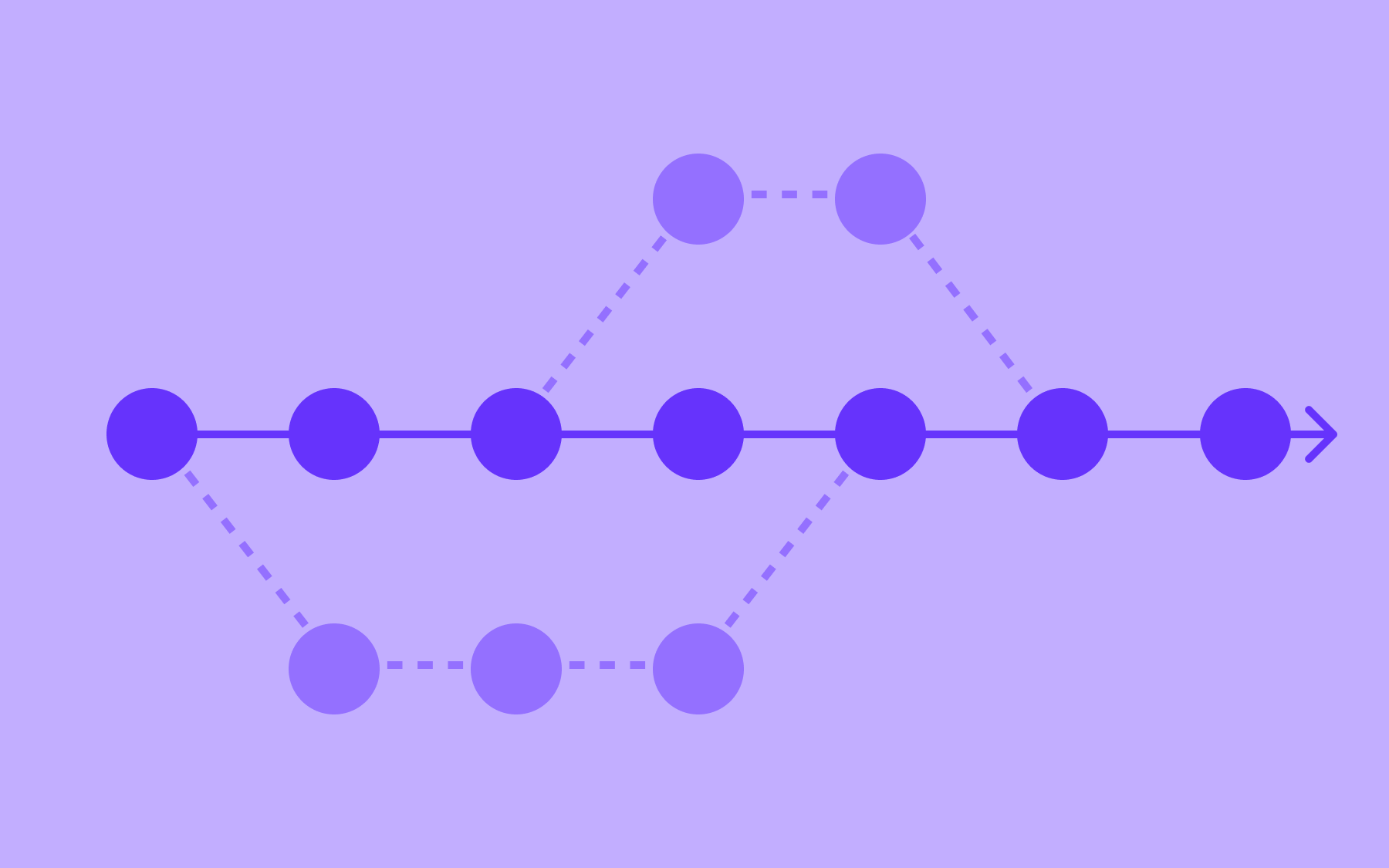
Understanding the concepts is one thing; seeing how a pipeline sequences those steps is another. The CI/CD pipeline is the automated workflow that carries code from commit to production. Here's how a typical pipeline breaks down.
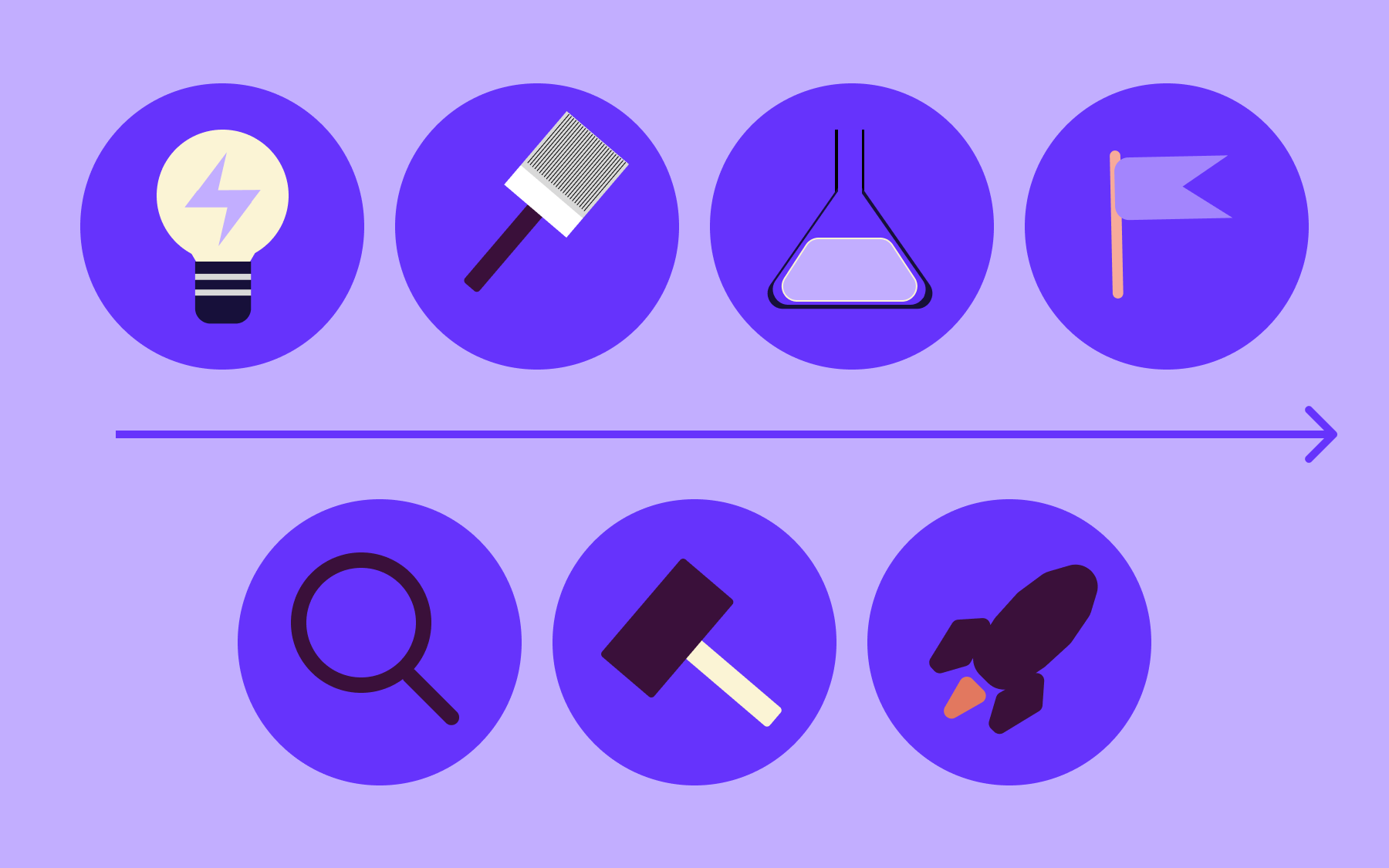
- Code commit
A developer pushes new code to a version control system—Git, typically, hosted on GitHub, GitLab, or Bitbucket. The commit triggers the pipeline.
- Automated build
The pipeline checks out the code and compiles or builds it. This catches issues like missing dependencies or syntax errors before anything more expensive happens, while confirming that the code compiles correctly.
- Automated testing
It’s at this stage that most of the pipeline's value lives.
Unit tests run first—fast, isolated checks of individual functions or components. Integration tests follow, verifying that different parts of the system work together.
End-to-end tests may also run here, simulating real user interactions. The pipeline is only as strong as its test coverage; weak tests mean you're just automating the deployment of broken code faster.
- Staging deployment
Code that passes testing is deployed to a staging environment—a production-like test environment where further automated testing and manual validation can take place before anything reaches users.
- Production deployment
In continuous delivery, this step is triggered manually. In continuous deployment, it happens automatically once staging checks pass.
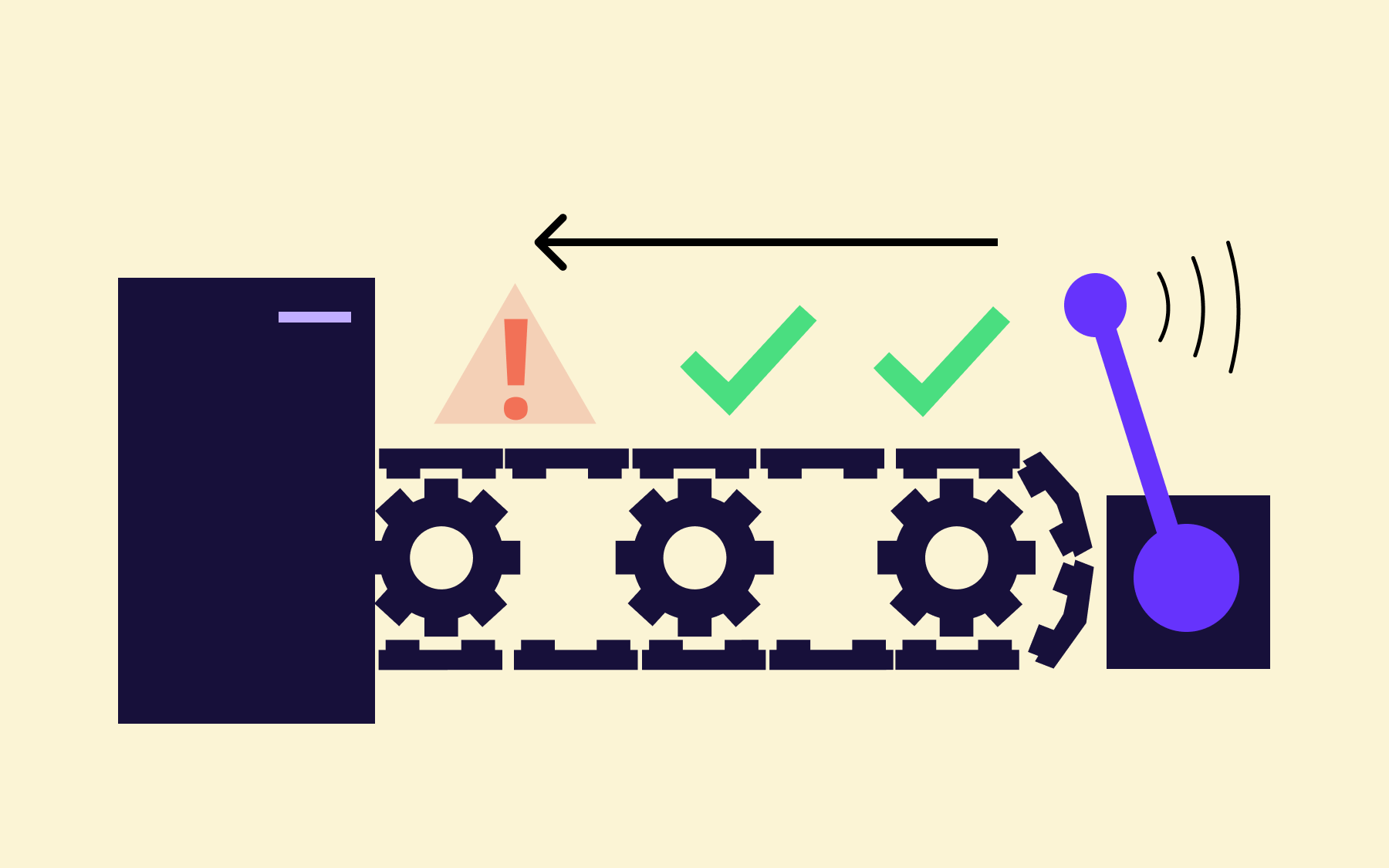
A critical feature of any well-designed pipeline is how it handles failure: when a stage fails, the pipeline stops and alerts the team. That's not a bug; it's the point. The cost of poor software quality in the US sits at more than $2.41 trillion, according to research by CISQ. Catching failures early is one of the clearest economic arguments for CI/CD.
How to Implement CI/CD
Knowing how a pipeline works is useful; knowing how to build one is even more useful. How to implement CI/CD varies meaningfully based on team size, tech stack, and deployment target—but the following sequence applies broadly.
- Choose a version control system
If you don't already have one, start here. GitHub, GitLab, and Bitbucket are the most widely used options. Everything else in your pipeline depends on version control being in place.
- Write automated tests first
Before wiring up any pipeline tooling, invest in test coverage. Unit tests are the foundation—they're fast, cheap to run, and catch the majority of bugs.
Regression testing and integration tests add further layers of confidence. A pipeline without meaningful automated tests is just deploying broken code faster. It's tempting to skip this step under time pressure, but it always costs more later.
- Choose a CI/CD tool
There are several categories to consider (covered in the next section), but the right choice depends on your stack and hosting preferences. Make this decision deliberately rather than defaulting to whatever the team last used.
- Define your pipeline in a config file
Most modern CI/CD tools use a YAML or similar config file, committed to your repository, that defines the pipeline stages, triggers, and testing scripts. Keeping the pipeline definition in version control means it's auditable and reproducible.
- Start with CI before tackling CD
Get the build and test stages solid first. A reliable, fast feedback loop on code quality is valuable in its own right.
Continuous integration automates the most error-prone part of the development cycle, so add deployment stages only once you trust the earlier stages.
- Add deployment stages incrementally
Begin with a staging environment. Verify that automated deployments to staging are stable before moving to automating production deployments. Resist the urge to wire everything up at once.
The software development process rarely goes from zero to fully automated overnight—and it shouldn't. The goal is steady, continuous improvement rather than a single big-bang transformation.
Here’s more guidance on implementing CI/CD.
Choosing a CI/CD Tool
With the pipeline stages defined, you'll need tooling to run them. Rather than a full comparison, it helps to think in categories, each with different trade-offs between ease of setup and degree of control.
Built-in CI/CD services are the most common starting point.
GitHub Actions and GitLab CI/CD are both tightly integrated with their respective platforms. You define your pipeline in a config file in the repository, and the platform handles the rest. For most development teams, this is the path of least resistance.
Standalone hosted services like CircleCI and Travis CI operate independently of your source control host.
They offer more flexibility in some areas and may suit teams working across multiple platforms or with more specific workflow requirements.
Self-hosted options like Jenkins give complete control over the environment.
The trade-off is operational overhead—you're responsible for maintaining the infrastructure. Teams in regulated industries or with strict data residency requirements, particularly those in banking or healthcare, often favour this approach for the same reasons they prefer on-premise deployments for other parts of their stack.
No single tool is right for everyone. The best choice is the one your team will actually maintain properly.
Measuring CI/CD Performance
Getting a pipeline running is one thing; knowing whether it's actually improving how your team works is another—and that's where measurement becomes essential.
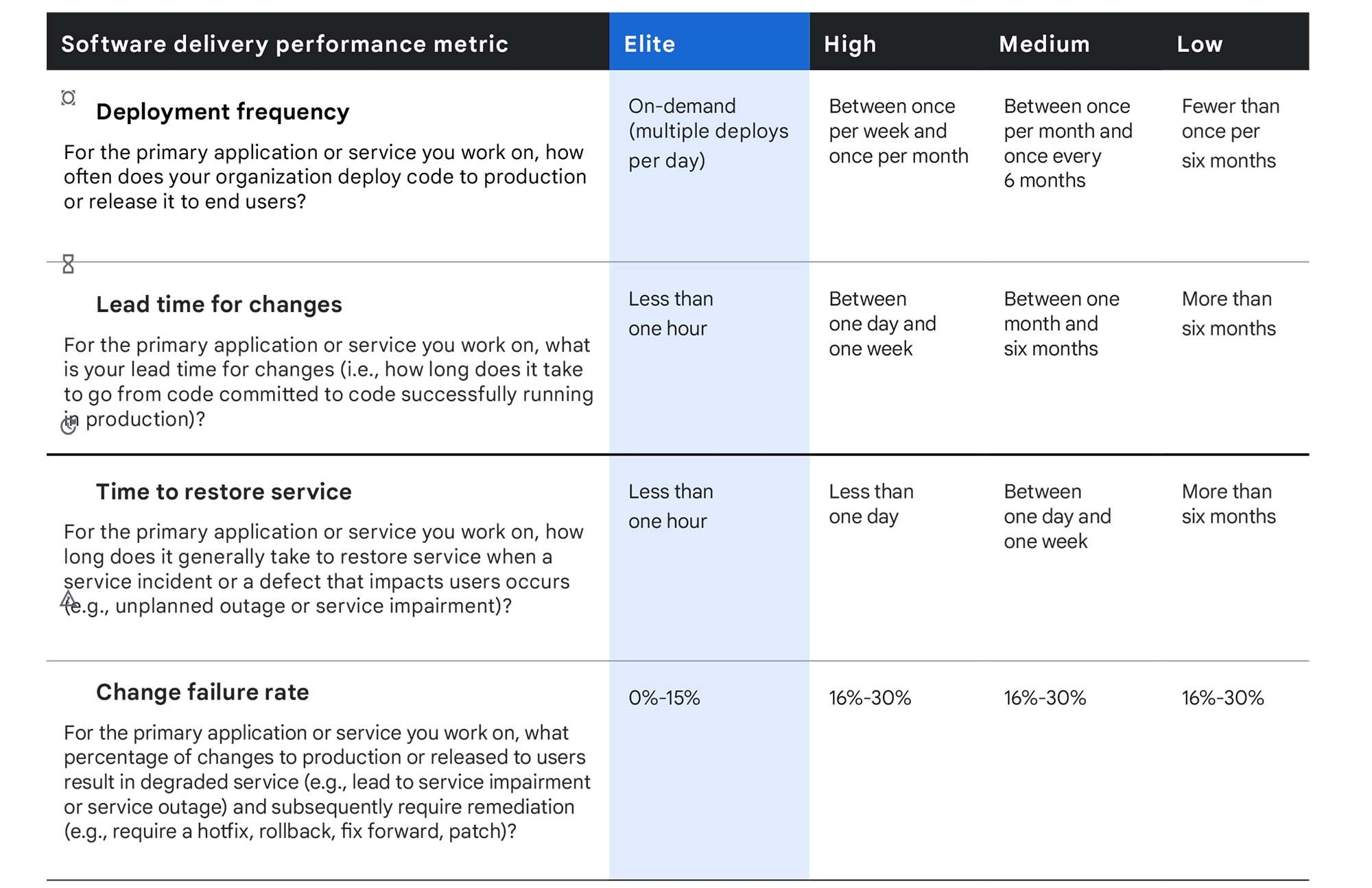
The most widely adopted framework for measuring CI/CD health is the DORA four key metrics, developed by the DevOps Research and Assessment team at Google. These metrics have become the de facto standard in the industry because they're practical, measurable, and directly tied to software delivery performance. Google publishes annual benchmarks for elite, high, medium, and low performers, which are worth reviewing regularly as the thresholds shift.
Deployment frequency
Deployment frequency measures how often code reaches production. Elite performers deploy on demand—multiple times per day. Low performers may ship once a month or less. Frequency is a useful proxy for how well the overall development lifecycle is functioning.
Lead time for changes
Lead time for changes measures how long it takes a commit to reach production—from the moment code is pushed to the moment it's live. Shorter lead times mean faster feedback loops and less risk accumulating in unreleased work. Elite performers achieve lead times of under an hour.
Change failure rate
Change failure rate is the percentage of deployments that cause a production incident, calculated as failed deployments divided by total deployments. A high failure rate suggests that test coverage or the deployment process itself needs attention.
Mean time to restore (MTTR)
Mean time to restore (MTTR) measures how quickly the team recovers when something goes wrong—from incident start to resolution. A low MTTR reflects good monitoring, clear ownership, and a culture of fast response.
These metrics are most useful as trend indicators. The goal isn't to hit a benchmark—it's to move in the right direction over time, consistently. You can see the latest statistics for elite, high, medium, and low performance here.
CI/CD and Feature Flags
Improving your DORA metrics is partly a tooling question and partly a risk management question. One of the most effective ways to reduce the risk of frequent deployments is to combine your CI/CD pipeline with feature flags—two practices that reinforce each other directly.
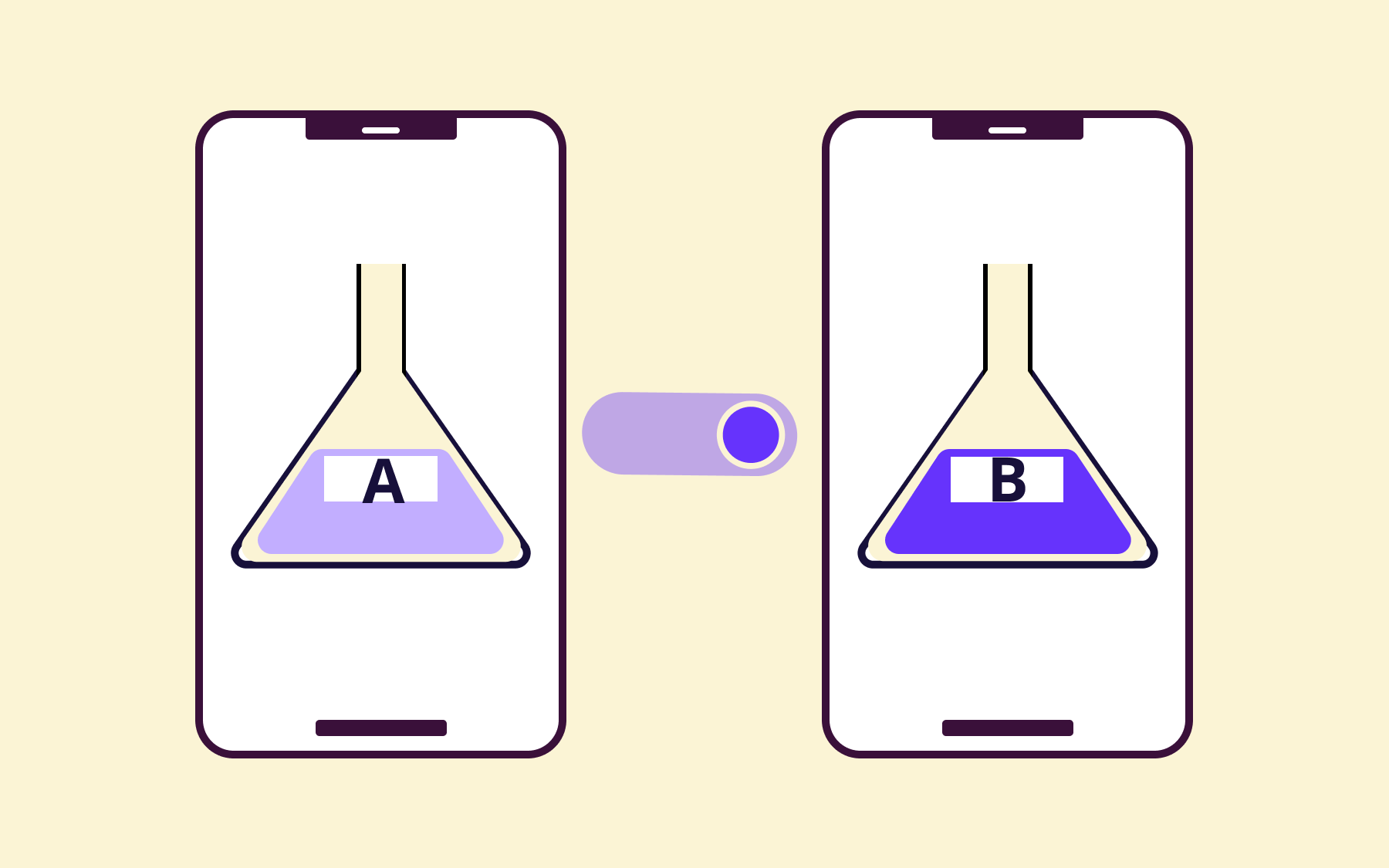
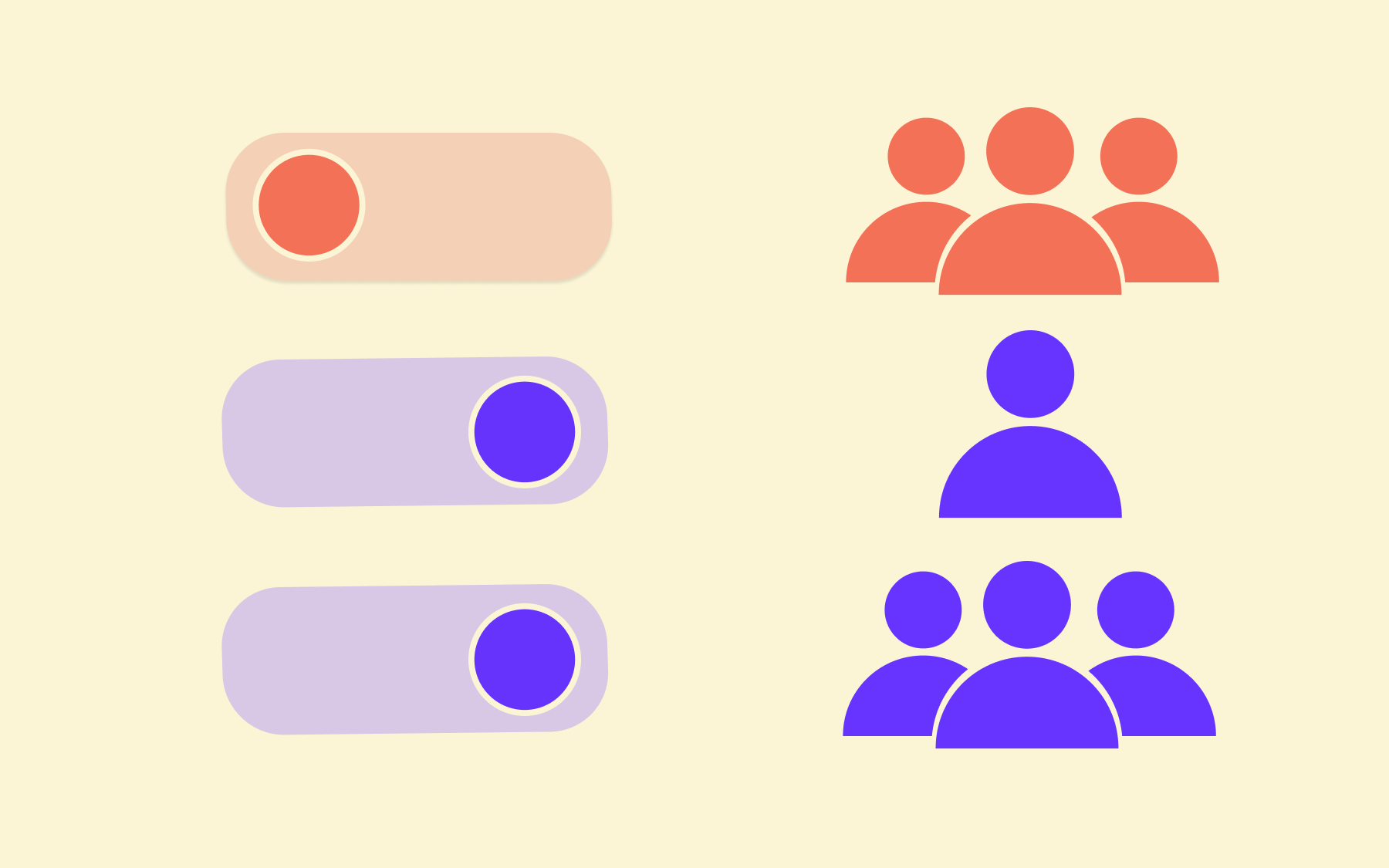
Feature flags let teams deploy code to production without immediately exposing it to users. The code ships as part of the normal CI/CD process, but the feature stays dormant until you deliberately enable it. This process decouples deployment from release—a distinction that matters enormously for teams moving towards continuous deployment, where incomplete or experimental features would otherwise land in front of users with every merge. After all, deployment and release aren’t the same thing.
In practice, this plays out in several ways.
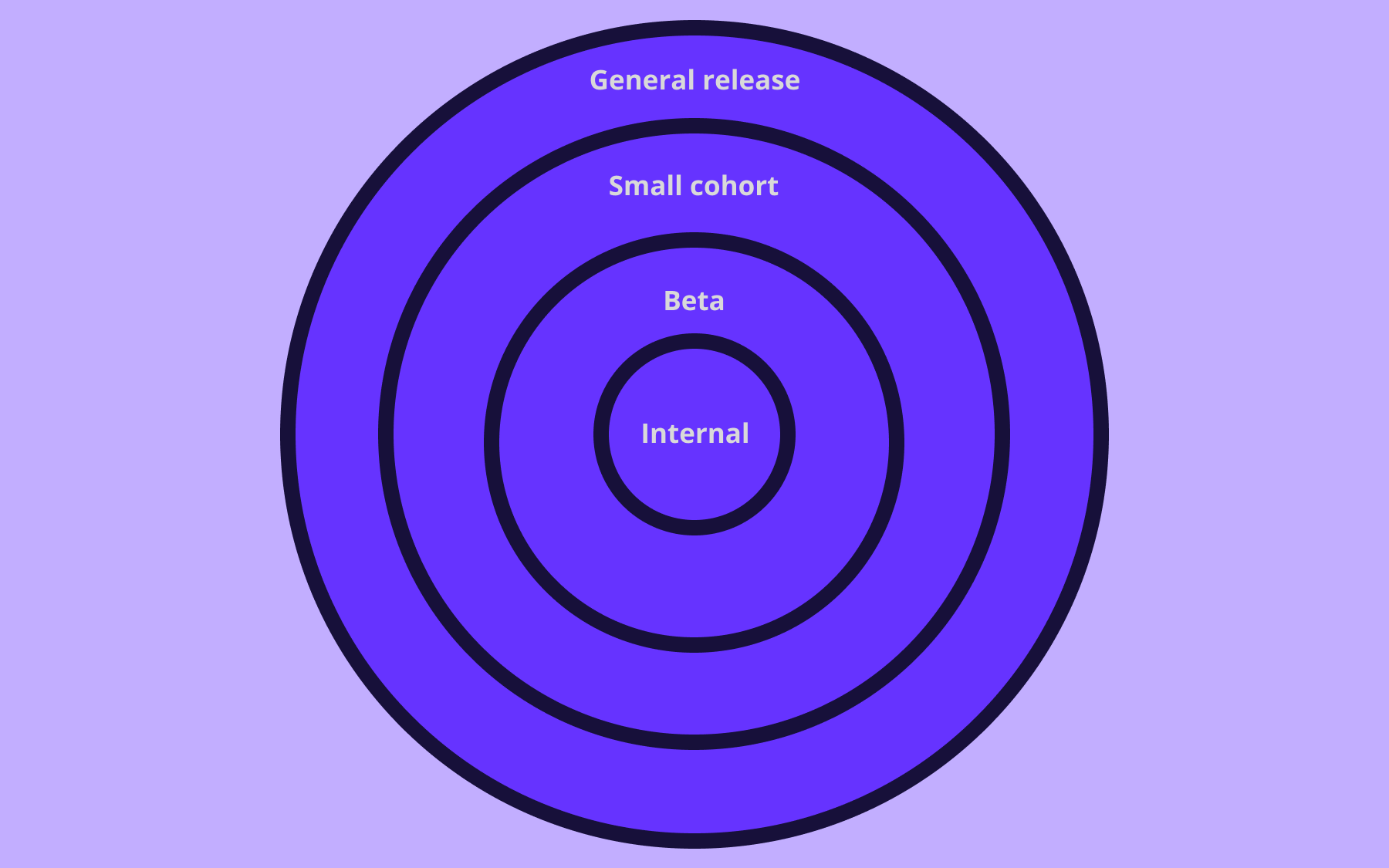
- Canary releases let you expose a new feature to a small subset of users before a wider rollout—collecting real-world feedback without betting the whole user base on it.
- Gradual rollouts give you fine-grained control over the percentage of users seeing a change at any given time.
- Kill switches let you disable a problematic feature instantly, without a rollback, a redeploy, or a late-night incident call.
Flagsmith is an open-source feature management platform that integrates into the software delivery pipeline, giving development and operations teams a safety net that makes deploying frequently far less anxiety-inducing.
The CI/CD pipeline moves code to production; feature flags control who sees it and when. Together, they give teams the confidence to ship continuously without treating every release as a high-stakes event.
Conclusion
CI/CD is less a set of tools than a mindset shift—from shipping infrequently, with fingers crossed, to shipping constantly, with confidence. The pipeline removes the manual steps and accumulated tension that traditionally made releases painful. Done well, deployment becomes a non-event.
Continuous integration keeps the shared codebase healthy by running automated builds and tests on every commit. Continuous delivery ensures code is always in a releasable state. Continuous deployment takes that to its logical conclusion, with every passing change going straight to production.
The pipeline that connects those stages is only as reliable as the automated testing and monitoring behind it. And the DORA four key metrics—deployment frequency, lead time for changes, change failure rate, and MTTR—give teams a practical, evidence-based way to track whether their CI/CD practice is improving over time.
If you're building out a CI/CD pipeline and want to reduce the risk of each deployment, feature flags are worth exploring. Flagsmith is an open-source feature management platform that lets teams decouple deployment from release—so frequent shipping doesn't have to mean frequent anxiety. Sign up for free to learn more about Flagsmith's feature flagging capabilities.






















OpenTelemetry, without the vendor lock-in: Introducing full observability for Open Source and Self-Hosted Flagsmith customers