The Engineering Leader's Guide to Scaling Feature Flags


You’ve heard the pitch: feature flags help you release faster and reduce risk. But as soon as you think about scaling them across a large organisation, the doubts creep in:
Will this get messy? Will flags pile up? Will it add more complexity than it removes?
Those concerns are valid, but they’re also solvable.
Feature flags don’t become chaotic by default. They become chaotic without a system. And that system doesn’t need to be complex—you can start small and build as you go.
In this guide, we’ll show you how to get started with feature flags and scale them confidently, without adding overhead or risk.
What are feature flags and what do they do?
Feature flags are conditional if/else statements that let you change system behaviour without shipping new code.
The implementation is straightforward:
if (featureFlags.isEnabled('new-checkout-flow')) {
  // New checkout logic
} else {
  // Existing checkout logic
}
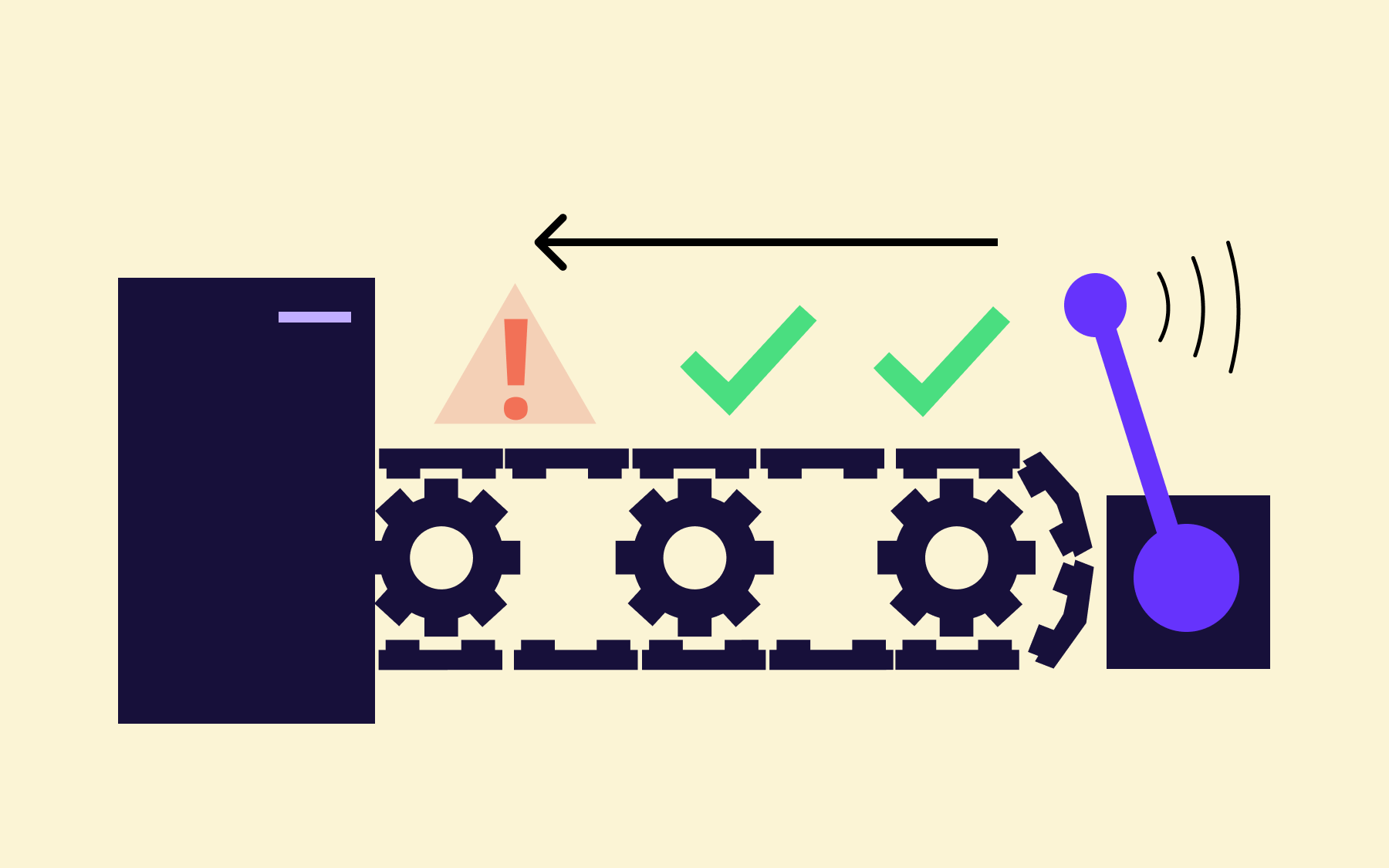
What makes this powerful is the separation it creates between deployment and release. You can push code to production on Tuesday and let it sit behind a flag while QA validates it in the live environment. Once you’ve validated everything, you can flip the switch for customers on Thursday. If something breaks, you toggle it off in seconds without worrying about a large-scale rollback and redeploying code.
In short: every deployment and release becomes a non-event.
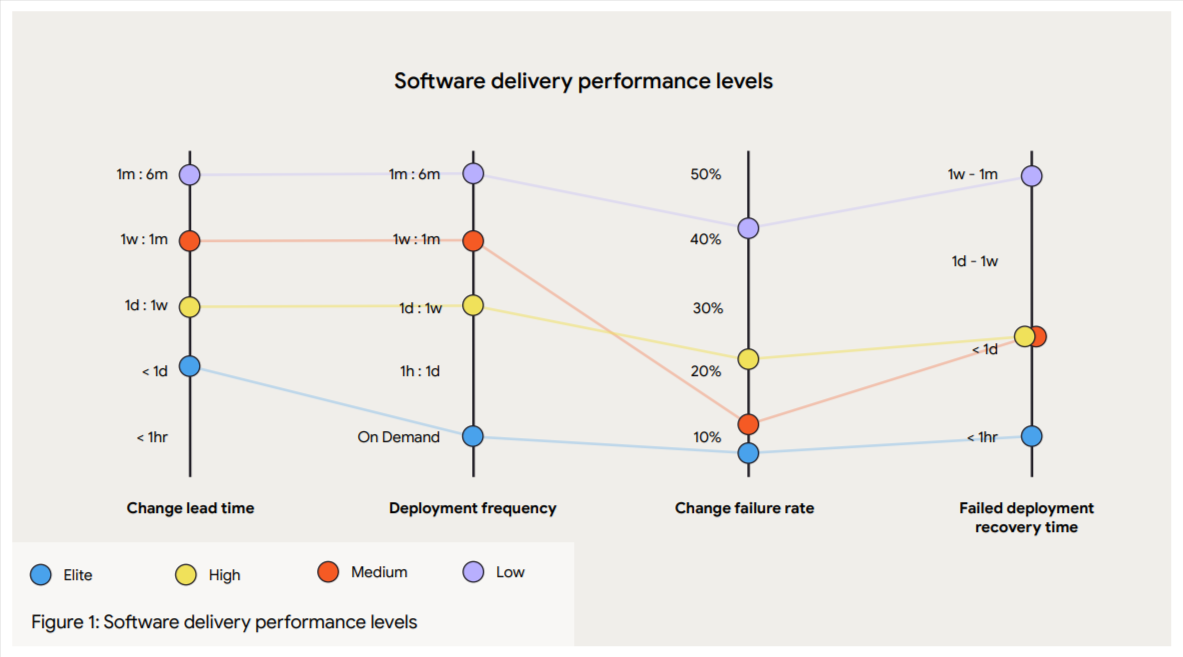
According to the State of DevOps 2024 report, elite engineering organisations can deploy on demand with low failure rates. But they’re only able to do that because they’ve adopted continuous delivery models—something that feature flags enable.
Jez Humble, co-author of Continuous Delivery, puts it directly:
"If it hurts, do it more frequently, and bring the pain forward."
Feature flags let you do exactly that. You can deploy often, release deliberately, and recover instantly when things go wrong.
Why your engineering team should use feature flags
There’s a hidden cost of shipping without feature flags
If you've ever watched a release go sideways at 4 PM on a Friday, you understand the cost of an unsuccessful release. But the damage runs deeper than incident response.
Without feature flags, risk accumulates quietly across your entire development process. Features sit in long-lived branches, diverging from the main codebase. Teams delay merges to avoid breaking things, which only increases the size and complexity of each eventual release. By the time code reaches production, it’s not a single change—it’s dozens of intertwined updates, all landing at once.
This creates a compounding effect:
- Larger releases = higher blast radius
- More dependencies = harder debugging
- Longer feedback loops = slower learning
When something does go wrong, it’s rarely obvious why. Rolling back isn’t simple—you often have to undo an entire deployment, not just the problematic feature. So teams compensate with processes: longer QA cycles, more staging environments, stricter release windows.
But these don’t remove risk, they just delay it.
Over time, this leads to a system where shipping feels inherently dangerous. Teams move slower not because they want to, but because they have to.
Note: Read how feature flagging helps you move towards a trunk-based development model.
Feature flags act as a prerequisite for faster, safer releases
Feature flags break this cycle by changing the unit of risk.
Instead of deploying three weeks of work and hoping nothing breaks, you deploy daily and control exposure through flags. Each deployment carries less risk because it contains fewer changes. And when something does break, you know what changed because you shipped it yesterday.
“We're constantly working on developing new features, new capabilities, and new differentiators. We don't want to delay driving value or learning. We use Flagsmith to take a feature, product, or project and break it down into its different releasable chunks, and then move on to those as fast as possible before releasing them in very controlled ways. This allows us to avoid bottlenecks and prioritise speed.”
— Daniel Bell, Product Director, Sales App, Sunrun
The State of DevOps 2024 report also found that higher deployment frequency correlates with lower change failure rates. “Elite teams” don’t succeed because they move fast. But they move fast, in small increments, with tight feedback loops, and feature flags enable that.
For instance, you can merge incomplete work because it’s hidden behind a flag. Or test in production because you can control who sees what. When something goes wrong, you can recover in seconds because disabling a flag doesn't require a deployment.
Feature flags align with DORA and SPACE metrics
If your organisation tracks engineering performance, feature flags directly impact the metrics that matter:
- Deployment frequency increases when shipping code doesn't require a finished feature. You can merge to the main multiple times per day because flags let you deploy without releasing.
- Lead time for changes shrinks when you're not batching weeks of work into quarterly releases. You can push code from a commit to production in hours.
- Change failure rate drops when each deployment is smaller and easier to reason about. And when things fail, fewer users are affected because of progressive delivery methods.
- Mean time to recovery (MTTR) reduces when "rollback" means toggling a flag instead of redeploying a previous build. Teams using feature flags report recovery times dropping from 45+ minutes to under 30 seconds.
In short, your team’s performance and effectiveness improve over time. That’s how companies like Vontobel and OakNorth have started shipping with more confidence—and so can you.
How does feature flagging accelerate software delivery?
Many engineering leaders assume that if you ship more often, you create more opportunities for things to break. But that’s not what the data shows.
In her book, Accelerate, Dr. Nicole Forsgren and the DORA team analysed over 23,000 survey responses across multiple years to understand how high-performing organisations build software. They found that higher deployment frequency correlates with higher software quality and stability. And it came down to continuous delivery practices (which feature flags enable).
Other than that, here are a few benefits you can expect to see when you start using feature flags:
- Your testing gets better: When you can test features in production with real data, traffic patterns, and third-party integrations, you catch issues that staging environments can't.
- Your releases get boring: And boring is exactly what you need. When an individual feature can be toggled off in seconds, you’re no longer worried about everything that can go wrong. You’ve decoupled the risk (and anxiety) from the deployment process.
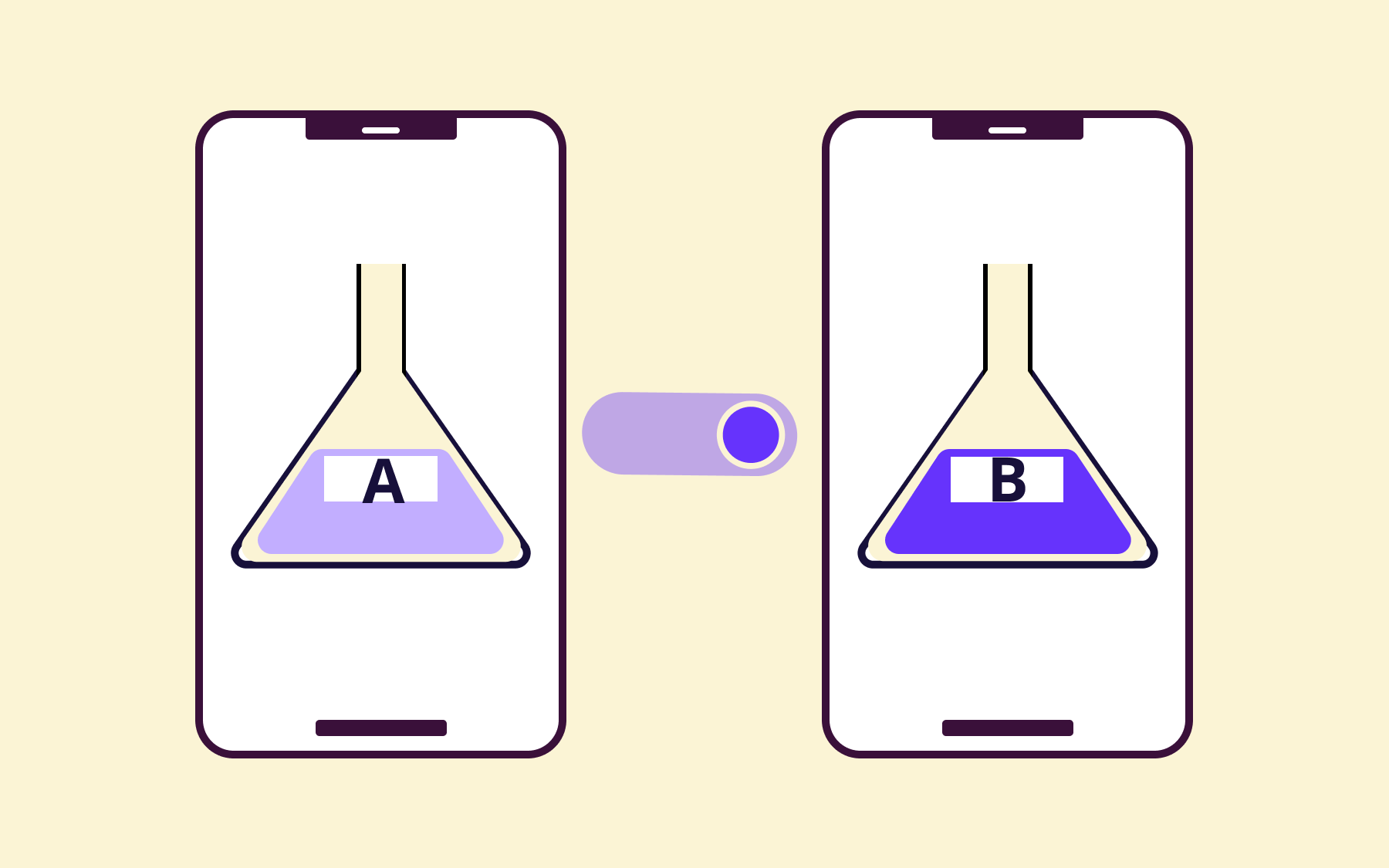
- Your experimentation velocity increases: You don’t need a full engineering cycle just to run an A/B test. A simple flag change can let you test any parameter you need in minutes.
- Your collaboration improves: When engineers, product managers, and QA can all see the same flag dashboard, conversations shift from "When will this ship?" to "What percentage should we roll this out to?" Everyone speaks the same language about feature state, and handoffs are easier.
What do you need to have in place before implementing feature flags?
Whether you’re just getting started or planning to scale feature flags, the prerequisites remain the same.
Here’s a quick checklist to run through when you plan on adopting feature flags:
Technical prerequisites
Start with:
- A clear release process today: Map how features currently move from idea to deployed to released. Identify who can deploy, who can release, where approvals happen, and where bottlenecks show up. This gives you a baseline for where feature flags will have the most impact .
- A sensible starting use case: Don’t begin with your most complex rollout. Start with a simple, isolated use case so your team can build confidence with minimal risk.
- A consistent way to structure projects and environments: Decide how flags will map to your products and environments from the start. A clean setup makes it easier to scale later and avoids confusion as more teams adopt feature flagging.
People and ownership
Next, you should focus on internal alignment by accounting for the following:
- Executive buy-in: When the initiative comes from the top, it becomes a priority. Talk to your executive leadership and explain why you need to invest time and resources into it.
- Clear owner or working group: You need someone who makes decisions about tooling, establishes conventions, and onboards other teams. It differs based on the size of your organisation.
- Cross-functional buy-in: Feature flags touch engineering, QA, product, and operations. You’ll need to educate and get buy-in to run the pilot (and adoption) successfully.
OpenFeature ecosystem
The biggest risk of adopting feature flags is vendor lock-in. Every provider has its own SDK and API patterns that define how it works with your application. But if you want to switch later, you’ll have to rewrite the entire code or map everything yourself.
OpenFeature, a CNCF incubator project, solves this. It offers a vendor-neutral abstraction layer that acts as the interface between your application code and whatever feature flag provider you choose.
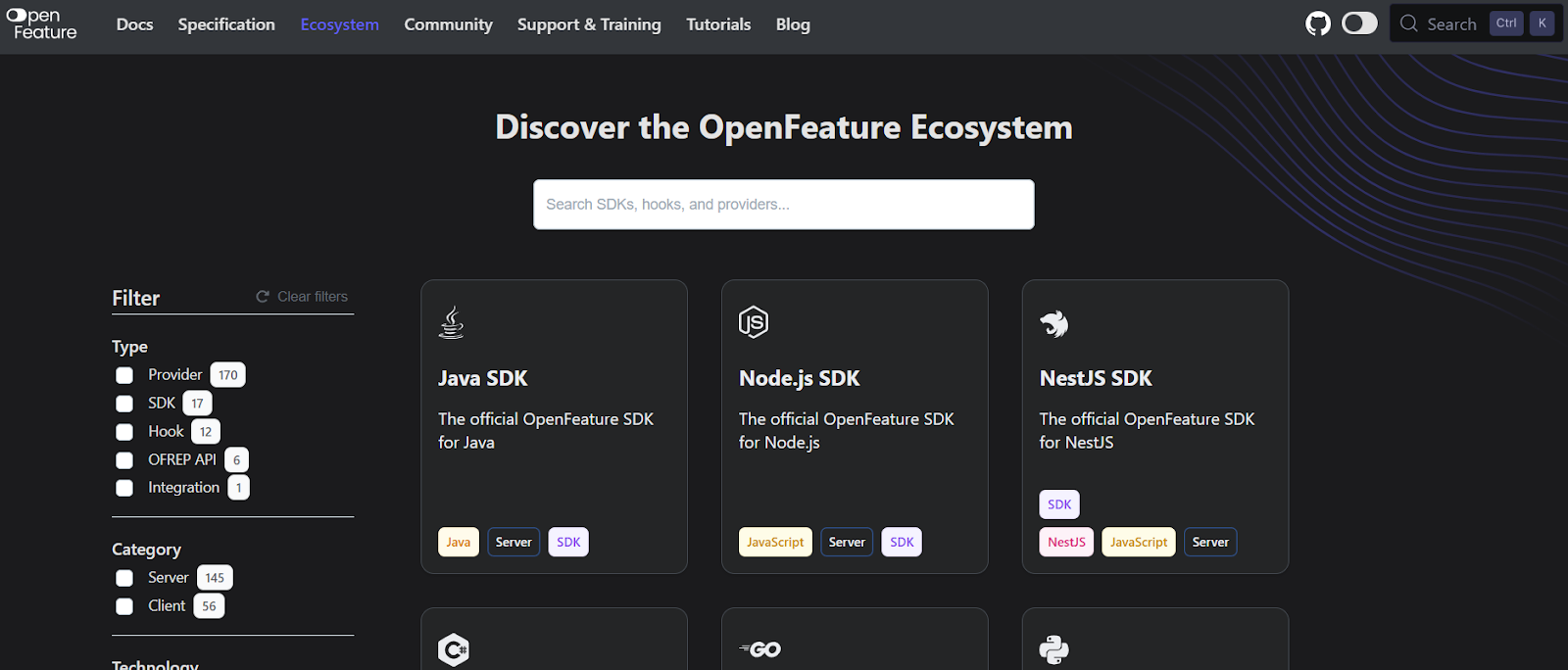
You can find a list of vendors within OpenFeature’s ecosystem
We recommend using it if you prefer open-source projects and want to avoid vendor lock-in. Flagsmith is a founding member of OpenFeature and our CTO sits on its governance board.
How to get your company started with a feature flagging tool
If you’ve decided to take the leap and start using a feature flagging tool, especially one like Flagsmith, here’s how you can do it:
Step 1: Start with new features only
The fastest way to stall a feature flag rollout is by trying to retrofit your entire codebase on day one. In short: don’t do that.
We recommend picking something your team is actively building. Ideally, it’s a process with moderate complexity and a low blast radius—for example, a simpler flow to access patient records or something similar.
Let’s say you want to test how this feature behaves in the production environment. Put it behind a flag and deploy it to practice this workflow. Keep an eye on how it performs, and once you’re done collecting the data, simply “toggle” it off.
In Flagsmith, you'll create a project for your application and set up your first flag with a clear, descriptive name. The dashboard shows flag states across all your environments at a glance, so you always know what's on and where it is.
Tip: Differentiate the flag types when you create them. If you know a flag is meant to be long-lived like a kill switch, then mark it. This is because the flag type decides its lifecycle rules, and it shouldn’t trigger the same cleanup reminders as temporary release flags. A naming convention can be useful here.
Step 2: Use environment flags for safe testing and rollback
It’s tempting to start experimenting with complex deployments, such as canary deployments. But you need to remember that flags behave differently across environments.
A typical setup looks like this:
- Development: Flag enabled by default so engineers can build and test the new code path
- Staging: Flag enabled for integration testing and QA validation
- Production: Flag disabled until you're ready to release
This mirrors the mental model your team already has. Your code moves through environments, so flag states can too.
Flagsmith has SDKs for pretty much every language and framework you're likely to use—Python, Node, Java, Go, Ruby, React, iOS, Android, and more. You can install one packager manager command for each language.
Tip: For regulated environments, use RBAC to define who can toggle flags where. Your engineers might have full access in development, but require approval workflows for production changes. It’ll help you keep velocity high in lower environments while maintaining control.
Step 3: Decouple deploy from release
Once your team gets comfortable with environment-based flags, something shifts in how you think about shipping code. Deploy day stops being a high-stakes event. Your main branch stays deployable because incomplete work is hidden behind flags.
Think of it like a pilot doing pre-flight checks. The plane is ready to fly (deployed), but you don't take off (release) until every system checks out.
This is also where you’ll start noticing a difference in your production schedule and efficiency.
Tip: Set expiration dates when flags are created to keep the codebase clean and prevent technical debt. When you start deploying more frequently, it’s easy to forget this, so bake this step into your development workflow.
Step 4: Introduce gradual rollouts and targeting
With deploy and release decoupled, you can start controlling how features reach users, not just when.
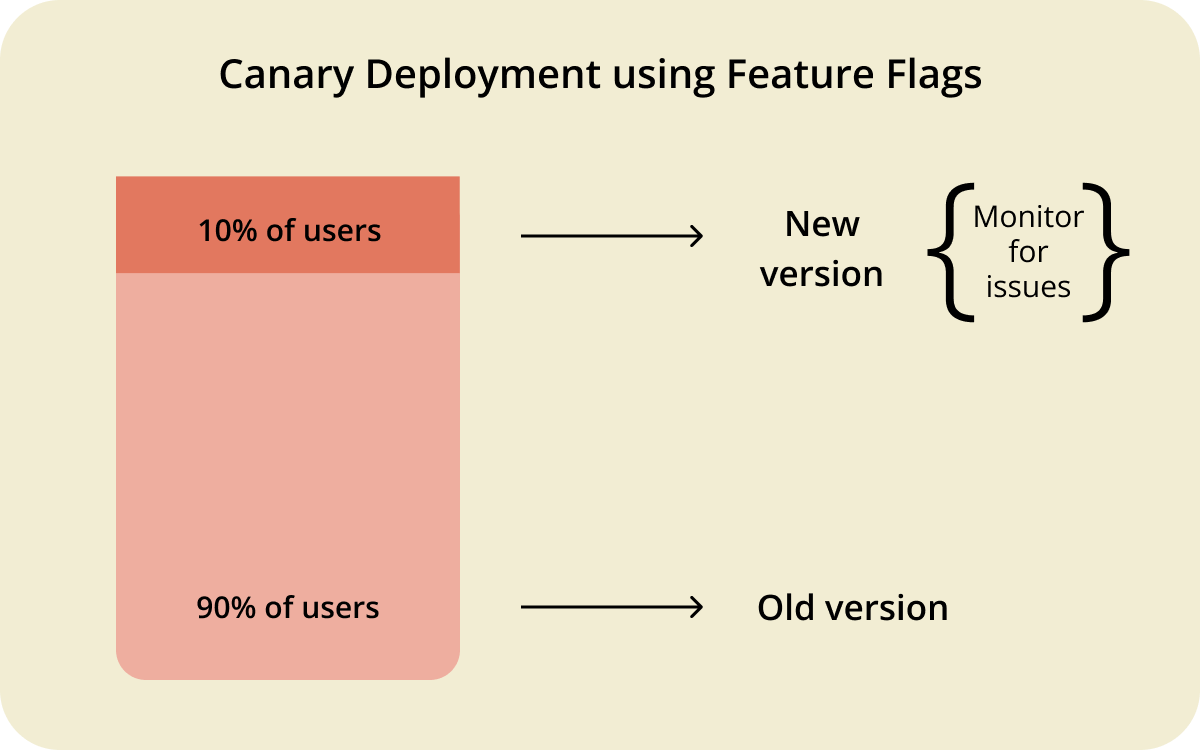
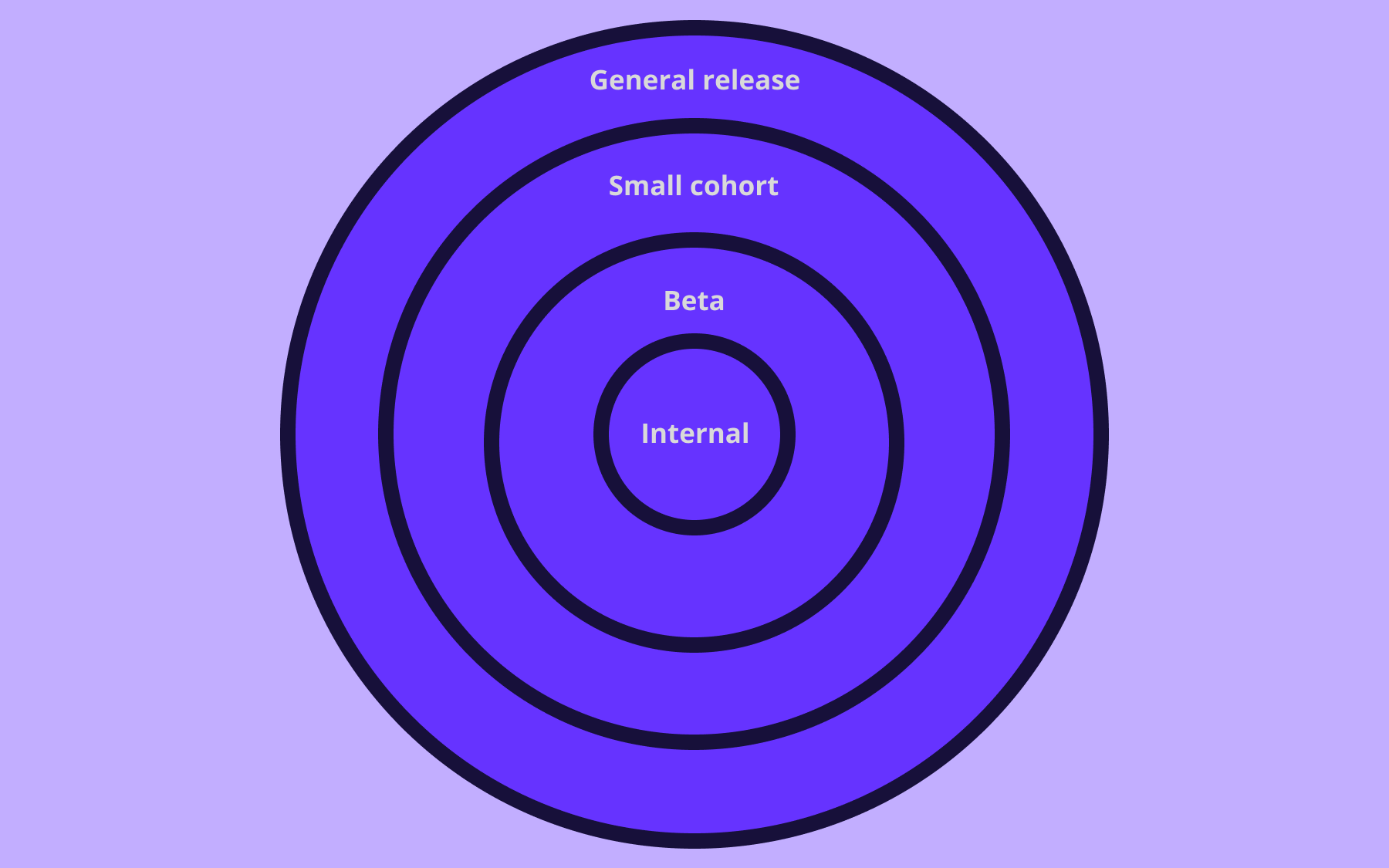
Percentage rollouts let you expose a feature to a fraction of traffic and increase exposure as your confidence builds. Here’s what it can look like:
- 1–5% initially as you monitor performance
- 10% if metrics look healthy after a few hours
- 25% for broader signal
- 50% as a final validation
- 100% when you're confident
At any point, if something looks wrong, you can turn the flag off and investigate.
Within Flagsmith, you can use segmentation to define targeting rules based on user attributes without writing custom code. As a result, you can get started with progressive delivery practices in less than five minutes.
Step 5: Add governance when scale demands it
As you scale, you’ll notice a need for more guardrails within the organisation. To monitor feature flag usage, you should start considering features like:
- Role-based access control (RBAC), when engineers shouldn't toggle production flags freely
- Approval workflows when flag changes could affect revenue or compliance
- Audit logs when you need to answer “who changed what, when” during incident review
Flagsmith maintains a complete history of every flag modification. If you're in banking, healthcare, insurance, or government, you operate under constraints that most software teams don't face. This functionality also helps you comply with industry regulations.
What are the best practices for feature flagging?
If you want to scale feature flags successfully, you’ll have to treat them as a part of your infrastructure. Here’s how to use feature flags properly:
- Plan your flags from the start: You don’t want to bolt flags onto finished features, as it can impact your final deployment. When you scope a feature, scope the flag with it. Decide what gets wrapped, what the default state should be, and when the flag gets retired.
- Keep flags small and single-purpose: A flag that controls three independent behaviours means testing eight combinations (2³) to cover all states. If you can’t explain what a flag does in one sentence, it’s too complex, so you should break it up.
- Name flags for the next engineer: new_feature_v2 tells you nothing. checkout_address_autocomplete tells you exactly what changes when it's toggled. Create a naming convention and embed it in your governance structure to ensure your team uses it.
- Build cleanup into the workflow: A feature is only complete when the flag is removed from the codebase. Set expiration dates when you create flags and automate cleanup.
If you’re interested in a deeper dive, you can find more best practices here.
How eBay benefited from feature flags
eBay successfully scaled feature flagging and its Velocity program is an excellent blueprint for large organisations that deal with:
- Long software development cycles
- Risky deployments
- Fragmented tooling
- Governance across 300 engineering teams
The company took a safe and conservative approach. At first, it switched from their homegrown tool to the OpenFeature SDK. But the pilot involved only three developer champions, who were first educated on feature flagging, then experimented with it.
When everything looked OK, the company rolled it out to 21 pilot teams over three quarters—and then organisation-wide. Because they used OpenFeature, developers could easily adopt it, and they sunset 25+ legacy APIs.
In the end, they saw outcomes like:
- Billions of calls are made per day to the feature flag evaluation engine
- 2500+ experiments behind flags every year
- Rolled out to thousands of developers
- The 15-minute change propagation was down to 1 minute
- The 25 millisecond evaluation latency was down to <5 milliseconds
Scaling feature flags is a journey, not a one-time decision
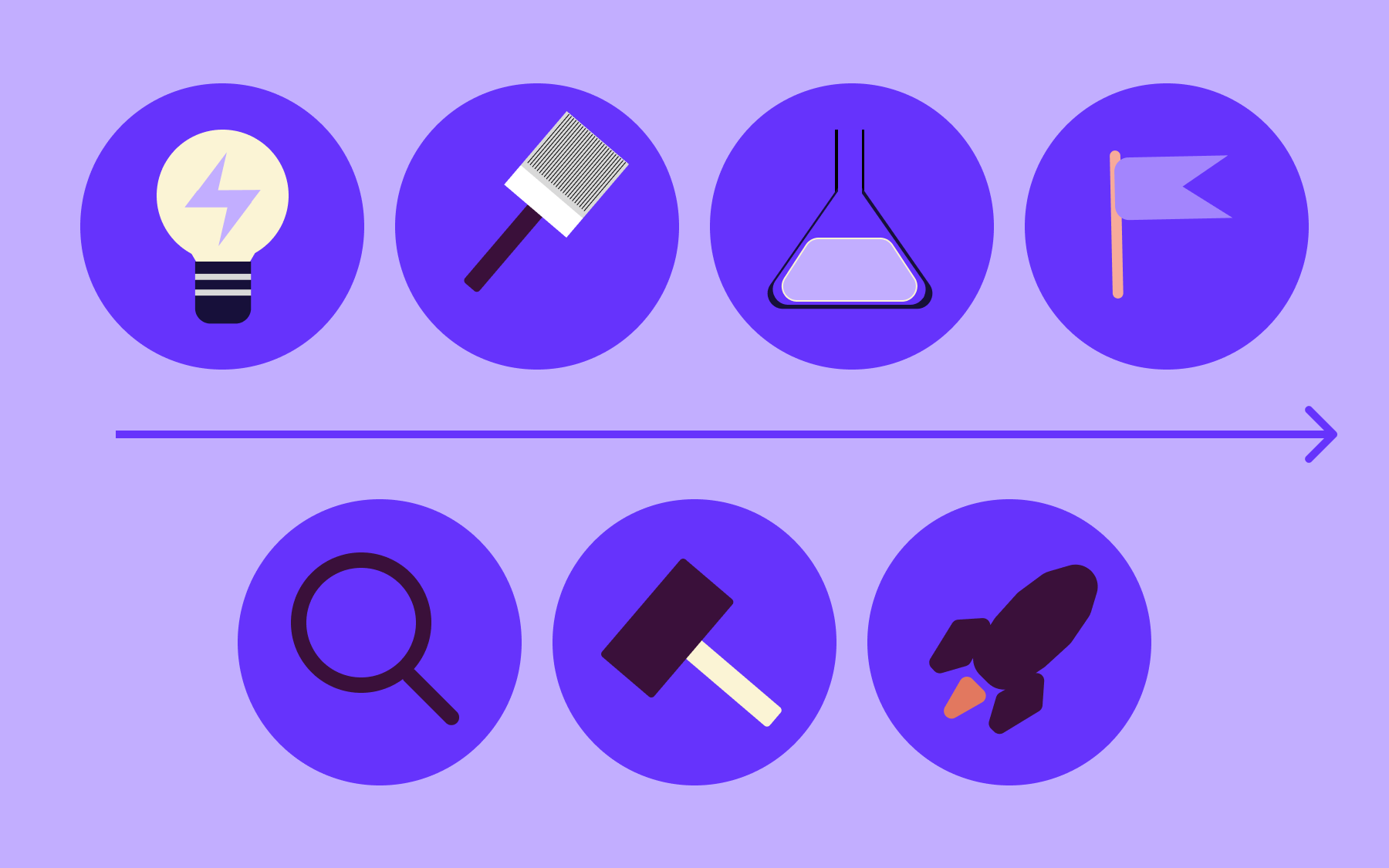
Just like any other software methodology, feature flags also evolve as you grow and keep using them. You can start with a simple release flag to control deployment. But as you add more flags, segments, and targeting rules, you’ll soon realise you need to control the infrastructure as you keep scaling. And that’s expected.
Each addition builds on the last, and the teams that succeed with them in the long run treat it as a critical part of their tech stack. Companies like eBay didn’t go from zero to a hundred in a week. They ran pilots and gathered feedback before they scaled. You can do the same.
You know how to do it. So, why not get started as soon as possible? You can either try Flagsmith for free or schedule a demo with us today.
Feature flags FAQs
1. What are short-lived feature flags?
Short-lived flags exist to manage a specific release or experiment. They typically last a few days or weeks. You only enable them when the feature is ready and remove them once the rollout is complete.
2. What are release flags?
Release flags control whether users can access a new feature. They let you deploy code to production while keeping functionality hidden until you're ready. You should remove them once rollout is complete.
3. What are operational or kill-switch flags?
Kill switches are long-lived flags that let you disable features during incidents. They’re more of an emergency lever so that you can “kill” problematic code without requiring redeployment. They stay in your codebase permanently.
4. What is OpenFeature and when should you use it?
OpenFeature is a CNCF incubating project that provides a vendor-neutral, open standard for feature flags. Instead of coding directly against a specific provider's SDK, code against the OpenFeature API to avoid vendor lock-in.
5. How do feature flags differ from feature branches?
While feature flags are runtime controls, feature branches are a version-control strategy. The former lets you enable or disable functionality. And the latter allows you to develop a new feature or fix a bug in isolation.
























OpenTelemetry, without the vendor lock-in: Introducing full observability for Open Source and Self-Hosted Flagsmith customers