How to Implement CI/CD: A Practical Implementation Guide

Some engineering teams ship to production multiple times a day. Others spend Friday afternoons bracing for deployment windows, chasing down merge conflicts that shouldn’t exist, and debugging issues that crept in weeks ago.
The difference between having an effective deployment strategy and not having one rarely comes down to the size or complexity of the codebase each engineering team has to deal with. Usually, it comes down to how well continuous integration is set up, and if the team’s culture actually supports it.
According to Google’s DORA research, elite-performing engineering teams deploy code 973 times more frequently than low performers and recover from incidents 6,570 times faster—robust CI/CD is a key differentiator across every metric.
This guide covers what CI/CD actually requires to be effective. It explains how to implement CI/CD from scratch, how to set up a CI/CD pipeline that holds up under real conditions, which tools are worth evaluating, and how to build a CI/CD pipeline that scales as your team grows.
What CI/CD means
CI/CD stands for continuous integration / continuous delivery/deployment.
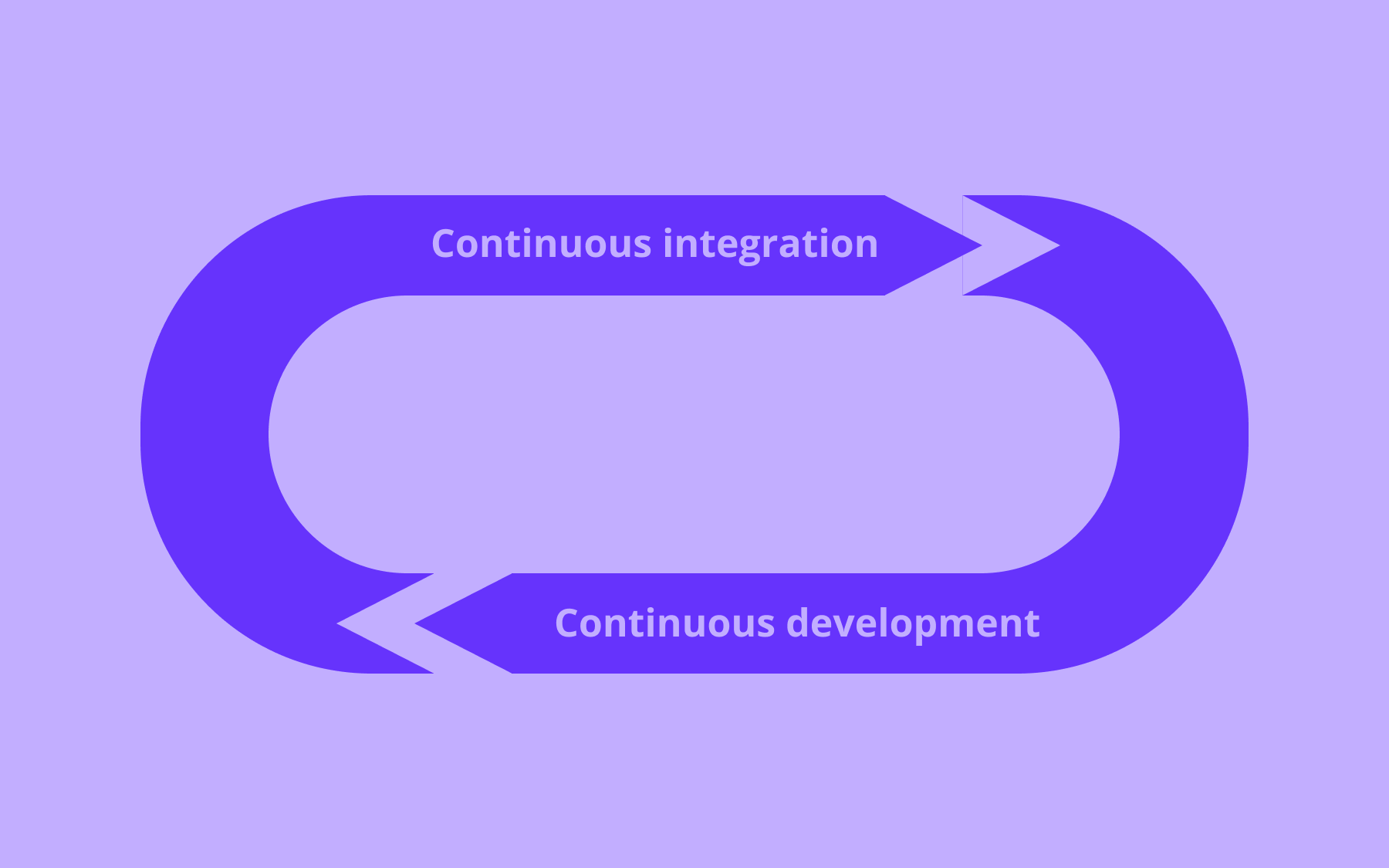
Continuous integration is the practice of merging code changes into a shared repository frequently, with each merge triggering an automated build and test sequence. The core idea is to catch integration problems early, while they’re still cheap to fix.
When every developer on a team is pushing to a shared main branch multiple times a day, and automated tests run on every push, you get a fast, reliable signal about what’s broken and who introduced the problem.
Continuous delivery extends that idea to the deployment process.
Once code passes the CI stage, continuous delivery means it’s always in a deployable state—ready to ship to the production environment with minimal manual intervention.
Continuous deployment goes one step further: every change that clears the pipeline is deployed automatically, without requiring human sign-off. These are meaningfully different things, and it’s worth deciding which model you’re aiming for before you start configuring anything.
The relationship between CI and CD matters. CI is the foundation. Without it, continuous delivery doesn’t hold–you can’t safely automate what you haven’t reliably integrated and tested first. That’s why getting CI right is where implementation should start.
What happens when teams skip this and integrate infrequently? Merge conflicts accumulate in proportion to how long branches stay open. Bugs go undetected for longer, and by the time they surface, the code that introduced them is buried under weeks of subsequent changes. Releases become high-risk events because large batches of untested code are being deployed at once. The software development process becomes slower, not faster, as teams grow.
Read our in-depth guide answering “What is CI/CD?” for more information.
What you need before you start implementing CI
Understanding the principles is straightforward, but actually implementing CI/CD requires a few non-negotiables in place first:
- A version control system
- A shared main branch
- An automated test suite
- Static code analysis
- An agreement on merge frequency and conventions
The most obvious is a version control system. Git is the de facto standard across the software development industry, and it’s what virtually every CI tool relies on.
A shared source code repository is the foundation on which everything else is built. Without it, there’s no main branch to integrate into and no history to roll back against when something goes wrong.
You also need a shared main branch and to agree as a team about how code flows into it.
Developers should be pushing frequently, not sitting on long-running feature branches for weeks. If your current process involves feature branches that stay open longer than a day or two, that’s a cultural problem to address alongside the technical setup. CI pipeline configuration alone won’t fix it.
An automated test suite is the other hard requirement, and it’s also where many teams get blocked.
If there’s zero test coverage in your existing codebase, the CI pipeline has nothing meaningful to validate. It can confirm that the build compiles, but it can’t tell you whether the new code actually works.
It’s worth writing even a minimal set of unit tests before configuring your first pipeline. Genuinely, something beats nothing; you can expand coverage over time once the structure is in place.
Static code analysis is worth adding early, too. Static analysis tools can flag security issues, code quality problems, and common bugs without running the application–making them a low-effort, high-value addition to the early stages of any pipeline.
Finally, the team needs to reach an agreement on merge frequency and the conventions that govern it.
Continuous integration works because code integration is constant. If some developers are pushing daily and others are sitting on two-week branches, the benefits erode for everyone. This is as much a process conversation as a technical one, and it’s easier to have it before you start than after the pipeline is live.
How to implement CI/CD: the core steps
With those prerequisites in place, you’re ready for implementation. None of these steps is especially complicated in isolation—the challenge is getting all of them to work together reliably and keep them working as the codebase grows.
Set up version control and branching conventions
All work should flow through version control, with a clear branching strategy agreed across the team.
The two dominant models are:
- Git Flow, which uses multiple long-lived branches and a structured release cycle
- Trunk-based development, where all developers push directly to the main branch or merge short-lived feature branches into it frequently.
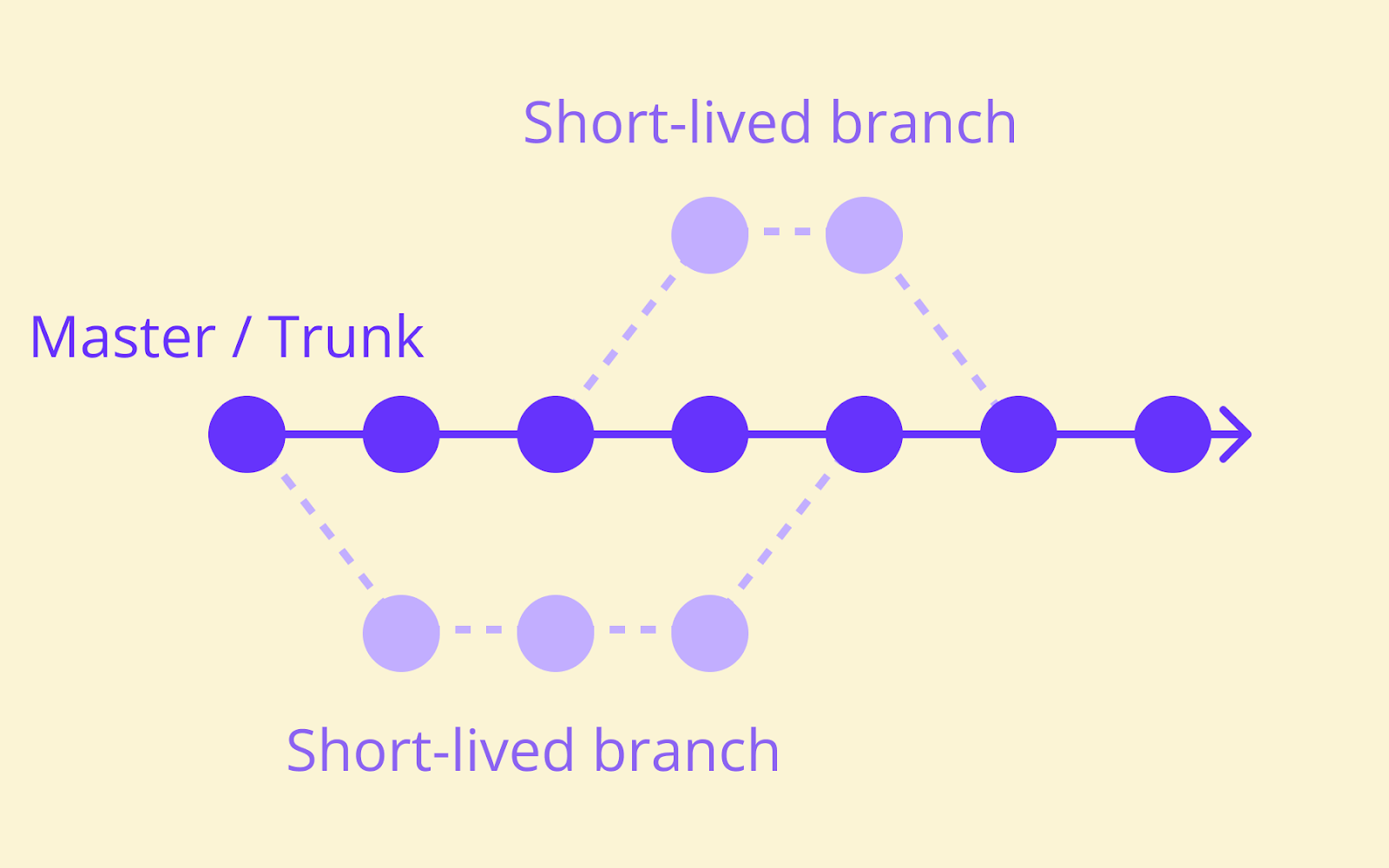
Trunk-based development aligns more naturally with high-frequency CI. Short-lived branches reduce the window for integration issues to accumulate, which is precisely what continuous integration is trying to achieve.
That said, the right model depends on your team’s size, release cadence, and existing tooling. Neither approach is universally correct, and switching branching conventions mid-project carries its own risks.
Whatever model you choose, keep branches short-lived and merge often. Long-running branches are a primary source of merge conflict pain and slow the overall development cycle for everyone working in the same repository.
Automate your build process
Every merge to the main branch should trigger an automated build. This is the mechanism that catches broken code immediately, before it affects anyone else working in the same codebase.
A build step typically handles compiling source code, bundling assets, running static analysis, and generating deployable artefacts.
The specific steps you’ll go through vary significantly by language and framework, but the principle is usually the same: the build process should be fully automated and repeatable, producing identical output from identical input regardless of who triggered it or when.
Build speed matters more than teams often assume. If a build takes too long, developers stop waiting for results. They context-switch, the feedback loop breaks, and the quality gate becomes decorative. Aim for builds that complete in under ten minutes where possible, and treat slow builds as a problem worth solving, not an inconvenience to tolerate.
Write and run automated tests
Automated testing is where CI earns its keep. Three layers are worth running in your pipeline, each serving a different purpose in the overall development process.
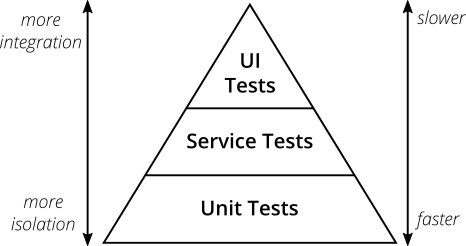
- Unit tests are fast and isolated
They test individual functions or components without external dependencies. Unit tests are the cheapest tests to write and the fastest to run, which makes them the backbone of any test suite. Every developer should be writing unit tests as a matter of course before merging new code.
- Integration tests check how components interact with each other
Whether a service correctly calls a database, for example, or whether two modules communicate as expected.
They’re slower than unit tests but catch a different class of problem that unit tests can’t surface, including issues with configuration files and environment-specific behaviour.
- End-to-end tests simulate real user behaviour
End-to-end testing of the full stack from front end to back end is the most realistic and the slowest method.
Most development teams run them on a schedule—nightly, or before a major release—rather than on every commit, because waiting 45 minutes for end-to-end tests on every push makes the pipeline impractical for daily use.
The test pyramid model, outlined by Martin Fowler, provides a useful framework for thinking about the right balance: many unit tests, fewer integration tests, and a small number of end-to-end tests.
Code coverage metrics can help identify gaps, but don’t mistake a high coverage percentage for a high-quality test suite. Tests that actually validate meaningful behaviour matter far more than tests that exist purely to inflate a number.
Make the pipeline visible
Visibility is what turns a CI setup from a background process into an actual quality gate. Every developer should be able to see the current build and test results at a glance—on a dashboard, in a Slack notification, or directly in the pull request interface of your source control system.
Failed builds should notify the relevant developer immediately, not the whole team, not an hour later, but the person who pushed the breaking change, as soon as it fails. The speed of feedback is directly tied to how quickly the problem gets fixed.
Green builds should be the default expectation.
If red builds are normalised—if nobody feels urgency when the pipeline is broken, and teams move on rather than stopping to fix it—CI stops functioning as a quality gate.
Restoring a broken pipeline should be treated as the highest priority in the development cycle, ahead of new features and bug fixes.
How to set up a CI/CD pipeline
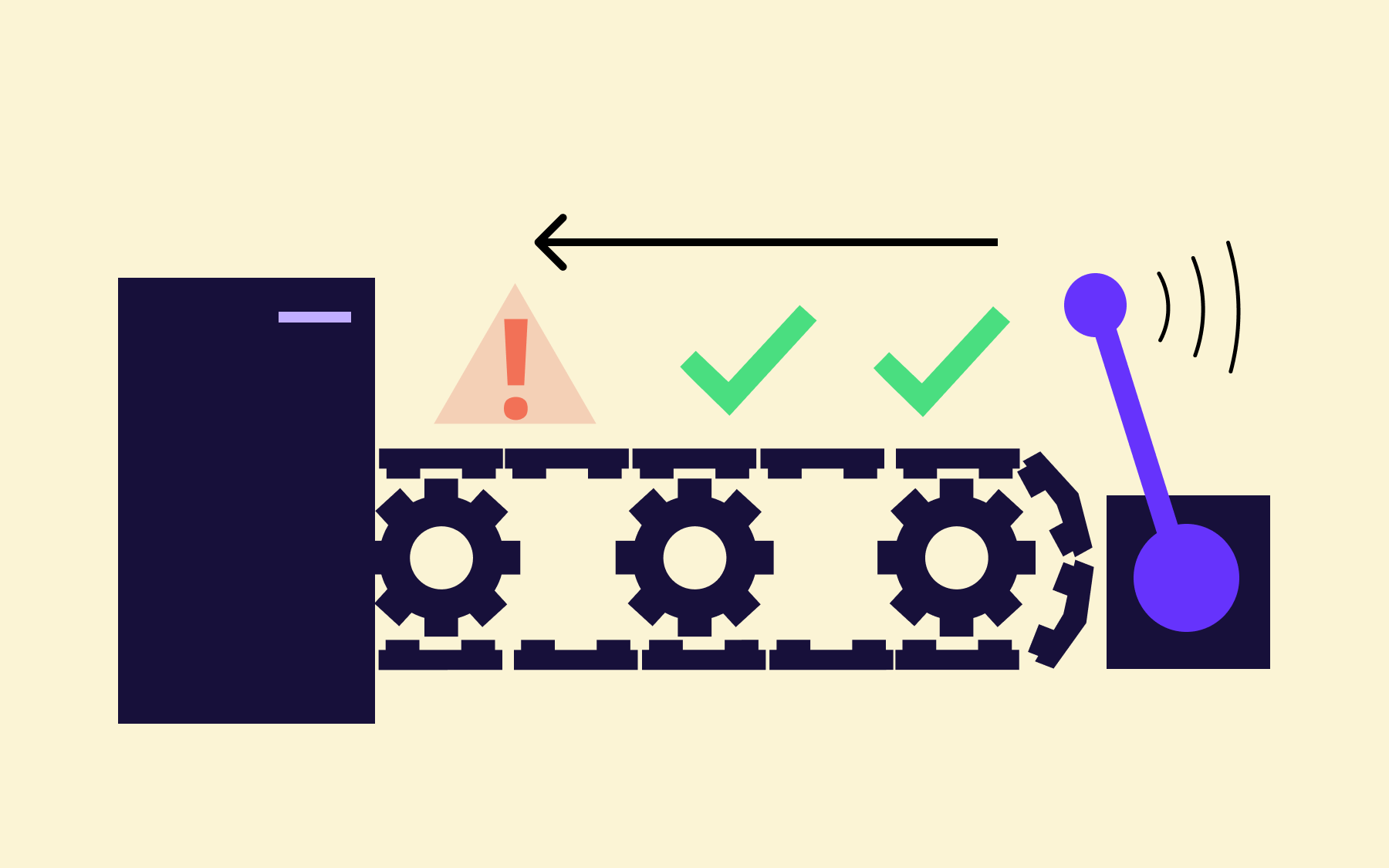
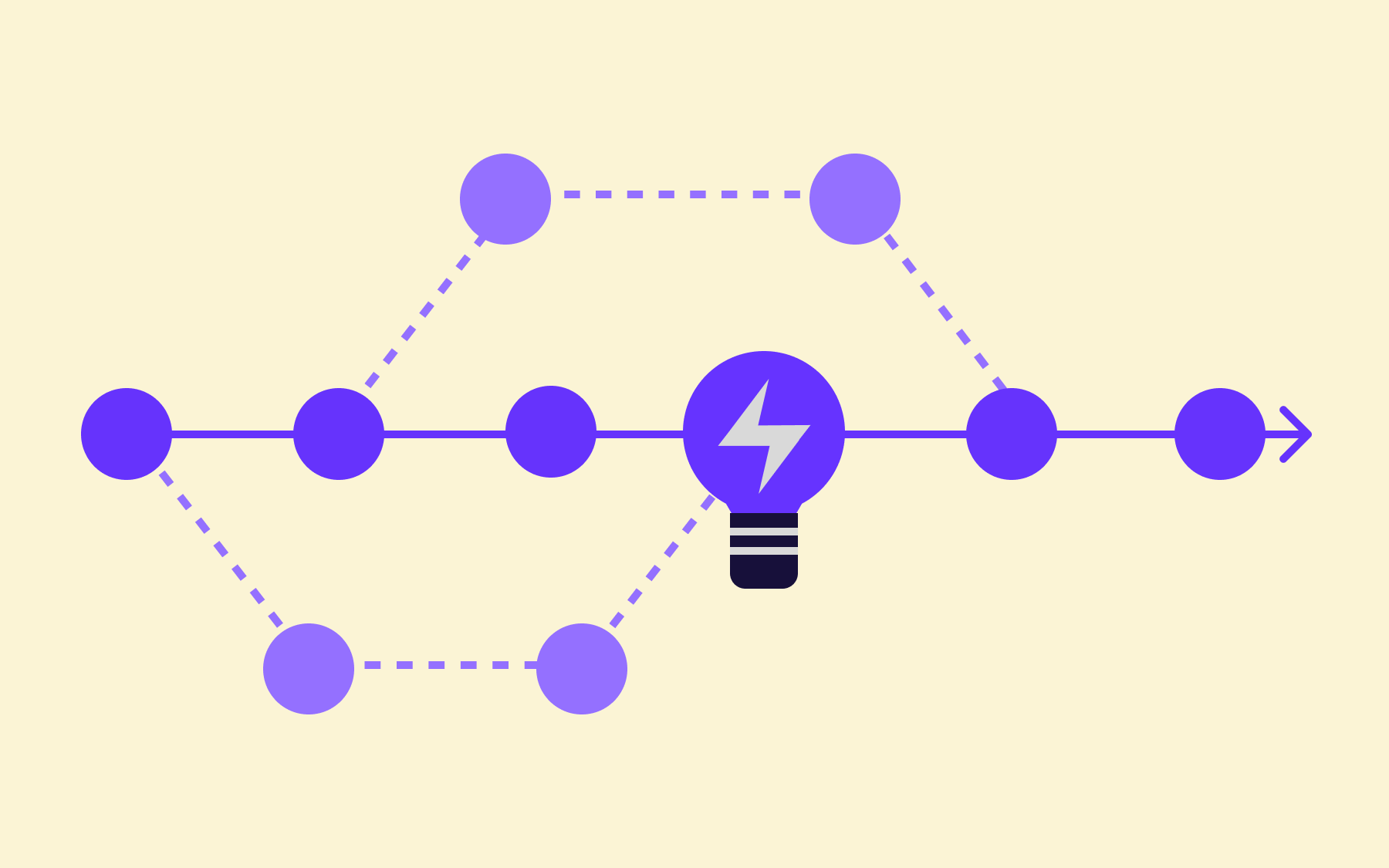
Once your core CI practices are running reliably, the next step is building them into a formal pipeline, i.e., a structured sequence of automated stages that code passes through on its way from a developer’s commit to a running deployment.
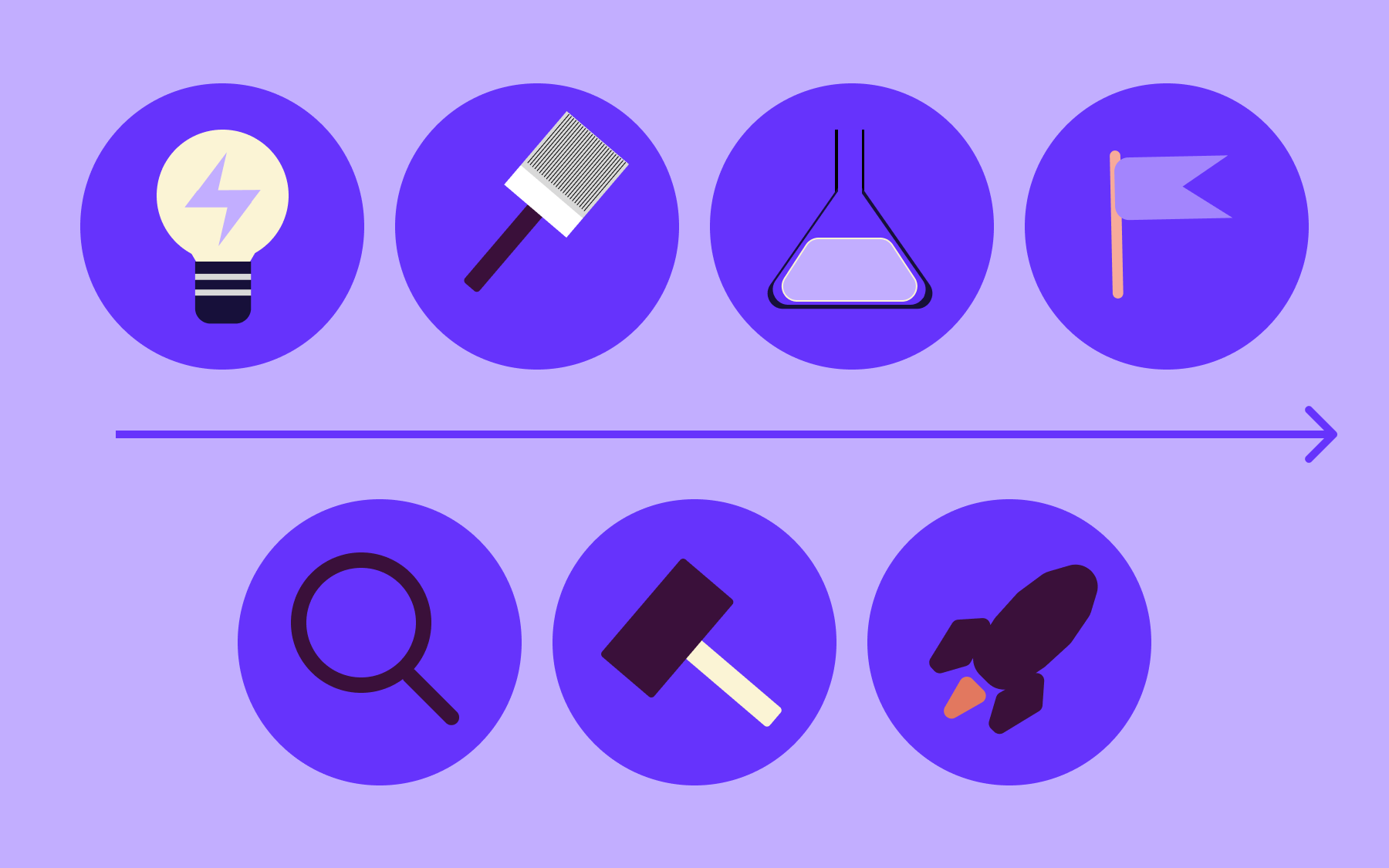
A typical CI/CD pipeline has six stages.
- The source trigger: a commit or merge request–kicks off the process.
- The build stage compiles the code and generates artefacts.
- The test stage runs automated testing against those artefacts.
- Artefact creation produces a deployable package and stores it somewhere accessible.
- The staging deployment sends the artefact to a staging environment for final validation.
- The production deployment, either automatic or after manual approval, puts the change into the live production environment.
Not every team needs every stage on day one. Starting with build and test alone is a legitimate first version of a CI/CD pipeline, as it delivers the majority of the value immediately and gives you a working foundation to build on.
GitLab’s 2024 Global AI & DevSecOps Survey found that 66% of developers reported releasing software twice as fast, or even faster, than in previous years—with CI/CD having an impact. This stat suggests the return on investment can start early, not only once the full pipeline is mature.
Pipeline-as-code, or defining your pipeline in a versioned configuration file stored alongside application code, is now the standard approach across the industry. It keeps pipeline configuration reviewable, auditable, and consistent across environments.
When the pipeline changes, those changes go through the same review process as any other code change. It also means the pipeline can be reproduced reliably if you need to migrate tools, rebuild infrastructure, or quickly bring a new developer up to speed.
Security scanning deserves a dedicated mention here.
Adding automated security scanning to the pipeline to identify vulnerabilities in dependencies and the existing codebase before they reach production is one of the highest-value steps many teams skip in early pipeline versions. Include it as early as possible in the software delivery process.
Choosing your CI/CD tools
Several strong CI/CD platforms exist, each with different strengths:
- GitHub Actions
- GitLab CI/CD
- CircleCI
- Jenkins
- Buildkite
The right choice depends on your existing infrastructure, team size, and how much maintenance overhead you’re willing to absorb.
GitHub Actions integrates tightly with GitHub repositories. If your team already works in GitHub, the setup friction is low, and the marketplace of pre-built actions covers most common use cases across a wide range of programming languages and frameworks.
GitLab CI/CD has strong built-in pipeline tooling and is particularly well-suited for teams running self-hosted GitLab instances. It’s a mature platform with good support for complex pipeline structures and environment-specific deployment rules.
CircleCI is well-regarded for performance and parallel test execution. Development teams with large test suites often find that parallelisation reduces pipeline execution time substantially, and CircleCI’s configuration model makes it relatively straightforward to set up.
Jenkins is one of the most widely used open-source automation servers in enterprise environments. It’s highly configurable and benefits from a large ecosystem of plugins, but it requires more maintenance than hosted alternatives.
Buildkite is a strong option for monorepos and larger engineering teams. It separates pipeline orchestration from compute, letting you run agents on your own infrastructure while managing configuration centrally. For teams dealing with very large codebases, it can offer significant improvements in pipeline execution time.
The most important selection criteria are how well the tool integrates with your existing tech stack, how fast pipelines run, and how maintainable the configuration files are over time.
A platform that’s technically powerful but difficult to keep updated tends to accumulate pipeline debt, which quietly undermines the software delivery process it’s supposed to improve.
How to build a CI/CD pipeline that scales
A pipeline that works well for a team of five will often struggle with the demands of a team of 50. Building for scale requires thinking past the immediate setup and into how the pipeline will behave under load, across multiple teams, and over time.
Parallelising test runs is one of the most impactful single changes most teams can make to reduce feedback time.
Rather than running the full test suite sequentially, splitting it across multiple runners means the same tests are completed in a fraction of the time. For a test suite that takes 30 minutes to run sequentially, parallelisation can bring that down to under ten minutes without changing a single test.
Caching dependencies speeds up builds considerably.
Most package managers—npm, pip, Maven, Gradle, etc.—can cache previously downloaded packages so subsequent builds don’t fetch the same files from remote registries on every run. It’s a simple configuration change with a disproportionate effect on build speed, particularly in codebases with large dependency trees.
Separating fast and slow test suites lets developers get a quick signal without waiting for full pipeline runs. Unit tests run in seconds and provide immediate feedback on new code. Heavier integration and end-to-end test suites run on a longer cadence rather than blocking every push.
Environment-specific pipelines for staging and production—with different approval gates, different test requirements, and different deployment processes for each—give you more granular control over what gets deployed where and when.
They also make it easier to enforce quality standards consistently across different stages of the development lifecycle.
Pipeline maintenance is an aspect that development teams consistently underestimate.
Like application code, pipelines accumulate technical debt. Dependencies go out of date, configuration files grow unwieldy, and stages that made sense at one point in the development cycle become bottlenecks at another. Refactoring the pipeline periodically is part of keeping it genuinely useful rather than nominally present.
Where feature flags fit into CI/CD
A well-configured CI/CD process gets code to production reliably. Feature flags give you control over what happens once it gets there.
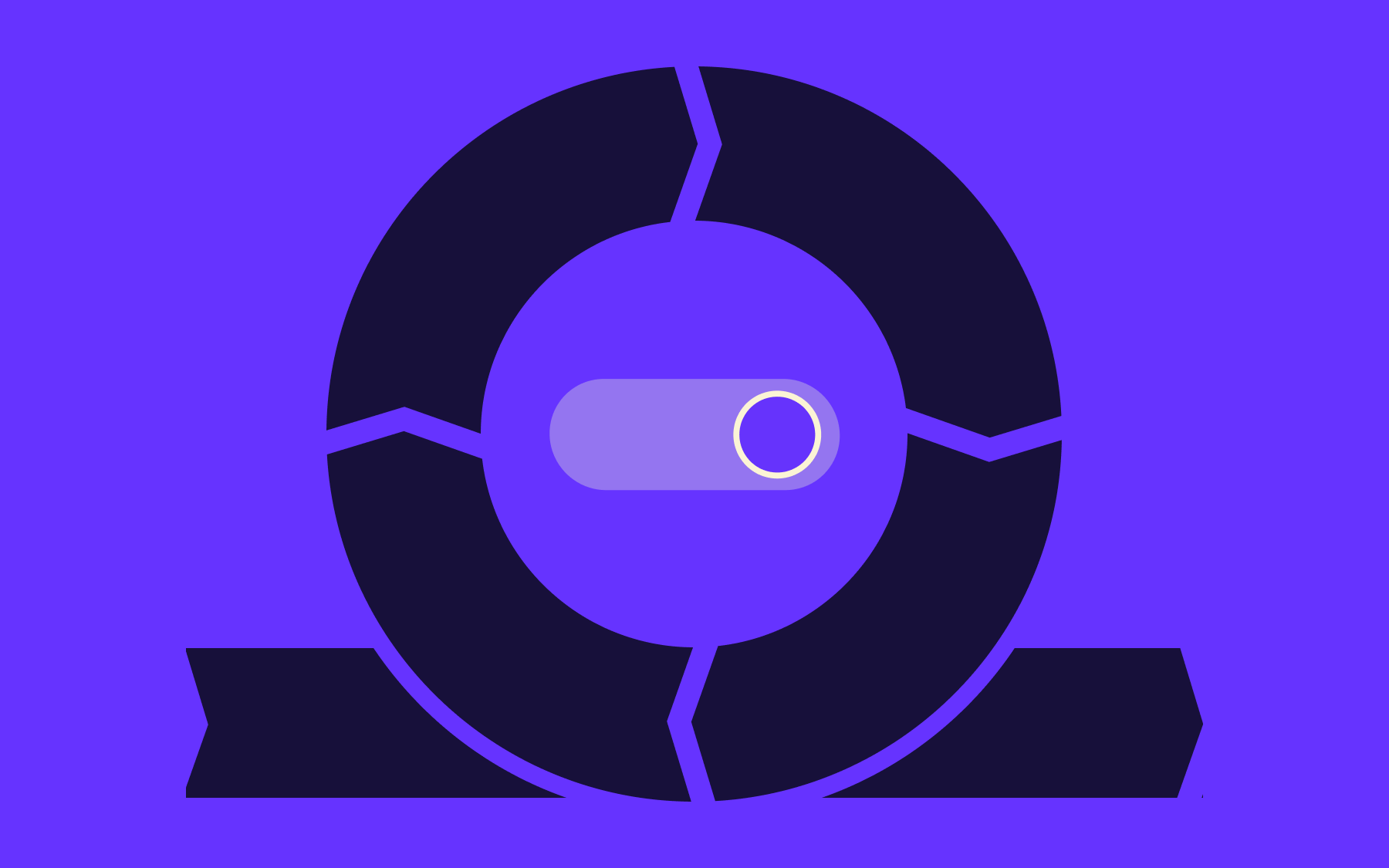
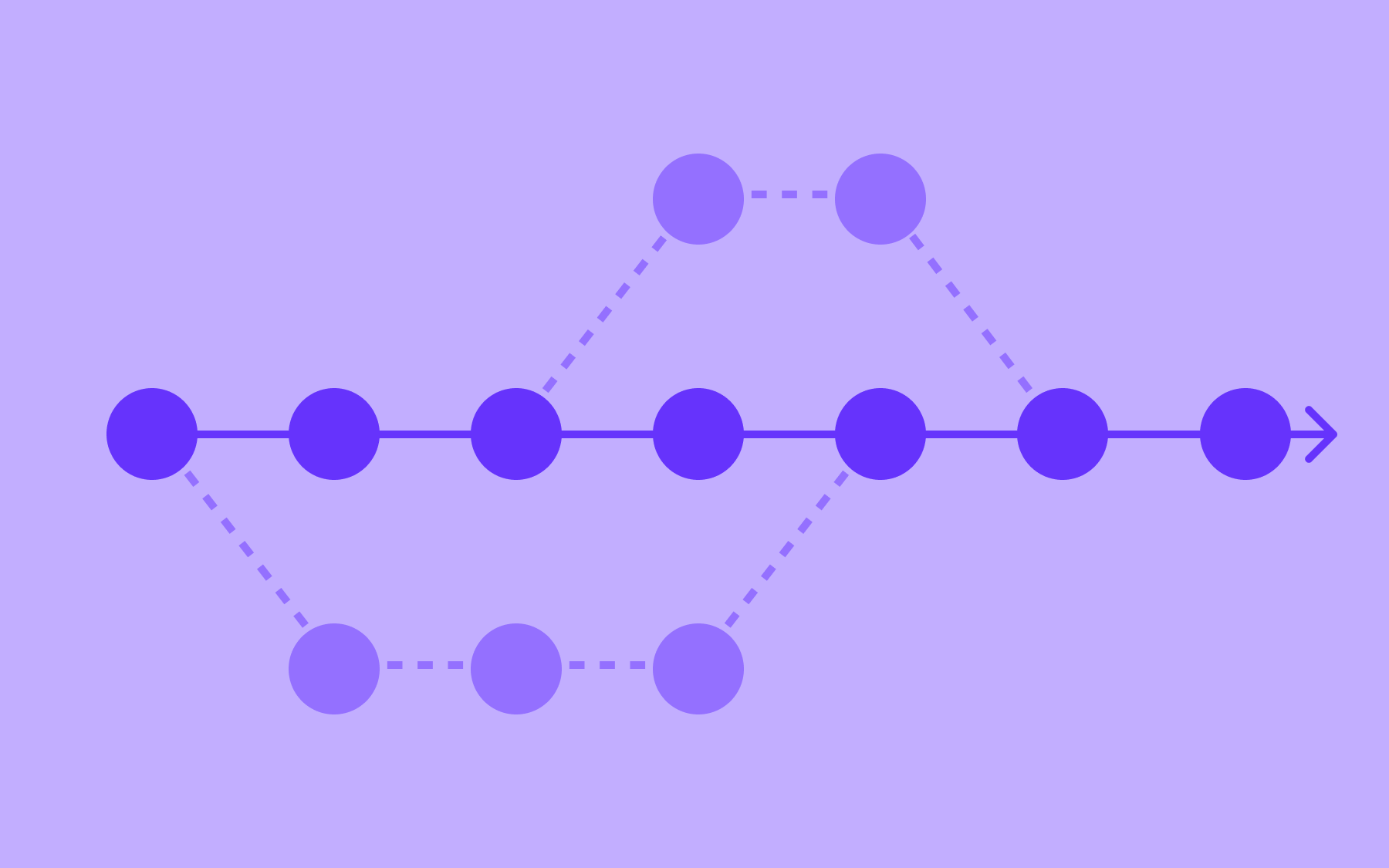
The core idea is decoupling deployment from release.
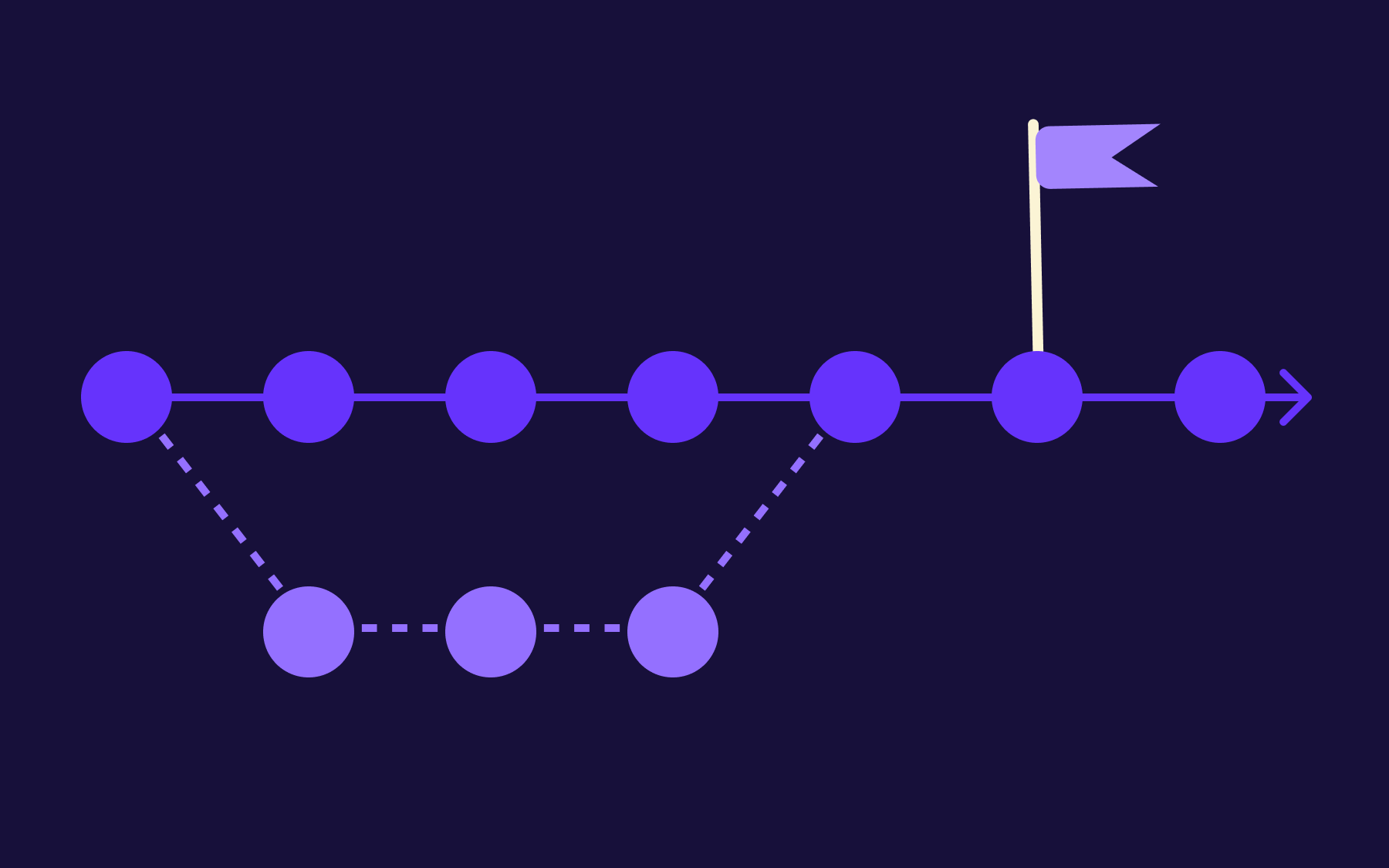
With feature flags, code can be merged, tested, and deployed to the production environment while keeping new or incomplete features hidden from users until they’re ready.
The main branch stays clean and deployable; nothing half-finished is exposed to anyone—particularly valuable when implementing CI/CD across larger development teams, where multiple developers are working on overlapping features and coordinating those changes creates real integration risk.
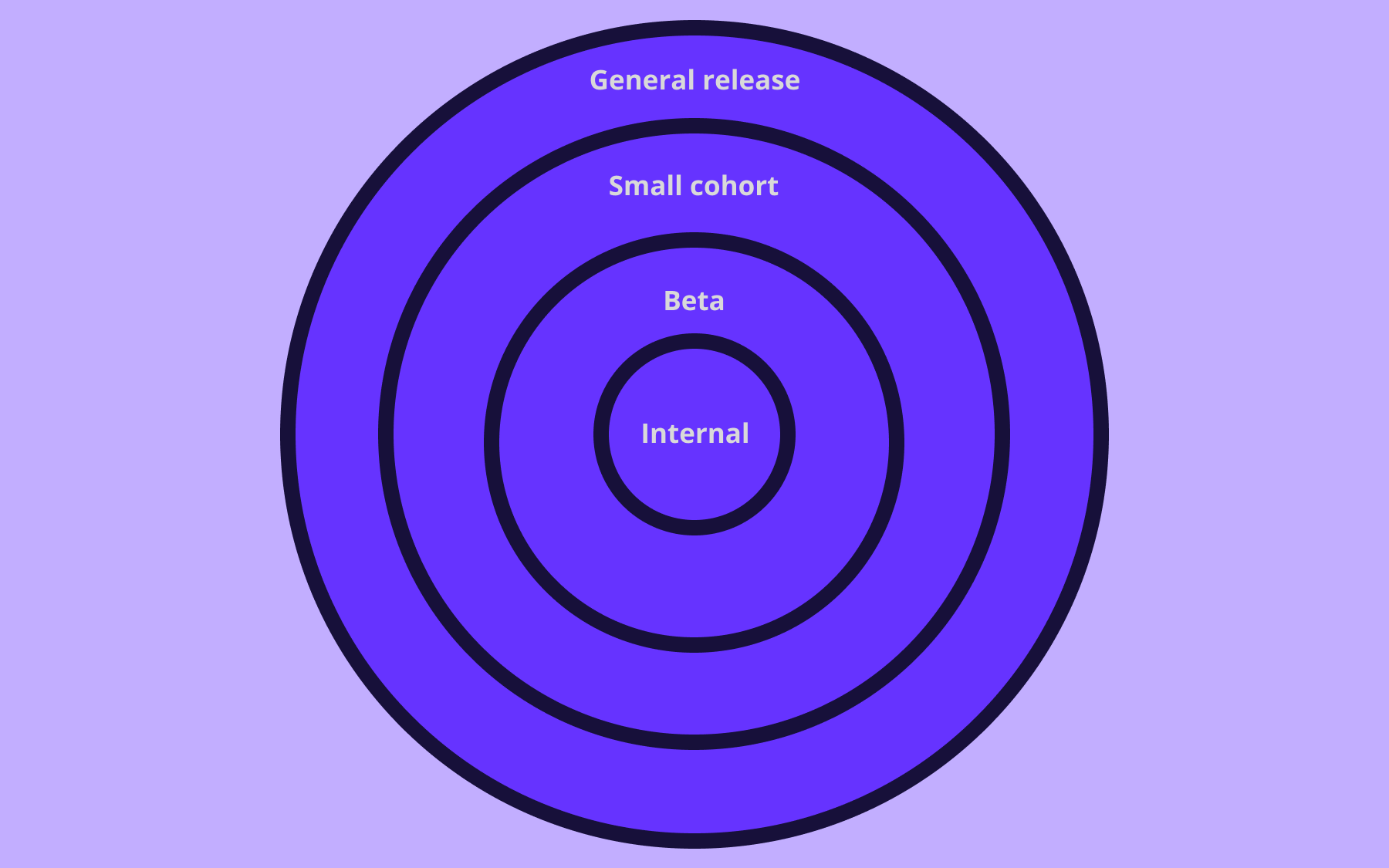
Flags let you control what percentage of users see a new feature at any given time. Releasing to 1% of users, watching the metrics, then gradually increasing rollout does reduce risk when compared to deploying to everyone at once.
If something goes wrong, rolling back doesn’t require a new deployment—you just switch the flag off.
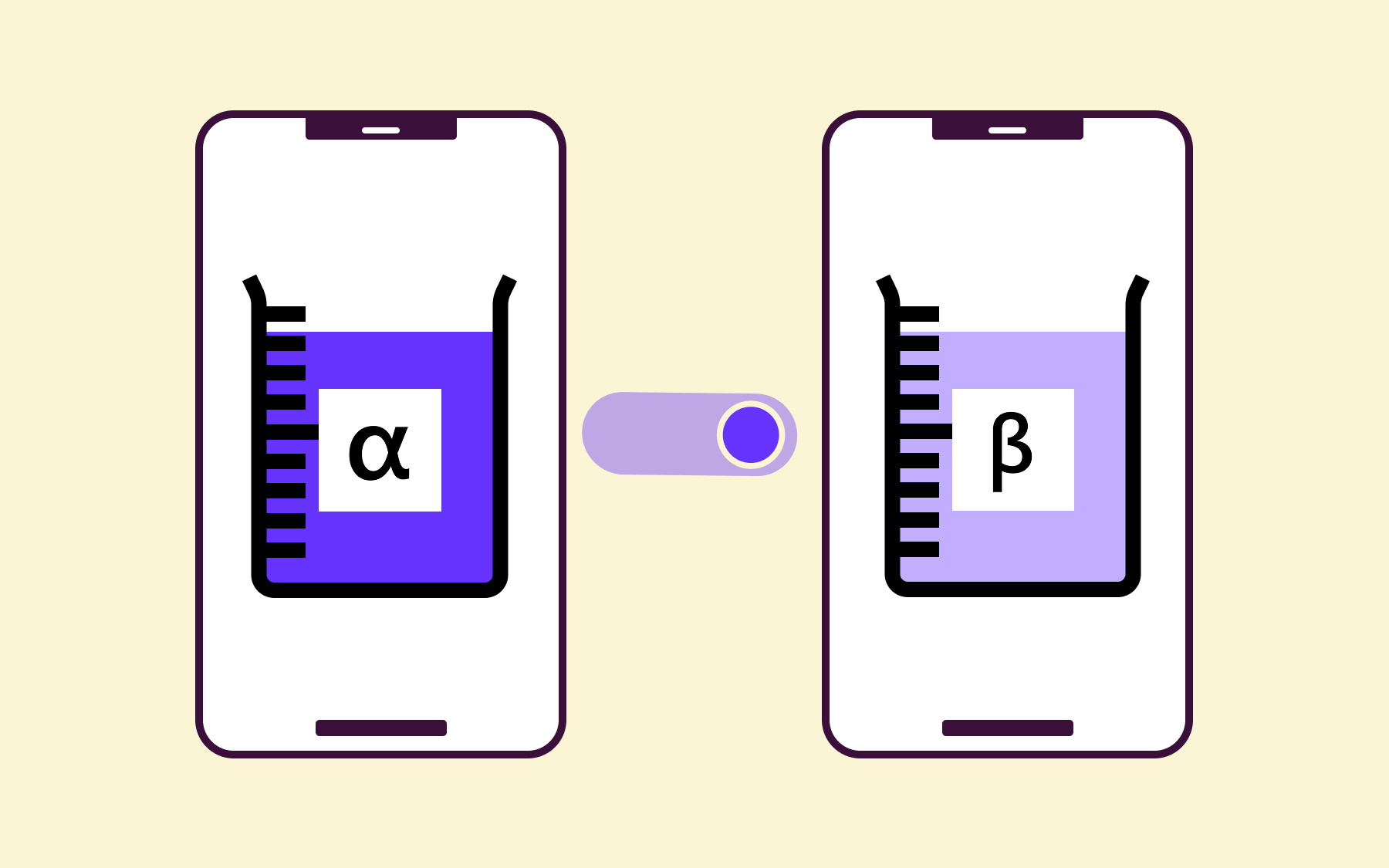
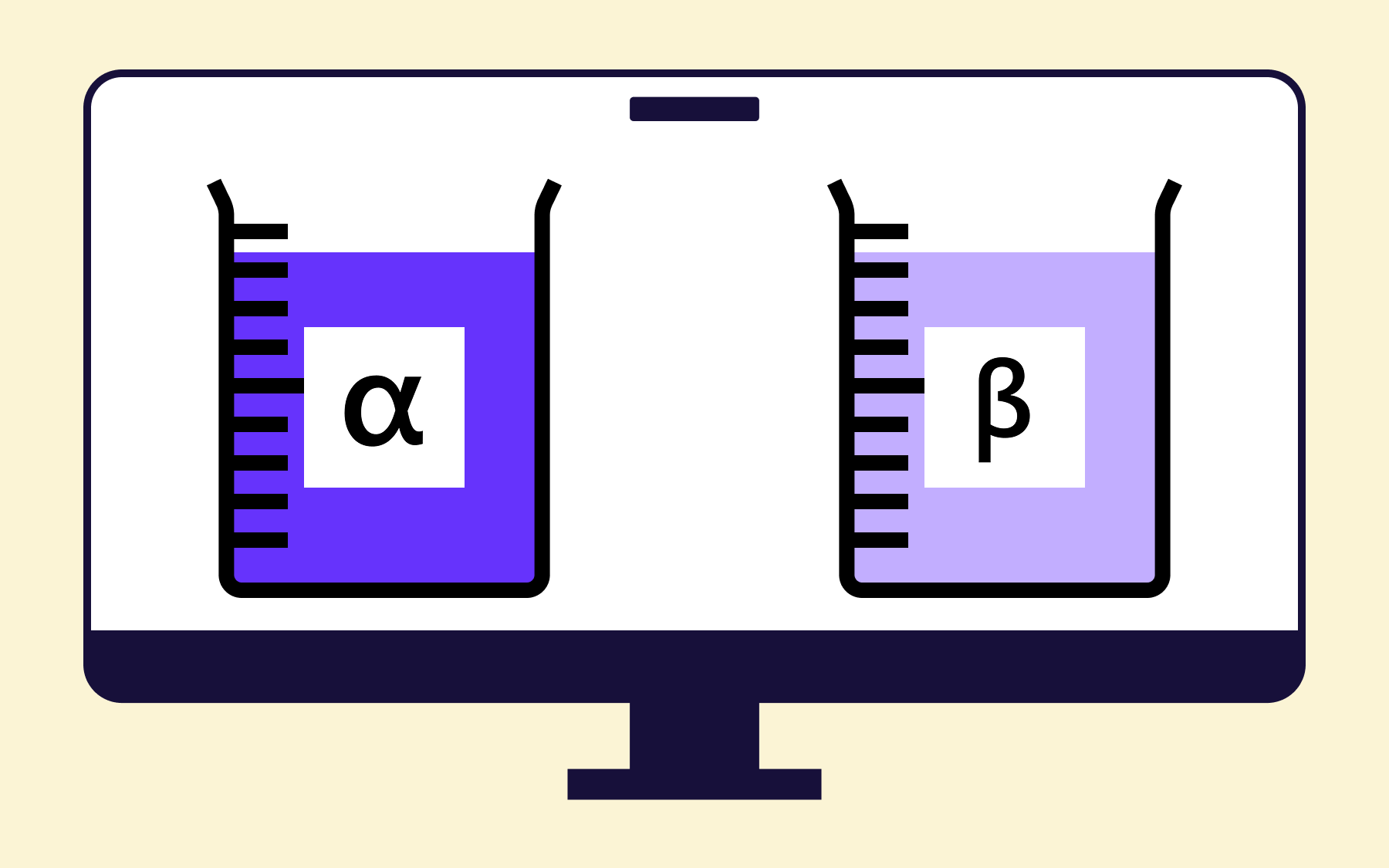
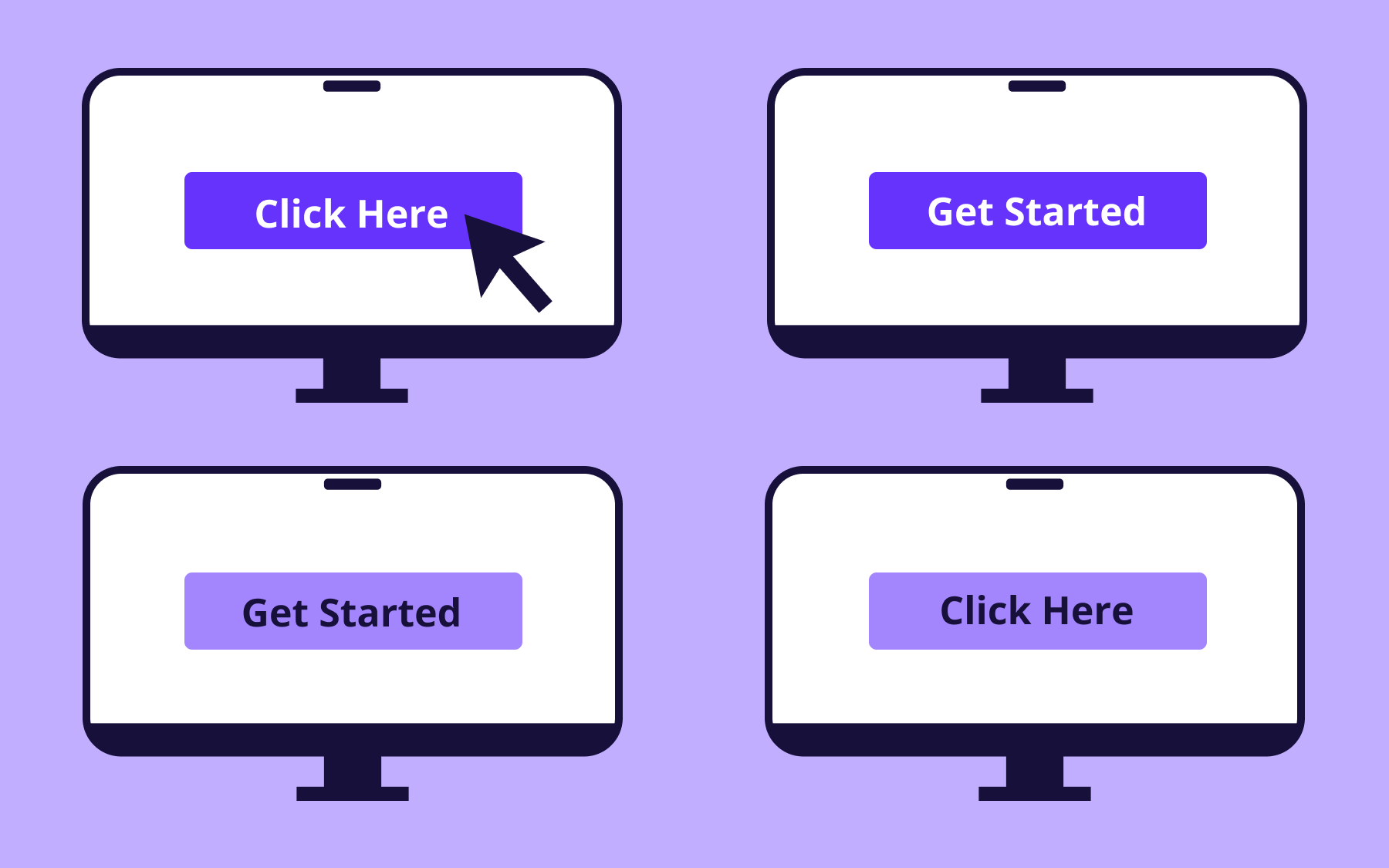
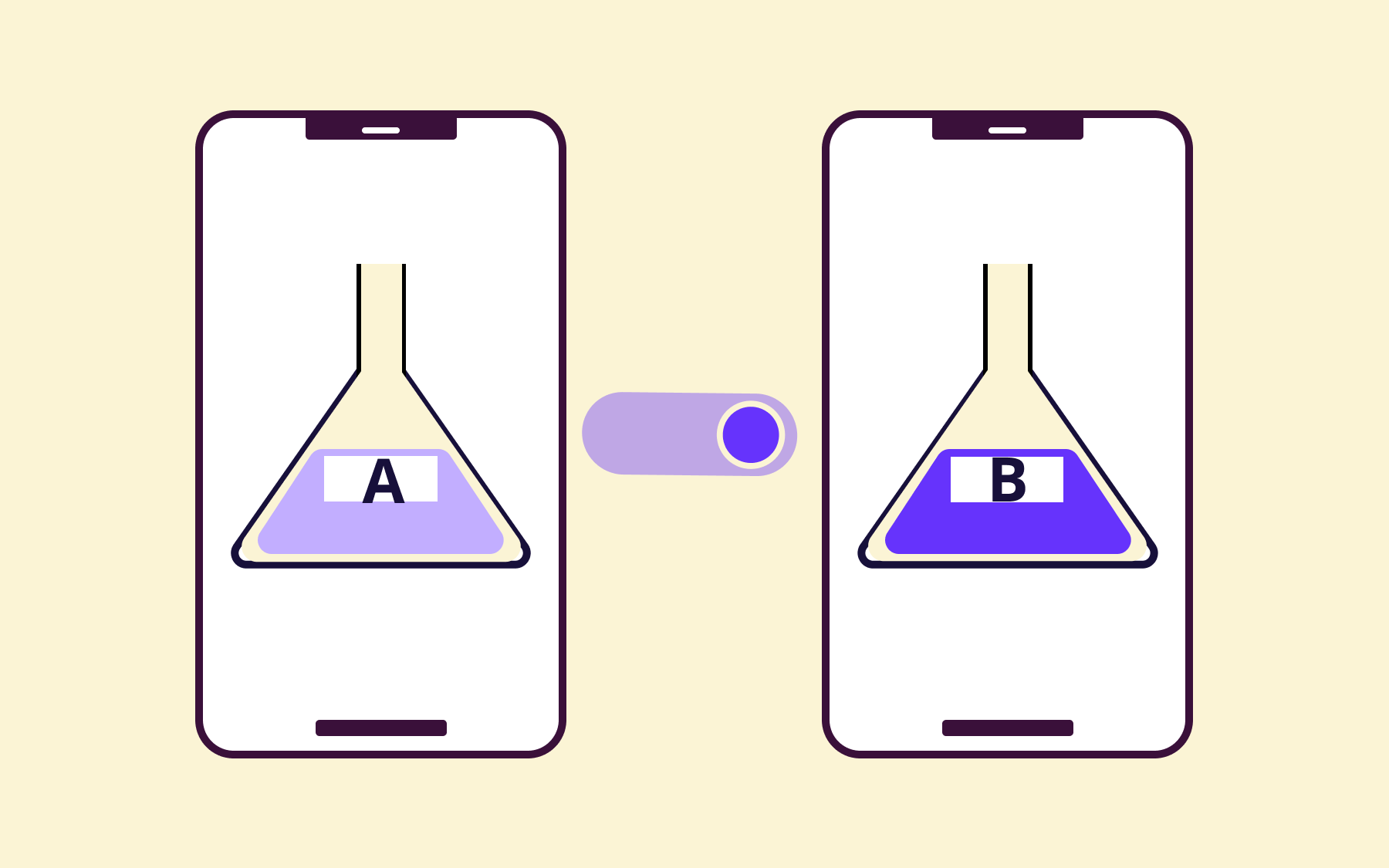
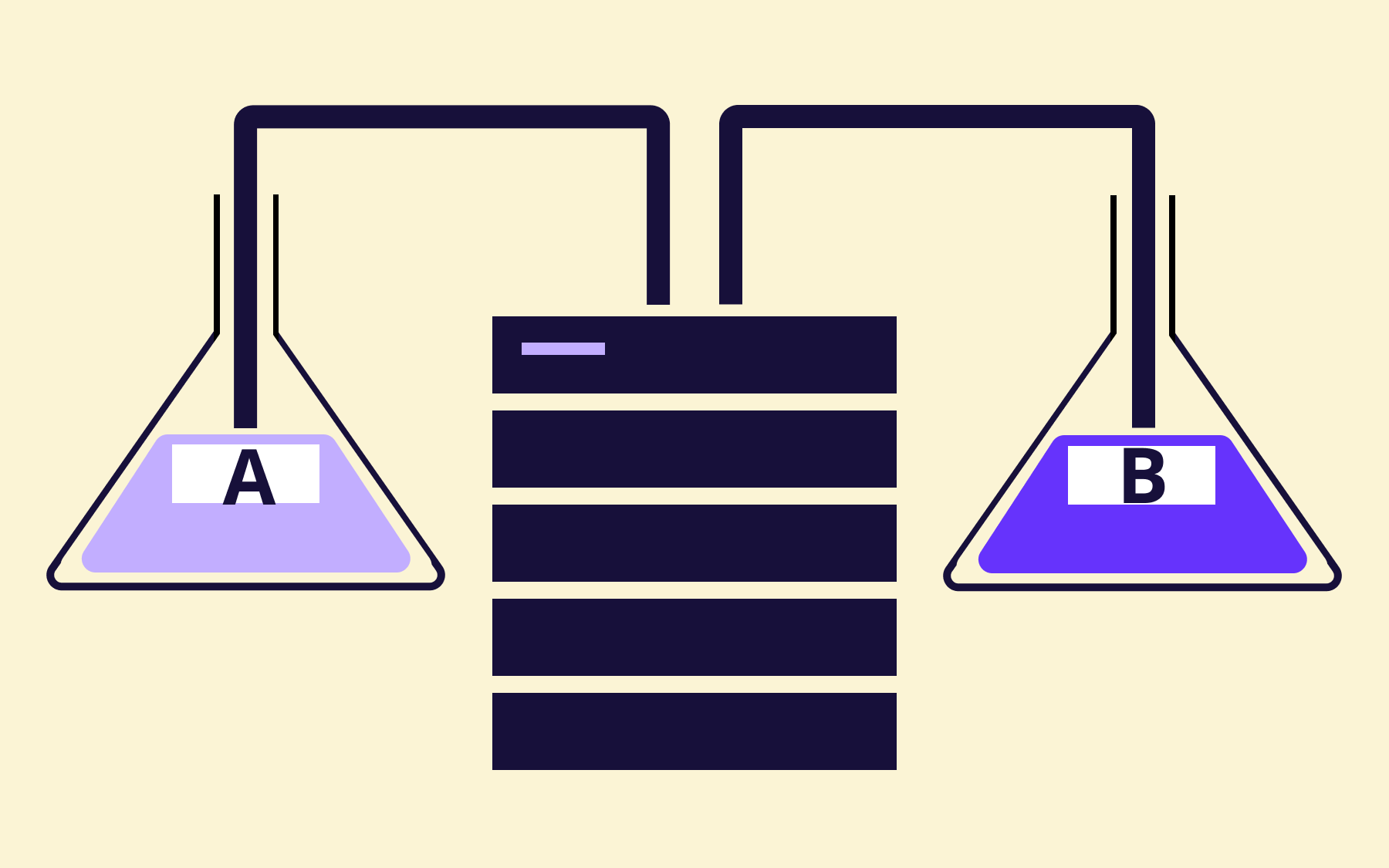
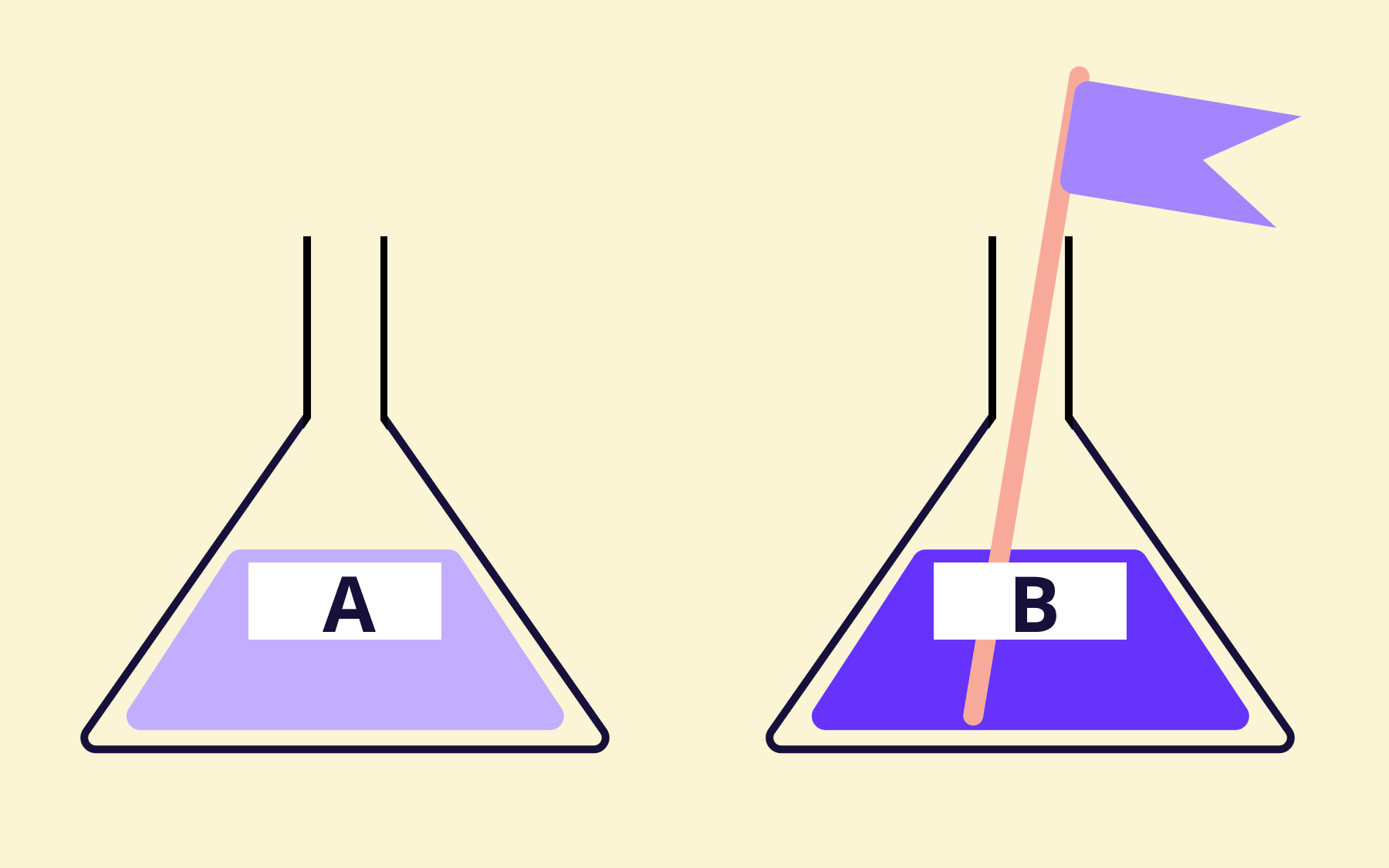
Feature flags also make A/B testing practical within the same codebase and the same deployment process. Two variants of a feature can run simultaneously, with traffic split between them and real user feedback informing engineers which direction to take.
Flagsmith is built specifically for this use case. It’s open-source and offers both cloud and self-hosted deployment options, making it a natural fit for security-conscious organisations that need control over where their data lives.
Flagsmith provides SDKs that integrate with most CI/CD pipelines across a wide range of programming languages.
The feature management platform handles everything from simple on/off toggles to complex percentage-based rollouts and user segmentation, without requiring engineering involvement for every flag change. Start using Flagsmith for free today.
Conclusion
Implementing CI/CD is less about finding the right tool and more about building the right habits:
- Committing small code changes frequently
- Keeping builds fast
- Writing tests as a matter of course
- Treating a broken pipeline as urgent rather than tolerable
When those habits are genuinely in place, continuous delivery follows naturally. The pipeline becomes something teams rely on rather than work around, and a genuine part of the software development process rather than a compliance checkbox.
Feature flags are the natural complement to a mature CI/CD setup. They give teams the ability to keep deploying continuously without the risk of exposing unfinished features, experimental code, or risky changes to users.
Flagsmith’s free tier lets you start using flags in your existing codebase today, with no commitment required. Try Flagsmith for free.
























OpenTelemetry, without the vendor lock-in: Introducing full observability for Open Source and Self-Hosted Flagsmith customers