The Developer's Playbook for Beta Testing That Actually Works


Beta testing sits at one of the most consequential moments in the software development lifecycle: the gap between your team thinking something is ready and your users confirming it.
Everything before this point has been controlled—your developers, your QA team, your test environment. Beta testing is where that control meets reality, and where the assumptions you've built your release on get tested against actual users in actual conditions.
Get it wrong, and the consequences extend well beyond a bad review or a spike in support tickets. Bugs found after release are dramatically more expensive to fix than those caught during the development process, and skipping a proper beta phase is one of the most reliable ways to guarantee you'll be dealing with them in production, under pressure, with users watching.
The cost isn't just financial; it's reputational, and it compounds.
This guide covers what beta testing means, the different forms it takes, why it matters to modern development teams, and how to run a beta testing program that produces results you can actually act on.
It also covers how feature flags make beta testing more controlled, more repeatable, and easier to integrate into continuous delivery without maintaining separate builds or branches.
What is beta testing?
Beta testing is a phase of external user testing in which a near-complete version of a software product—the beta version—is released to a select group of real users outside the development team to uncover bugs, usability issues, and performance problems before the final release. It sits at the end of the software development lifecycle, after internal testing has been completed, and before the product goes live to the general public.
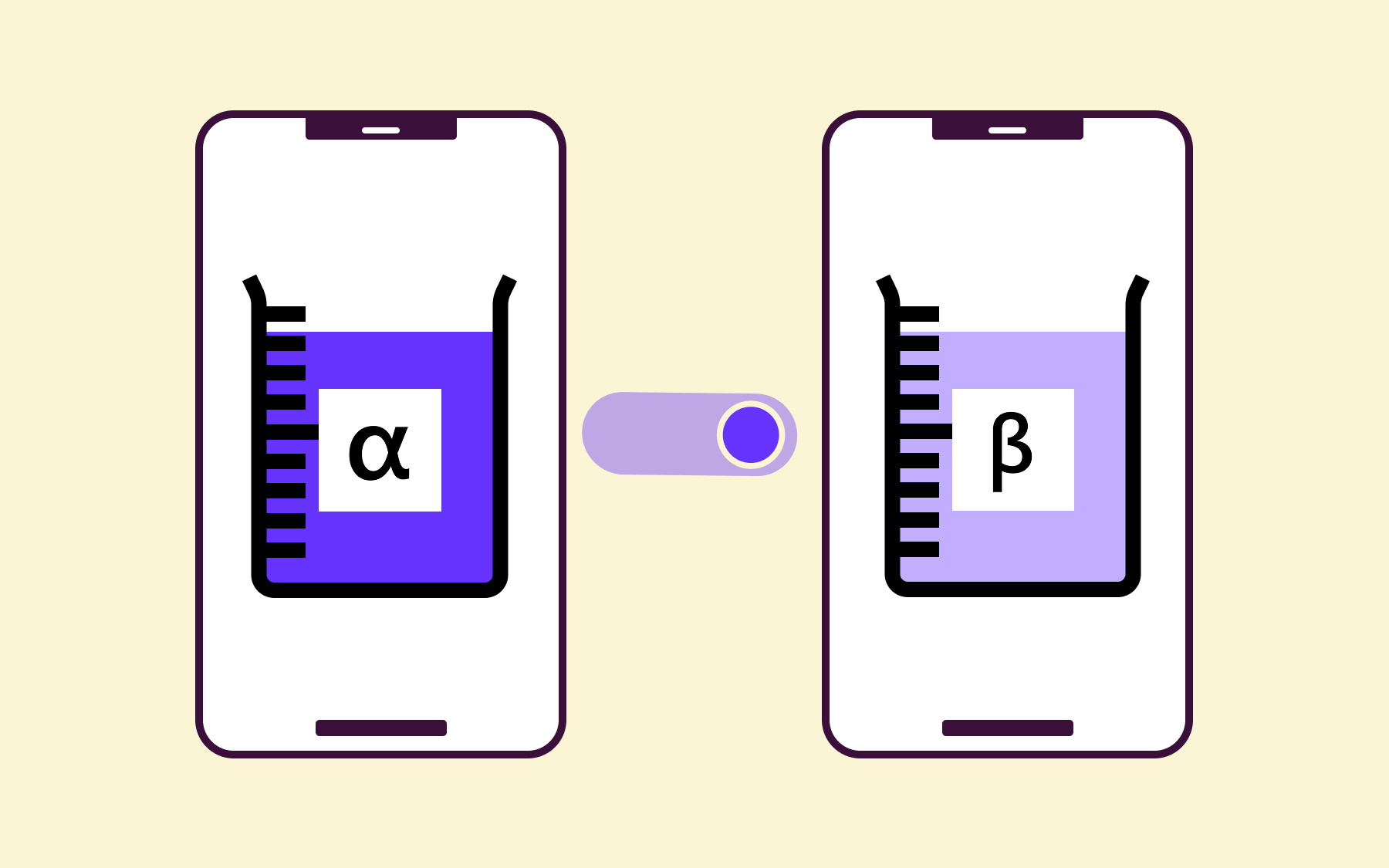
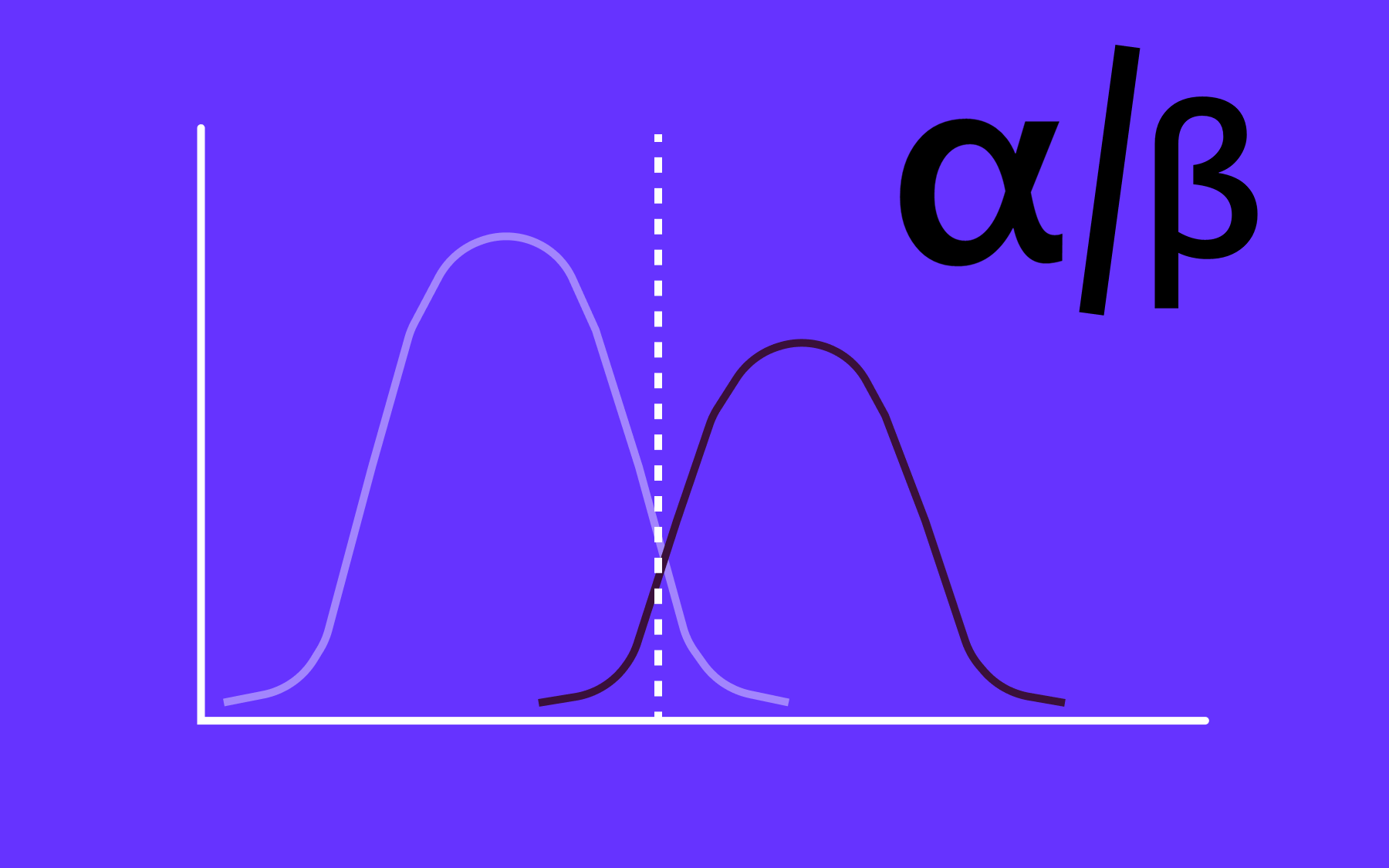
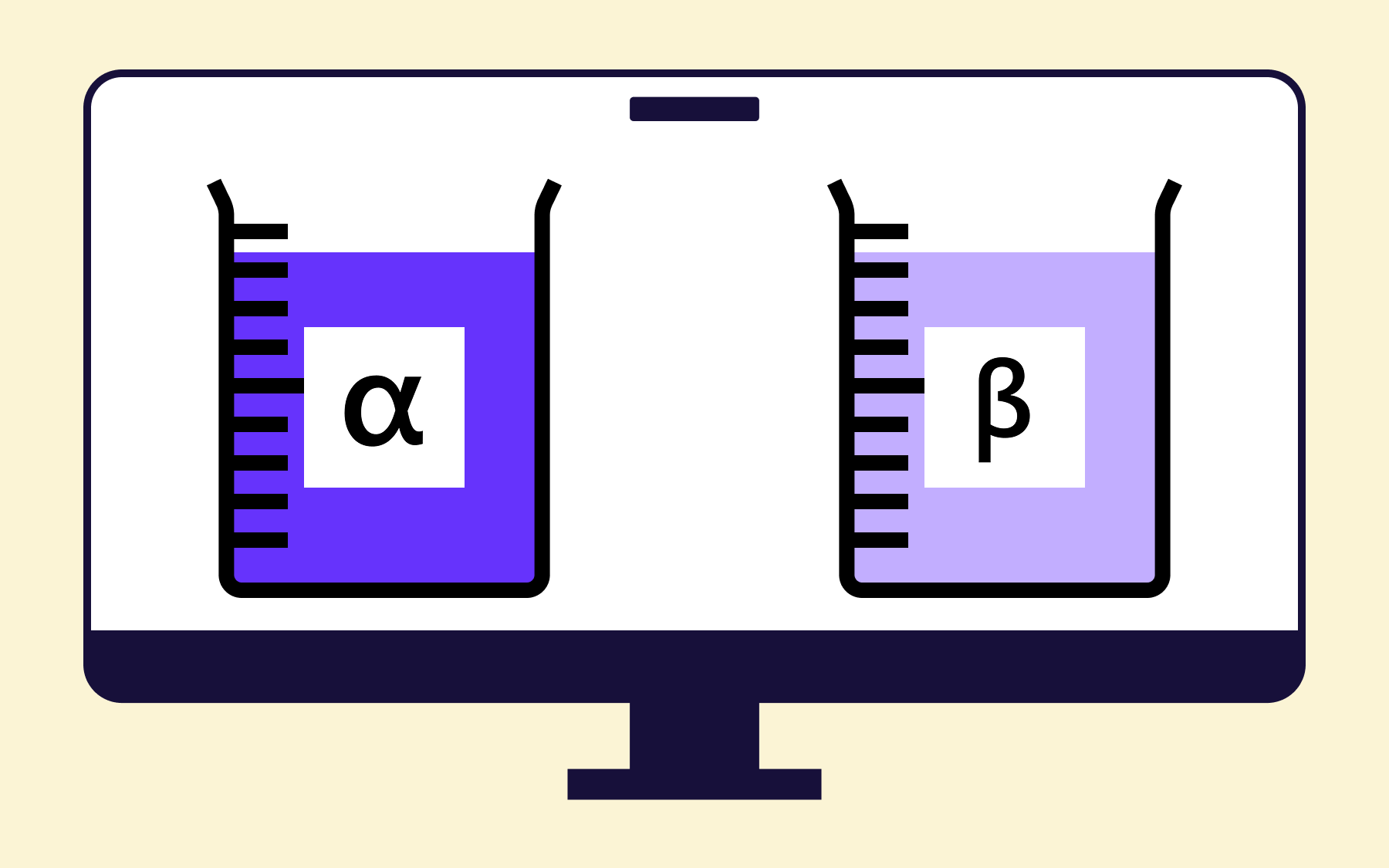
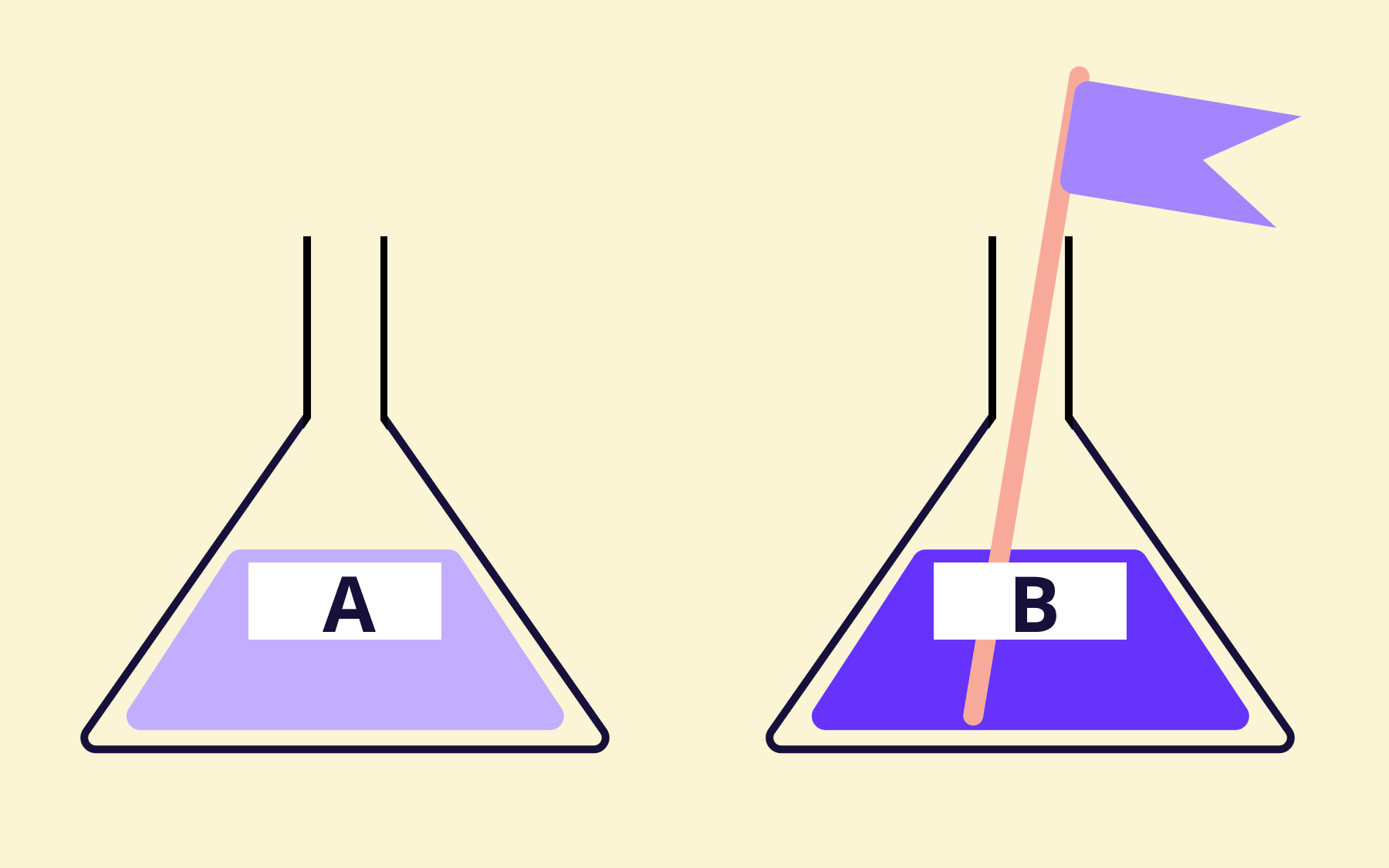
The term "beta" comes from the second letter of the Greek alphabet, indicating that the software is in its second major stage of testing. The first—alpha testing—is conducted internally.
Beta testing follows, and is by definition external: it puts the software in the hands of actual users who interact with it in real-world conditions, outside the controlled environment of a QA team.
In practice, beta testing means handing a beta version of your product to a defined group of external testers, giving them tasks or the freedom to explore, and collecting feedback on what breaks, what confuses, and what doesn't match their expectations.
It’s not a replacement for earlier testing phases, but rather a distinct and complementary stage that catches what internal testing almost always misses. Beta testing occurs between the completion of internal QA and the moment the product is made generally available.

Alpha testing vs. beta testing
The distinction between alpha testing and beta testing is straightforward, though the two are often conflated.
Alpha testing is conducted by developers and QA teams in a controlled, internal environment. Testers know the product well, they know what to look for, and they're working against known requirements. It's thorough within its constraints, but limited by the fact that everyone involved has built or worked closely with what they're testing.
Beta testing is different in kind, not just in sequence. It hands the software to external users who have no prior knowledge of how it was built, which edge cases the team was worried about, or how a particular workflow was intended to function. Those users interact with it the way your actual customers will—unpredictably, creatively, and often in ways your development team never anticipated. That's the point.
The initial testing phase covers what you know to look for. The beta testing phase reveals what you didn't know to look for.
Some teams also run a gamma phase, which sits between beta and general availability and focuses on final checks for critical issues. It’s a less common phase, but is worth knowing about for high-stakes releases where even a minor defect in production carries serious consequences.
Types of beta testing
Beta testing isn't a single approach. Depending on your product, your user base, and what you're trying to learn, different formats serve different purposes.
Open beta
An open beta is released to a large, unrestricted audience—anyone can sign up and participate.
Open beta testing is common for consumer apps and games, where feedback volume matters and where exposure itself has marketing value.
The upside is the breadth of real-world usage data you collect across a wide range of devices, operating systems, and usage patterns.
The downside is that managing and triaging feedback from thousands of external users is genuinely difficult, and the signal-to-noise ratio can be poor without the right tooling in place.
Closed beta
A closed beta restricts access to an invitation-only group of testers, giving you far more control: you can recruit testers who match your target market, define what they're testing, and build a more direct feedback loop.
Closed beta testing tends to produce more detailed, actionable feedback because testers are engaged and accountable. It's the right default for most B2B software teams—and for any product where a security-conscious or compliance-aware audience is involved.
Technical beta
A technical beta focuses on infrastructure, performance, and stability rather than user experience. It's used for APIs, developer tools, or backend-heavy products where the primary concerns are load handling, latency, compatibility across operating systems, and integration behaviour.
The beta testers here are often developers themselves, and the feedback they provide is highly specific. This type of testing phase won't tell you much about UX, but it will tell you a great deal about whether the thing actually holds up.
Focused beta
A focused beta narrows the scope to specific features or workflows rather than the entire product. If you've shipped a new onboarding flow, a redesigned dashboard, or a significant change to a core user journey, a focused beta lets you validate that single change without overwhelming testers—or exposing them to parts of the product that aren't part of the test.
It's an efficient way to gather feedback when you have a specific question to answer and a limited testing window.
Why beta testing is important
The case for beta testing isn't hard to make, but it is frequently underestimated—usually by teams who've never shipped a significant bug to production and don't yet know what that costs.
Real users behave unpredictably
Your internal testing team knows the product. They know where the rough edges are, and they've developed unconscious habits around them.
Real users don't have those habits. They enter unexpected inputs, follow non-linear paths through your interface, interpret instructions differently to how you wrote them, and use the software in configurations you didn't test against.
The beta testing phase is the only stage in the development process where you observe this behaviour before it becomes a production incident.
It validates user expectations before you're committed
There's a meaningful difference between software that works and software that works the way users expect it to. Beta testing surfaces the gap between the two.
A feature that passes every internal test can still fail in the market if the UX doesn't match how users think about the problem it's meant to solve. Early bug detection is valuable; early insight into user expectations is arguably more so.
It reduces post-launch costs in more ways than one
Poor software quality is not a minor inconvenience. According to Tricentis’s 2025 Quality Transformation Report, over four in five businesses (81%) say that poor quality software costs their business between $500,000 and $5 million USD every year.
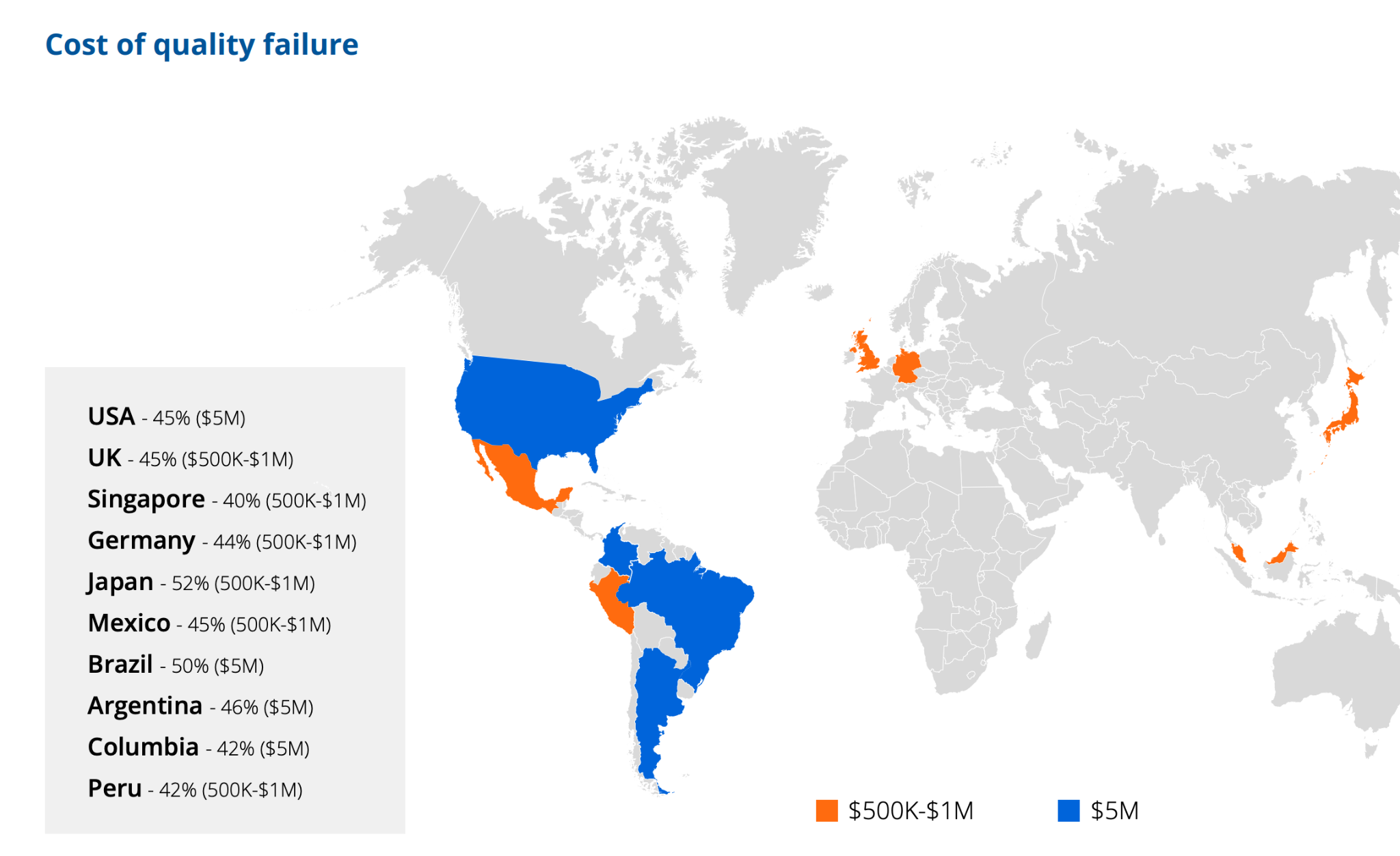
Bugs found and fixed during beta testing cost a fraction of what they cost to fix after release, when you're dealing with user-reported issues, emergency patches, rollbacks, and the reputational damage of a rough launch.
It builds early-adopter advocacy
Beta testers who feel heard, who see their feedback reflected in the final product, become more invested in your success. Treat your beta program well, and you'll convert testers into advocates before you've launched. That's genuine early momentum, and it's worth more than most pre-launch marketing spend.
Skipping beta testing isn't a time-saving decision. It's a cost-deferral decision, and the costs tend to be higher, less predictable, and more disruptive than what you saved.
How to run a beta test
A beta testing program that produces useful results doesn't happen by accident. It requires deliberate planning, clear communication, and a disciplined approach to beta testing feedback analysis. Here's how to structure it from start to finish.
1. Define your goals
Before you do anything else, answer this question: What are you trying to learn? A generic beta—"let's find bugs"—produces generic results. The clearer your beta testing goals, the better your test design, and the more actionable the feedback you'll collect.
Goals might include:
- Validating that a new onboarding flow reduces time-to-activation
- Identifying performance issues under realistic load conditions
- Confirming that a new integration works across the range of third-party tools your users rely on
- Testing whether a redesigned feature meets user expectations in a specific industry vertical
Each of these implies a different tester profile, a different scope, and different feedback mechanisms.
Write your goals down. Share them with whoever is running the program. They shape every decision that follows.
2. Choose your testers
Recruiting beta testers is one of the most consequential decisions in the process, and one that teams frequently get wrong by defaulting to convenience. The right testers are people who match your actual target audience—in terms of industry, role, technical sophistication, and use case.
If you're building a developer tool and your beta group skews heavily towards product managers, you'll get useful feedback, but not the right useful feedback.
Sources for recruiting beta testers include:
- Your existing customer base (ideal for closed betas, because these users already have context)
- Waitlists built from pre-launch interest
- Beta communities such as BetaList,
- Targeted outreach to specific user segments.
For mobile products, TestFlight is a natural distribution channel and has its own tester discovery mechanism.
Aim for a group large enough to produce diverse, representative feedback, but small enough to manage. A well-run closed beta with 50 well-chosen testers will almost always outperform a sprawling program with 500 loosely engaged ones.
3. Set the scope and timeline
A beta without a defined end date loses momentum quickly. External testers need to know what they're testing, what they're not testing, and when the program will close.
Clarity on scope stops testers from spending time on features that aren't part of the test, and a firm timeline creates urgency—which keeps engagement high.
Document the scope in a brief that goes out at the start of the program:
- What's in scope?
- What known issues are already on the roadmap and not relevant to the test?
- What's the timeline, and when will testers hear back about what's changing?
Setting these expectations up front signals that you respect their time, which tends to produce more serious engagement in return.
4. Collect and triage feedback
The mechanics of feedback collection matter as much as the feedback itself. Relying on a single channel—a survey, say, or an email inbox—creates gaps.
A well-run beta testing program typically combines several mechanisms:
- In-app feedback tools that let testers flag issues in context
- Structured surveys at the midpoint and end of the program
- Session recordings to observe usage patterns without interrupting testers
- Direct interviews with the users whose feedback most warrants a deeper conversation
When feedback arrives, triage it systematically. Distinguish between bugs (something is broken), usability issues (something works but is confusing), feature requests (something is missing), and performance observations (something is slow or unstable).
Each requires a different response and different owners. A simple tagging system in your issue tracker is usually enough to keep things manageable and to avoid the common mistake of treating all feedback collection as equivalent.
5. Analyse and act
It’s at this point that many beta programs fall apart. Teams collect feedback, feel briefly overwhelmed by the volume, and then struggle to translate it into clear decisions before the launch deadline arrives.
Prioritise deliberately. Not every piece of beta feedback represents a pre-launch blocker, and treating it as such will paralyse your development team. Separate what must be fixed before launch from what belongs on the post-launch roadmap, and make that call based on frequency (how many testers reported it?), severity (how significantly does it affect the user experience?), and alignment with your launch goals.
Then close the loop with your testers. Tell them what you changed based on their input, and what you're planning to address later. Testers who feel heard are more likely to stay engaged for future beta cycles and to advocate for your product at launch. That relationship is worth maintaining.
Beta testing best practices
A structured process covers most of the ground. These principles cover the rest—the mistakes that undermine otherwise well-run programs.
Set clear tester expectations from the start
Beta testers aren't customers yet, and they're not employees—they're volunteers who've agreed to interact with something unfinished. Be honest about what that means: there will be bugs, the experience won't be polished everywhere, and things will change during the program.
Testers who know what they've signed up for are far less likely to disengage when they encounter rough edges.
Start smaller than you think you need to
It's tempting to open the beta to as many users as possible—more data feels like better data. In practice, a smaller, well-managed group produces more detailed feedback, generates less noise, and is far easier to build a relationship with.
A closed beta with 30 well-chosen users will often surface more actionable insights than an open beta with 3,000 disengaged ones. You can always expand; pulling back once expectations are set is much harder.
Communicate what you've changed—and when
A beta testing program that takes feedback and goes dark breeds frustration and disengagement. Even a brief update once a week—"here's what we fixed this week based on your reports"—demonstrates that the process is working and keeps testers motivated to keep providing feedback.
Communication is particularly important for closed betas where testers have invested real time.
Avoid beta fatigue by keeping the duration focused
A rolling beta with no clear end tends to burn testers out. Keep the test duration focused—long enough to collect meaningful data, short enough that engagement stays high throughout.
Most successful closed betas run for four to eight weeks, with a defined scope that makes that timeframe feel purposeful rather than arbitrary.
Treat beta testers as early community members, not unpaid QA labour
The best beta programs create a relationship, not just a feedback transaction.
Testers who feel like insiders—who get early access to what's coming, who see their input reflected in the final product, who are acknowledged by name in release notes or updates—become your most credible advocates at launch.
They chose to help you before the product was finished. Acknowledge that.
Don't mistake beta testing for QA
If you're relying on external testers to catch regressions or basic functional bugs, you're pushing onto real users work that should have been completed before they got involved.
Beta testing is for real-world usage validation, not for replacing test automation or regression testing. Arrive at the beta testing phase with a product that's already been thoroughly tested internally.
Feature flags and beta testing
Feature flags give development teams a level of control over beta testing that would otherwise require separate builds, deployment branches, or complex infrastructure.
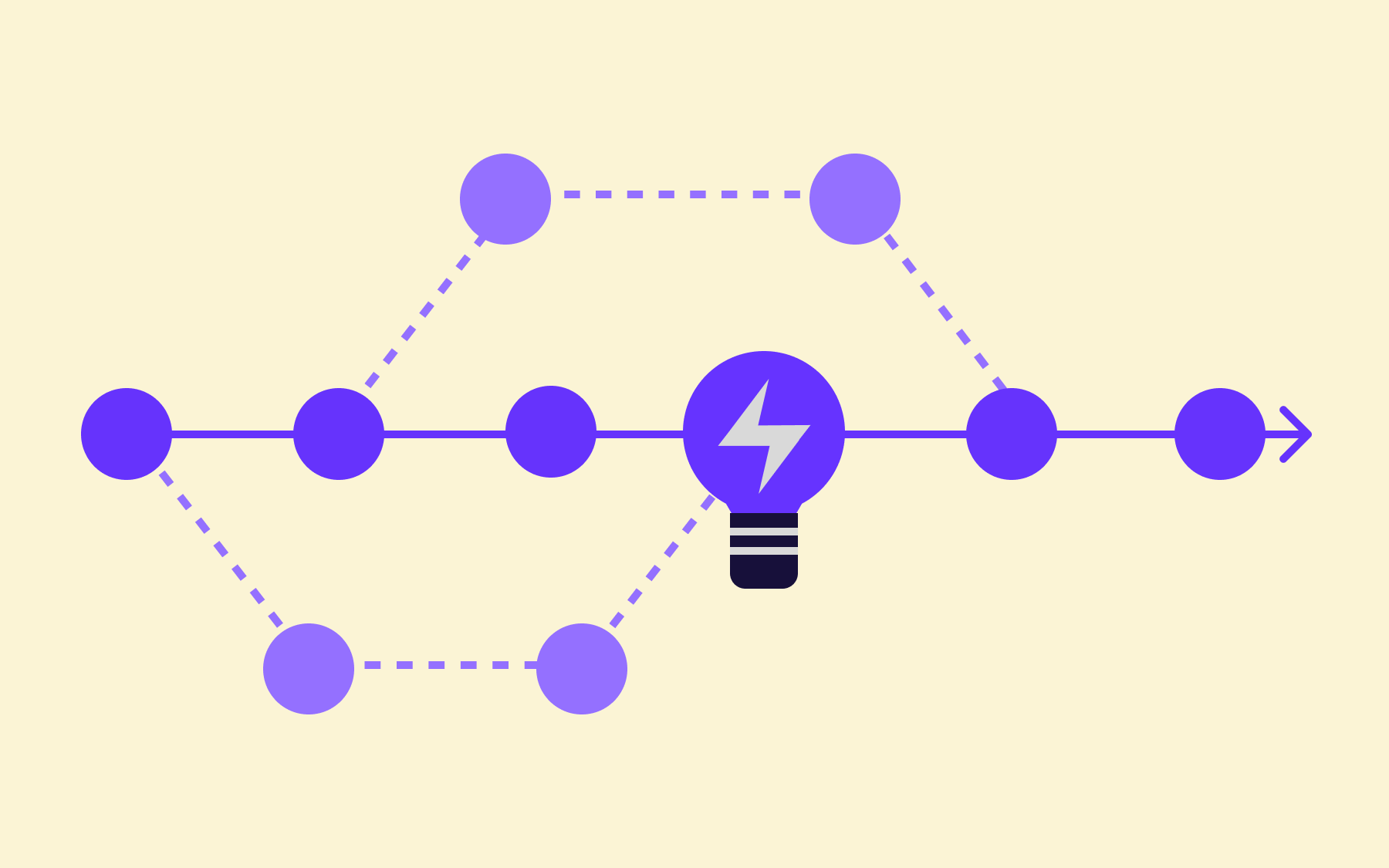
The core idea is simple: instead of shipping a different version of your software to beta users, you deploy the same build to everyone—but use flags to control which features each user or segment can see.
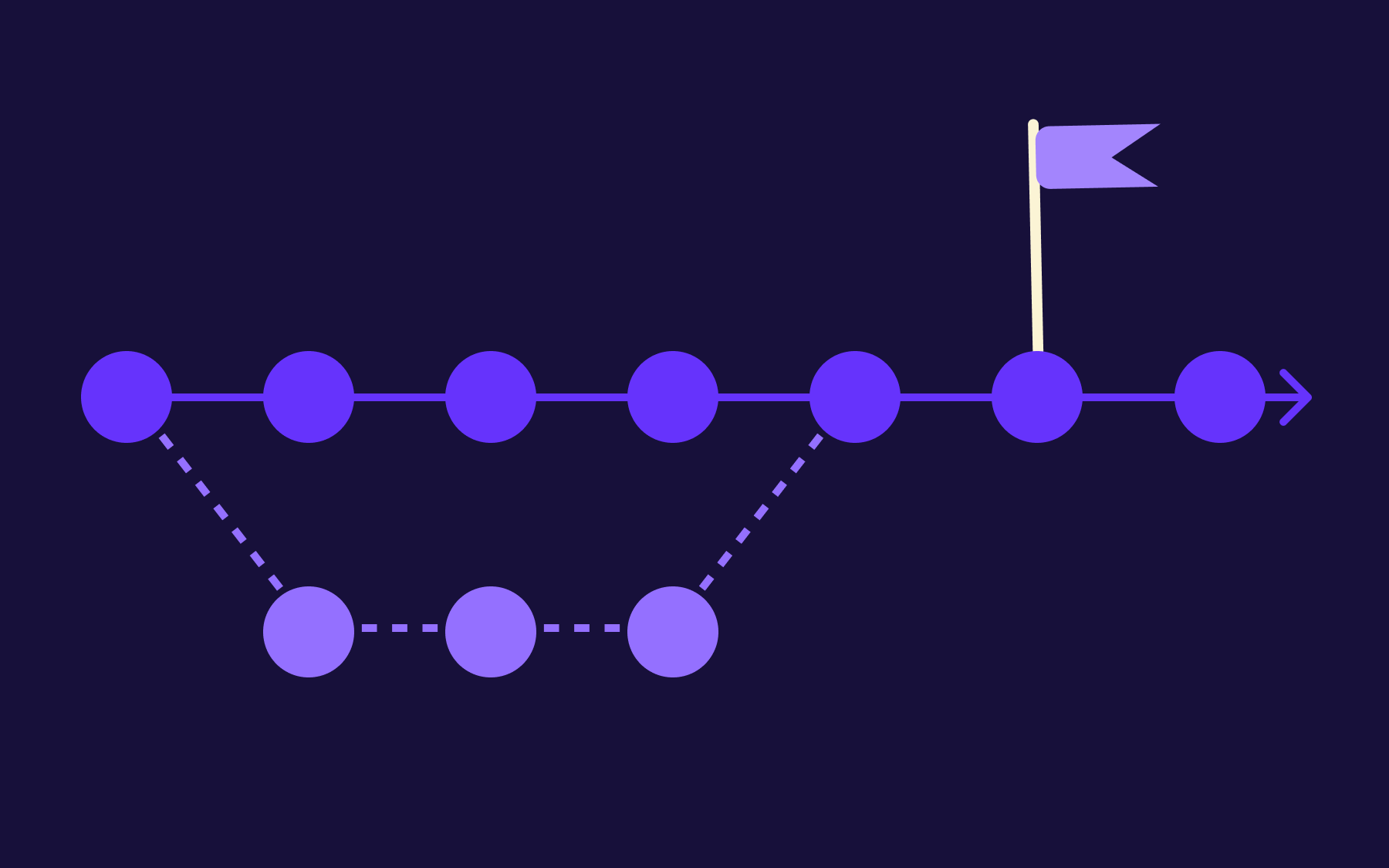
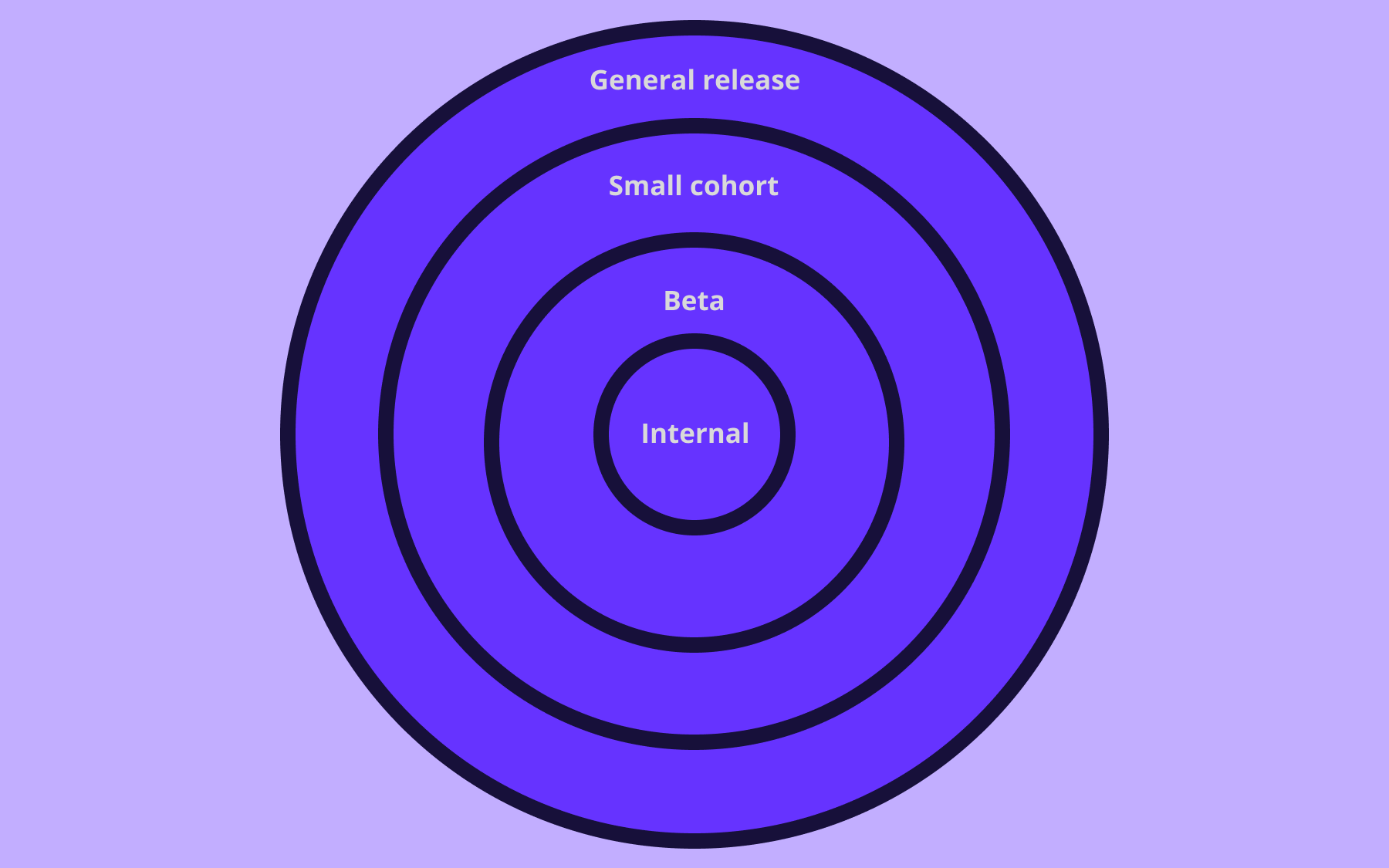
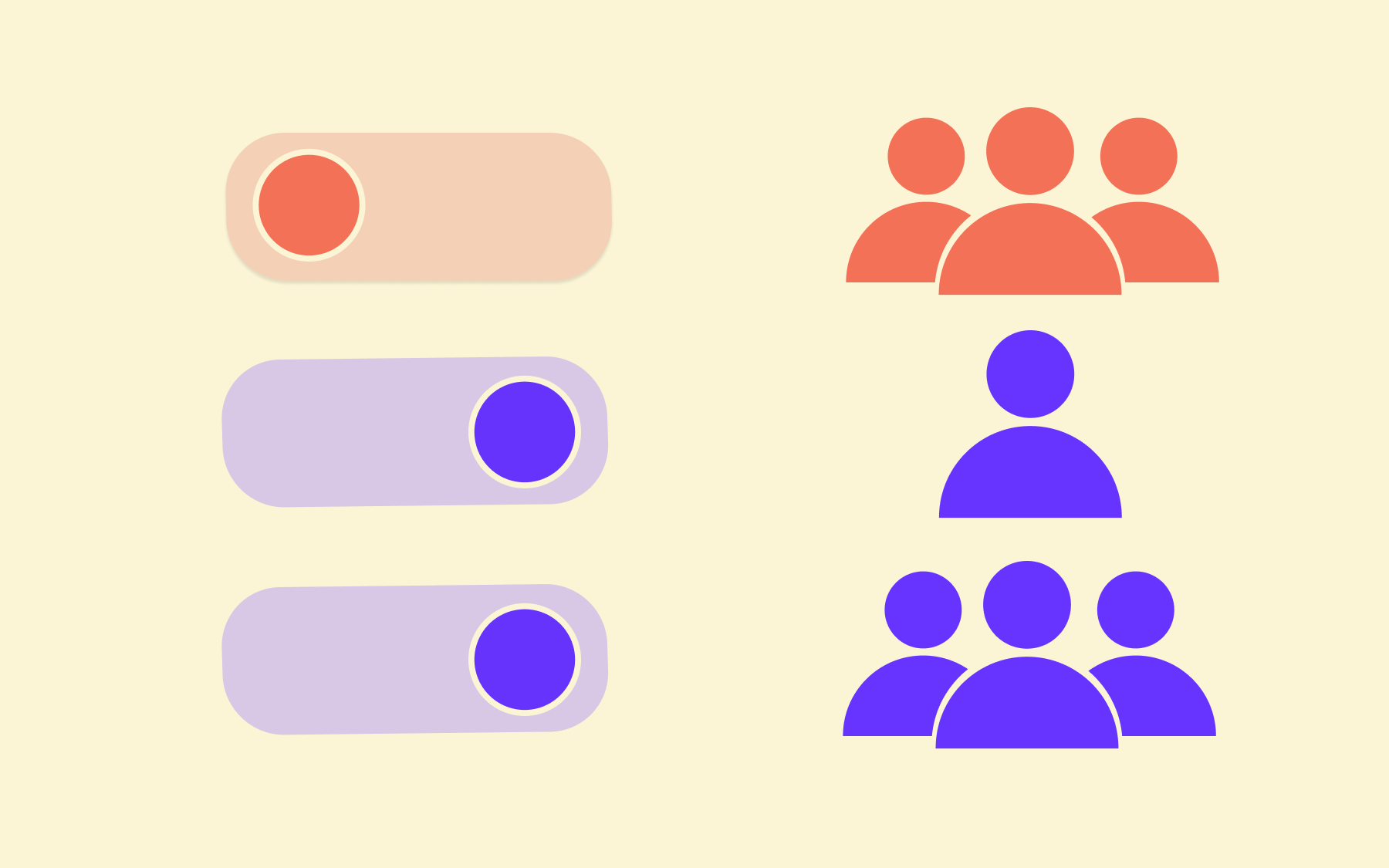
This means a team can roll out a new feature to 5% of beta users, monitor how they interact with it, observe error rates and performance data, and then expand incrementally—to 10%, 25%, and eventually 100%—all without redeploying code.
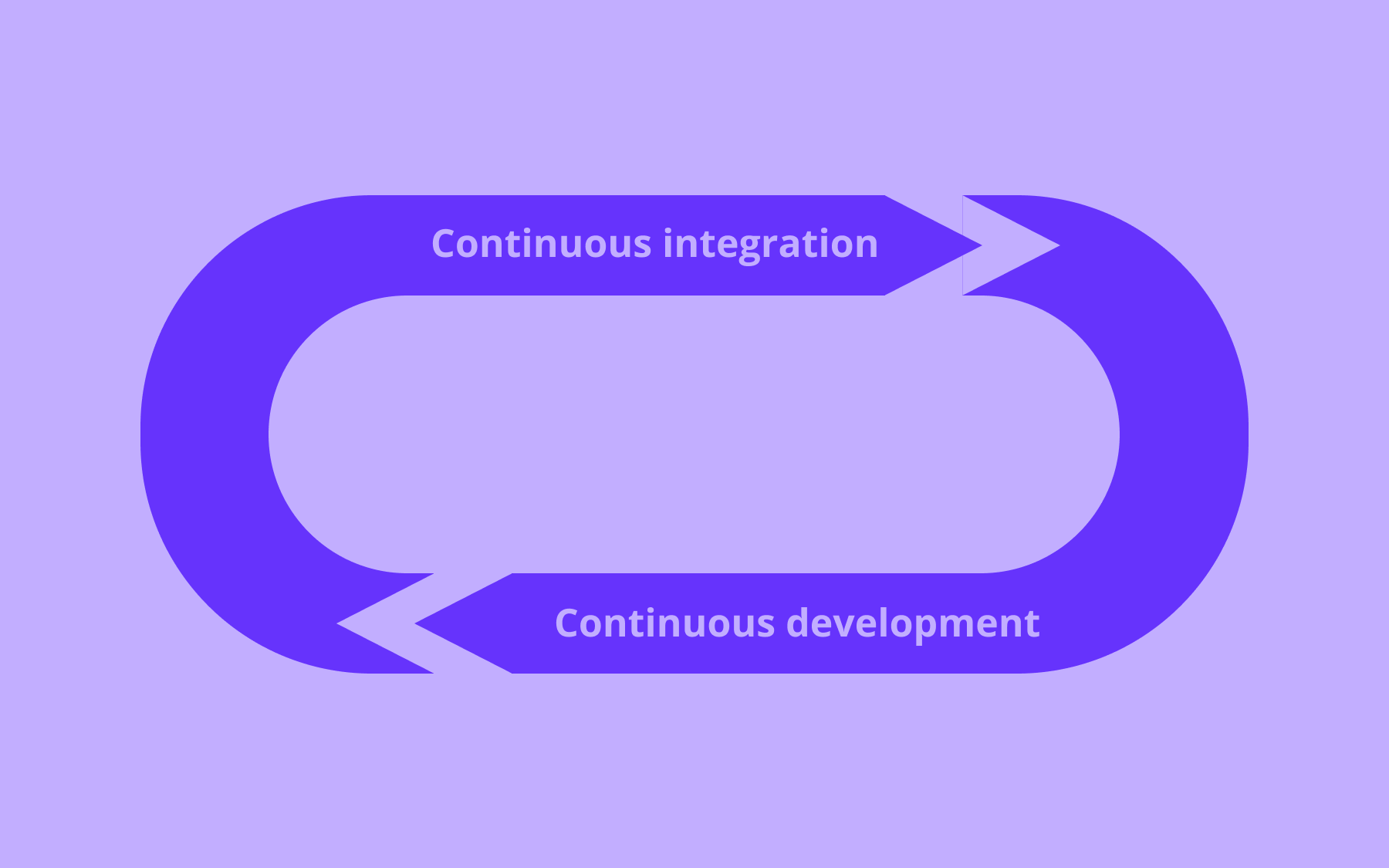
This pattern is sometimes called a percentage rollout or canary release, and it's one of the most effective approaches in modern software delivery. The beta testing phase and the GA release become part of the same continuous delivery pipeline, rather than two disconnected events with a gap between them.
With Flagsmith, this control operates at the individual user or segment level. Beta access can be tied to specific user IDs, plan types, geographic regions, or any attribute you track—which means your beta program is as granular as you need it to be.
A closed beta with an invitation-only list becomes a Flagsmith segment. A focused beta targeting enterprise customers on a specific plan tier is a segment rule. No separate build or dedicated test environment required.
The practical advantages during a beta testing program are significant:
- Iteration is faster, because you can adjust flag values—expanding or restricting access, enabling or disabling specific features—without redeploying.
- Rollback is immediate because if something goes wrong for beta users, flipping a flag returns them to the previous experience in seconds rather than the minutes or hours a redeployment would take.
- Production stays stable for non-beta users throughout, because they're simply not in the segment receiving the new feature.
Feature flags also make the transition from beta to full release seamless. Rather than a launch-day switch where everything changes at once, you expand the rollout incrementally until it reaches 100% of users. You maintain visibility and control at every step, and each expansion is informed by the data collected at the previous one. When you use feature flags, the deployment is not the release.
Flagsmith's segment-based targeting and phased rollout capabilities were built for exactly this use case.
Run better beta tests with Flagsmith
Beta testing is not a box to tick before launch. It's a discipline—one that, done well, produces real evidence about how your software performs with real users in the real world, validates that you've built what your target market actually needs, and reduces the cost and risk of everything that follows.
The teams that get the most from their beta programs combine a structured process with the right infrastructure.
Feature flags sit at the heart of that infrastructure: they separate deployment from release, give teams precise control over who sees what and when, and turn beta testing from a one-shot event into an iterative, data-driven part of the development process.
Flagsmith enables you to manage beta access at the user or segment level, roll out gradually, monitor in real time, and roll back instantly if something goes wrong—all without shipping a separate build or maintaining a dedicated beta environment.
When your beta is ready to graduate to general availability, you expand the rollout incrementally until it reaches 100%, with full visibility and control at every step.
Try Flagsmith for free and see how segment-based targeting and percentage rollouts can change the way your team manages feature releases—from beta all the way to GA.

































OpenTelemetry, without the vendor lock-in: Introducing full observability for Open Source and Self-Hosted Flagsmith customers