Smoke Testing Explained: Catch Build Failures Before They Reach Your Users


Every deployment carries risk. The question is how quickly you catch a failure, and whether your users find out about it before you do.
Smoke testing is one of the early ways to spot an issue before it affects users. It's a form of preliminary testing that runs a fast, focused check across the critical paths of a build before any further testing begins.
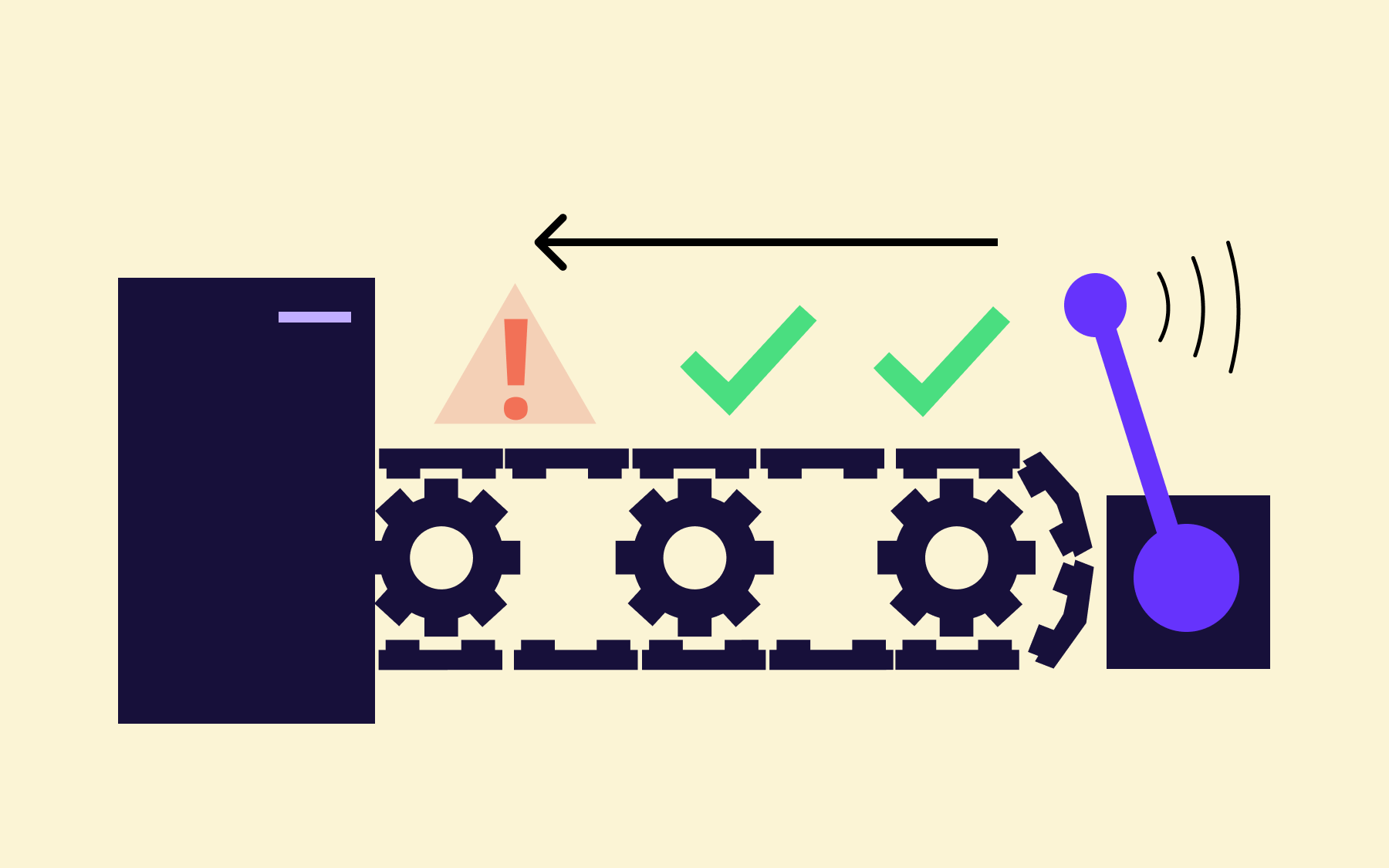
If the smoke test passes, the build is stable enough to test properly and moves forward. If it fails, the build is rejected immediately—no time wasted running a comprehensive test suite against something that's fundamentally broken.
This article covers what a smoke test is, how it works in practice, how it differs from sanity testing and regression testing, and when to run it.
It also covers how feature flags fit into the picture and why pairing flag-controlled releases with automated smoke tests gives teams much tighter control over what reaches production.
What is smoke testing?
Smoke testing is a step in the preliminary software testing process where the tester checks whether the critical functionalities of a new build are working before deeper testing begins.
Rather than validating every feature or edge case, a smoke test confirms that the core functionality is intact and the build is worth testing further.
If a smoke test fails, the build is sent back. No regression suite runs, no time is spent on integration testing, and no one debugs a problem that might exist six layers down in a broken application.
According to the 2023 DORA State of DevOps Report, elite engineering teams don't ship code that never breaks; they detect and recover from failures significantly faster than low-performing teams.
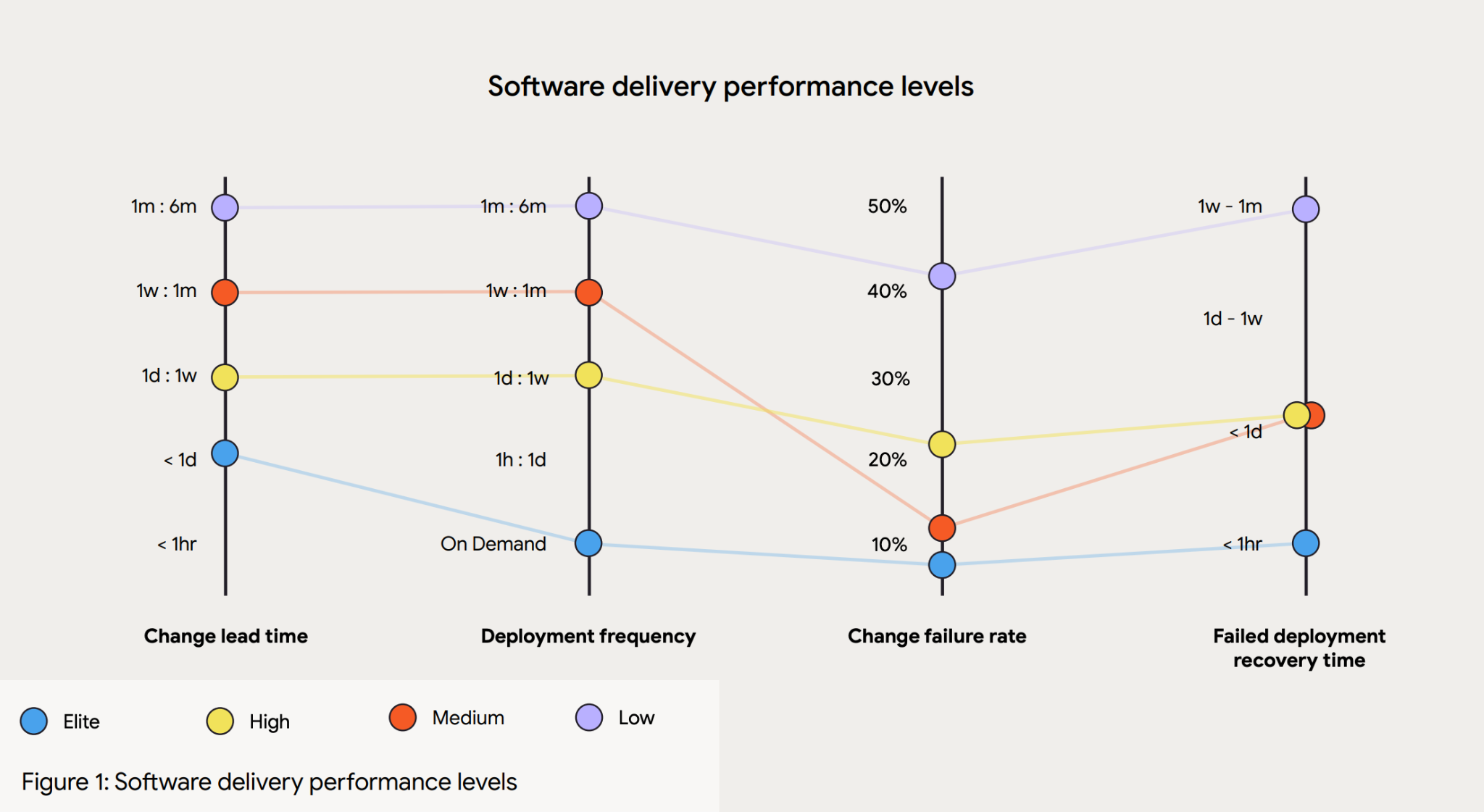
Their change failure rate sits between 5% and 10%, but their mean time to recover is measured in hours, not days. Elite engineering teams may not be writing better code, but they are definitely building better gates to manage the development and testing process.
The term “smoke testing” comes from hardware engineering, where technicians would power on a circuit board for the first time and watch to see whether anything literally started to smoke. If it did, there was no point going further.
Software development adopted the same logic: turn it on, check whether the essential functions work, and only proceed once you're satisfied the build is stable.
In the software development life cycle, smoke testing acts as the first checkpoint: a fast signal indicating whether a build is ready for more comprehensive testing, or if it needs to go back to the drawing board first.
How a smoke test works
The smoke testing process involves a small, curated set of test cases focused on the most critical user-facing paths in the application.
Depending on the product, that might mean verifying that users can log in, that key navigation works, that a checkout flow completes, or that an API returns expected responses.
The exact test cases will vary, but the principle is the same: cover the paths that, if broken, would make the rest of the application unusable.
What makes smoke tests different from more extensive testing is their deliberate shallowness. A smoke test suite is designed to run in minutes and doesn't attempt exhaustive test coverage. It acts as a gate before the slower, more thorough regression suite runs.
That sequence saves time, so you don't run a full regression suite against a build that could fail basic functionality checks, wasting significant engineering time.
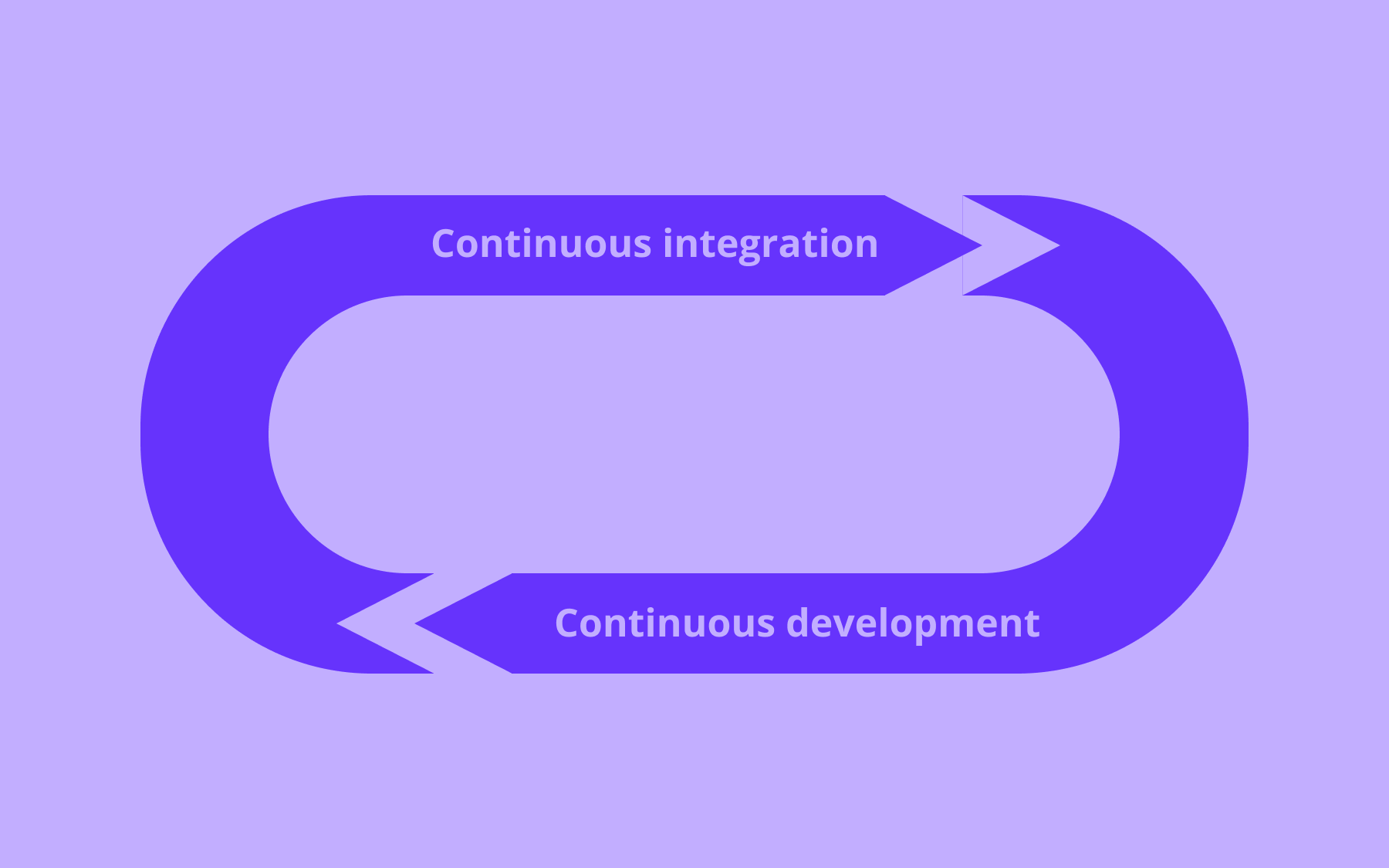
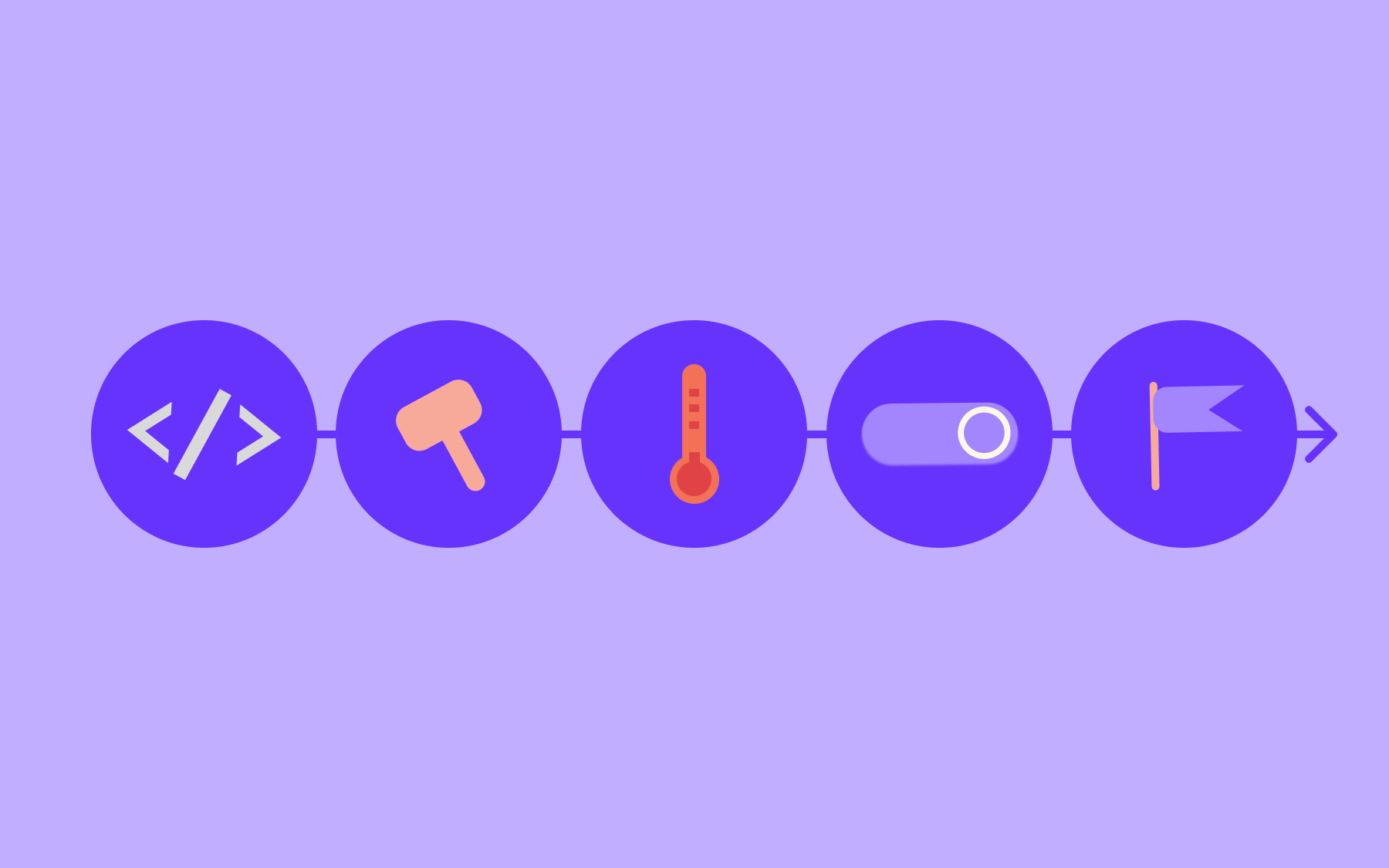
In a typical CI/CD process, smoke tests are triggered automatically after a new build is deployed to a test environment.
They run before integration testing, user acceptance testing, or any manual testing begins. As a result, the development team gets rapid feedback, knowing within minutes whether the build is viable, rather than discovering a fundamental problem hours into a deeper testing cycle.
Early defect detection can save any team time and money.
Tricentis's 2025 Quality Transformation Report found that 42% of organisations believe poor software quality costs them $1M or more annually. The same report found that 63% of organisations ship code changes without fully testing them—most commonly because of pressure to move fast.
Smoke testing, as one of the earliest testing stages in the process, directly reduces that exposure without meaningfully slowing the pipeline down.
A smoke testing example
Here’s an example to illustrate a smoke test in practice.
A team is shipping an update to a SaaS application. Before they perform smoke tests, they identify the handful of flows that absolutely must work for the product to be usable
- User login
- Dashboard load
- Tbility to save a change
That's where smoke tests focus: not every feature, just the ones where failure would make everything else in the CI/CD pipeline irrelevant, instigating a rollback.
When the new build is deployed to the test environment, those three flows are checked automatically. If all three pass, the team proceeds to deeper testing. If the login flow fails, the build is rejected immediately and sent back—no time is spent testing the dashboard or the save functionality against a broken foundation.
The smoke test has done its job in the software development process: not to guarantee quality end-to-end, but to confirm that a build is viable before any more expensive testing begins.
Smoke testing vs. sanity testing
Smoke testing and sanity testing often get confused: both are lightweight checks that happen before more comprehensive testing, but they serve different purposes, run at different points in the development process, and answer different questions.
- A smoke test is run on a new build to check overall stability across critical paths. It's broad but shallow.
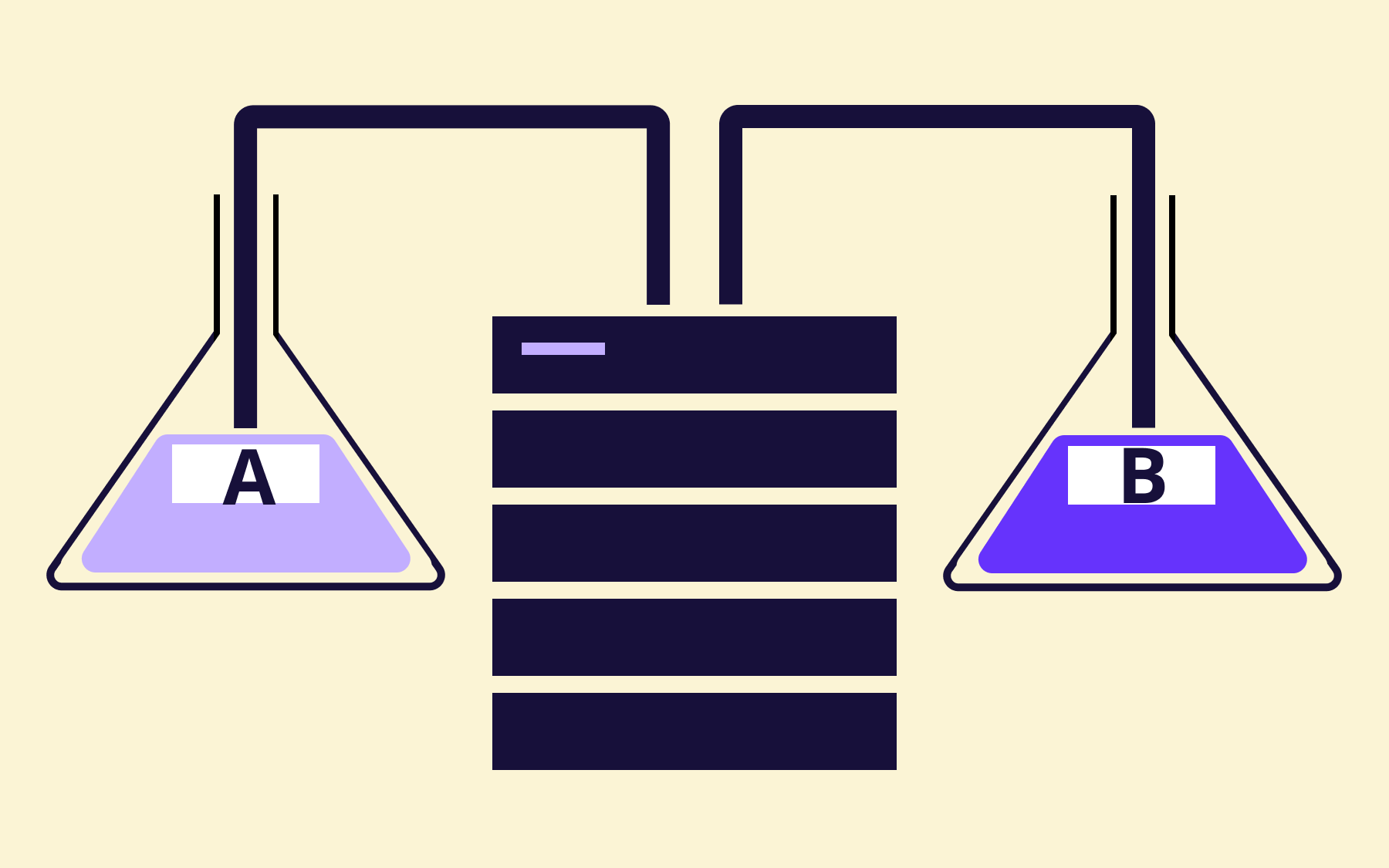
- A sanity test is run after a specific change or bug fix to confirm that the change works as expected and hasn't introduced regressions in the surrounding area. It's narrow but goes deeper into the relevant functionality.
Put simply, smoke testing asks whether the build is worth testing at all. Sanity testing asks whether a specific fix or change did what it was supposed to do.
It's also worth understanding where smoke testing fits alongside regression testing.
Regression testing is a comprehensive suite of tests that validate existing functionality across the whole application. Running it is expensive in time and resources, and running it against a broken build is pure waste.
Smoke testing is the check that qualifies that a build is ready to go through regression testing in the first place—it’s not a question of smoke vs. regression testing; it’s building the pipeline where they complement each other.
Types of smoke testing
How you run smoke tests, and how broad they are, depends on your team's maturity, deployment frequency, and risk tolerance. Here are the distinct options to help you find the right option for your team.
Manual smoke testing
Manual smoke testing is when a tester walks through the critical paths of the application step-by-step after a new build.
It's quicker to set up than automation, and it works well for early-stage projects or exploratory checks where test automation hasn't been built yet.
The obvious drawback is that manual tests are slow and are prone to human error at scale. As deployment frequency increases, manual smoke testing becomes a bottleneck, while consistency suffers when the same steps are repeated by different people across different builds.
Automated smoke testing
Automated smoke tests are scripted and run automatically as part of the CI/CD pipeline. Running an automated test is the standard approach for teams that ship frequently.
Tools like Playwright and Cypress work well for browser-based applications; for API-level checks, purpose-built test frameworks handle the job more efficiently.
The goal is to have something that runs reliably on every deployment without manual intervention, giving development teams confidence that the basics haven't broken.
Partial vs. full smoke testing
A full smoke test covers all the critical paths in the application, regardless of what changed in the latest build. They’re more thorough and better at catching unexpected regressions in unrelated parts of the system.
A partial smoke test covers only the areas likely to be affected by recent changes. They’re faster, which is valuable when you're deploying multiple times a day.
The right choice depends on the risk profile of each release—a small config change might warrant a partial test, while a significant architectural change warrants a full one.
When should you run smoke rests?
The short answer to this question is: whenever you release a new build, meaning many teams conduct smoke tests frequently and automatically. Smoke testing is at its best when it's baked into the pipeline rather than treated as a pre-release ritual.
The clearest trigger points are:
- After every new build is deployed to a test environment
- Before regression testing or integration testing begins
- After a hotfix or emergency patch is applied to a production-like environment
- After infrastructure changes that could affect application behaviour
Each of these scenarios introduces the potential for something basic to break, and a smoke test is the fastest way to find out if a break is going to happen.
Automation makes this process consistent. A smoke test that runs every time, without someone having to remember to kick it off, is far more reliable than one that gets run ad hoc before a major release. The whole point of conducting smoke tests is to catch major issues early, which only works if you're running them early and often.
A misstep teams make is skipping smoke tests to move faster.
Even if the change was small, and you’re confident about the release, there's still time to run a smoke test. After all, a broken build that skips the smoke testing stage doesn't save time; it transfers the cost.
The regression test then runs for an hour on something fundamentally broken, or worse, the problem surfaces in production and becomes an incident.
Running smoke tests early is the cheaper option during software confidence testing, almost without exception.
Smoke testing and feature flags
Once you've established where smoke tests fit in your pipeline, the next step is thinking about how they interact with how you actually release code, which is where feature flags enter the equation.
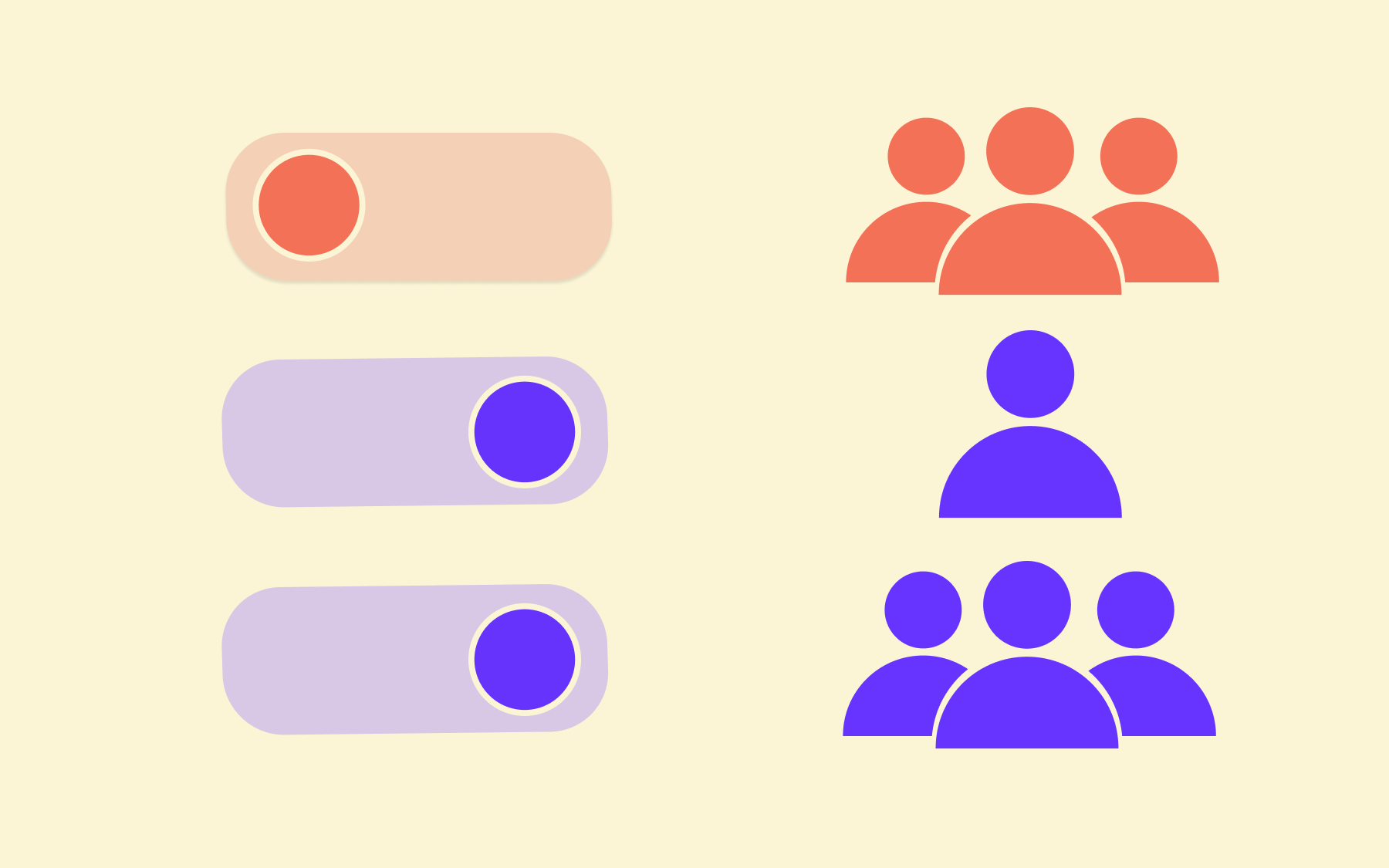
When a new feature is deployed behind a feature flag, effective smoke testing and flags work together. The flag enables the new feature to be deployed to a test environment, either for testing in production with a specific subset of users or within a specific environment.
The smoke test then runs against that controlled state, checking that the critical paths work as expected before the flag is opened up further.
One positive is a reduction of the blast radius. If a smoke test catches a critical failure after a flag-controlled deployment, the rollback is straightforward: turn the flag off. No redeployment, no emergency patch, no coordinated incident response.
The flag was the feature toggle; flipping it back is the fix—it’s a significantly smaller incident than one that reaches a percentage of real users because the feature went out without a controlled gate.
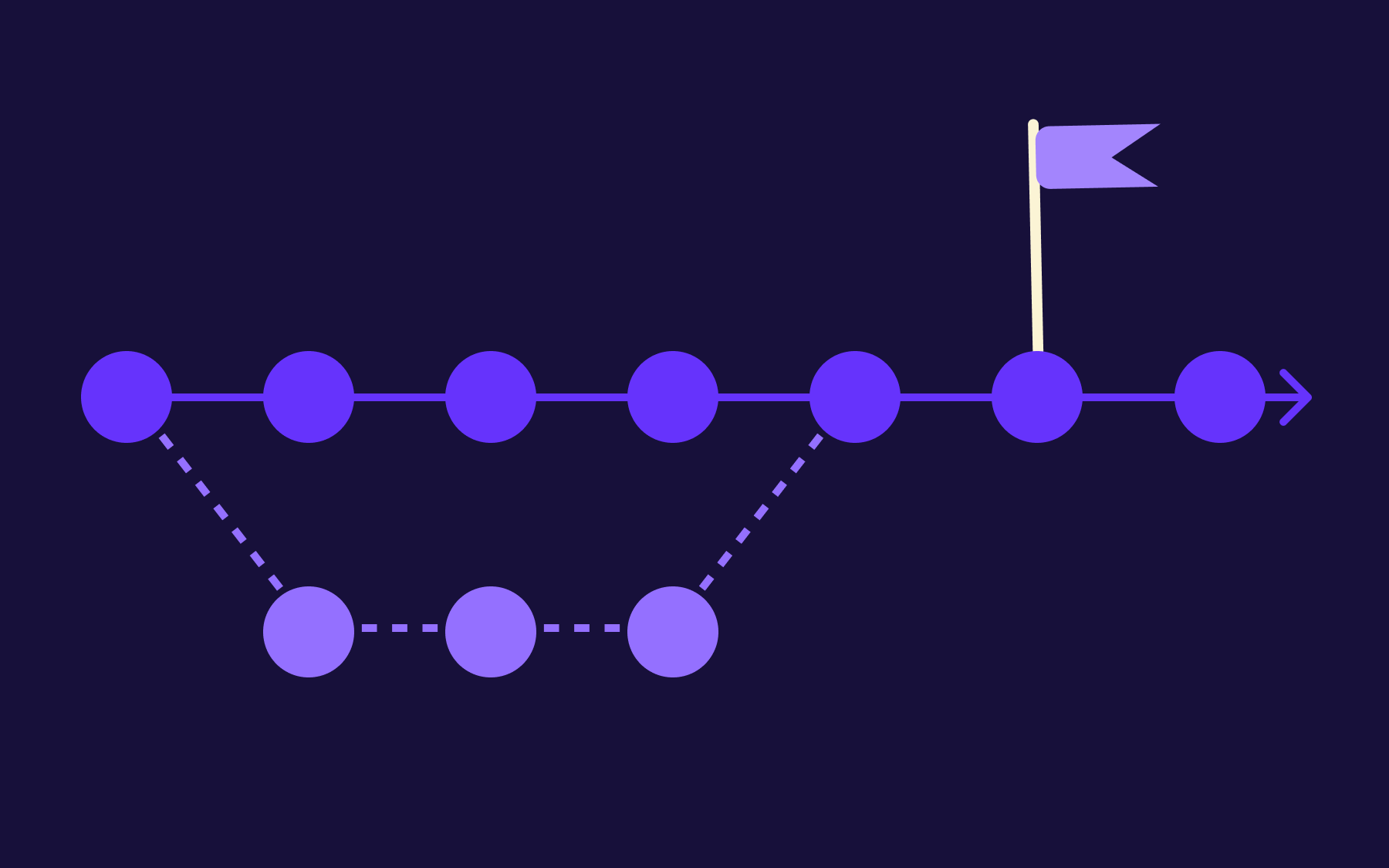
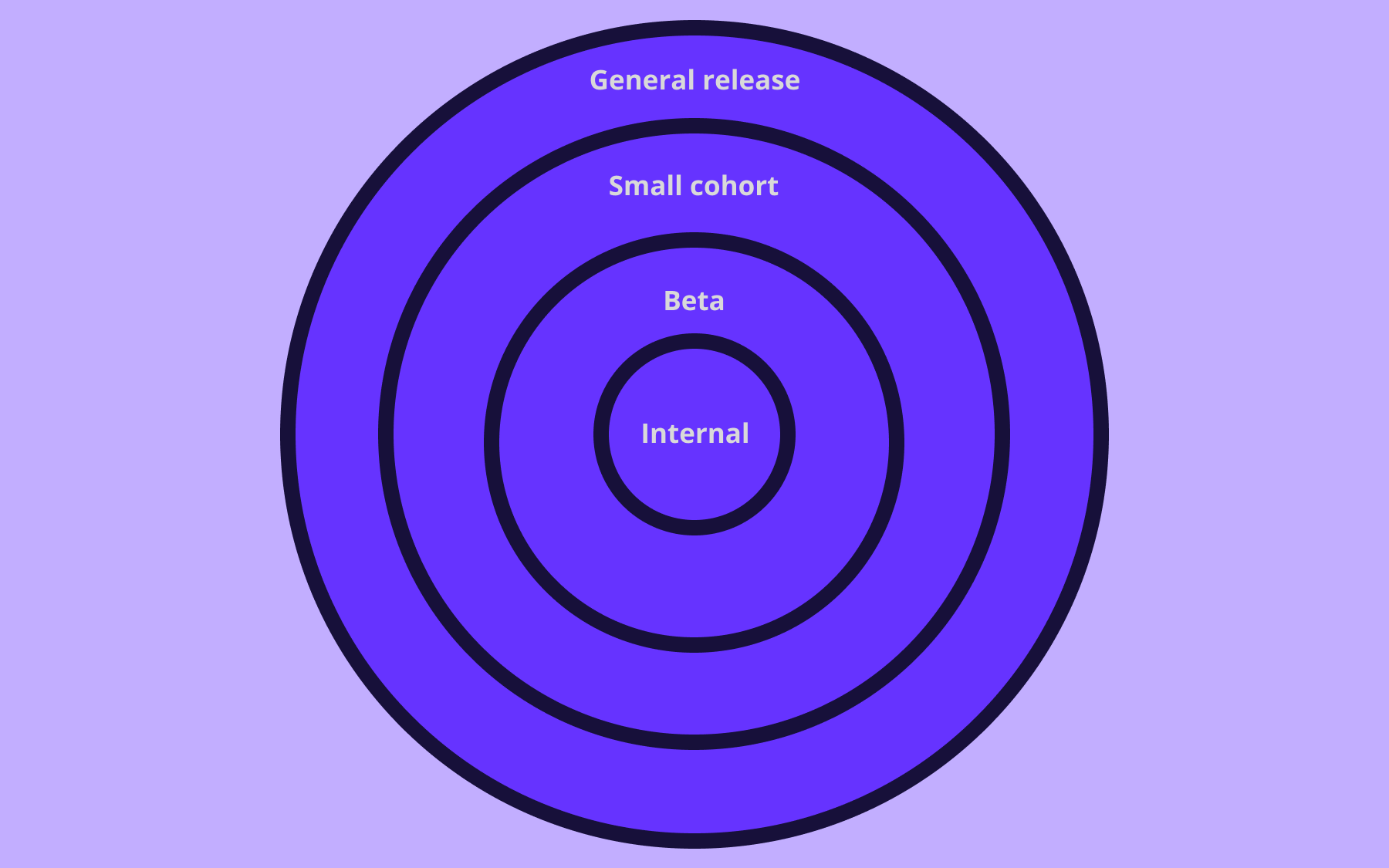
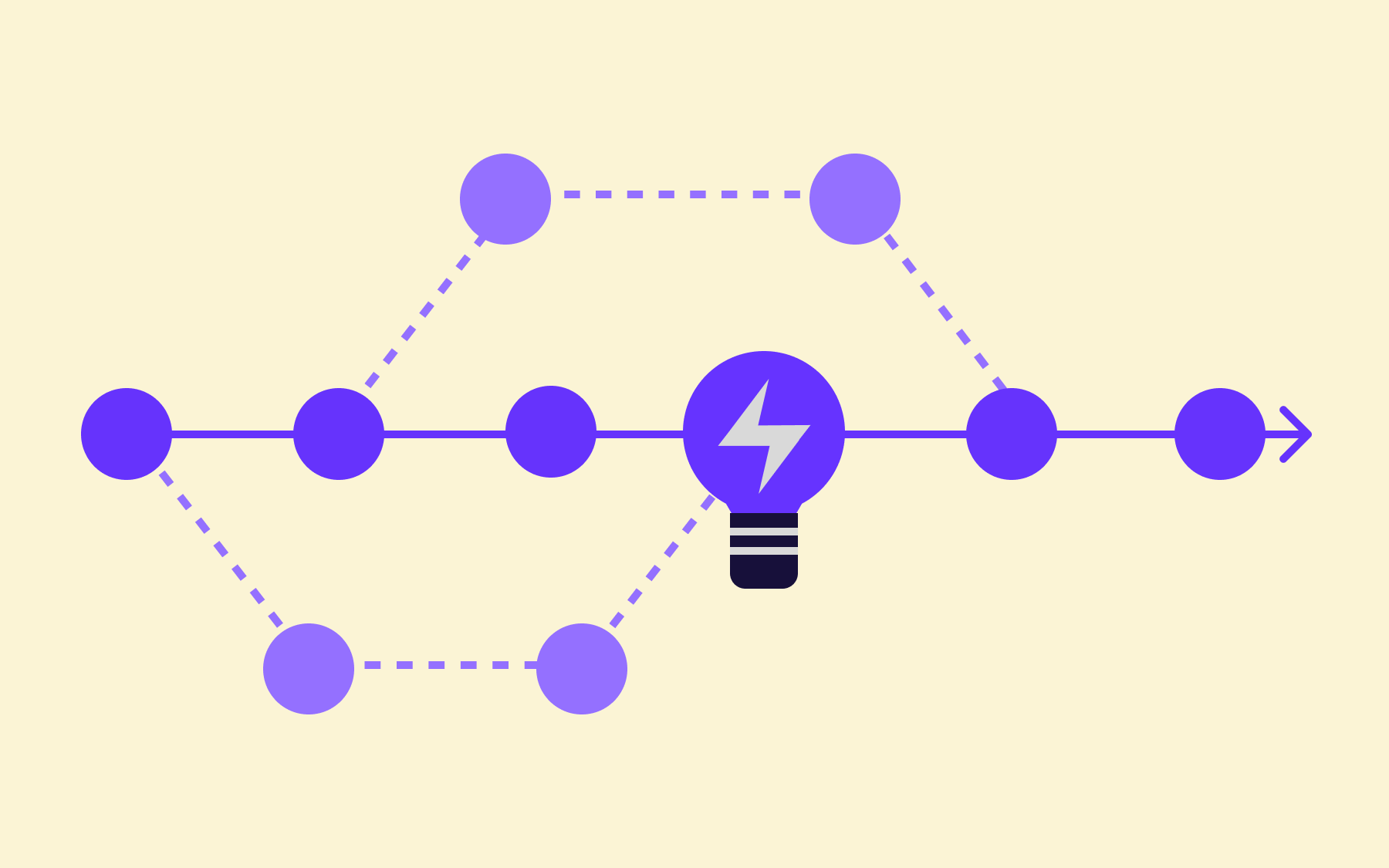
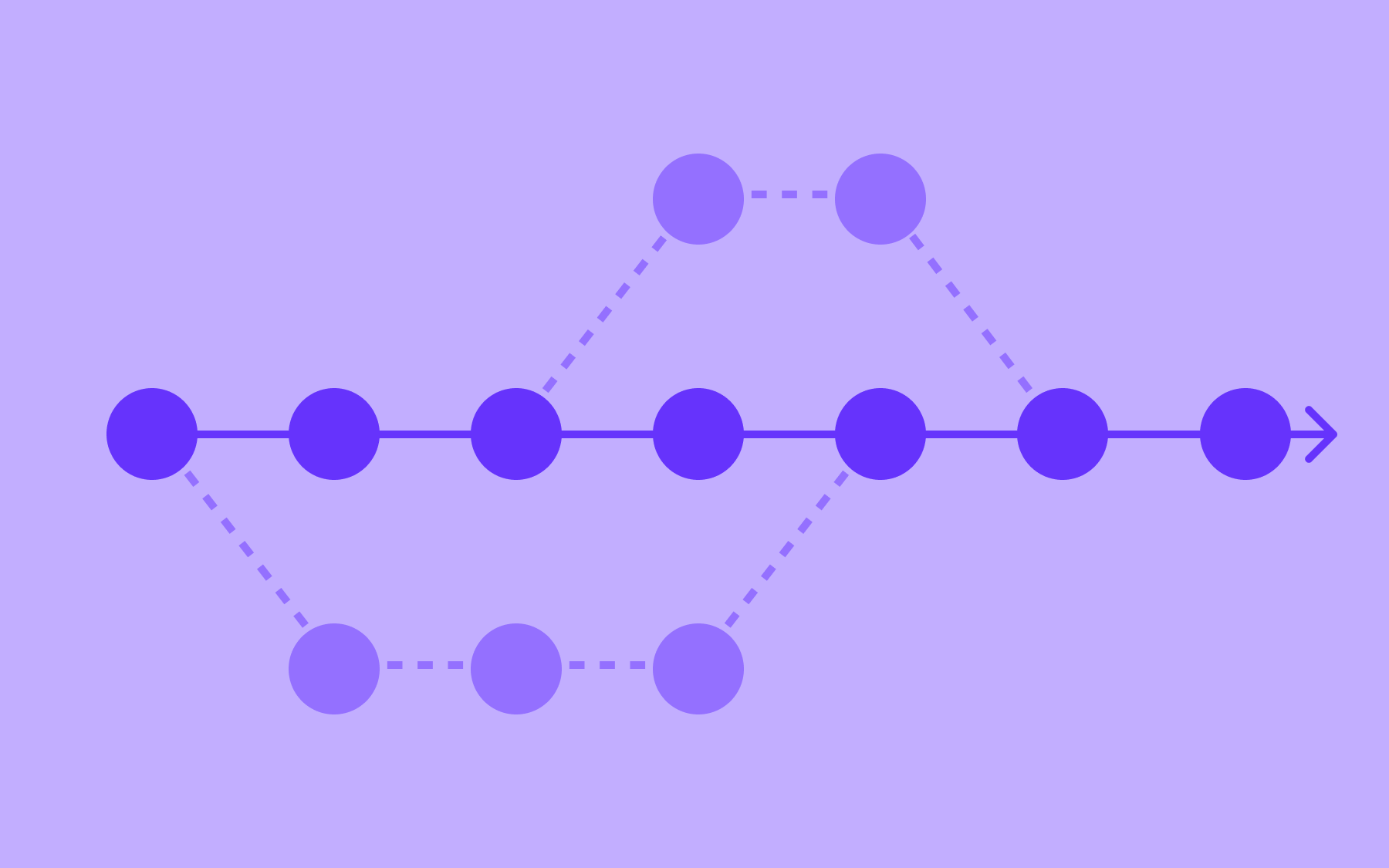
The pattern is especially useful for canary releases and progressive delivery, where a new version is exposed to increasing percentages of traffic over time. Smoke tests can be embedded at each stage of that rollout – confirming stability before the audience widens. If a test fails at the 5% stage, the flag stops the rollout before it reaches 20%, 50%, or 100%.
Flagsmith is a feature flag and remote configuration platform that lets teams control feature rollouts across environments, with open source, on-premises, and SaaS deployment options. Pairing Flagsmith's flag-controlled releases with automated smoke test gates gives development and testing teams a repeatable, low-risk pattern for progressive delivery, where failures are caught early and rolled back instantly, without touching the codebase. Try Flagsmith for free.
Conclusion
Smoke testing is a fast, shallow check that confirms your build is stable enough to test properly.
It doesn't replace regression testing, integration testing, or any of the more comprehensive and in-depth testing that happens downstream. It earns those tests the right to run against something worth running them against.
A smoke test suite that takes five minutes to complete can save hours of wasted effort and, more importantly, catch a critical failure before it ever reaches a user. Build smoke testing into every CI/CD pipeline, automated and consistent, rather than reserving it for major releases or high-stakes deployments.
If you're looking for a way to make that pipeline even more controlled, combining automated smoke tests with feature-flag-managed releases is one of the most effective patterns available. Explore Flagsmith to see how flag-controlled deployments can make every release safer—whether you're running canary rollouts, progressive delivery, or anything in between. Try Flagsmith free.

















OpenTelemetry, without the vendor lock-in: Introducing full observability for Open Source and Self-Hosted Flagsmith customers