Release Testing: A Complete Guide for Development Teams


Shipping software that hasn't been properly tested is one of the most reliable ways to ruin someone's week—usually yours. Production incidents caused by under-tested releases are frustratingly common, and the cost of fixing them compounds quickly.
Release testing is the final quality gate in the software development lifecycle—the point at which a development team validates that a release candidate is actually fit for public consumption. Done well, it's a structured process that catches bugs, surfaces regressions, and gives teams the confidence to ship.
This guide covers what release testing actually involves, the different types your team should know about, how a realistic testing process runs in practice, the common challenges that trip teams up, and—crucially—how feature flags change the risk profile of a release entirely.
Whether you're new to structured QA or looking to tighten up an existing process, there's something practical here for every team size and stack.
What is release testing?
Release testing is the process of validating that a software release is ready to ship to end users. You need to check that the software functions as intended, meets the specified requirements, performs acceptably under load, holds up across different environments, and doesn't introduce security vulnerabilities. It's a holistic activity, covering the whole system rather than individual components in isolation.
In the software development lifecycle, release testing typically happens at the end of the development phase, once new features and bug fixes have been built, reviewed, and merged. Think of it as the final check before a release candidate moves from your test environment into production. It's the point at which you understand whether a product or feature that works in isolation will function as a complete, shippable software product.
Pre-release testing is sometimes used interchangeably with release testing, though the former can also refer to any testing that happens before a release goes live—including earlier-stage activities. For clarity, release testing specifically refers to the validation of a final build or release candidate against acceptance criteria, before it reaches users.
A release test can cover a broad range of testing activities, from automated smoke tests that run in minutes to manual testing sessions involving stakeholders outside the engineering team. What they share is a focus on the released software as a whole, rather than individual functions or integrated components in isolation.
Release testing vs. other types of testing
It's easy to treat all testing activities as variations on the same theme, but there are distinctions.
- Unit testing checks individual functions or modules in isolation—fast, automated, and focused on the smallest meaningful piece of the software system.
- Integration testing verifies that integrated components work together correctly once they've been combined.
Both of these happen early and continuously throughout the software development phase.
Release testing is different in scope and timing. It treats the software application as a complete, assembled product and asks whether it meets quality standards before it reaches users.
While unit and integration tests are concerned with correctness at a granular level, release testing is concerned with fitness for purpose at a system level.
Regression testing is perhaps the closest relative. Regression testing is a component of release testing rather than a separate discipline. It's specifically about verifying that new changes haven't broken existing functionality or old features.
Understanding these distinctions helps you determine where you invest your automated testing efforts, what your QA team focuses on at each stage, and where the handoffs between development and release management sit.
Types of release testing
Most teams will encounter several categories of release testing. Each serves a specific purpose, and a thorough testing process typically draws on more than one.
Smoke testing
Smoke tests are a shallow, rapid pass over a new build to confirm it isn't fundamentally broken before deeper testing begins. The name comes from hardware testing: if you power something on and it starts smoking, you don't need to run further diagnostics.
In software, smoke tests check that the important features of the application are reachable and functional. They're usually the first filter in the process.
Regression testing
Regression testing verifies that changes in a new release haven't broken existing functionality. This testing stage is particularly important for established software products with a large existing feature set, where a fix in one area can have unexpected side effects elsewhere.
Automated regression suites are essential here; running these manually at scale isn't realistic for frequent releases.
Performance testing
Performance testing checks that the release holds up under the load it's likely to encounter in a production environment, which includes:
- Load testing – simulating expected traffic volumes
- Stress testing – pushing beyond normal limits to find breaking points
- Endurance testing – checking for degradation over time)
For mobile applications and web applications with variable traffic, this is non-negotiable.
User acceptance testing (UAT)
UAT validates the release against real-world user requirements and acceptance criteria, often involving stakeholders outside the engineering team—product owners, business analysts, senior leaders, or, usually, actual users.
It answers the question: "Does this meet user needs, not just technical specifications?"
It's the point where the development team hands over to the people who will actually use the software.
Compatibility testing
Compatibility testing ensures the release works across the browsers, devices, operating systems, and environments it needs to support.
For a web application serving users across multiple platforms, or a mobile application running on different versions of iOS and Android, this testing catches issues that wouldn't surface in a single-environment test setup.
Security testing
Security testing checks for vulnerabilities introduced by the new release, which is particularly important for public-facing software or systems handling sensitive data.
It includes checking for common weaknesses in updated version changes, reviewing any new dependencies introduced, and validating that authentication and authorisation controls are intact.
The release testing process
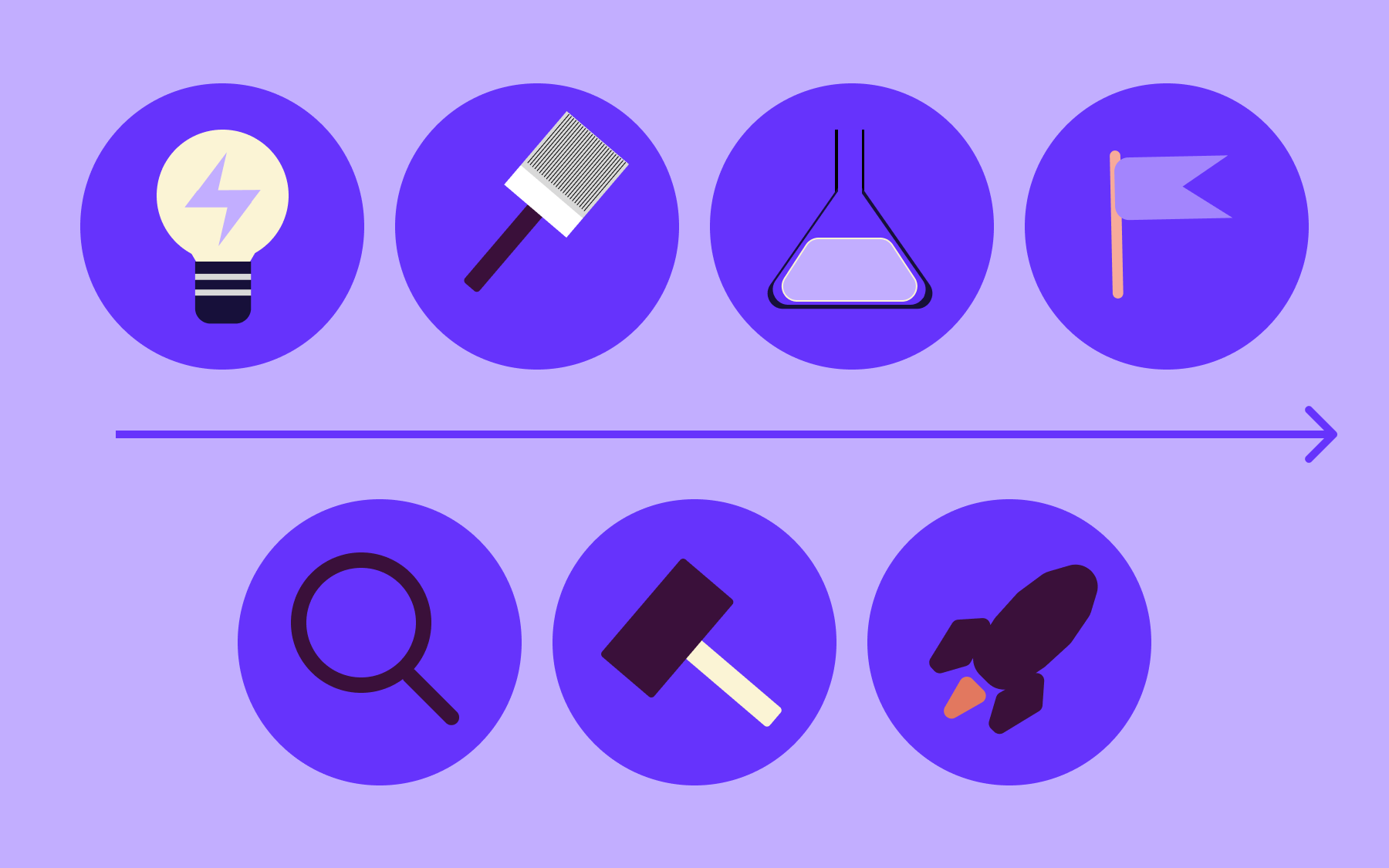
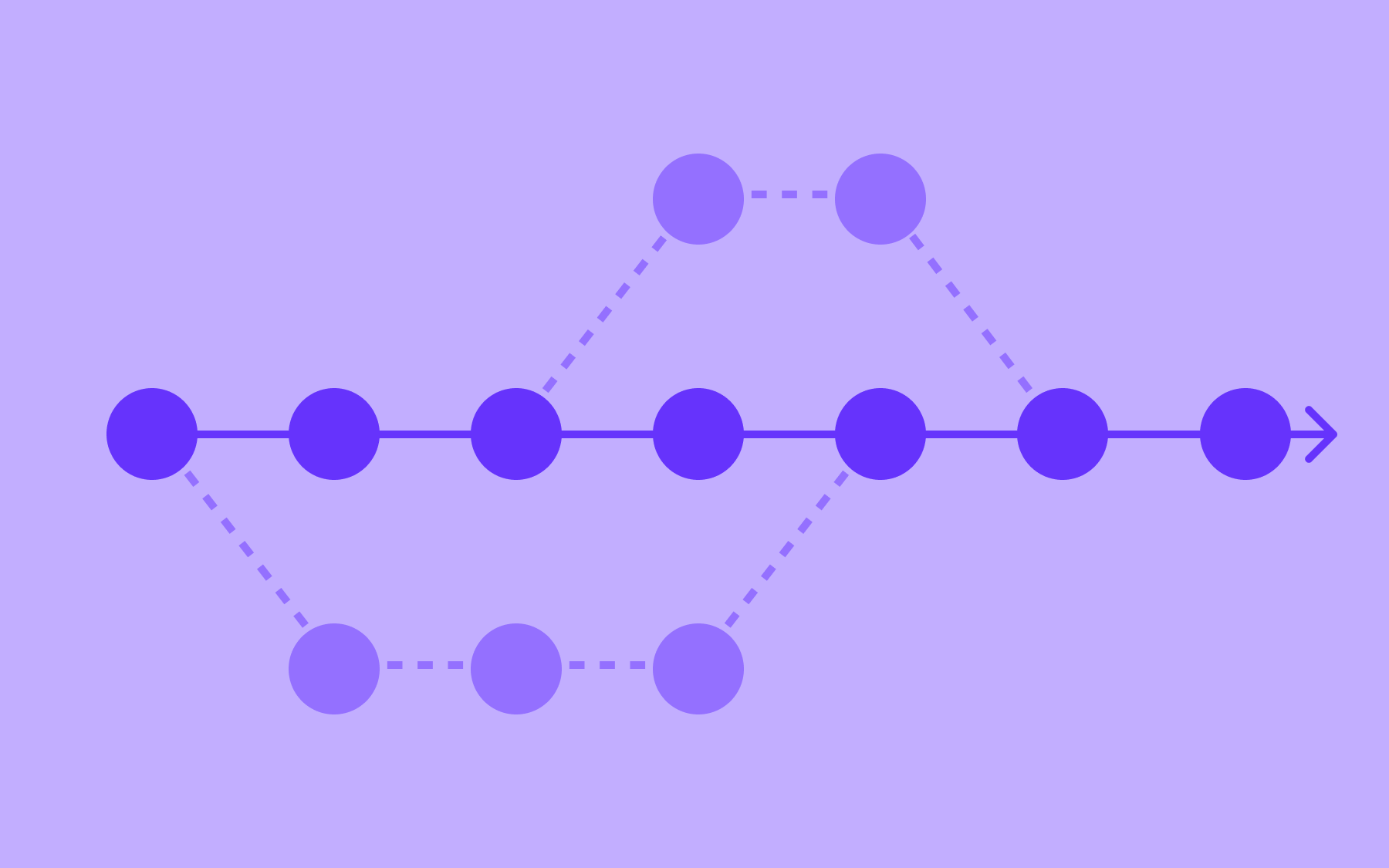
Understanding the types of release testing is useful, but what does the actual process look like in practice? It varies by team, but a structured release test follows a recognisable sequence:
- Scope definition
- Test environment setup
- Sequenced testing activities
- The decision to go live or not
It starts with a definition of the scope of the release testing.
Before any testing begins, the team needs to agree on what's being tested: which features, which bug fixes, which environments, and which risks are in scope.
A release checklist or test plan documents this clearly, so nothing falls through the gap and everything that needs to be is tested.
Next comes the setup of the test environment.
The test environment should mirror the production environment as closely as possible—differences in configuration, infrastructure, UX, or data are a common source of failures that only surface post-release. Good test data is also essential, as testing against unrepresentative data produces unrepresentative results.
From there, the testing activities run in sequence:
- Smoke tests first to verify the build is stable
- Regression testing to check for unintended breakage
- Functional testing to confirm that features behave as specified
- Performance testing to validate the system holds up under load
- UAT to verify the release meets real-world user needs
Security testing may run in parallel or as a dedicated final pass, depending on the team's structure.
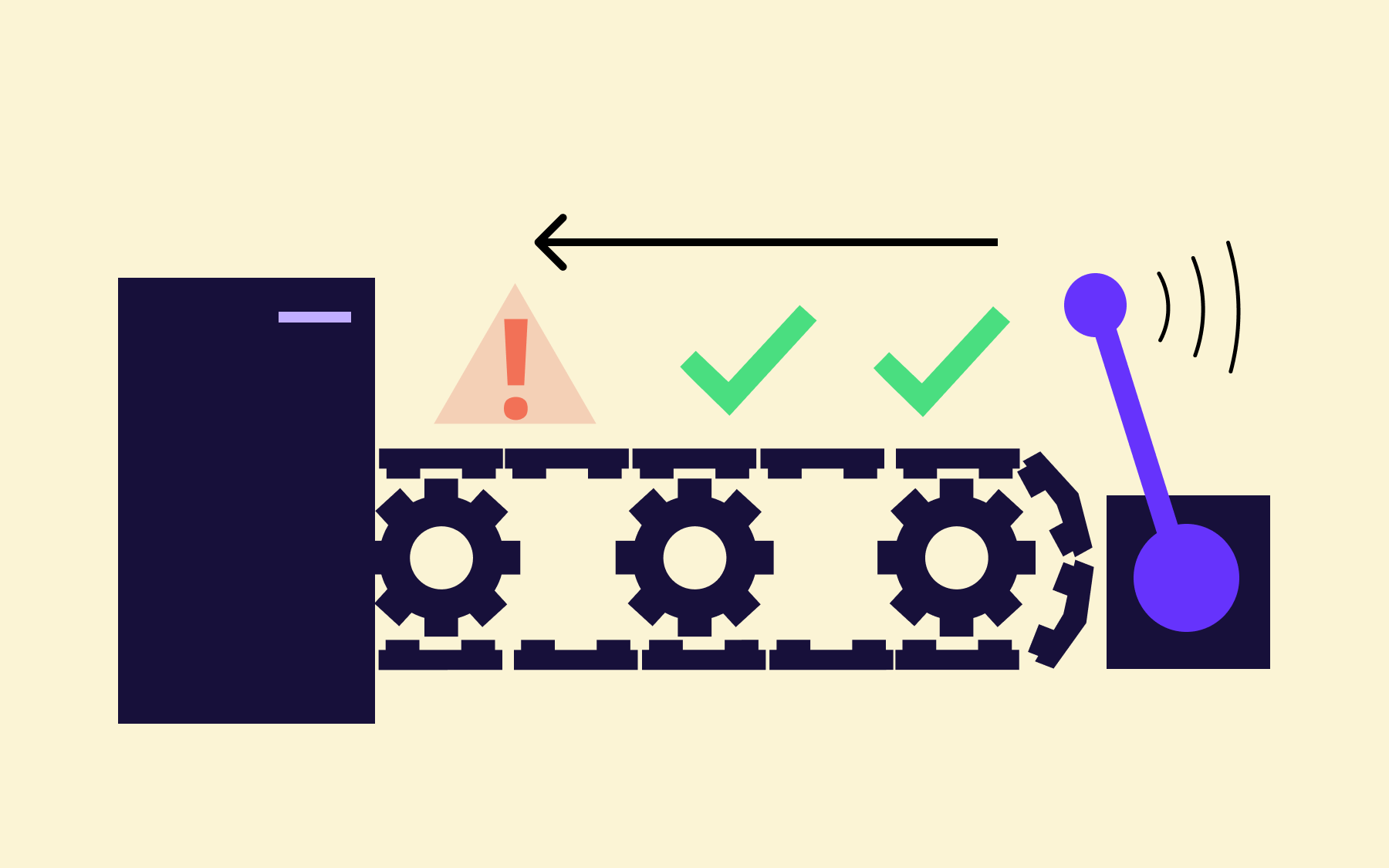
At the end of the process comes the go/no-go decision.
This is a formal checkpoint: does the release meet the exit criteria defined at the start? Not if it feels good enough, but if it meets the specific, measurable quality standards the team agreed on upfront. If it doesn't, the release doesn't go live; if it does, the QA team and development team sign off, and the release proceeds.
Common release testing challenges
Even teams with good intentions run into the same problems. Knowing where release testing tends to break down is the first step to fixing it.
Time pressure
Time pressure is the most consistent culprit.
When a deadline slips, the testing window is usually what gets compressed—which is precisely the wrong trade-off.
Rushing a release test doesn't save time; it shifts the cost to production, where it's significantly higher.
Incomplete test coverage
Incomplete test coverage is another persistent issue.
Automated testing helps, but test suites accumulate coverage debt over time, and new features don't always come with adequate test cases from the start.
Environment inconsistencies
Environment inconsistencies between staging and production remain common.
Configuration differences, missing data, or infrastructure divergence mean that a release can pass every test in staging and still fail in production. Closing that gap requires deliberate investment and ongoing maintenance.
Testing at scale is genuinely hard. Simulating realistic production traffic, covering the full matrix of devices and operating systems, and coordinating UAT across multiple stakeholders takes time and resources that smaller teams don't always have.
The difference isn't headcount; it's process and tooling. Teams that invest in structured release testing and automation ship more often and break things less. That combination is achievable, it just requires treating the testing process as a discipline rather than an afterthought.
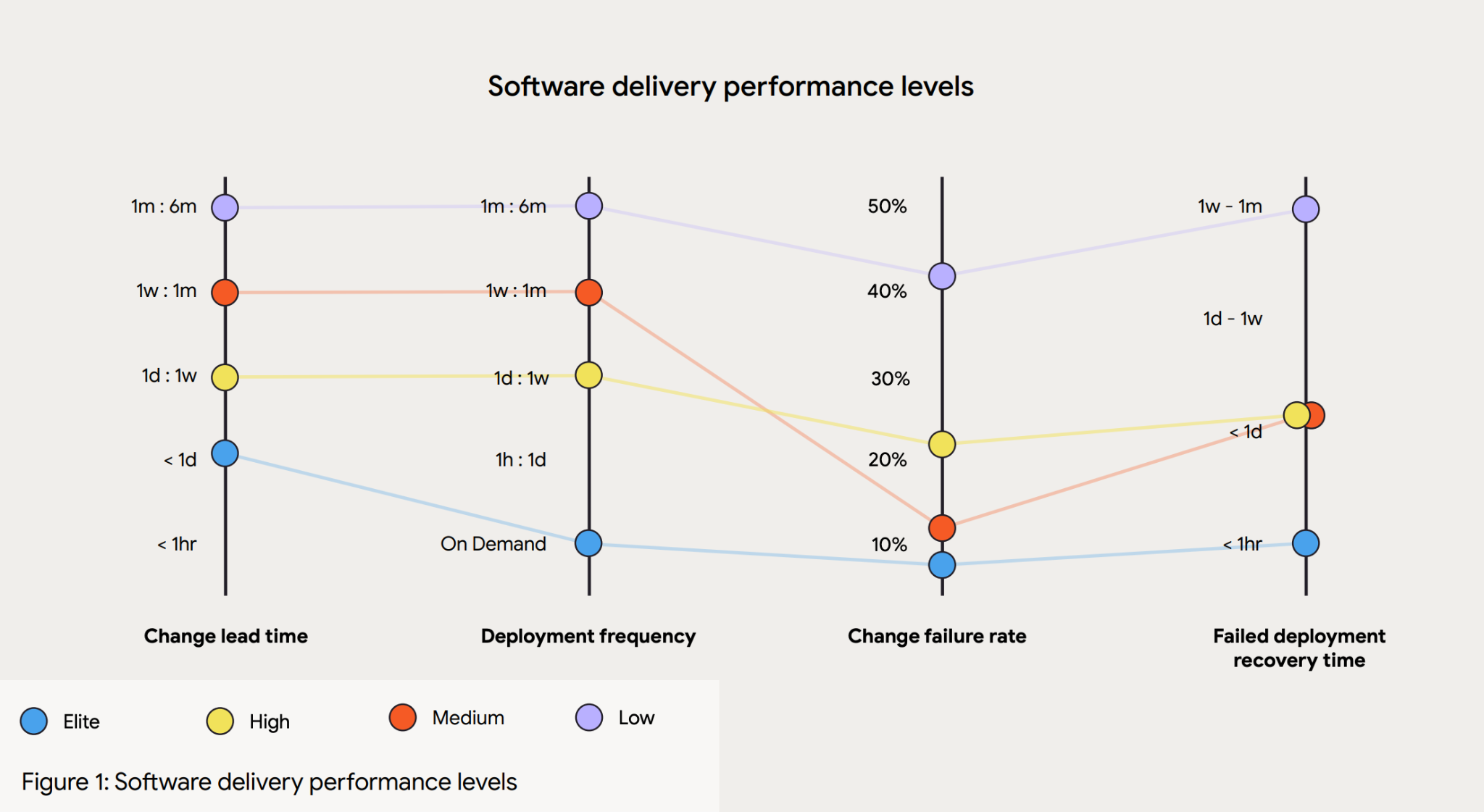
According to the 2024 DORA Accelerate State of DevOps Report, when compared to low performers, elite performers achieve:
- 127x faster lead time
- 182x lower change failure rate
- 8x more deployments per year
- 2,293x faster failed deployment recovery times
How feature flags reduce deployment risk in release testing
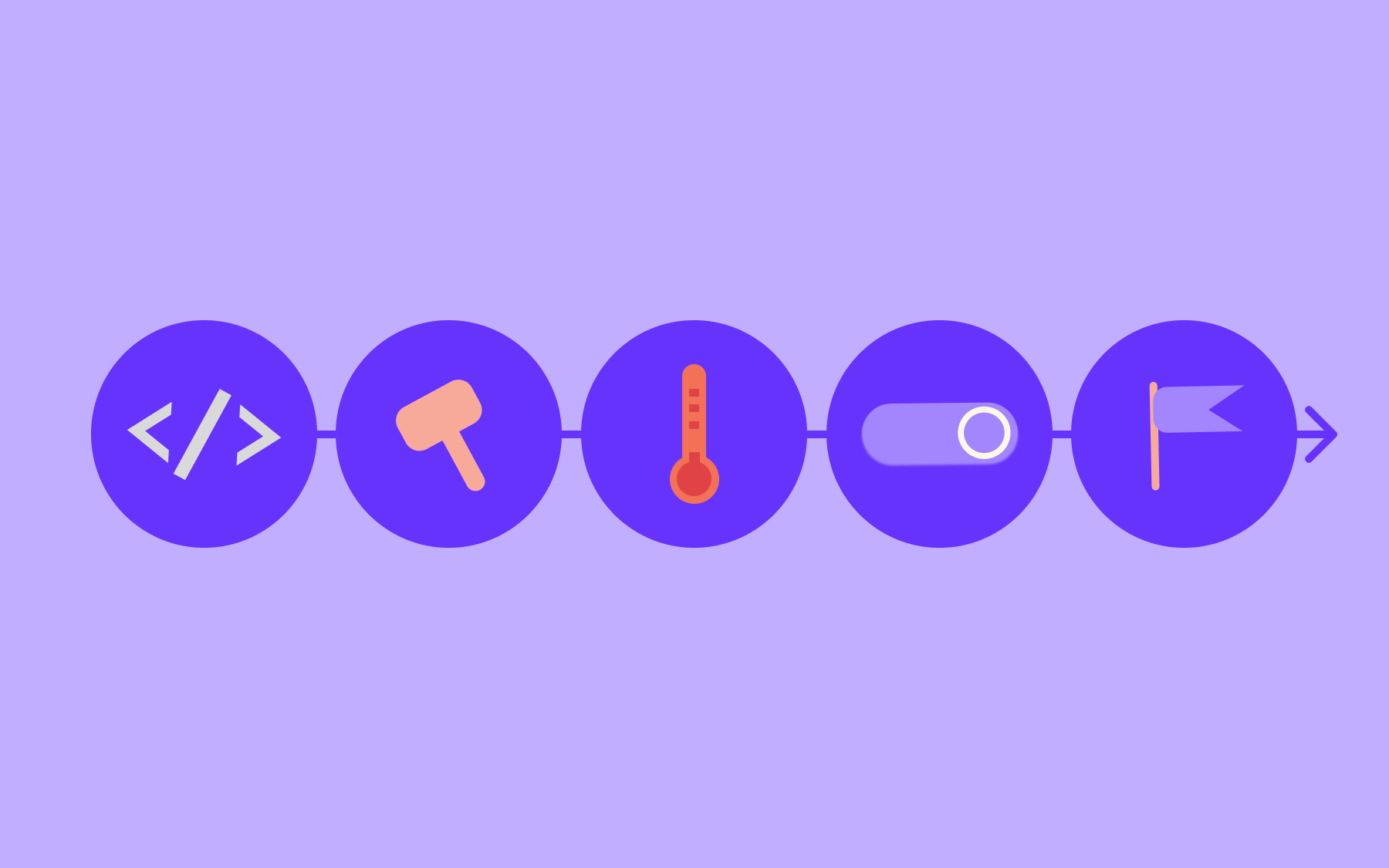
This is where the mechanics of modern software delivery start to change the picture significantly. Feature flags, also called feature toggles, decouple deployment from release.
When you deploy code without feature flags, deployment and release are the same event: the code goes live, and users see it. Any bug in that release is immediately a production incident.
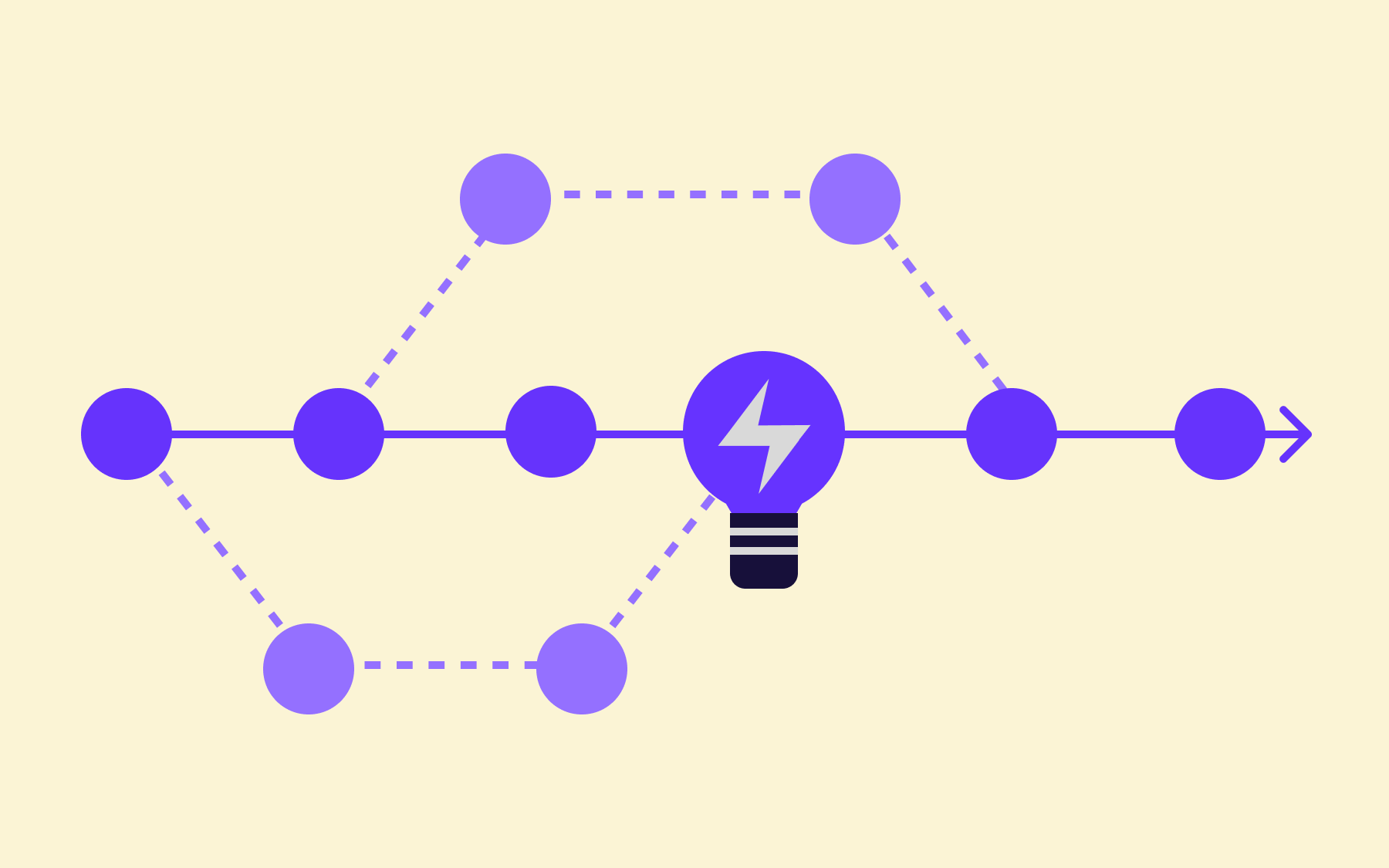
With feature flags, you can deploy code to production while keeping the new feature hidden behind a flag. The code is in your production environment, running on real infrastructure, but users aren't exposed to it until you decide they should be.
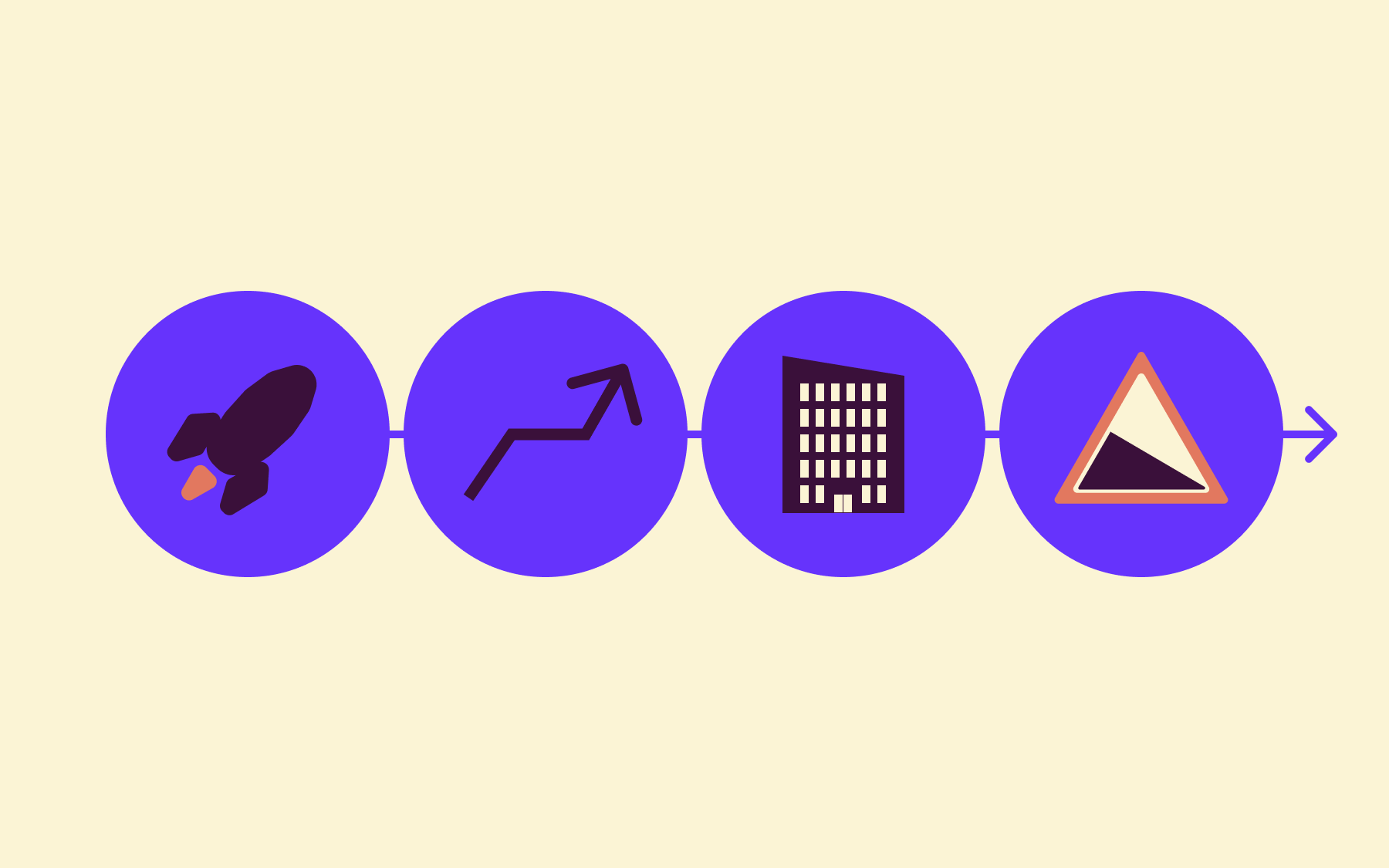
This changes the risk profile of release testing in several meaningful ways:
- You can decouple deployment from release
- You can run canary releases
- Rollback is much simpler
- You can use other release techniques, like dark launching
First, you can decouple deployment from release and test in production with real traffic, without exposing all users to potential issues.
Testing in a staging environment will only ever approximate production conditions. Testing in production—behind a flag—gives you real infrastructure, real data, and real traffic patterns, without the blast radius of a full release.
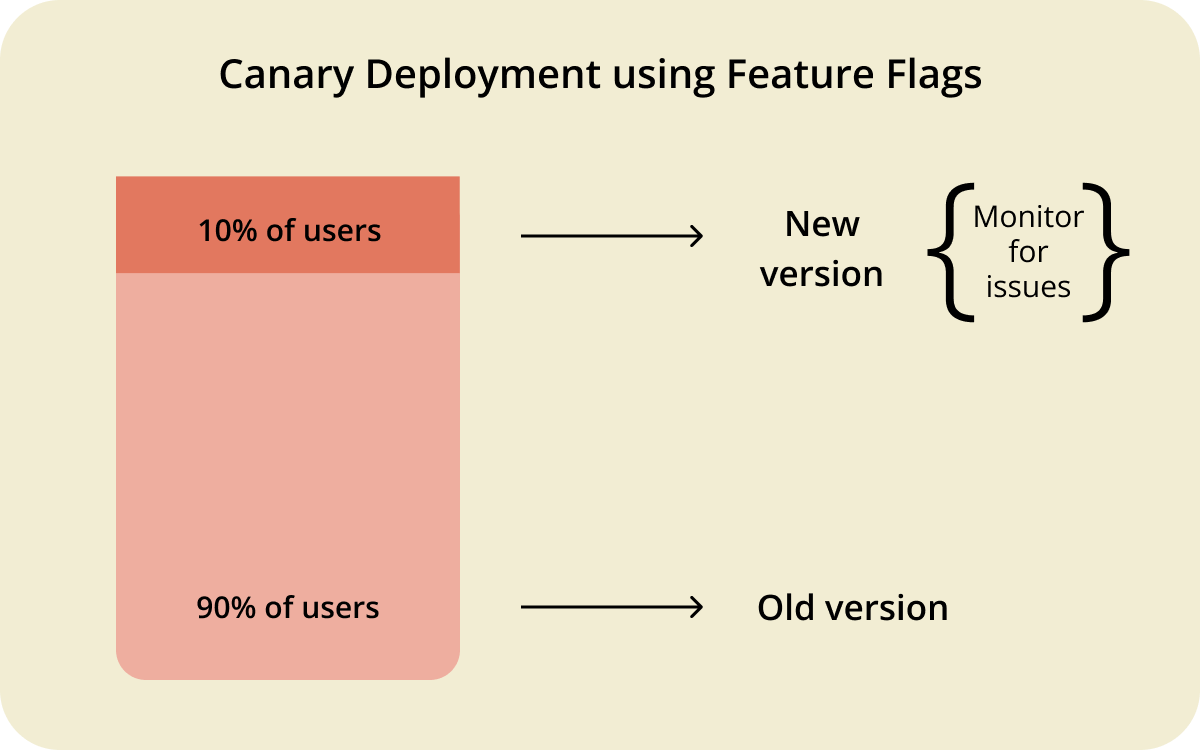
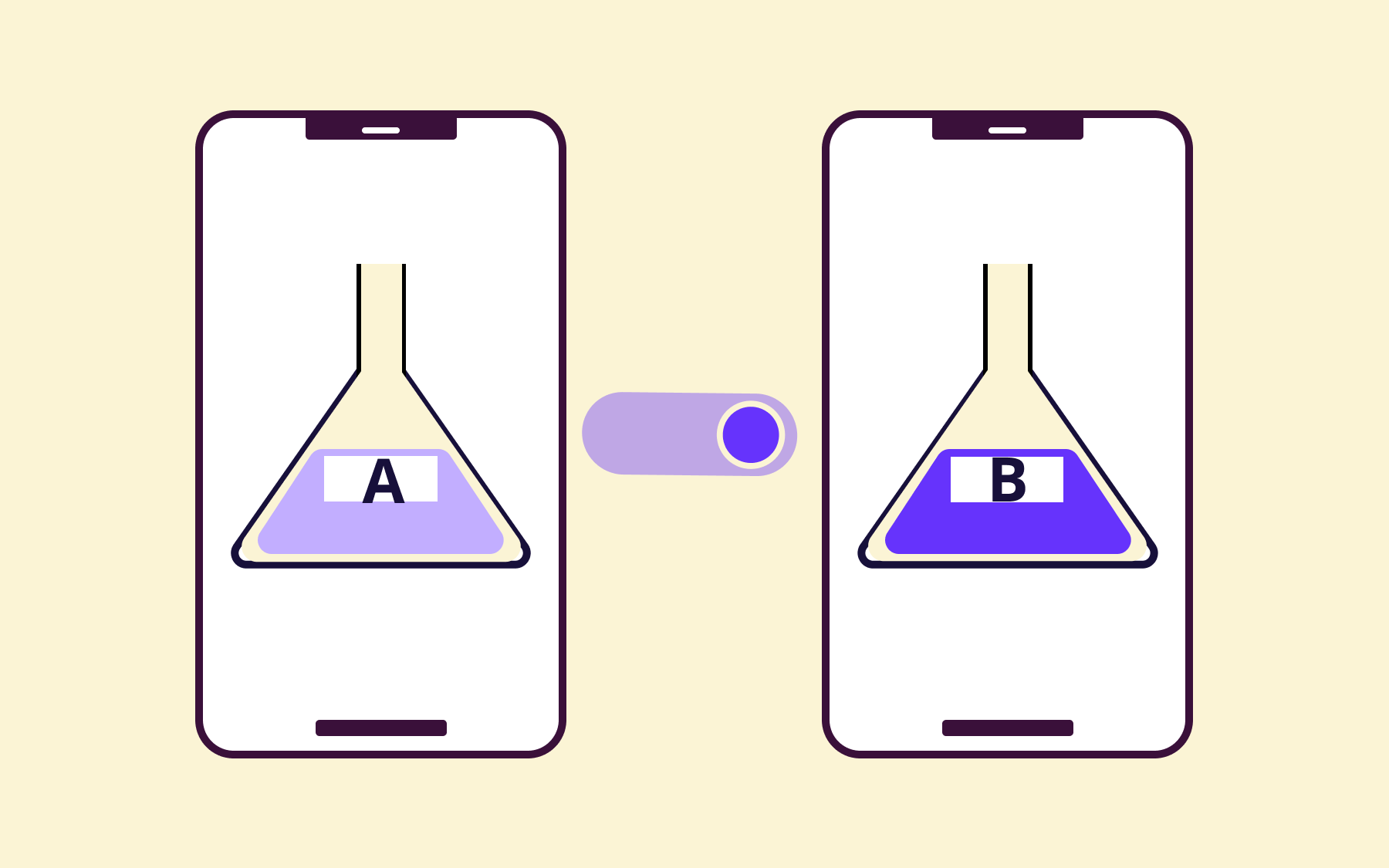
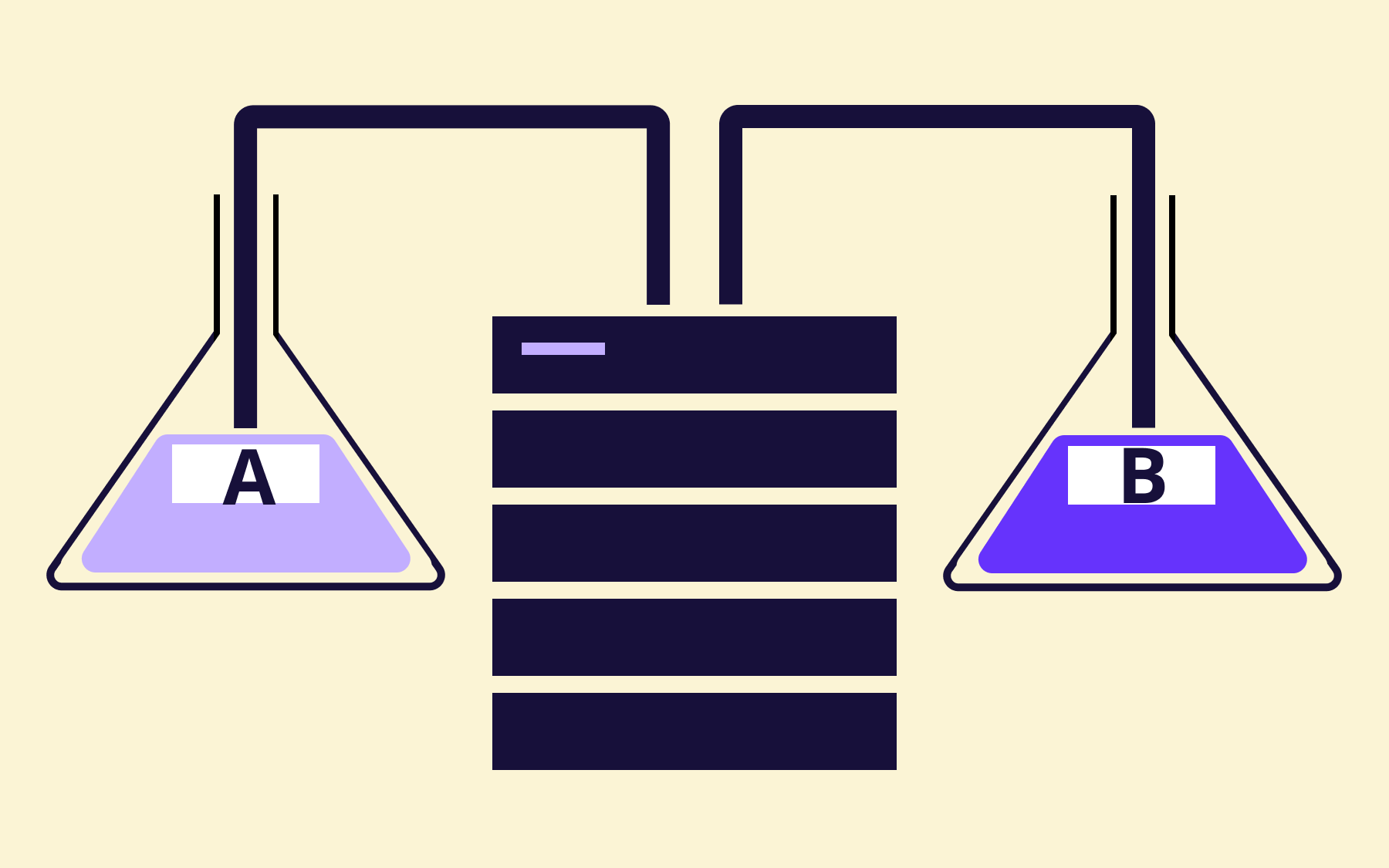
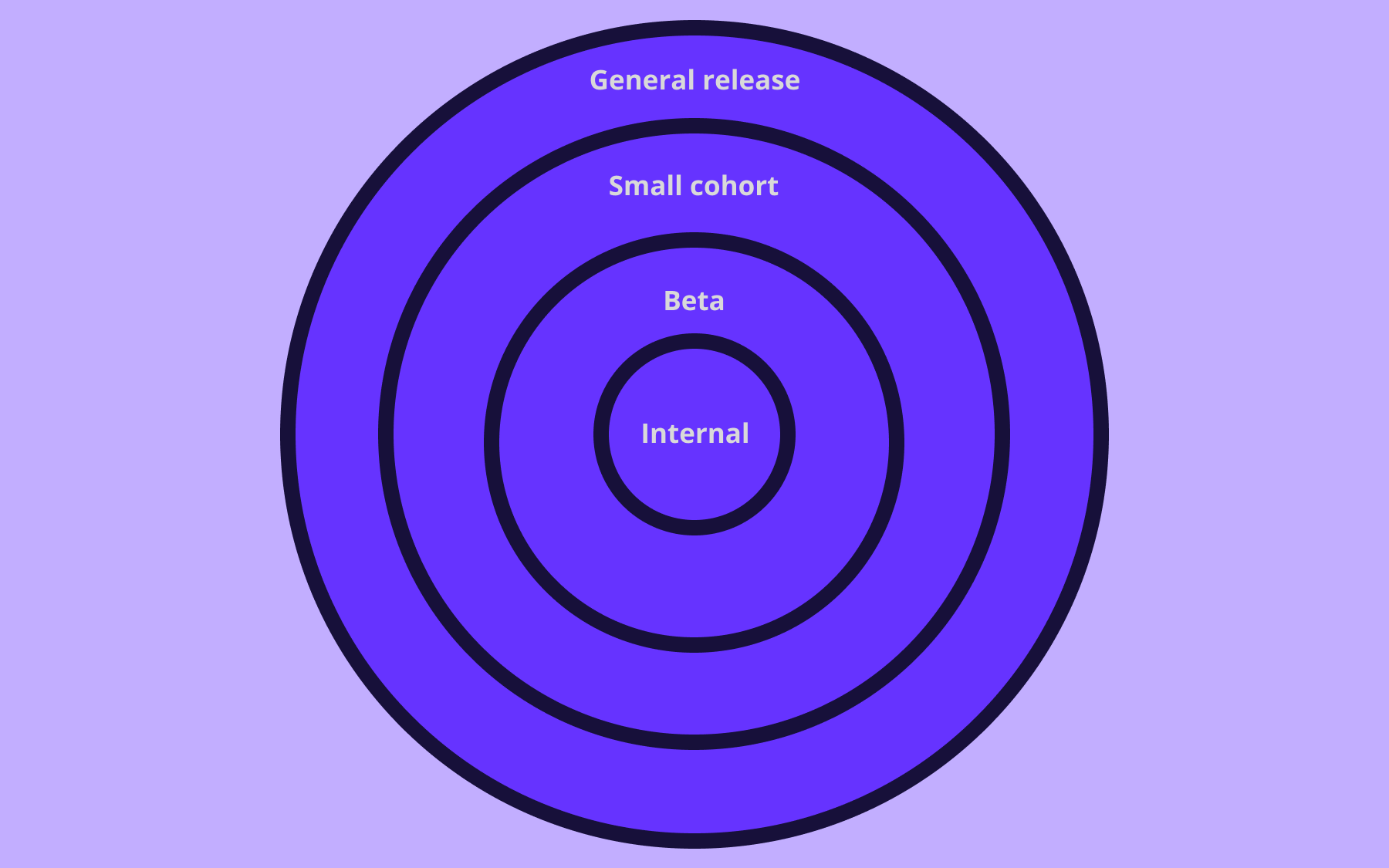
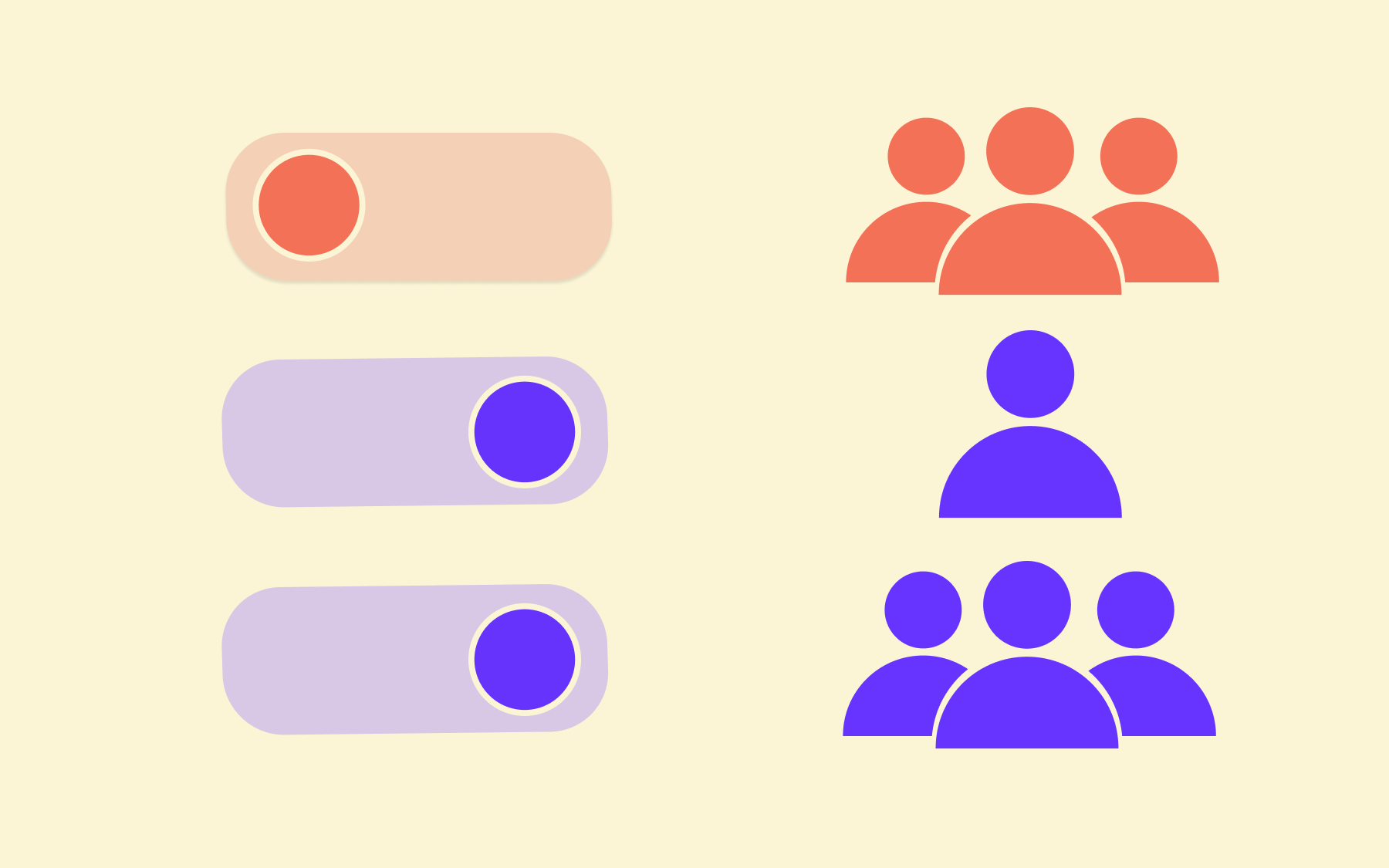
Second, feature flags enable canary releases. Instead of releasing to 100% of users simultaneously, you can expose the new feature to 1% of your user base first. If something goes wrong, it affects 1% of users, not all of them.
From there, you can ramp up gradually—5%, 25%, 50%—monitoring for errors and performance degradation at each stage. Running these kinds of phased rollouts is a far more controlled testing process than a traditional big-bang release.
Third, rollback becomes trivial. If a bug surfaces post-release, you don't need to coordinate a hotfix deployment or revert a merge. You turn the flag off. The updated version disappears for users immediately, without a redeploy.
That speed of response matters enormously in a production incident.
Dark launching is a specific technique enabled by flags that's worth calling out. It involves deploying new code to production and routing real user requests through it, but without surfacing any output to the users themselves.
The feature runs silently in the background, giving you performance data and surfacing errors in real conditions—effectively a production dry run. For high-stakes releases, it's a powerful addition to the release testing toolkit.
Read our documentation, which covers the mechanics of percentage rollouts, segments, and identity-based targeting in detail if you want to get into implementation specifics.
Release testing best practices
The teams that ship reliably are the ones with consistent, repeatable practices built into the process. A few principles make the biggest difference.
- Automate as much regression and smoke testing as possible, and run it on every build. Manual testing at scale doesn't hold. Automated testing catches regressions early, before they reach the release candidate stage, and gives the QA team time to focus on the testing activities that genuinely require human judgement.
- Keep your test environment as close to production as possible. This means matching configuration, infrastructure, and data as closely as you can. Environment inconsistencies are a leading cause of bugs that only emerge post-release.
- Define exit criteria before testing begins. A go/no-go decision made against vague criteria is just a feeling. Agree on specific, measurable standards upfront—acceptable defect rates, performance thresholds, UAT sign-off requirements, maximum open critical bugs—so the decision at the end of the process is clear-cut.
- Use feature flags to separate code deployment from feature release. Flags allow testing to happen closer to real production conditions, reduce the blast radius of any issues that slip through, and give you a reliable rollback mechanism that doesn't depend on your deployment pipeline.
- Track change failure rate as a key metric. It's one of the most direct measures of release quality, and tracking it over time gives you a signal on whether your testing process is improving.
Conclusion
The teams that ship reliably are the ones that treat release testing as a structured, repeatable process: defined scope, clear exit criteria, automated regression suites, environments that mirror production, and a rollback plan that doesn't depend on a two-hour deployment window.
Feature flags change what's possible. The ability to deploy code without releasing it to users, to test in production safely behind a flag, to run canary releases and roll back in seconds—these capabilities make every stage of the release testing process lower risk and more controlled.
If you're looking to build that kind of confidence into your releases, try Flagsmith. You can get started with a free trial.




























OpenTelemetry, without the vendor lock-in: Introducing full observability for Open Source and Self-Hosted Flagsmith customers