You Can Now Integrate Flagsmith with GitLab! Here's How You Do It

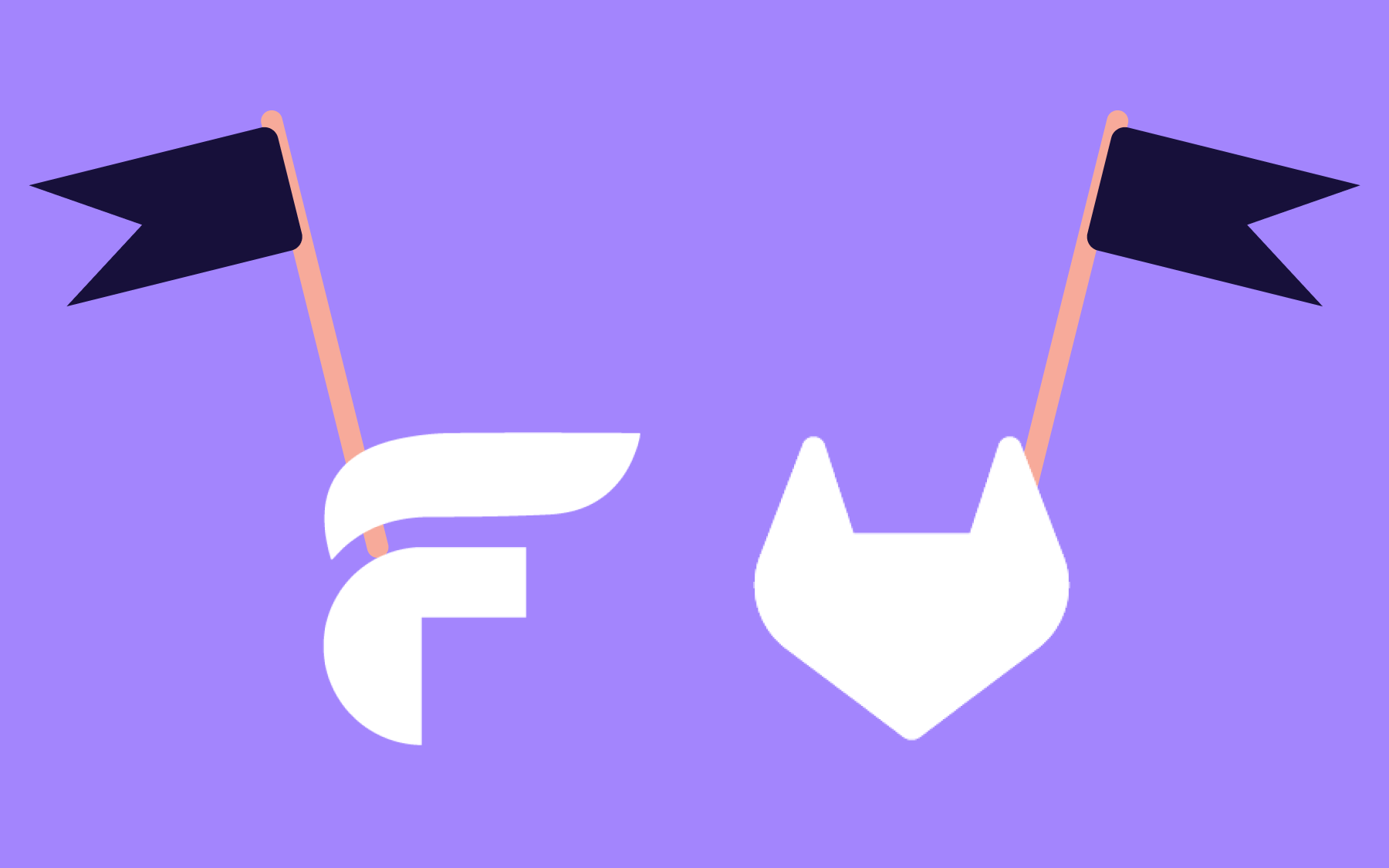
Flagsmith users can now integrate their Flagsmith instance with DevOps platform GitLab. This two-way sync sends important information in both directions.
If you have Flagsmith and GitLab accounts, you can link GitLab issues and merge requests to your Flagsmith feature flags. Any time a flag changes state, a comment showing its current state across all environments is posted to the linked issue or merge request.
Why we built the integration
GitLab runs a significant share of the world's software development. Many enterprise teams, self-hosted orgs, and teams that want tighter control over their infrastructure have made the deliberate, considered choice to manage their development lifecycle on GitLab.
For teams in regulated industries like finance, healthcare, or the government, self-hosted GitLab is often the only deployment option that passes compliance. These teams have been doing serious work without the infrastructure connections everyone else takes for granted.
We built this integration because those teams deserve the same connections that everyone else gets. And yes, Self-Hosted GitLab instances are supported!
At the same time, the GitHub outages of the past year have made it clear that relying on a single platform for everything carries inherent risk.
We already proved the closed-loop pattern works with our GitHub integration. GitLab is the natural next step.
If your team is on GitLab, whether you've been there for years or migrated recently, we want Flagsmith to work where you work.
The main benefits of this integration
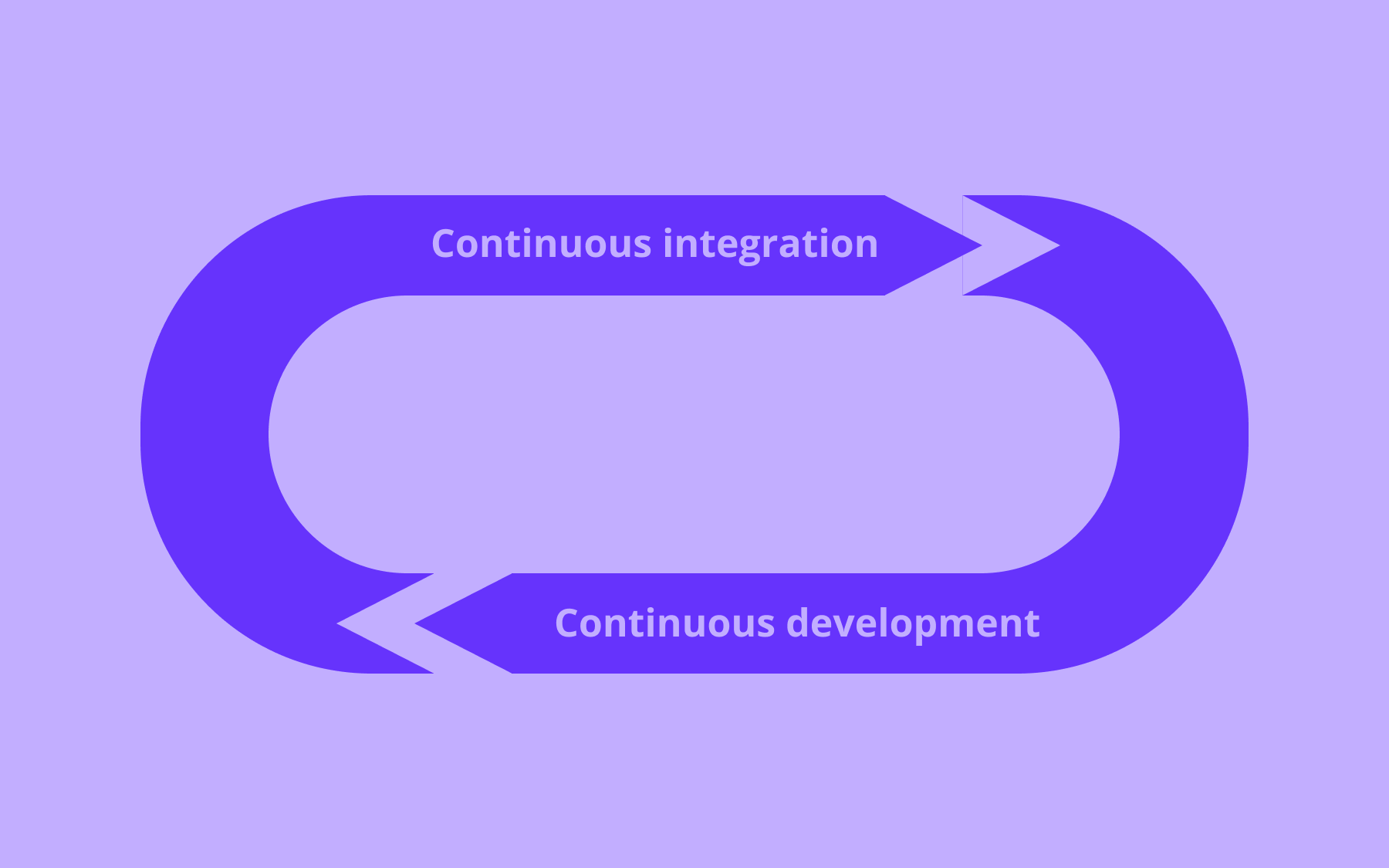
The real value of this integration is the closed loop it creates.
Right now, when a feature flag changes state, that change exists in Flagsmith, while the work that prompted it stays in GitLab. Nothing connects them unless a human manually crosses the gap.
The GitLab integration makes the flag's state visible where the work is being done. When a flag changes across any environment, Flagsmith posts a comment to the linked issue or merge request.
Not a summary. Not a periodic sync. A comment, automatically, that names:
- The environment
- The scope
- The new enabled state
- The new value if one is set
The integration also works in the other direction.
When a linked issue or merge request changes state in GitLab—such as when it's closed, merged, or reopened—Flagsmith automatically updates the linked feature flag's tag.
Linked issues and merge requests automatically get a label named “Flagsmith Feature” in GitLab, meaning your team can filter for them—useful in a repo with hundreds of open issues.
How you can use the integration
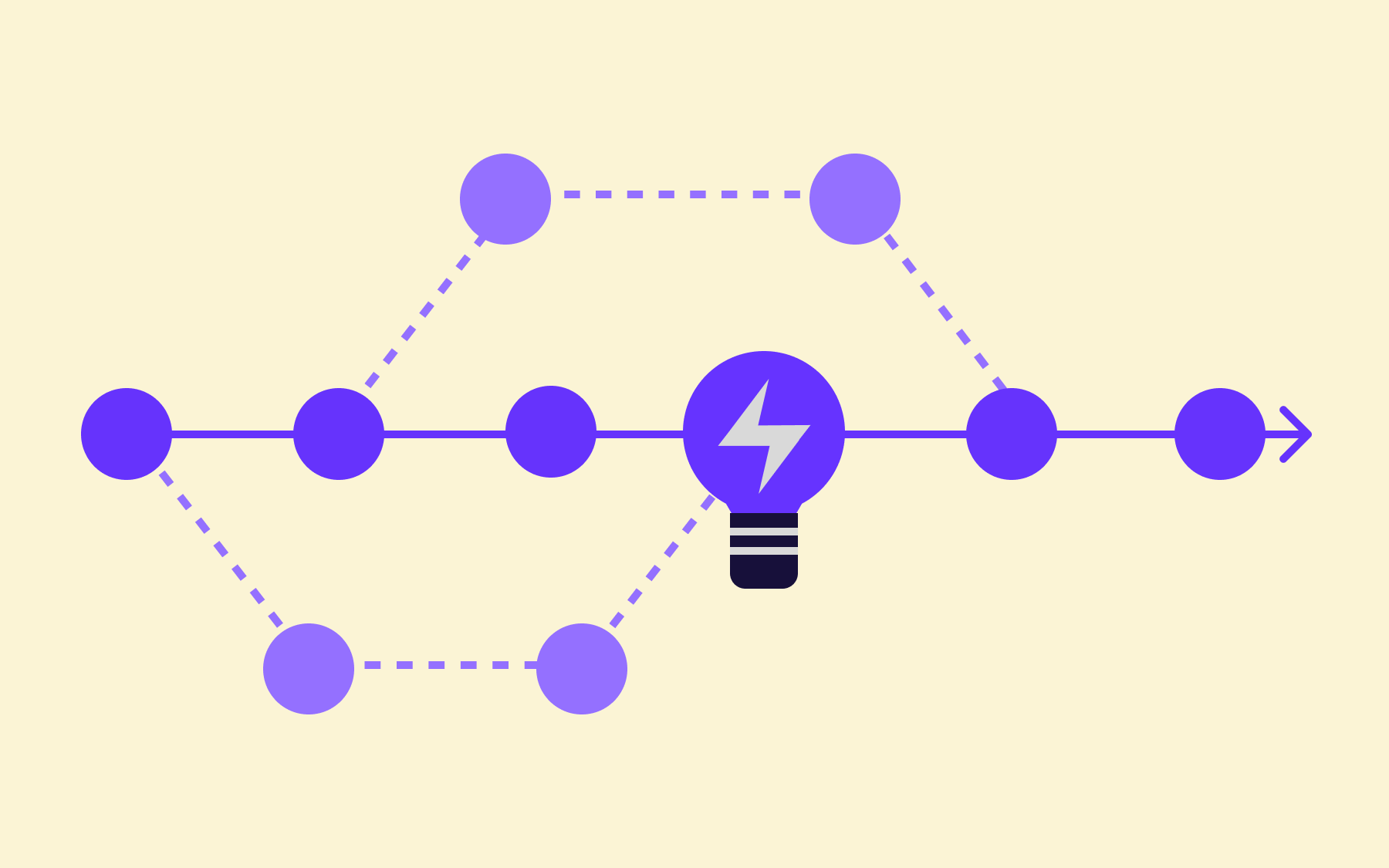
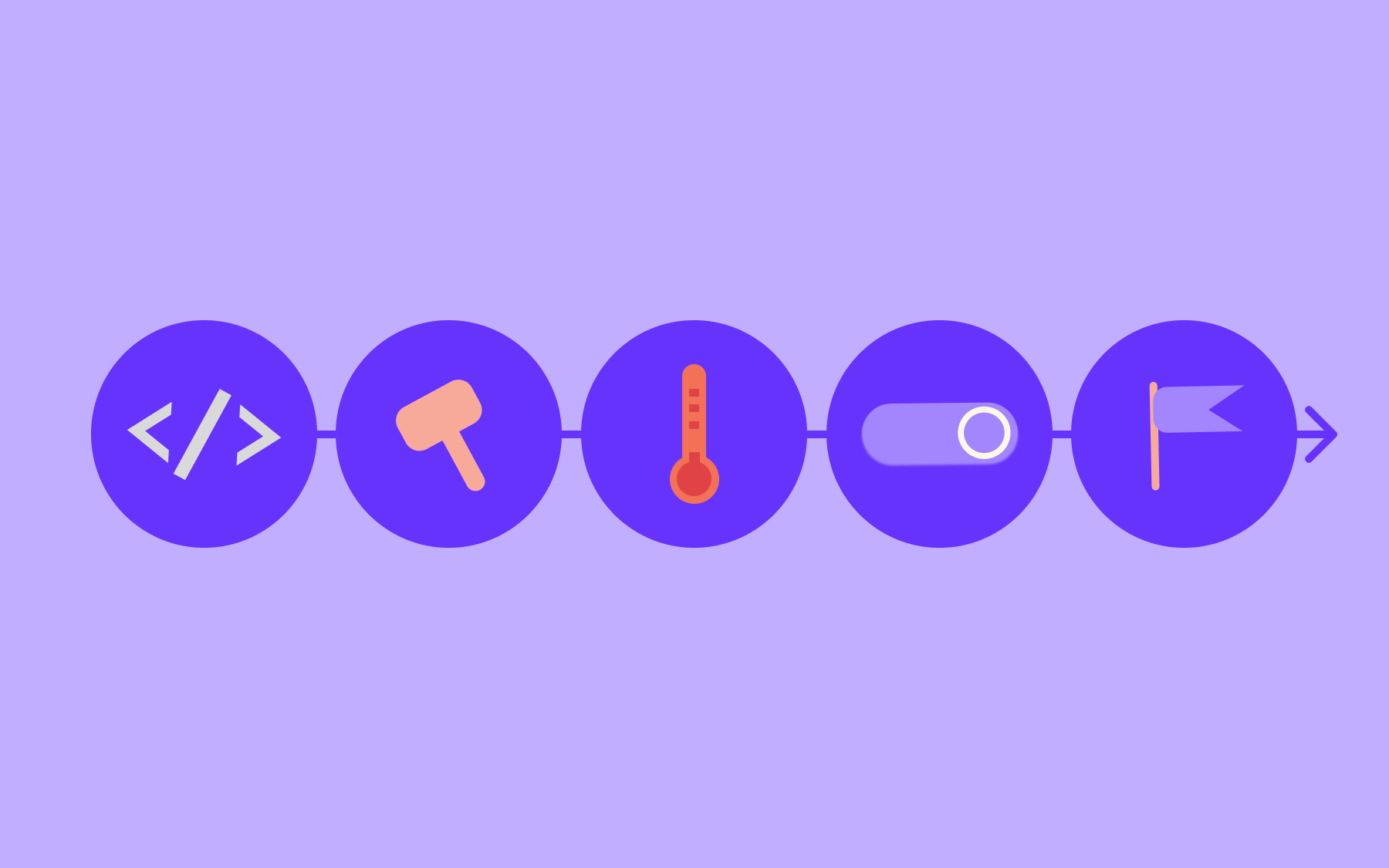
The main use case is tracking a feature through its entire lifecycle, from the issue that defined it to the flag that controls its release.
Link a flag to an open GitLab issue to create a thread that tracks the feature's state across environments.
The issue gets commented on when:
- QA enables the flag in staging
- The flag goes live in production
- It's cleaned up and disabled.
The full flag change history is there, attached to the work, without any manual intervention.
If your team is running progressive delivery, you really benefit from the granular details in each comment. There are comments for each state change, containing its specific scope, which means that a segment override and an environment-level change will be reported separately—valuable precision when you're debugging a rollout that didn't behave the way you expected.
For teams managing flag hygiene, the tag sync is a useful feature. Have a still-enabled flag linked to a closed issue? Automatic tagging makes it visible without requiring anyone to run an audit.
How to set up the GitLab integration with Flagsmith
Setup just takes a few minutes. You'll need an access token from GitLab and a couple of configuration steps in Flagsmith. Here's exactly what to do.
What you need before you start
- A Flagsmith account and a GitLab account.
- A GitLab access token with the api scope—this can be a personal access token, a group access token, or a project access token, depending on which projects you need accessible in Flagsmith.
- Your GitLab instance's URL (e.g., https://gitlab.com or your self-hosted URL).
In GitLab:
- If you haven't already, create an access token with the api scope.
- Copy the token immediately, as you won't see it again.
In Flagsmith:
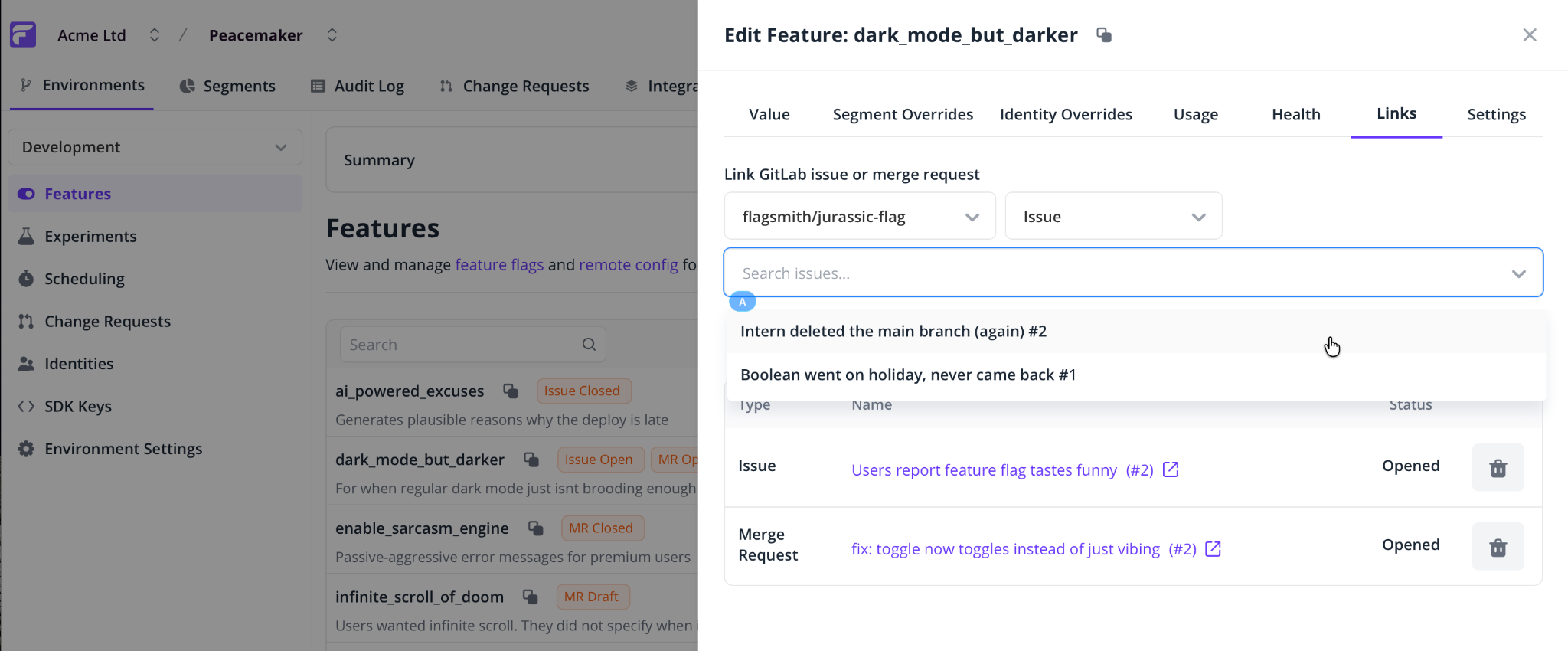
- Go to Integrations > GitLab > Add Integration.
- Set the GitLab Instance URL to your instance.
- Paste the access token.
- Click Save.
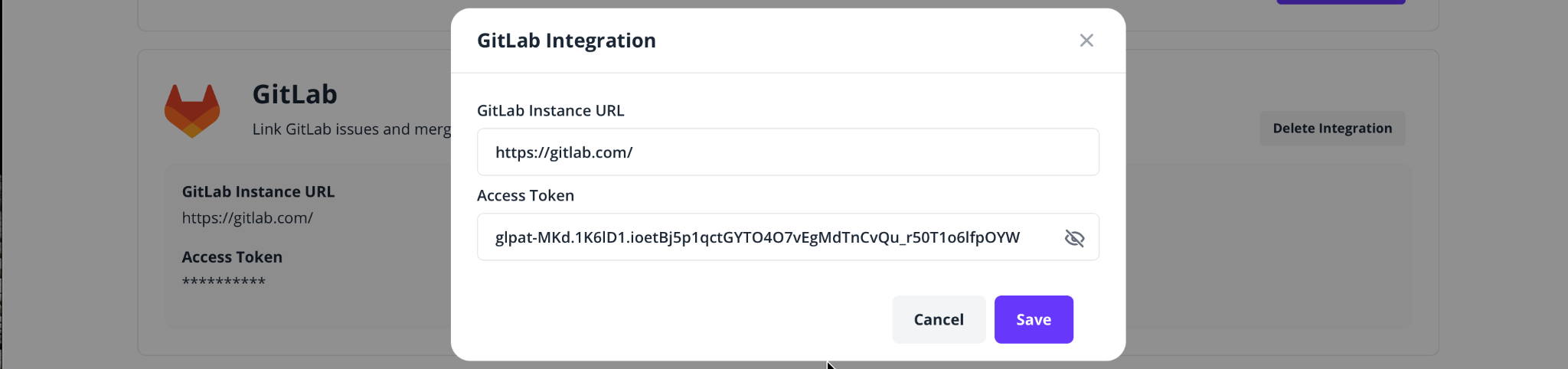
To link a feature flag to an issue or merge request:
- Open a feature flag and go to the Links tab.
- Select a GitLab project.
- Choose Issue or Merge Request.
- Search and select the item you want to link.
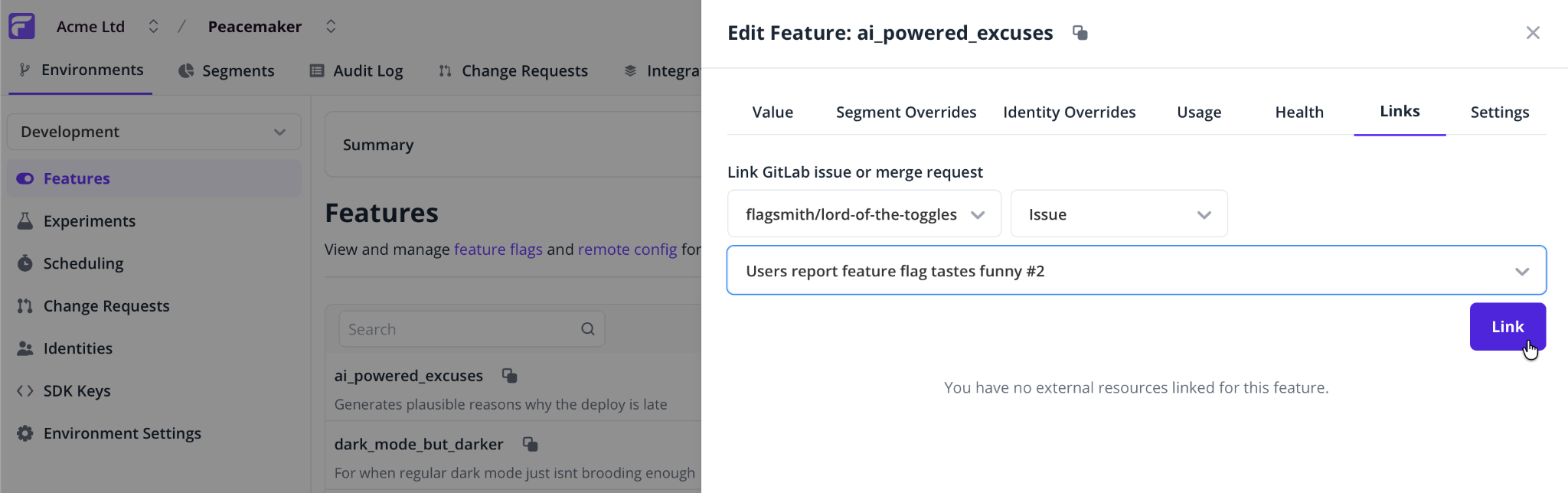
Flagsmith will post a comment with the flag's current state across all environments immediately. Every subsequent change automatically posts a new comment.
Remember to rotate your GitLab access token before it expires.
What's next?
Start with one flag and one issue. Don't try to retrofit the whole project at once. Link something you're actively working on and keep an eye on the comment thread over the next few days.
Flag hygiene is where the integration earns its keep. When a linked issue closes, Flagsmith updates the feature flag's tags automatically—no manual audit required.
We're constantly developing integrations to make Flagsmith work inside the systems your team already lives in. Our GitHub integration came first. Now our GitLab integration is available to teams that need it.
The goal has always been the same: reduce the distance between where a decision gets made and where it gets tracked, and make the gaps that kill releases visible before they cause problems. And we're not done yet.





















OpenTelemetry, without the vendor lock-in: Introducing full observability for Open Source and Self-Hosted Flagsmith customers