What GitLab Feature Flags Can Do for Your Release Workflow

The best engineering teams ship continuously. They merge often, deploy without ceremony, and release new features to users with confidence. What separates those teams from the ones still rationing deployments and scheduling late-night release windows is the toolset that gives them control over what goes live and when.
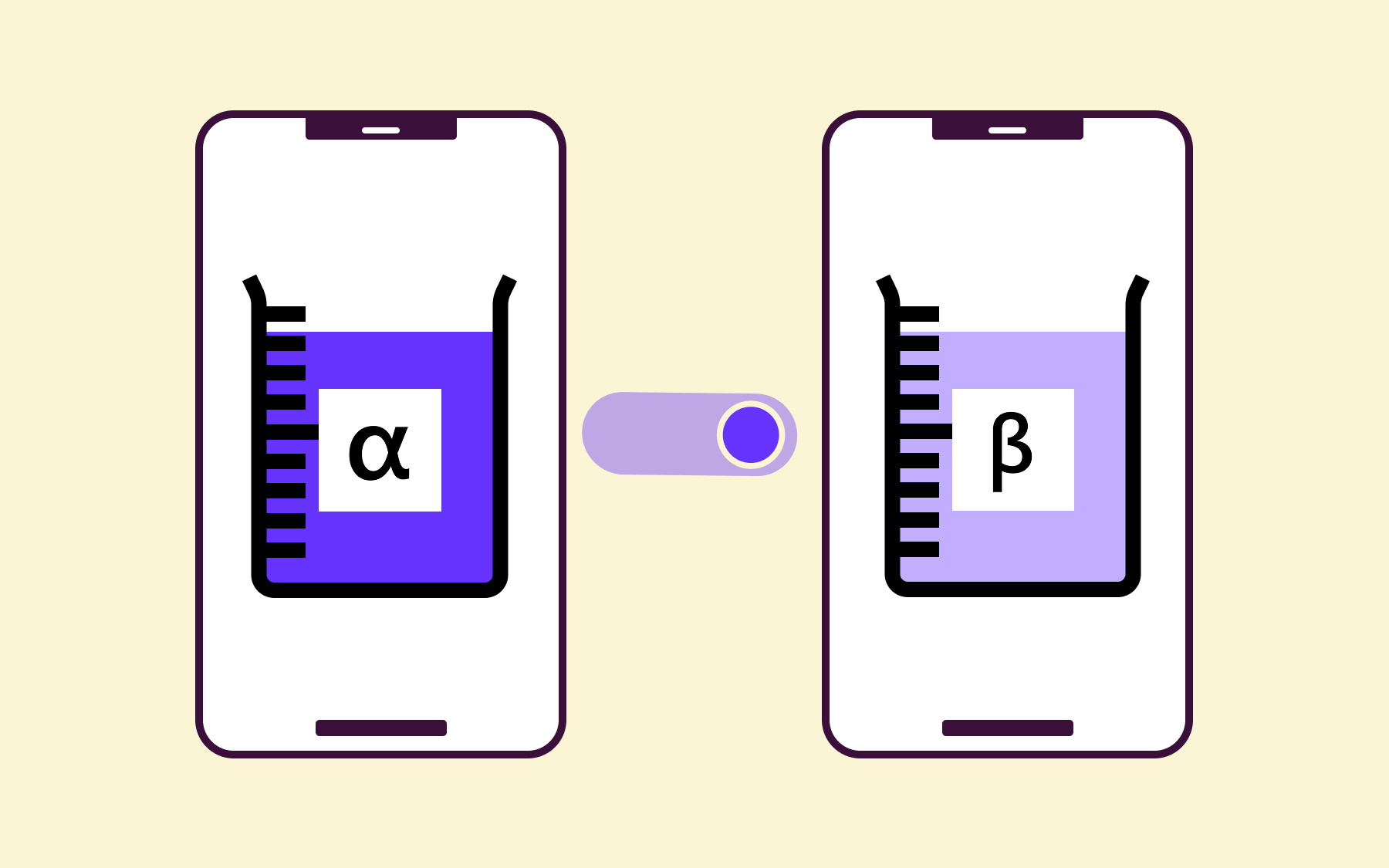
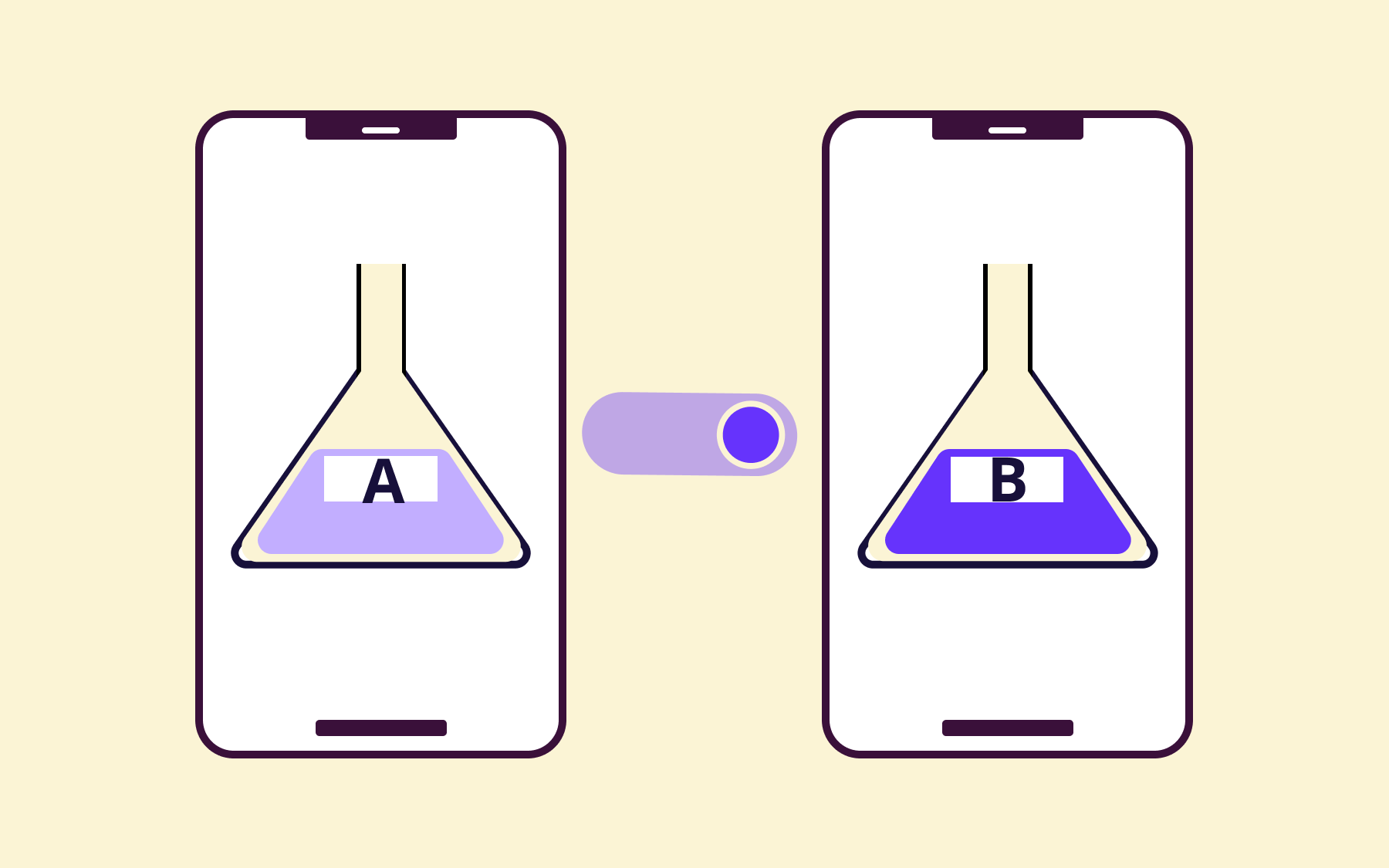
Feature flags are central to that control. They let you deploy code to production without activating it, so the decision to release a feature is entirely separate from the act of deploying it.
Many engineering teams manage that workflow in GitLab, across issues, merge requests, CI/CD pipelines, and security scans. Feature flags fit naturally into that environment, enabling you to control the process—a process that can be targeted, ramped up gradually, and adjusted in real time without touching the codebase.
This article covers what feature flags do inside a GitLab workflow, the specific benefits they unlock, and how pairing GitLab with a dedicated feature flag platform gives you more control, more visibility, and cleaner flag hygiene.
What a GitLab feature flag actually does
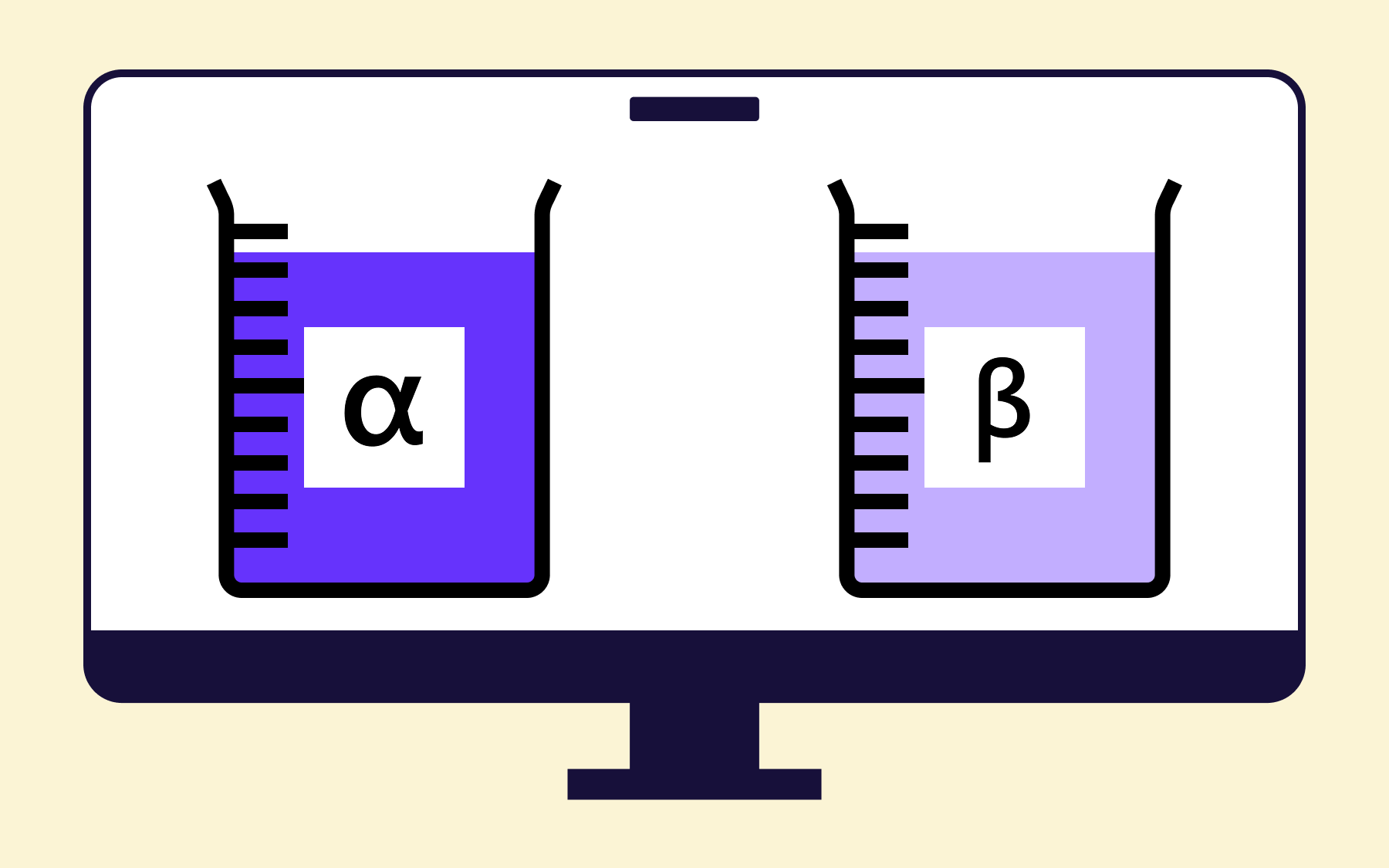
At its core, a feature flag is a conditional in your application code that determines whether a new feature is active. You deploy the code, but the flag controls whether users ever encounter it and which users.
That separation between code deployment and feature release is why flags are such valuable tools. The flag state can be toggled remotely, without a redeploy, and targeted to specific users, user IDs, segments, or environments.
Flagsmith integrates with GitLab directly, connecting your feature flag management solution to the issues and merge requests where the work lives. You create and manage flags in Flagsmith, configure which environments they're enabled in, and set your rollout strategy—all from a dedicated interface built for the job.
The GitLab integration then keeps both systems connected, posting comments on flag state changes, and updating flag tags when linked issues or MRs are closed.
The benefits of using feature flags in GitLab
Safer releases with progressive rollout
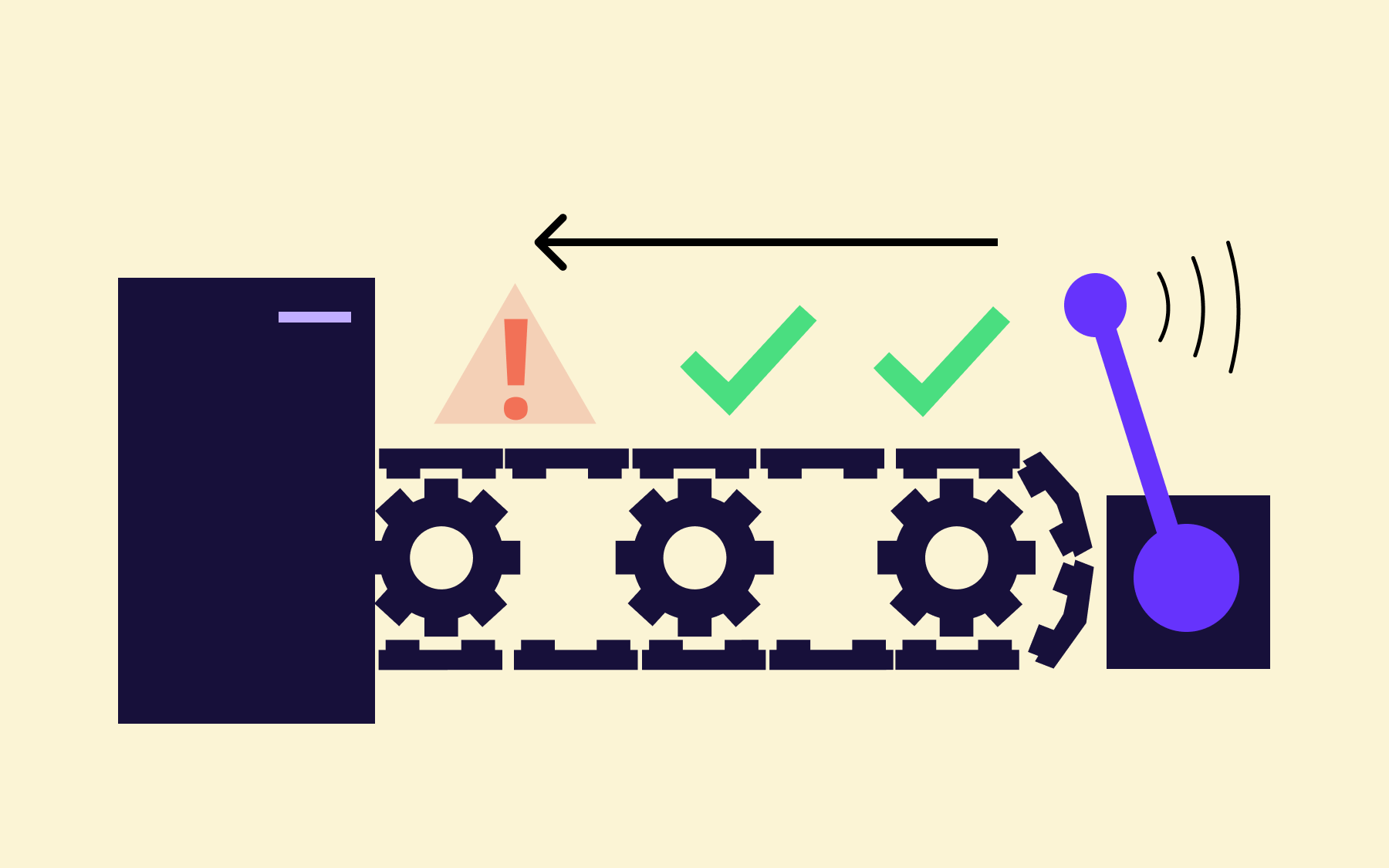
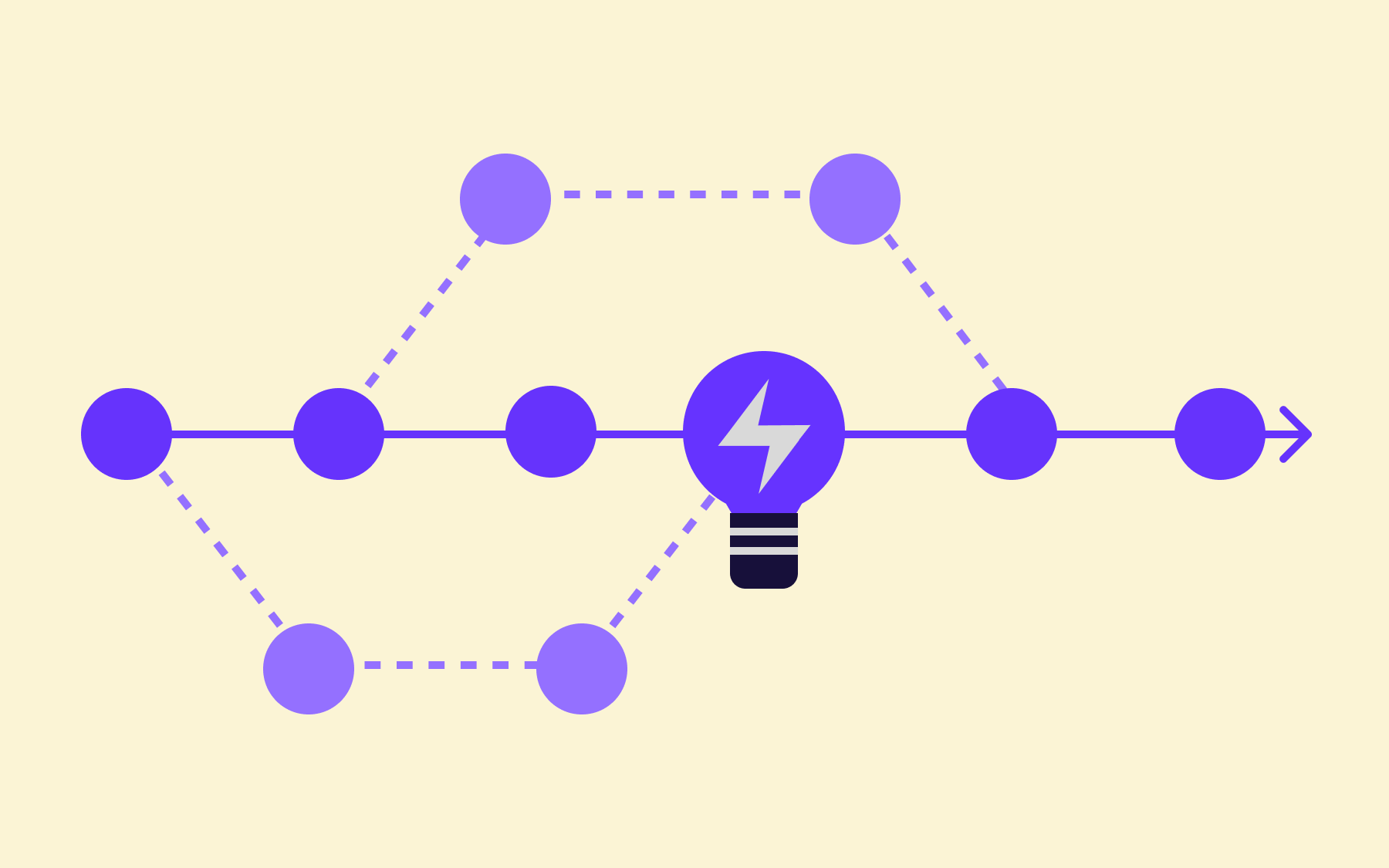
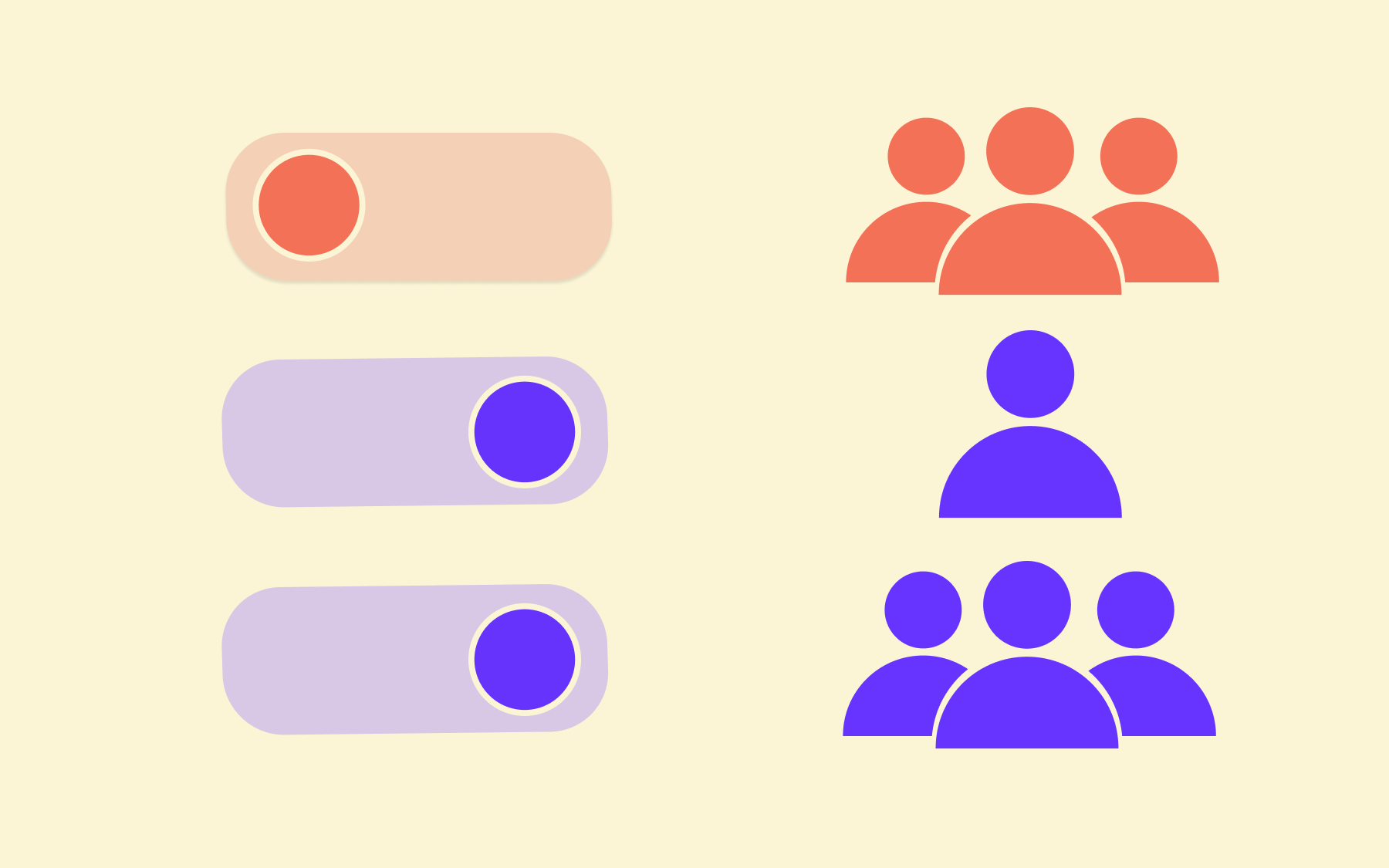
Rather than shipping a new feature to your entire user base at once, a feature flag lets you start small. Release to 1% of users, monitor error rates and performance metrics, then expand gradually.
This rollout strategy limits an issue’s blast radius. If something breaks, disabling the flag stops any exposure immediately, meaning no hotfix and no high-risk deployment window.
DORA's 2024 State of DevOps report found that elite-performing teams, those with the fastest lead times and lowest change failure rates, consistently practise continuous delivery with rapid feedback loops.
Run progressive rollouts with feature flags to reduce the risk of each individual release, so your teams ship with more confidence, more often.
Separating deployment from release
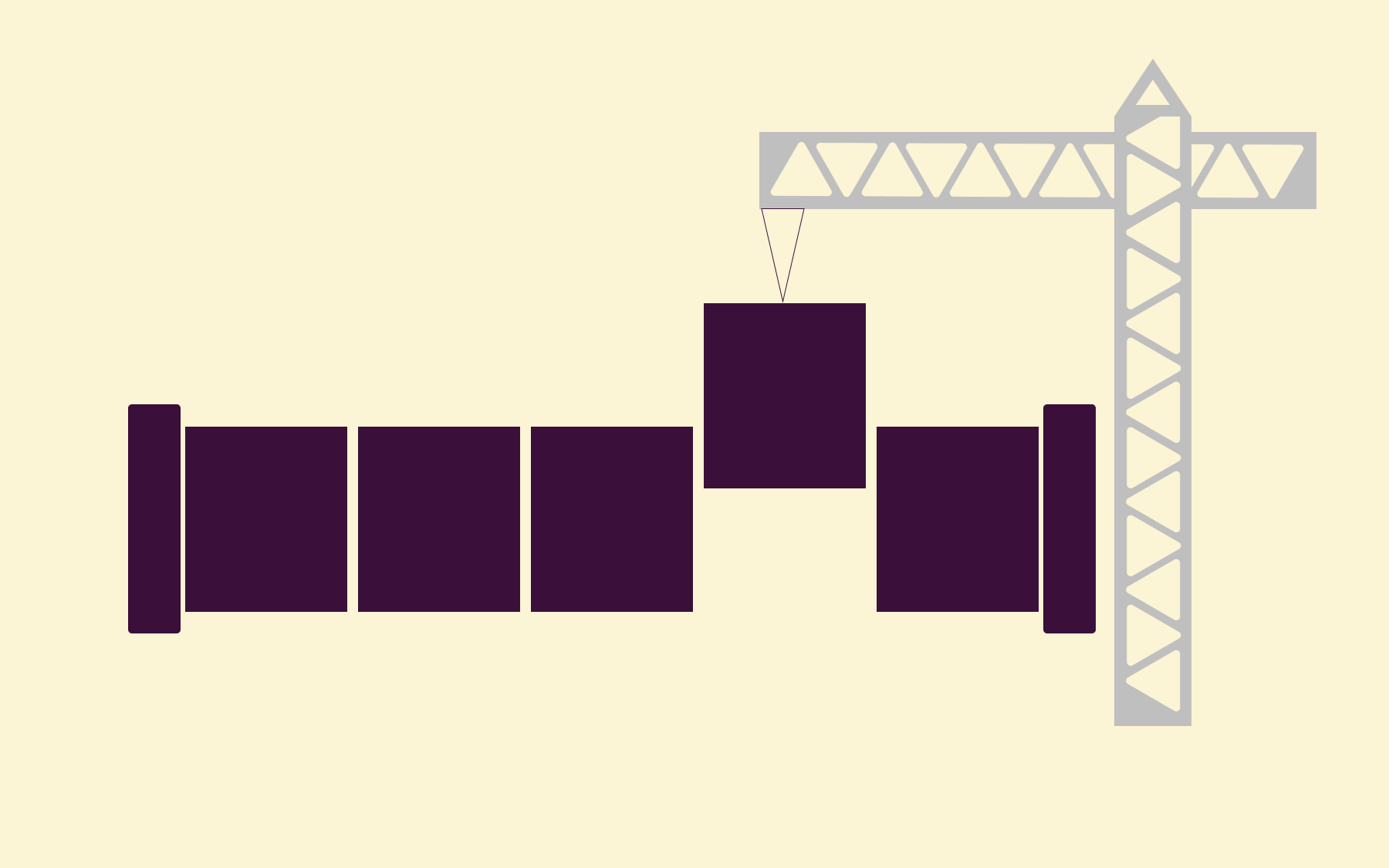
Deployment and release are different events, and treating them as the same thing is a major cause of release anxiety.
Deployment is the act of getting new code running in a production environment, while release is the decision to make that functionality visible to users.
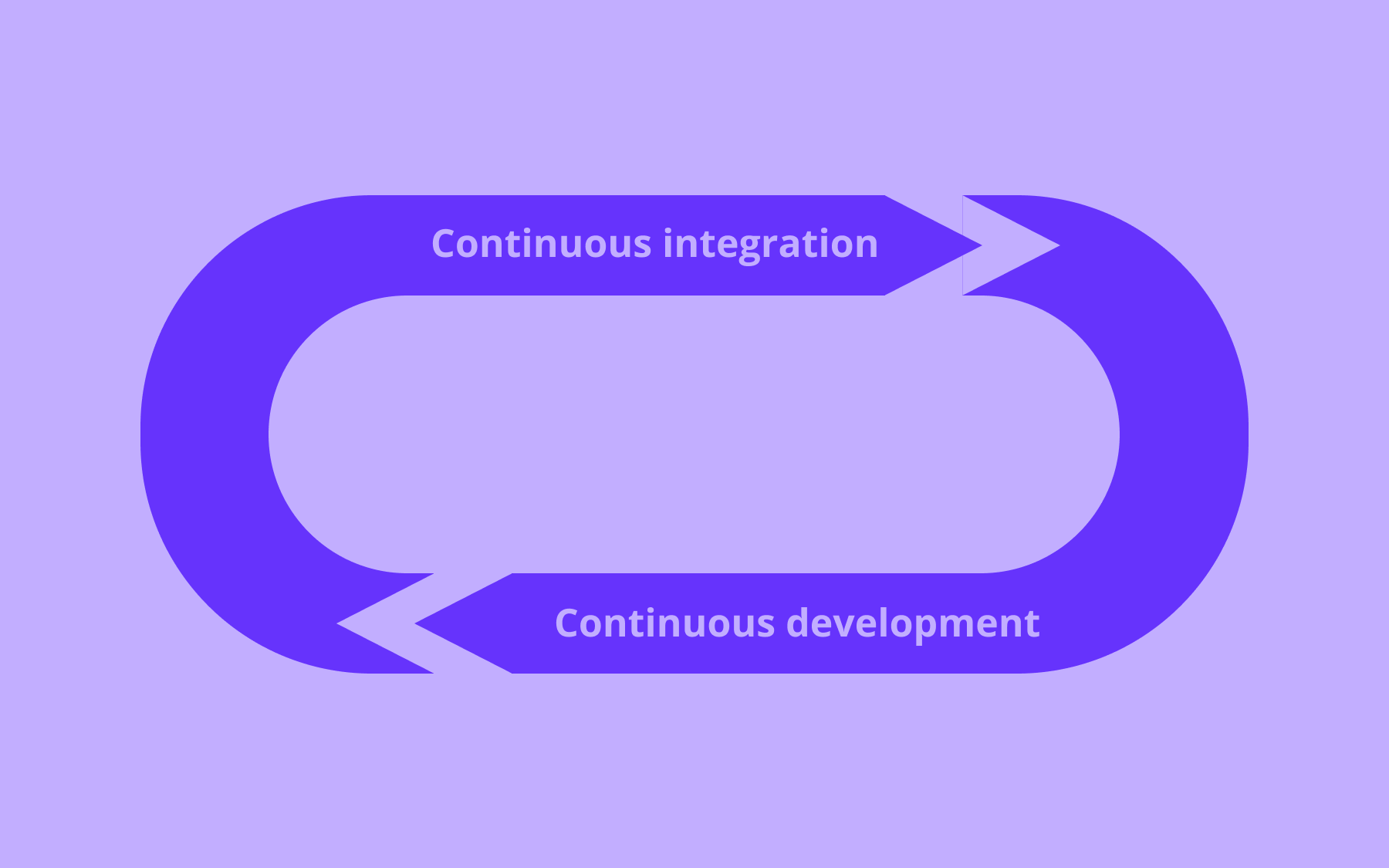
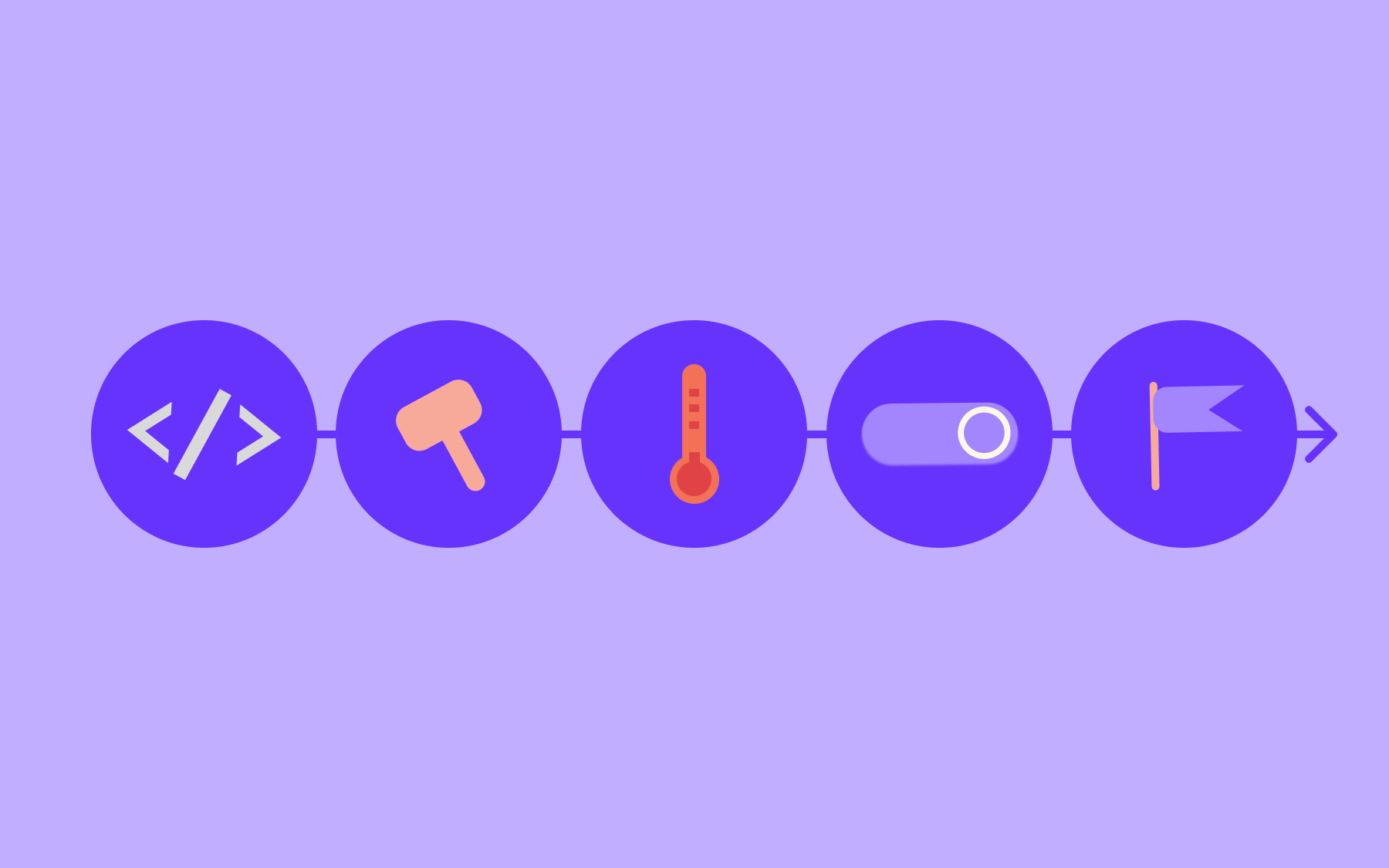
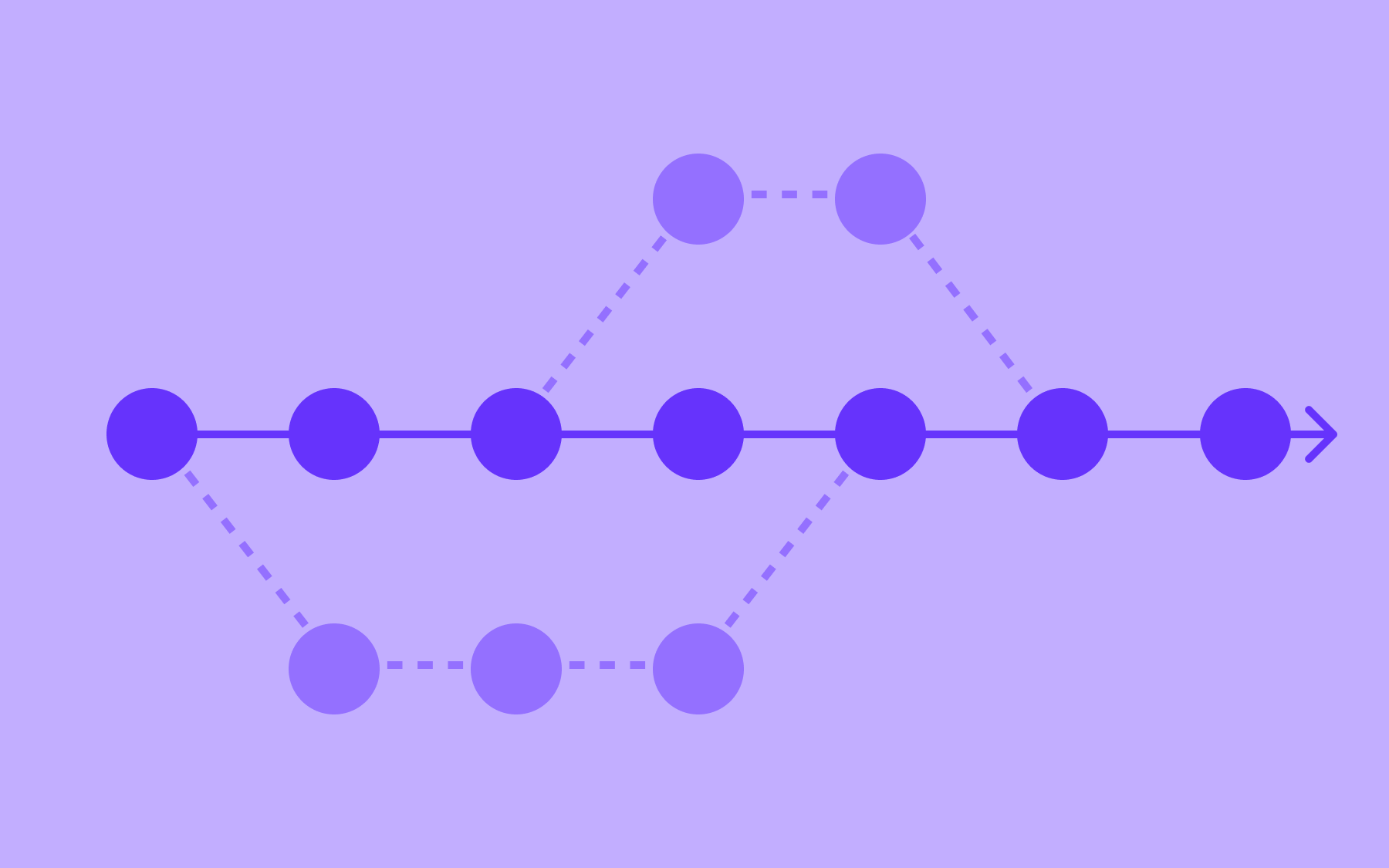
When you wrap new code in a feature toggle, you can merge and deploy continuously—as part of a trunk-based development process, for example—without triggering a release.
The flag sits disabled until your team is ready, and code freezes, scheduled downtime, and coordinated deployment windows become unnecessary. Each merge isn’t a high-stakes event, which helps teams keep moving.
Controlled testing in production
Staging environments are useful, but they’re not production.
Real production traffic surfaces edge cases that test environments rarely catch:
- Unexpected combinations of user data
- Third-party integrations behave differently at scale
- Timing issues under load.
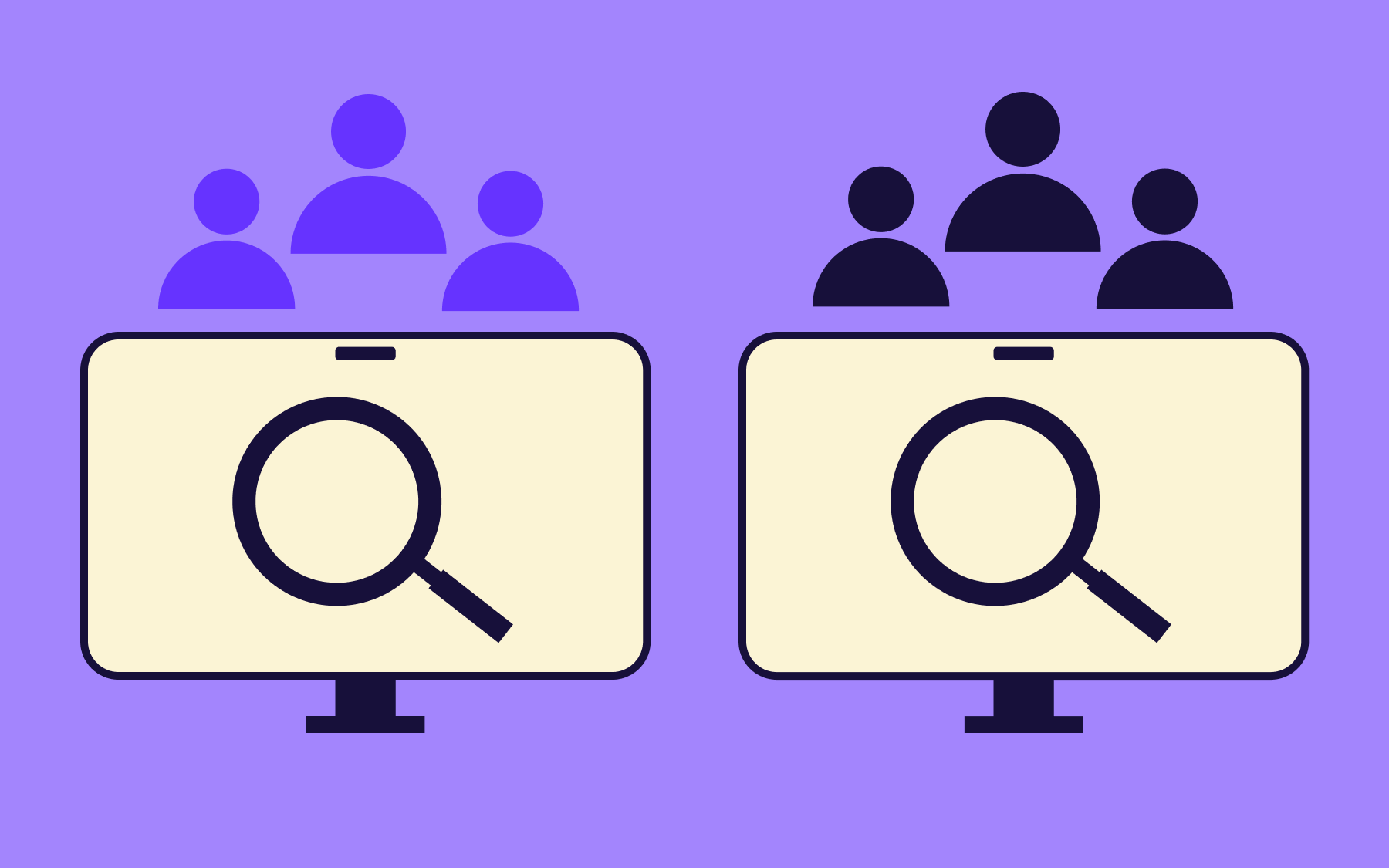
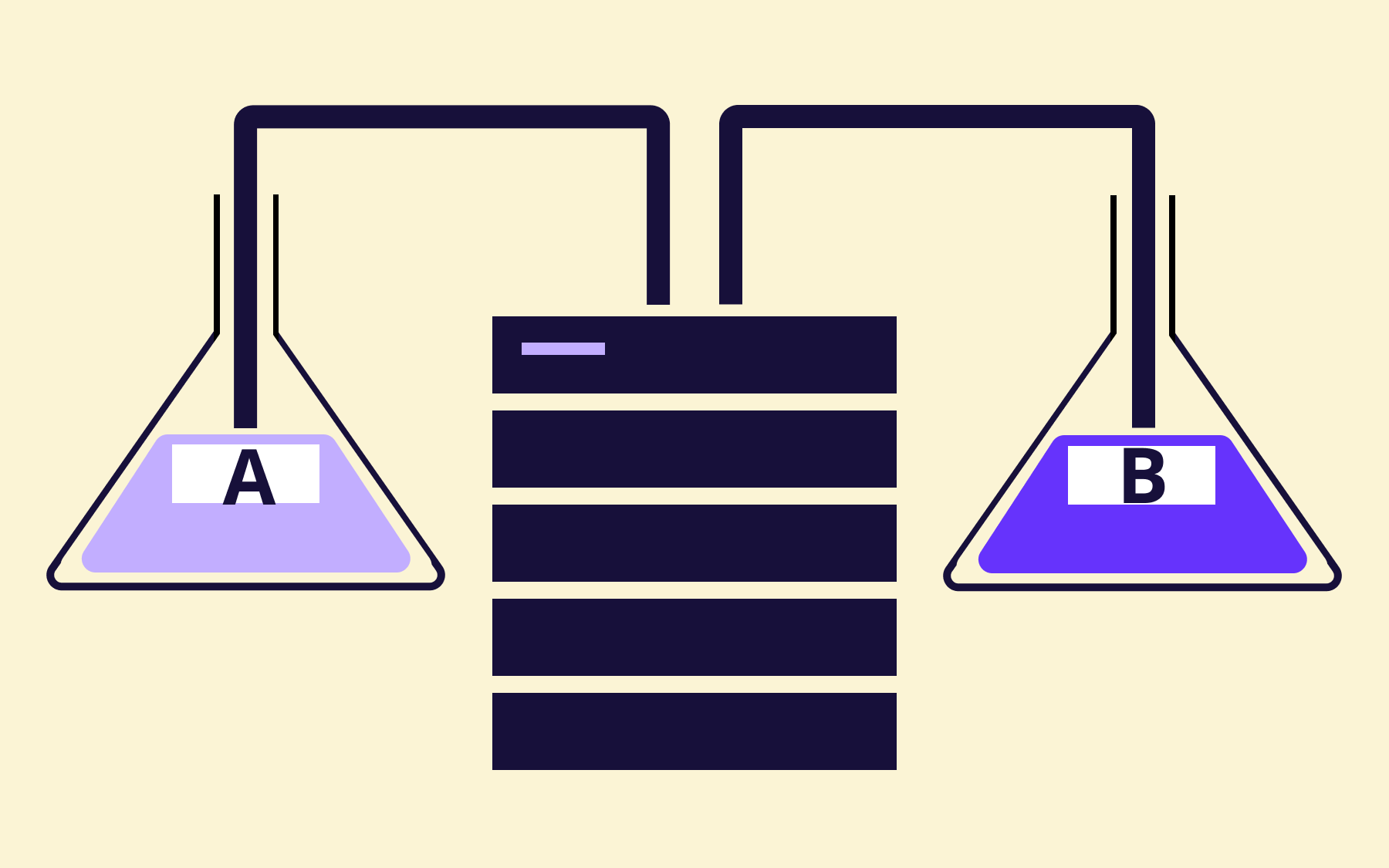
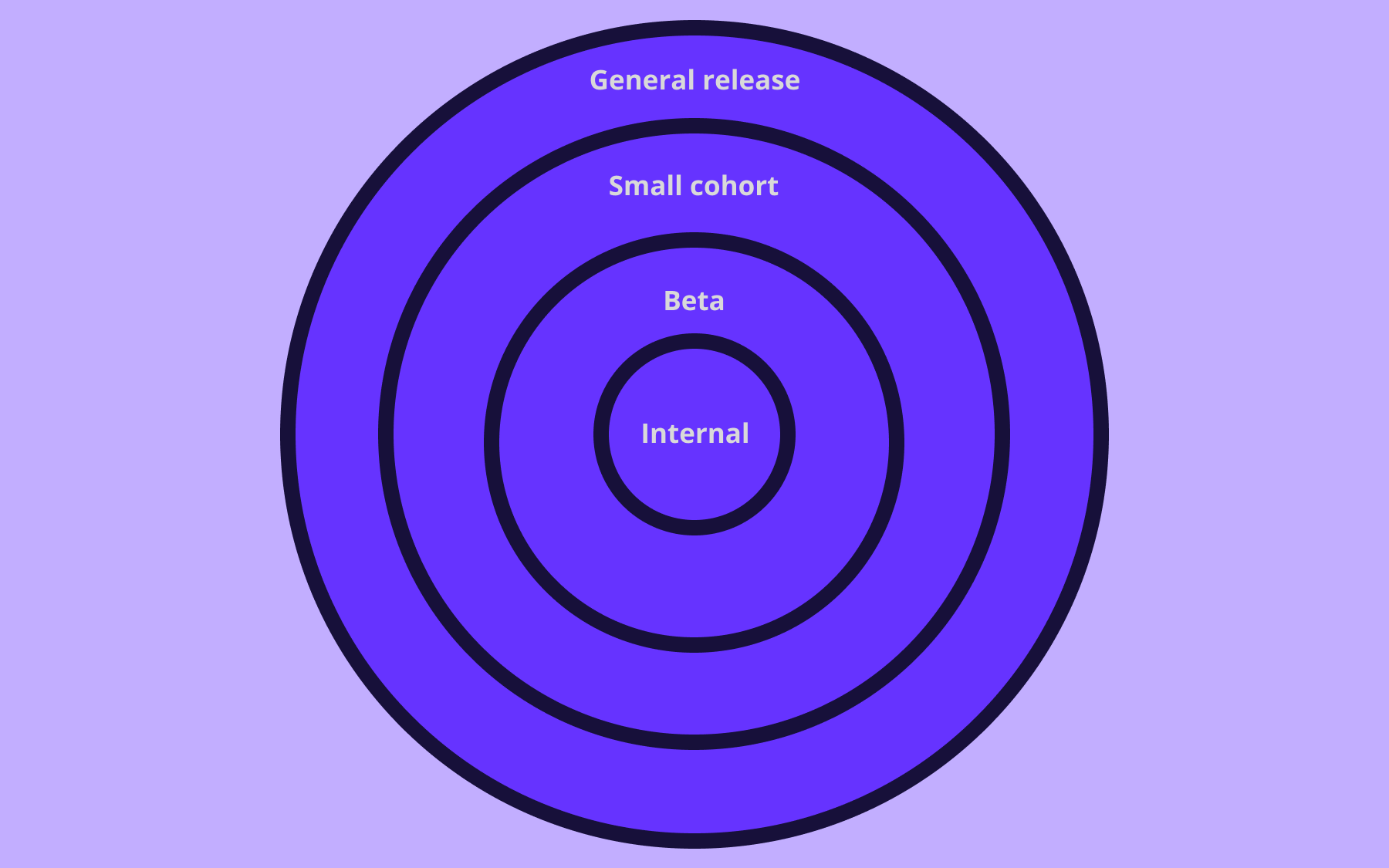
Feature flags enable you to test in production safely by limiting exposure to a defined group before a wider launch—to an internal team, a beta cohort, or users with specific attributes.
You can validate assumptions with real data rather than synthetic load, then expand the rollout once you’re confident—a significant advantage for features that interact with external systems or vary in behaviour depending on user configuration.
Faster rollback without a redeploy
When a release causes problems, a traditional rollback leads to another deployment cycle, coordinated across teams, with all the risk that brings.
With a feature flag, rollback is a toggle. Flip it to disabled, and the feature is gone for users instantly, without touching the codebase or the deployment pipeline.
For teams in regulated industries or those running systems where downtime is costly, quick rollbacks aren’t just a convenience; they’re a risk management strategy.
With the ability to disable specific features in seconds, teams are more willing to ship as they know they can respond fast if they need to.
Cleaner flag hygiene with issue tracking
Feature flags are temporary infrastructure. A flag created for a specific feature release should be cleaned up once that feature is fully live and stable.
In practice, flags accumulate. A codebase with dozens of stale flags takes longer to evaluate at runtime and introduces unnecessary conditional complexity. This is flag debt—and it’s a problem that adds up for teams that ship frequently.
GitLab helps address the problem by connecting flags to the work that created them.
When a feature flag is linked to a GitLab issue or merge request, teams can see at a glance which flags are still active after the associated work is closed. A flag linked to a merged MR that’s been sitting enabled for three months is a signal to investigate.
Keeping flags tied to their source work is one of the most effective ways to prevent flag debt from compounding.
Why you need a dedicated feature flag platform with GitLab
A purpose-built feature flag platform, like Flagsmith, drives value as your engineering workload scales.
- Richer targeting rules. GitLab's built-in flags cover the basics: percentage rollouts, user IDs, and user lists. A dedicated feature flag management system provides attribute-based targeting—determining flag state based on account type, geography, plan tier, or custom segments—without modifying application code.
- Multi-environment management. Tracking which flags are enabled across development, staging, and multiple production environments, and ensuring changes in one environment don't accidentally affect another, is much easier with a centralised interface built for the job.
- Audit logs. Teams in regulated sectors where change control is a compliance requirement need a detailed record of every flag change—who made it, when, and across which environments. Flagsmith provides this as a core feature, giving you a complete audit trail alongside your flag management.
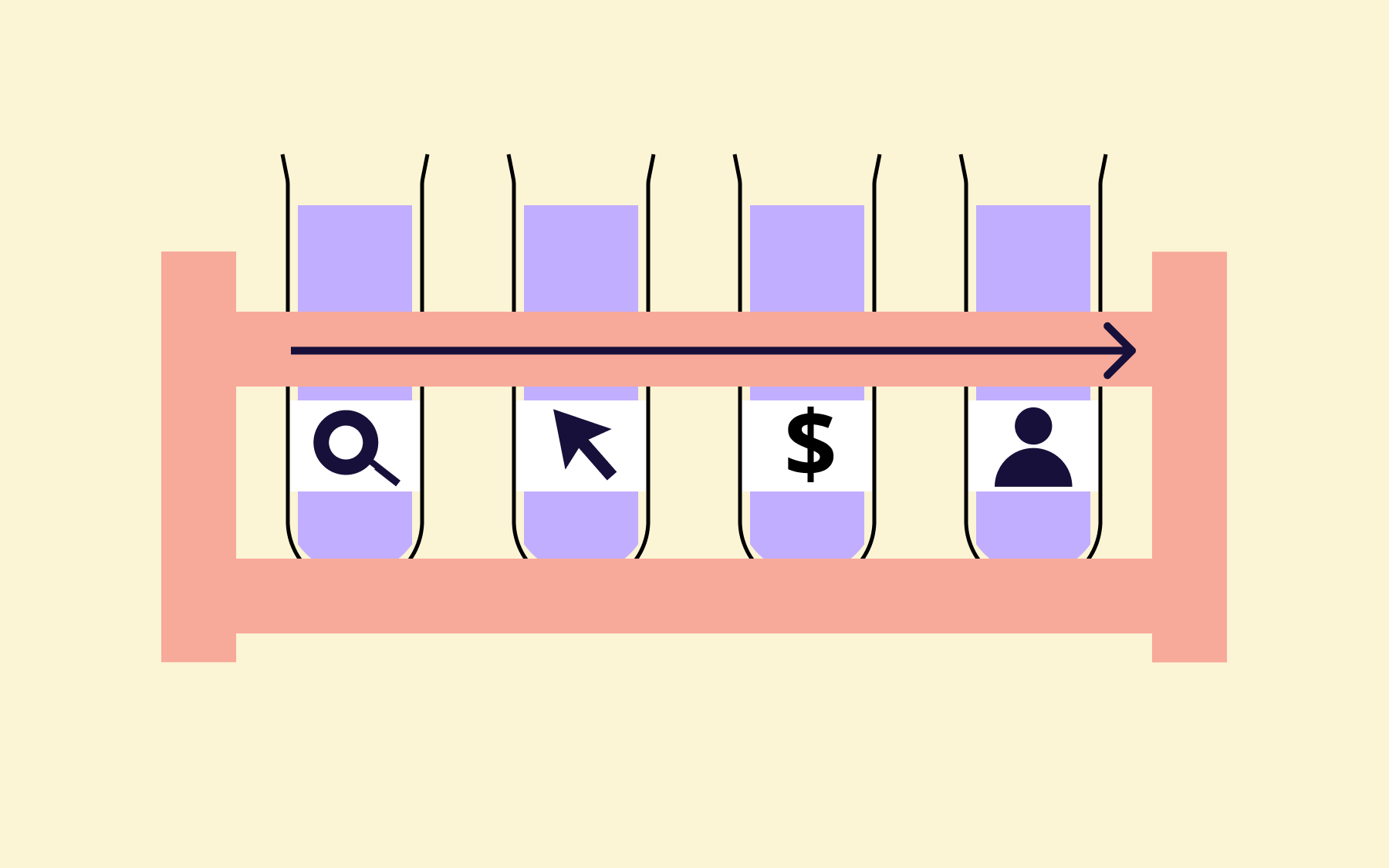
- Observability integrations. When a flag is enabled for a percentage of users, you want to know how those users are behaving. Are error rates higher? Is conversion different? Is the new code performing as expected? A dedicated platform connects the flag state to real performance data.
None of this replaces GitLab; it extends it.
How Flagsmith connects to your GitLab workflow
Flagsmith’s GitLab integration creates a closed loop between your flag management and your development workflow.
When a feature flag changes state in Flagsmith—whether it’s enabled, disabled, or changed in value—Flagsmith automatically posts a comment to the linked GitLab issue or merge request.
That comment names the environment the change occurred in, the scope, whether the flag is now enabled or disabled, and the new value if one is set. Each state change posts a separate comment, so the full history builds up on the linked issue or merge release over time.
The integration also works in the other direction.
When a linked issue or merge request changes state in GitLab—closed, merged, or reopened—Flagsmith updates the feature flag's tags automatically. Linked issues and merge requests automatically receive a 'Flagsmith Feature' label in GitLab at the point of linking, so teams can filter for them directly.
If you’re doing a flag hygiene review, that filter surfaces every flag-linked item in your GitLab project.
An engineer reviewing a GitLab issue, meanwhile, can see the flag’s full state history without logging into a separate tool—context that matters when something goes wrong and you need answers fast.
Self-hosted GitLab instances are fully supported, so teams in regulated industries can benefit from the integration as well. Find the full setup instructions in the Flagsmith GitLab integration docs.
Getting more from your GitLab feature flags
Feature flags give engineering teams a fundamentally better way to ship:
- Deploy continuously without triggering a release
- Roll out to a small percentage of users first
- Toggle a feature off in seconds rather than initiating a deployment.
When flags are connected to the GitLab issues and merge requests that prompted them, flag hygiene becomes manageable rather than an afterthought.
Flagsmith extends what GitLab’s native feature flags offer: richer targeting, multi-environment visibility, audit logs, and a closed loop between flag state and your development workflow. For teams already managing their development process in GitLab, the integration fits seamlessly into that process.
If your team is on GitLab and you want to start shipping with more confidence, try Flagsmith for free and connect it to your GitLab project in a few minutes.


















OpenTelemetry, without the vendor lock-in: Introducing full observability for Open Source and Self-Hosted Flagsmith customers