Feature Flags in DevOps: What They Are, Why You Need Them


Most DevOps and platform engineers hear "feature flags" and think: product team stuff. UI experiments. A/B testing on button colours. Someone in growth toggling a new onboarding flow for a subset of users. Essentially, nothing to do with them.
That assumption is quietly costing teams.
Feature flags are more than a product management tool that happens to live in the codebase. They're a mechanism for decoupling deployment from release—a distinction that is fundamental to how modern infrastructure teams operate.
Deploying code and releasing it to users are two separate acts. Feature flags are what make that separation real and controllable. For platform and DevOps engineers, they're an important part of the CI/CD workflow.
This article covers what feature flags are and how they work in a DevOps context, the concrete ways DevOps and platform teams use them, and what to look for when evaluating feature management software. As such, it's written for engineers and engineering managers.
What is a feature flag in DevOps?
A feature flag—also called a feature toggle, release toggle, or feature switch—is a software development technique: conditional logic in code that controls whether a given piece of functionality executes at runtime, without requiring a new deployment.
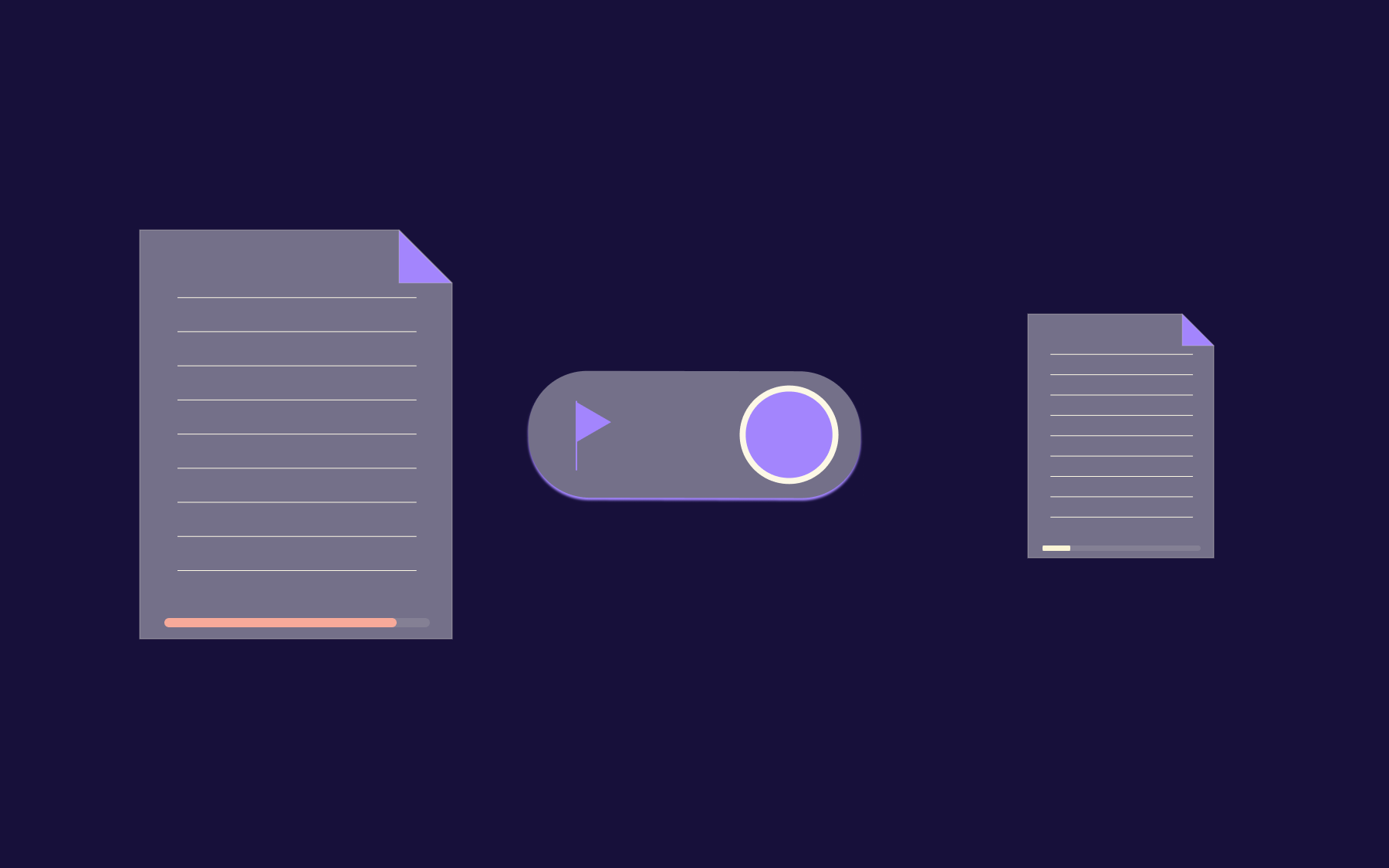
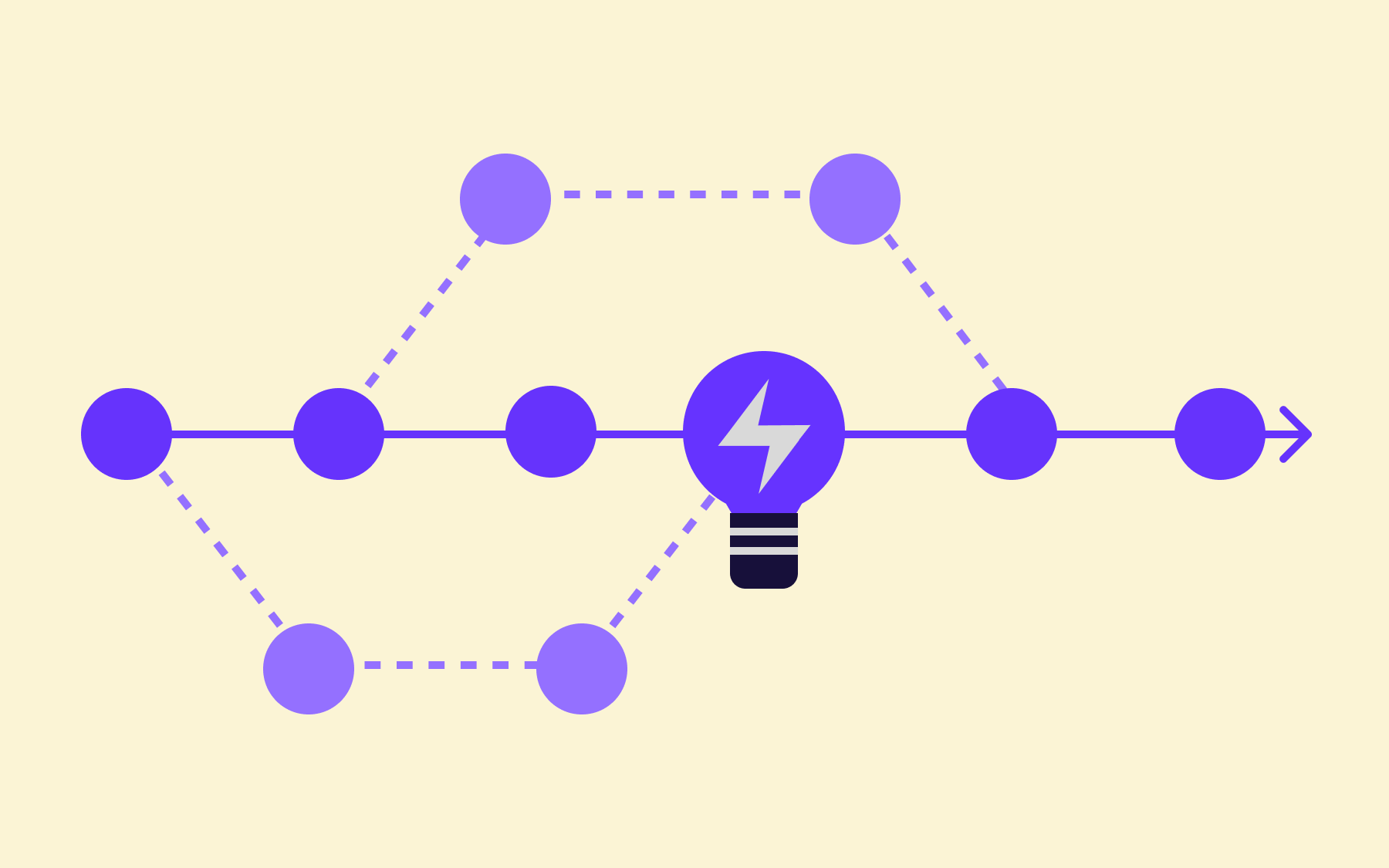
In DevOps terms, the critical concept is the separation of deployment from release. Deployment is the act of moving code to production. Release is the act of enabling that code for users or systems.
Historically, those two things happened at the same moment, but feature flags split them apart. You can deploy on Tuesday and release on Thursday. You can deploy to every environment and release to no one, release to 5% of traffic, to a specific segment, a named environment, or an internal test group.
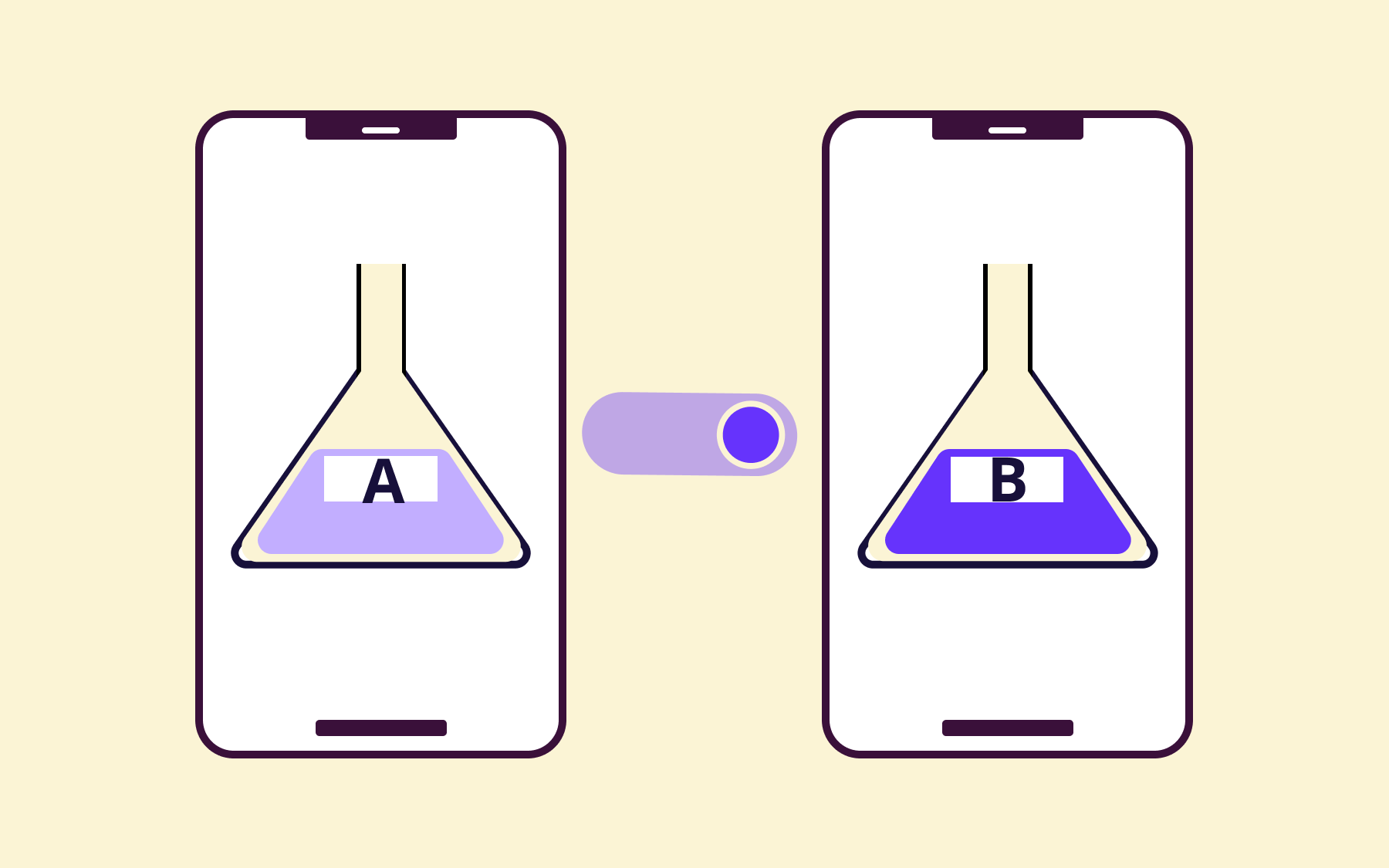
That's the mechanics. Feature flags evaluate at runtime against whatever targeting rules you define—a boolean on/off, a percentage rollout, a specific user segment, or a configuration value like a timeout threshold or a rate limit.
The flag state lives outside the source code, meaning it can be changed without touching the codebase and without a redeploy.
Feature toggles, feature flags, feature switches, feature flippers—the terminology varies by team and tooling, but they all essentially describe the same pattern: a code path whose activation is controlled externally from the code itself.
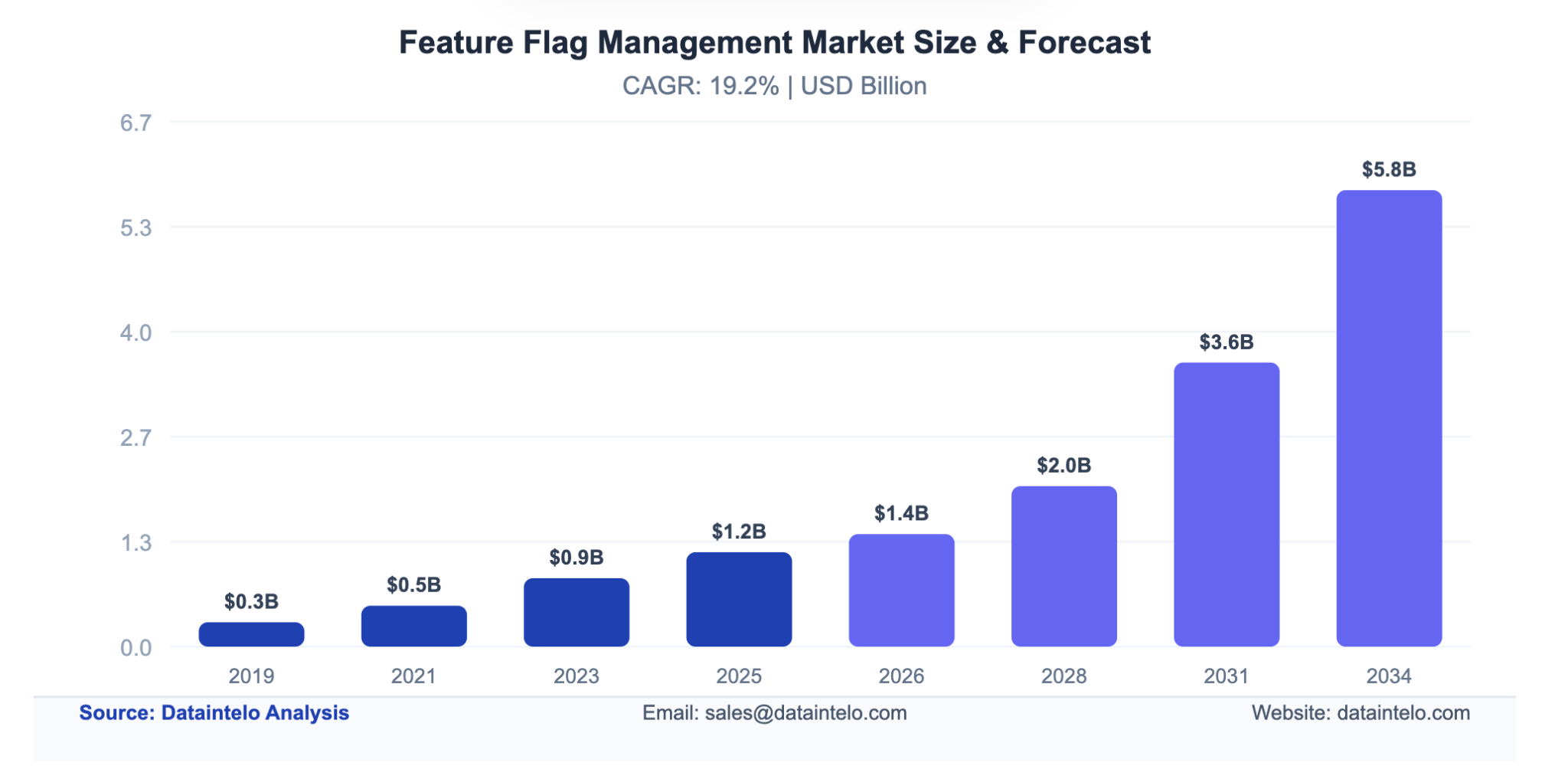
Considering how valuable they are to teams, it's no surprise that the feature flag management market is expected to hit $2 Billion by 2028, and then keep rising.
Why DevOps teams benefit from feature management
The belief that feature management belongs to product teams is understandable. Most of the messaging around feature flags focuses on gradual feature rollouts to end users, user feedback loops, and experimentation. That's accurate, but it's only half the picture.
For platform and DevOps engineers, feature flags represent something more fundamental: the shift from deploying code to managing system behaviour.
When you can control what executes in production code without pushing new features, you're no longer thinking about releases as atomic events; you're thinking about them as dials.
Deployment and release are two separate acts. That's not just a semantic distinction; it's one with operational consequences. When code deployments are decoupled from feature releases, you can merge to trunk continuously without every merge being a live release.
As a result:
- Trunk-based development becomes practical
- CI/CD pipelines stop being a source of anxiety and start being a routine
- Fewer merge conflicts from merging frequently, smaller diffs, and faster feedback loops
According to Puppet's State of DevOps research, 94% of respondents agree that platform engineering is helping their organisation realise the benefits of DevOps.
The gap between teams that ship well and teams that don't has less to do with talent and more to do with whether they've built the infrastructure to ship incrementally. Feature management is part of the infrastructure.
Remote configuration is part of this picture as well. Centralising environment variables, timeouts, connection pool sizes, and resource limits in a remote config service means you don't need a full redeployment to tune a database timeout or adjust a rate limit under load. That's not a feature release. That's operational control at the infrastructure layer.
DevOps feature flag use cases
The use cases below are drawn from how platform and DevOps engineers actually use flags in production. It's a list of the scenarios where flag-based control changes the risk profile of a change.
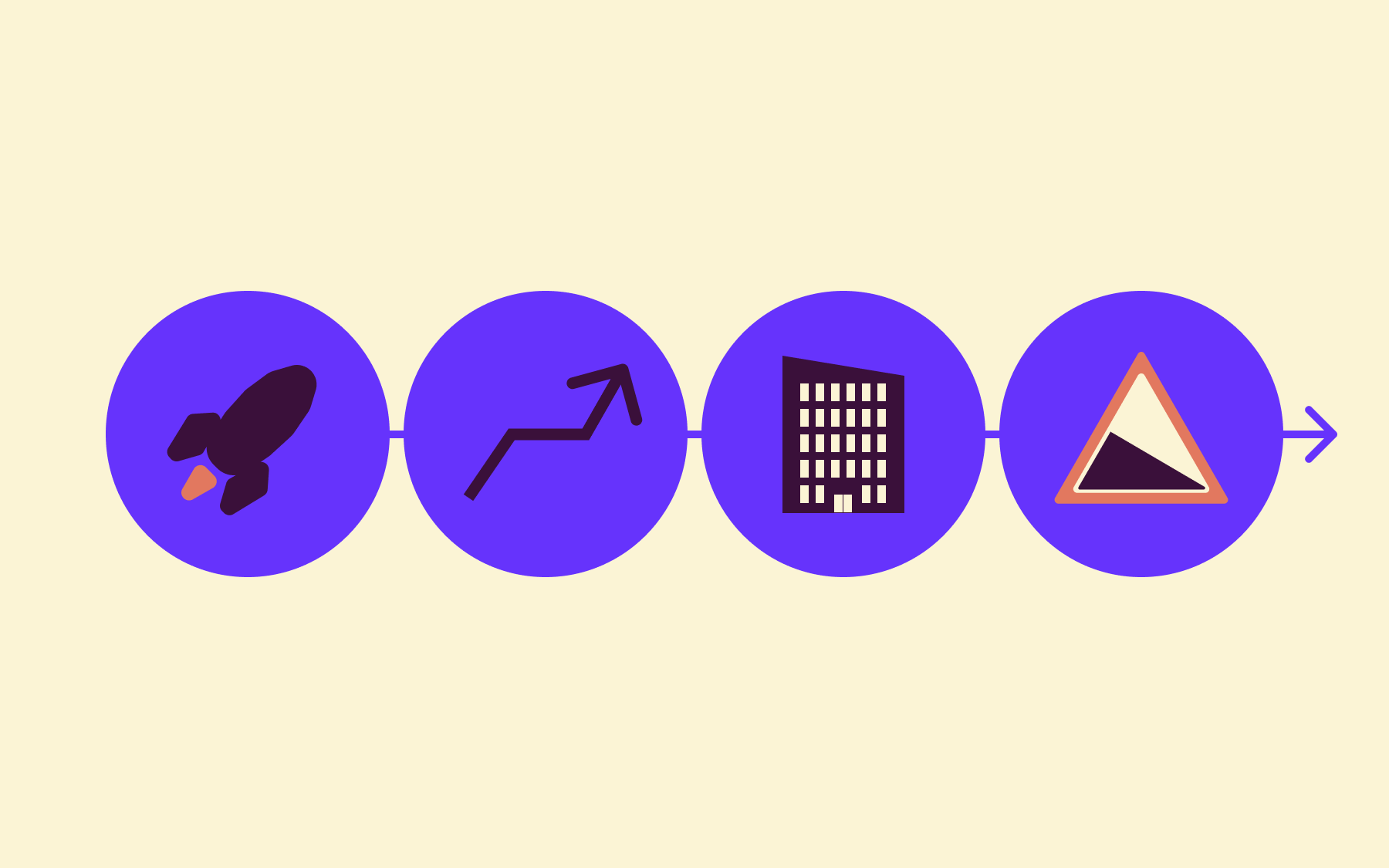
Progressive infrastructure rollouts
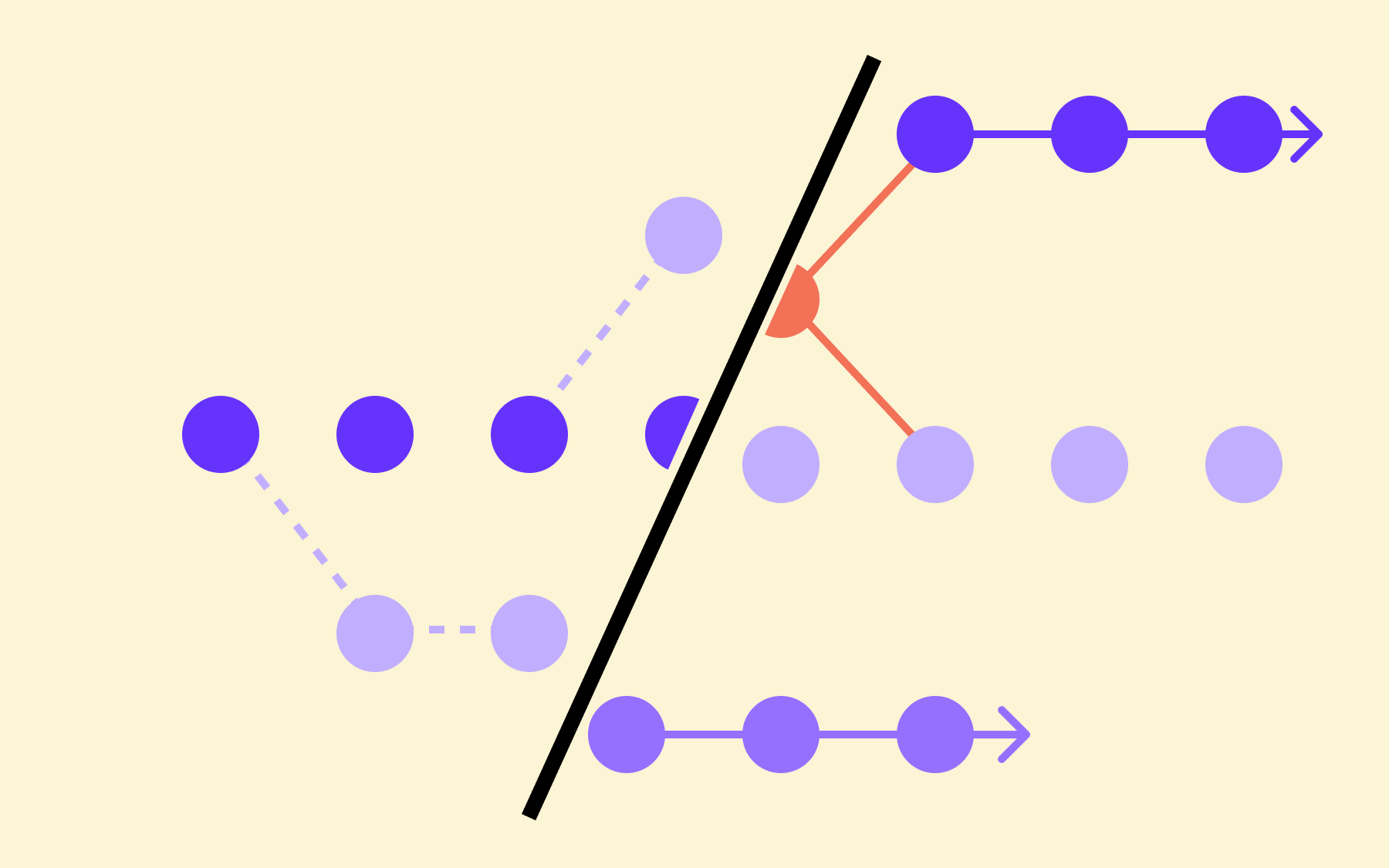
Traffic migration to new infrastructure—a new database cluster, a revamped API gateway, a replacement service mesh—is one of the highest-risk operations a platform team performs. The traditional approach is a cutover: everything moves at once, and if something breaks, you roll back under pressure.
Feature flags change the shape of that risk. You can gradually roll out traffic to the new infrastructure, observe latency and error rates, then increase the percentage as confidence builds.
If the new infrastructure causes degraded performance, you toggle back immediately—no full rollback required, no incident postmortem explaining why you took the entire platform down to test a cluster migration. The code path is already there. You're just changing which one runs.
Progressive rollouts de-risk infrastructure changes that have nothing to do with user-facing functionality.
Kill switches and circuit breakers
Third-party integrations fail. Payment providers go down. External data sources become unavailable. The question isn't whether it will happen—it's whether you've built the infrastructure to contain the blast radius when it does.
A remote config toggle that disables a specific integration across the entire platform instantly is a kill switch. Flip it off, the integration stops executing, and the rest of the system continues. Flip it back on when the provider recovers.
The ability to disable a feature or integration instantly, without a code change or a deployment, is a safety mechanism that belongs in every platform team's toolkit alongside circuit breakers and retry logic. When a third-party integration is the source of cascading failures, you don't have time to push code.
Operational dark launching
Before you enable new logging levels, additional tracing, or resource-heavy monitoring tooling across your production environment, you want to know what they cost under real load.
Dark launching lets you activate those capabilities for a specific subset of internal users or a canary environment without exposing the overhead to a broader audience or the wider production system.
This method is how you test observability changes safely. A new distributed tracing configuration that doubles log volume is worth validating on 2% of traffic before you commit to it everywhere.
Feature flags let you gate access to new functionality and collect real signals and user feedback from production without accepting production-level risk.
Environment configuration management
Configuration drift between staging and production is one of those problems that seems manageable until it isn't.
For example, you could have:
- A timeout that's set correctly in staging, but was manually changed in production three months ago, that nobody documented
- A connection pool size that works in the test environment but causes exhaustion under production load because the value was different, and nobody noticed.
Centralising environment configuration in a remote config service—timeouts, thresholds, resource limits, feature flag states—gives you a single source of truth for how each environment is configured.
Flag changes are logged. Config values are version-controlled outside the codebase. When production behaves differently from staging, you have somewhere to look that isn't a manual diff of configuration files and institutional memory. This pattern also reduces the risk of environment configuration drift directly, because the configuration lives in one place and environment-specific overrides are explicit and auditable.
Canary releases and staged rollouts
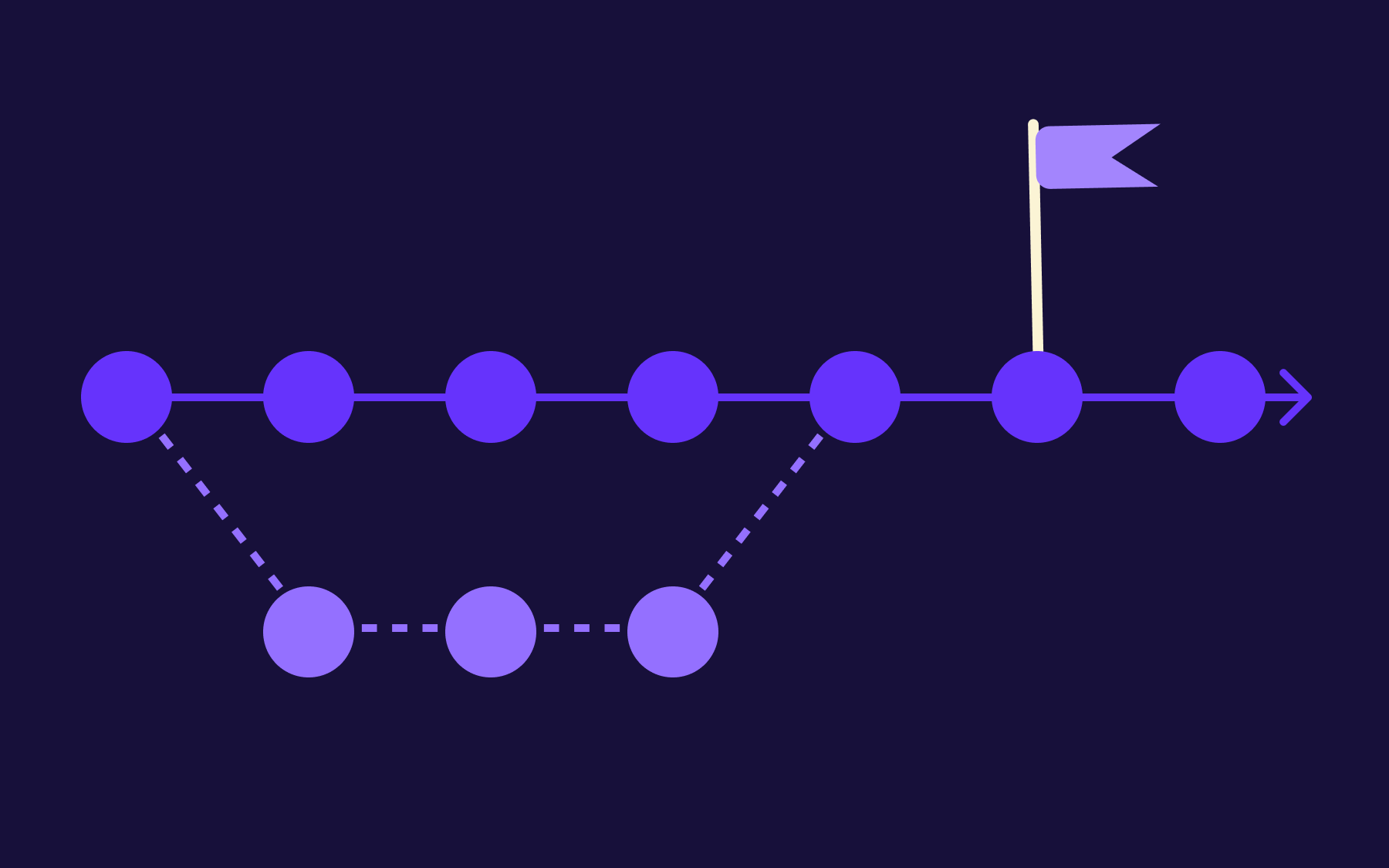
Gradual rollouts, like canary deployments, aren't just for product features. Rolling out changes to a percentage of infrastructure nodes, a subset of services, or a fraction of production traffic—and observing the result before committing—is the same pattern.
The flags give you the dial. Observability tools give you the signal. When you connect flag state changes directly to your monitoring stack—Datadog, Prometheus, OpenTelemetry—you can correlate a latency spike with the moment a flag was flipped.
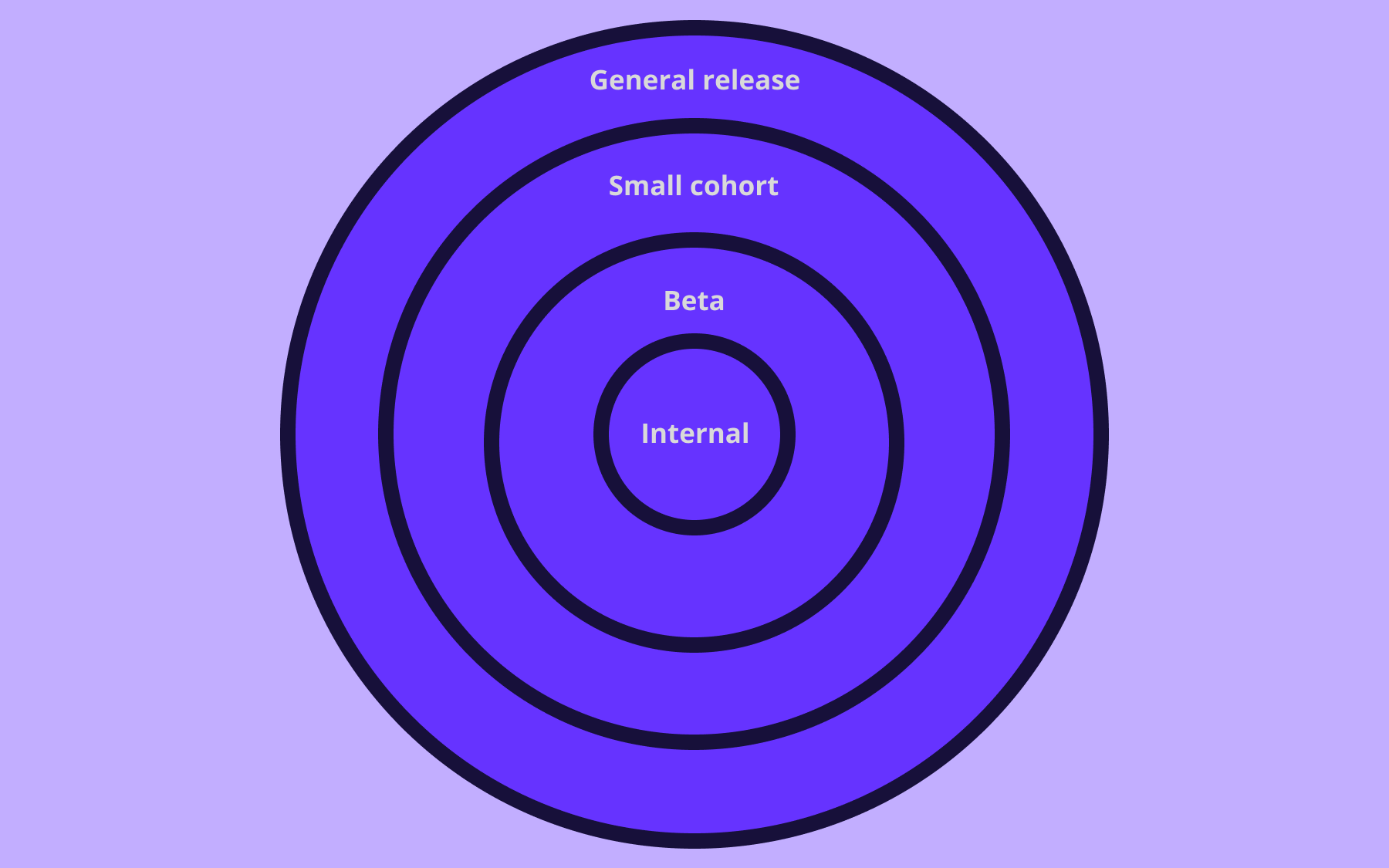
If error rates climb after you move from 5% to 20% rollout, you catch it before 100% of your traffic is affected. Progressive delivery is all about reliability: start with beta users, collect user feedback, and let the monitoring tell you when to increase the rollout percentage.
Read our article about how canary alerts exposed a hidden flaw in our deployment pipeline.
Feature flags as a governance layer for AI-generated code
AI-generated code flows through the same pipelines platform that DevOps engineers own. That makes the governance problem theirs.
AI is generating production code faster than review cycles can absorb it. Most of the conversation around that has focused on speed, but what happens to all that code once it's written?
AI-generated code can be syntactically correct and functionally plausible while behaving in ways nobody anticipated under real load, against real data, alongside systems the agent didn't have full context on.
The answer is to deploy AI-generated code the same way you'd deploy any high-risk change: behind a flag, into a controlled slice of traffic, with a kill switch ready.
When an agent writes a new code path, the flag controls whether it's actually active in production. Deploy on Tuesday. Enable for internal users on Wednesday. Canary to 5% on Thursday. If error rates climb, toggle back immediately. No rollback, no incident, no 2 AM page. The progressive rollout pattern is the same whether the code came from a human or an agent.
There's a second problem: agents create flags at volume and don't clean them up. Stale flags accumulate—toggles that outlive their purpose, sitting active in production code nobody fully understands anymore.
Audit logs and flag lifecycle tooling are important here. The same MCP integration that lets an agent create a flag can surface stale ones 90 days later and generate the PRs to remove them.
The deeper shift is that AI is changing who writes code. Product managers prototyping directly in production systems. Designers pushing changes through agents. None of that is viable without the infrastructure to contain what gets released.
Feature flags are part of that infrastructure—the thing that keeps "deployed" and "released" as two separate decisions, regardless of who or what wrote the code.
Teams that invest in progressive delivery aren't just making their own engineers faster; they're building the safety net that makes a broader set of contributors possible at all.
What to look for in feature flag tools for DevOps
Once you understand what feature management does for platform and DevOps teams, the question shifts to which tool gives you the right level of control.
Not all flag management tools are built for infrastructure use cases. Many are optimised for product and growth teams—their flagging capabilities handle user-facing experimentation well, but don't map cleanly onto the operational patterns described above. DevOps teams need more advanced capabilities.
These are the capabilities that matter for DevOps use:
- Environment-level control. Flags need to behave differently across dev, staging, and production. A kill switch in staging shouldn't be live in production until you decide it should be. Environment-specific overrides aren't optional—they're the foundation of any sensible flag architecture.
- Remote configuration, not just on/off flags. Boolean flags are the entry point. DevOps use cases routinely require value-based configuration: timeouts, rate thresholds, connection pool limits, and log verbosity levels. A tool that only supports on/off toggles doesn't cover the operational surface area you actually need. Look for tools where flag values can carry an arbitrary configuration that gets evaluated at runtime—it's what makes runtime control of infrastructure behaviour possible.
- Audit logging and change history. In any production environment, and especially in regulated industries, you need to know who changed a flag, when they changed it, and what the previous value was. Audit logs help you diagnose incidents. When a latency spike appeared at 14:32, you want to know whether a flag changed at 14:29.
- CI/CD integration. Flags should sit inside your existing continuous integration and delivery pipelines, not require you to build workarounds. Look for tools with SDK support across your stack and documentation that treats flags as code-adjacent—versioned, reviewable, and testable—rather than a separate system your developers have to context-switch into.
- OpenFeature compatibility. OpenFeature is a CNCF project that provides a vendor-neutral API for feature flag evaluation. Writing your flag logic against the OpenFeature standard means you can switch providers without rewriting your codebase. For platform teams thinking about long-term flexibility, OpenFeature separates the flag evaluation logic from the specific tool you're using today.
- Deployment flexibility. Some flag management tools are SaaS-only. For platform teams with strict data residency requirements, strict access controls, regulated workloads, or air-gapped environments, that's a constraint worth knowing about before you build a dependency on a tool. The ability to self-host or run in a private cloud is vital for many teams.
- AI-powered flag analysis. Look for tools with MCP (Model Context Protocol) support, which allows AI agents in your existing development environment to query flag state and trigger changes without context-switching to a separate UI. For teams running AI-assisted workflows, it means flag management happens on the same surface where code gets written.
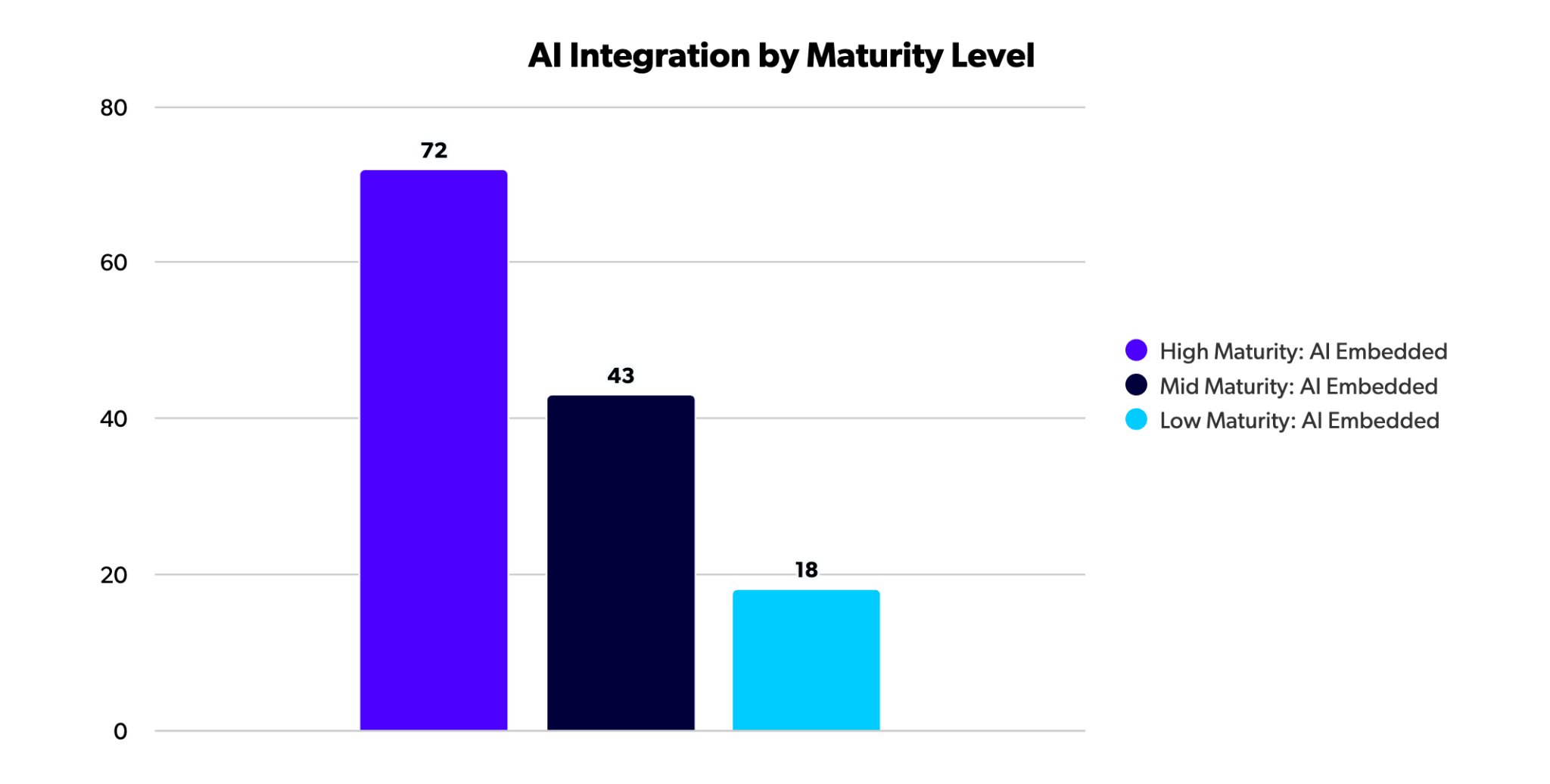
DevOps teams that integrate AI into their processes are usually more mature and more effective, according to Perforce's State of DevOps Report.
Flagsmith is an example of a tool that is open source, self-hostable, and natively compatible with OpenFeature. Environment-level configuration, value-based remote config, and audit logging are built in rather than bolted on.
It's built for engineering teams—not just product teams—which is why it maps onto the DevOps use cases above without requiring workarounds.
Feature flags belong in your DevOps toolkit
The assumption that feature flags are a product team's concern has a real cost.
For DevOps and platform engineers, flag-based control is a control layer for infrastructure behaviour, a safety mechanism for third-party dependencies, and a cleaner way to manage environment configuration.
Feature flags also enable trunk-based development and continuous delivery by letting you separate the act of deploying code from the decision to activate it.
The teams that deploy most often and recover fastest aren't necessarily the ones working hardest. They've built the infrastructure to make releasing code incremental and reversible. Feature flags are part of that infrastructure.
If you're building or evaluating that infrastructure, try Flagsmith for free. It's open source, self-hostable, and built with platform and DevOps teams in mind.
Feature flag in DevOps FAQs
How are feature flags different from environment variables?
Environment variables are set at deployment time and require a redeployment to change. Feature flags are evaluated at runtime and can be changed instantly without touching the deployment.
Operationally, a feature flag can be flipped in 3 seconds from a web UI; changing an environment variable means touching infrastructure. Feature flags also support user targeting—environments, user segments, rollout percentages—giving you granular control that environment variables don't.
Can DevOps teams use feature flags for infrastructure changes, not just application features?
Yes—and this is the part of the story that gets underplayed. Feature flags can control which infrastructure a service routes traffic to, enable or disable third-party integrations as kill switches, activate observability configuration for canary environments, and centralise operational configuration like timeouts and resource limits.
The pattern is the same whether you're rolling out a UI change or migrating database clusters: deploy the new code path, control which one runs with a flag, and gradually roll out to a broader audience as confidence builds.

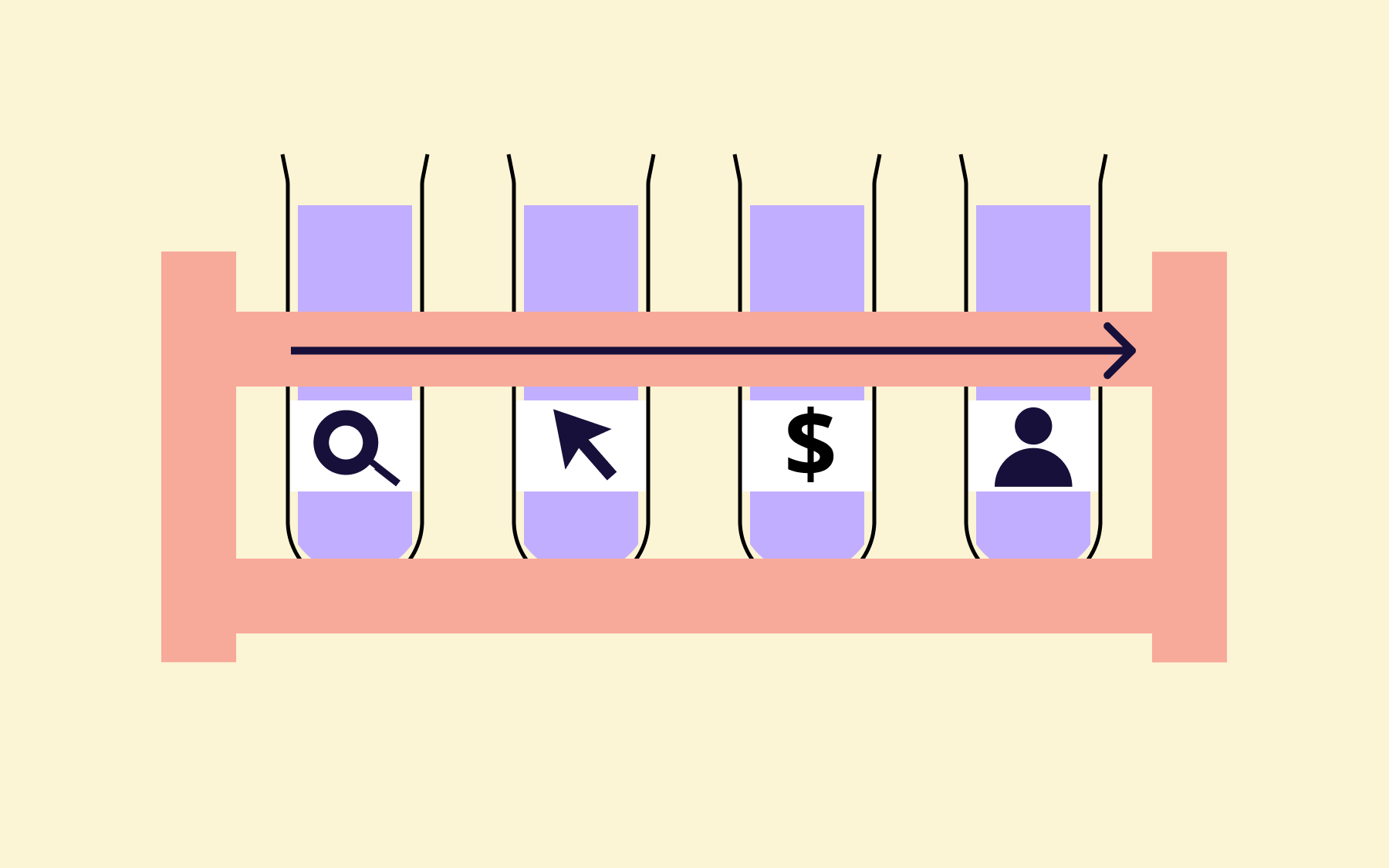




























OpenTelemetry, without the vendor lock-in: Introducing full observability for Open Source and Self-Hosted Flagsmith customers