

The Best A/B Testing Tools for Websites and Product Teams in 2026


A/B testing tools show two versions of something to different users and give you the data to decide which one wins.
However, that "something" can be very different depending on who's asking. A marketer testing a homepage headline needs a completely different tool from an engineer testing a new pricing model behind a feature flag.
Below, you'll find A/B testing tools split into the two main categories: tools built for testing websites and landing pages, and tools built for testing features and product experiences.
You'll get a rundown of the features worth comparing, a shorter list of the best website testing tools, and a deeper look at the top software and product testing platforms.
What are A/B testing tools?
A/B testing tools are software platforms that enable you to show different versions of a web page, app screen, or feature to different users, then measure which version performs better against a goal you define—whether that's clicks, sign-ups, revenue, or something else.
Every A/B testing tool has the same underlying mechanics: splitting your traffic into groups, serving each group a different variation, collecting data on how people respond, and running statistical analysis to work out whether one variation genuinely beat the other or whether the difference is down to chance.
Tools start to diverge based on where that split happens.
Some run entirely on top of a web page through a script tag and a visual editor, while others run inside your application's code, behind feature flags that your engineering team controls directly.
Website A/B testing tools vs. software A/B testing tools
Website A/B testing tools
Website A/B testing tools inject a script into your web page, then give you the ability to build variations using a visual editor: a different headline, a moved button, or a redesigned pricing table, for example.
These tools are generally owned by marketing teams, who run tests on landing pages and rarely need a developer involved once the initial script is installed.
Web A/B testing tools can also help with split URL testing, where instead of showing variations of the same page, you send different segments of traffic to entirely separate URLs.
It's a common method used to test redesigned pages that are too different from the original to build inside a visual editor. Most website testing tools support it as an option alongside standard on-page variations.
Software A/B testing tools
Software A/B testing tools, sometimes described as product or feature experimentation platforms, live inside your codebase.
Product and engineering teams wrap a piece of functionality in a feature flag, then use the platform's SDK to control which users see which variation, such as a new checkout flow, a different recommendation algorithm, a different UI element, or an alternative pricing tier.
These tests can run anywhere your code runs: web, mobile, or server-side.
Some platforms offer both website and software testing in a single solution, especially as many digital brands use their website as a gateway to the product.
Key A/B testing tool features
Before comparing individual products, it helps to know what features you should actually look for during your comparison.
- Feature flags – Toggles that let you turn a piece of functionality on or off, or expose it to a subset of users, without shipping a new deployment. Feature flags are the foundation that most software A/B testing tools are built on top of.
- Traffic splitters – A mechanism that randomly assigns each user to a control group or a variant group, and keeps them there consistently for the length of the test.
- Statistical engine – How a tool decides whether a result is statistically significant or just noise. Some platforms support sequential testing, which reduces false positives caused by checking results too early and stopping a test the moment it looks like there's a winner.
- Multivariate testing – The ability to test multiple variables inside the same experiment, rather than changing one thing at a time. It's more powerful than a simple split test, but it needs considerably more traffic to reach a reliable result.
- Audience segmentation – Running a test against a specific audience segment, such as new users or a particular plan tier, rather than your entire user base.
- Visual and code editors – A no-code visual editor for marketers building on-page variations, or an SDK-based, code-first setup for engineering teams working inside an application.
- Session recordings and behavioural analytics – Supporting features that show you why a variation won or lost, not just that it did.
- Mobile app support – Native SDKs for mobile experimentation, not just a script that works on responsive web pages.
- Tracking pixels – Common in website testing, tracking pixels enable users to measure key metrics and activity on web pages.
- Heatmaps and click tracking – Many website A/B testing tools let you view where a user is hovering their cursor and clicking on a page.
- Session recording/replay – Watch a video of how a user has interacted with your website or app, making it a great feature to understand user behaviour.
Keep this checklist in mind as you read the rest of this guide—it's the fastest way to spot whether a platform actually fits your use case or just sounds like it does.
Best A/B testing tools for product development
The guide shifts focus here. These platforms suit product and engineering teams running experiments behind feature flags, inside the application itself, often across web, mobile, and server-side environments in the same test.
Flagsmith
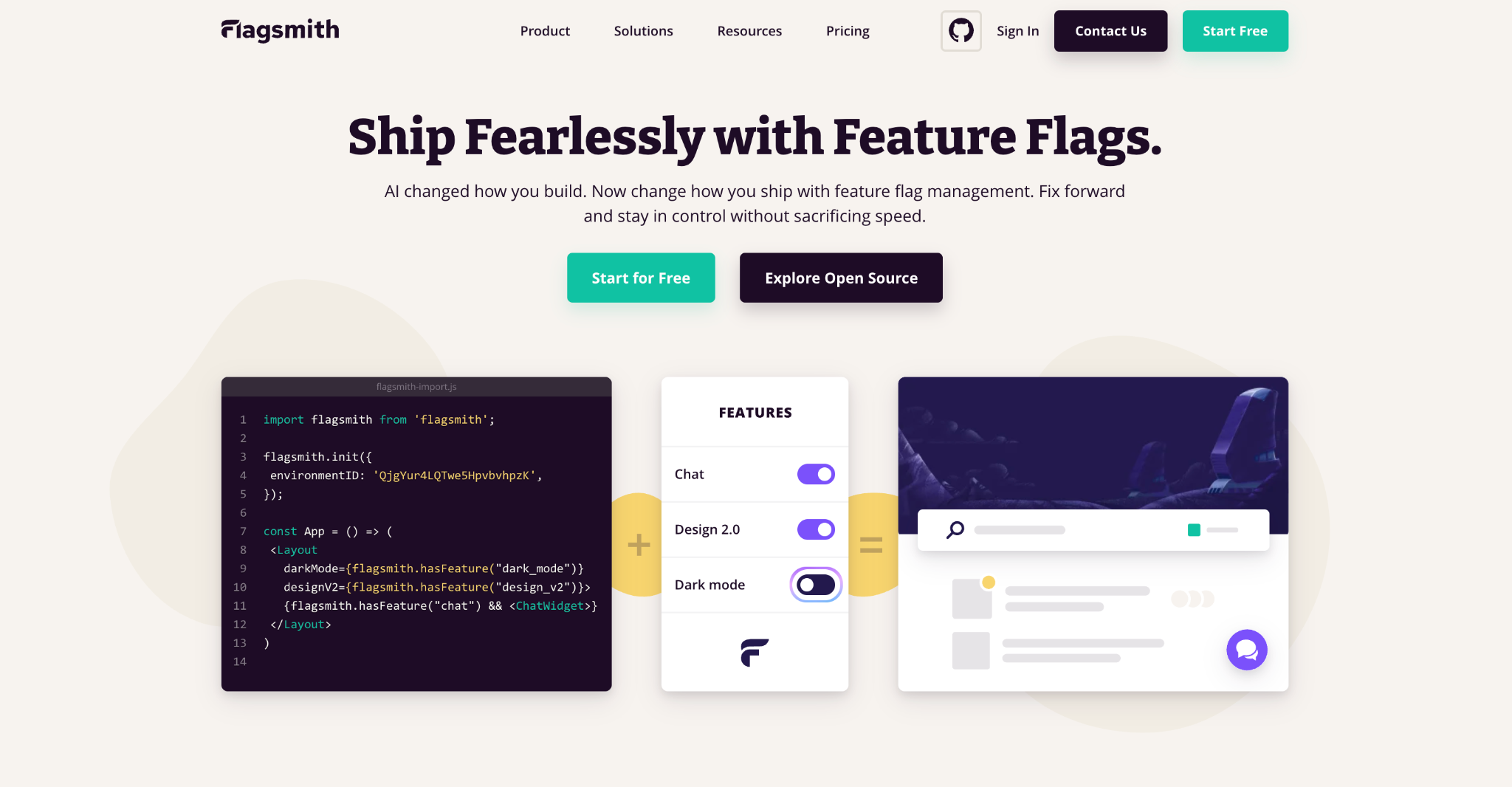
Best for: Engineering teams that want feature flags and A/B testing in the same tool, with the option to self-host.
Flagsmith is an open-source feature flag and remote configuration platform with multivariate flags built in for A/B and A/B/n testing.
Rather than adding a separate testing layer on top of your application, you define a feature as a flag, split traffic across variations by percentage, and feed the results into whatever analytics tools your team already relies on.
It's built for teams who want testing to live in the codebase rather than in a separate marketing tool.
Key features:
- Feature flag and remote configuration management across web, mobile, and server-side SDKs.
- Multivariate flags with percentage-based splits for A/B and A/B/n tests.
- Segment-based targeting so tests can run against specific user segments rather than your entire user base, yielding specific customer insights.
- Full audit logs of every flag change, with the ability to disable a test at its source with the flip of a switch if it needs to stop.
- Cloud, private cloud, or fully self-hosted deployment, with the core platform available as open-source software.
Statsig
Best for: Product teams that want experimentation, feature flags, and product analytics combined in one platform.
Statsig was built by former analytics engineers with experimentation as the primary focus, who then added feature flags and product analytics around it. It's a solid option for teams that want test results, flag management, and usage data without stitching together multiple tools.
Key features:
- Feature flags with built-in experimentation and statistical analysis.
- Product analytics dashboards alongside test results, reducing the need for a separate analytics tool.
- Support for sequential testing to guard against false positives caused by early peeking.
- Autotune and multi-armed bandit options for the automatic shifting of traffic toward a winning variant.
GrowthBook
Best for: Growth and product teams that want an open-source experimentation platform built around existing data warehouses.
GrowthBook is an open-source platform built specifically around experimentation, designed to connect to a data warehouse you already use rather than collecting its own event data from scratch.
Key features:
- Feature flags with experimentation layered directly on top.
- Bayesian statistical engine for calculating test results.
- Connects to existing data warehouses, Snowflake and BigQuery included, instead of duplicating test data collection.
- Self-hosted or cloud-hosted deployment options.
PostHog
Best for: Engineering teams that already use PostHog for product analytics and want testing in the same platform.
Key features:
PostHog started as an open-source product analytics tool and expanded into feature flags and experimentation, aimed at engineering teams who'd rather avoid adding a separate testing vendor to their stack.
- Feature flags with experiments layered on the same event data PostHog already collects.
- Session replay and behavioural analytics alongside test results.
- Self-hosted or cloud-hosted deployment.
- Free tier that covers experiments and analytics together.
Amplitude Experiment
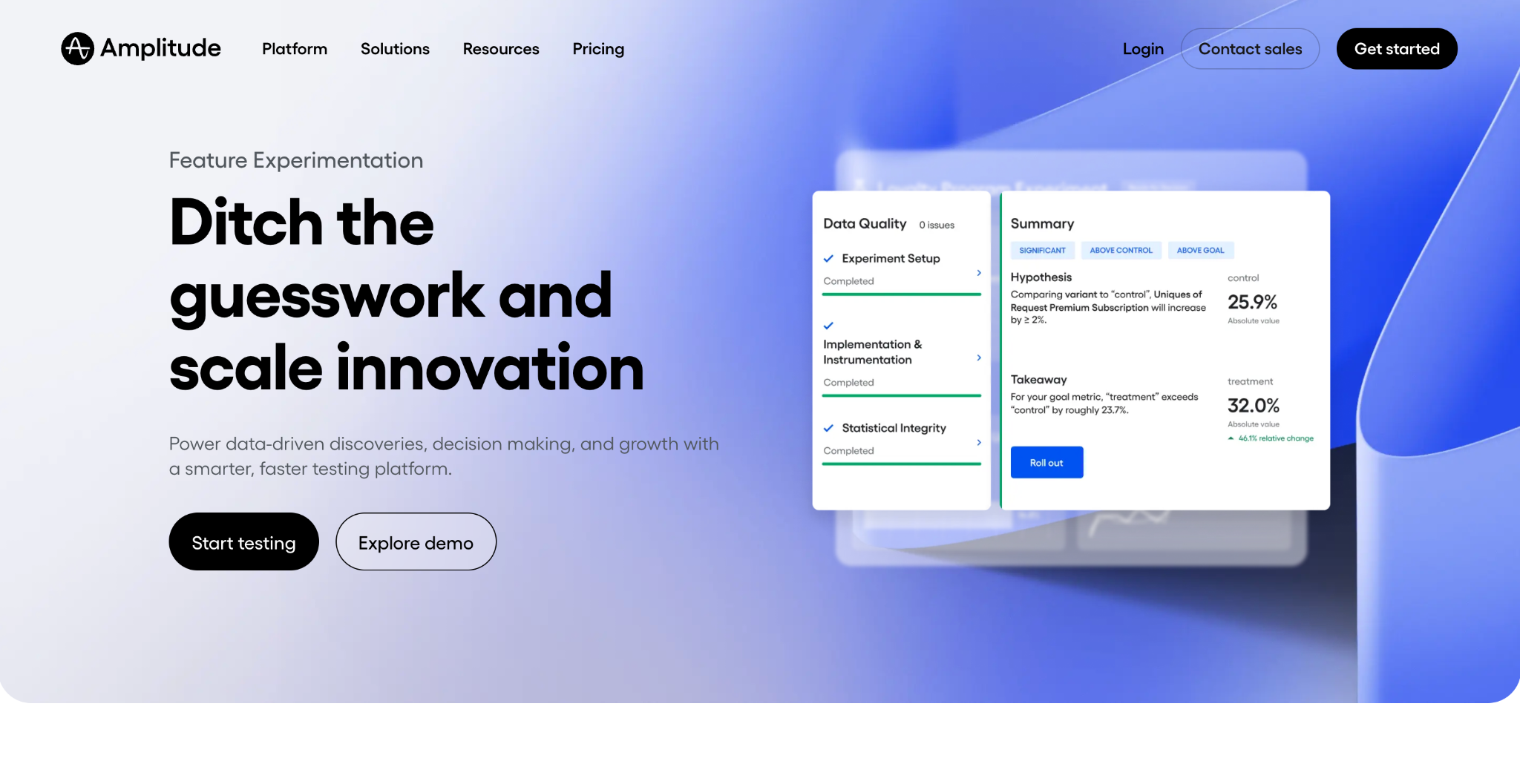
Best for: Teams already using Amplitude for product analytics who want testing built on the same data.
Amplitude Experiment extends Amplitude's analytics platform with feature flags and A/B testing, so test results sit alongside the same behavioural data teams already use for product decisions.
Key features:
- Feature flags with experimentation built on Amplitude's existing event data.
- Deep integration with Amplitude's cohort and segmentation tools.
- Bayesian and frequentist statistical models depending on the test.
- Mobile and web SDKs for cross-platform experiments.
LaunchDarkly
Best for: Larger engineering organisations that want a mature, enterprise-grade feature management platform.
LaunchDarkly is one of the most established feature flag platforms, with experimentation built on top of its flagging infrastructure. It's widely used at enterprise scale, with a strong focus on governance and release management alongside testing.
Key features:
- Feature flag management with fine-grained targeting rules.
- Experimentation module for running A/B and multivariate tests on flagged features.
- Approval workflows and audit trails aimed at enterprise governance teams.
- Broad SDK support across languages and platforms.
The best website A/B testing tools
These tools suit digital marketing and growth teams testing pages, copy, and layouts without needing engineering support for every change. They lean on visual editors, and most also offer some level of personalisation on top of testing.
VWO
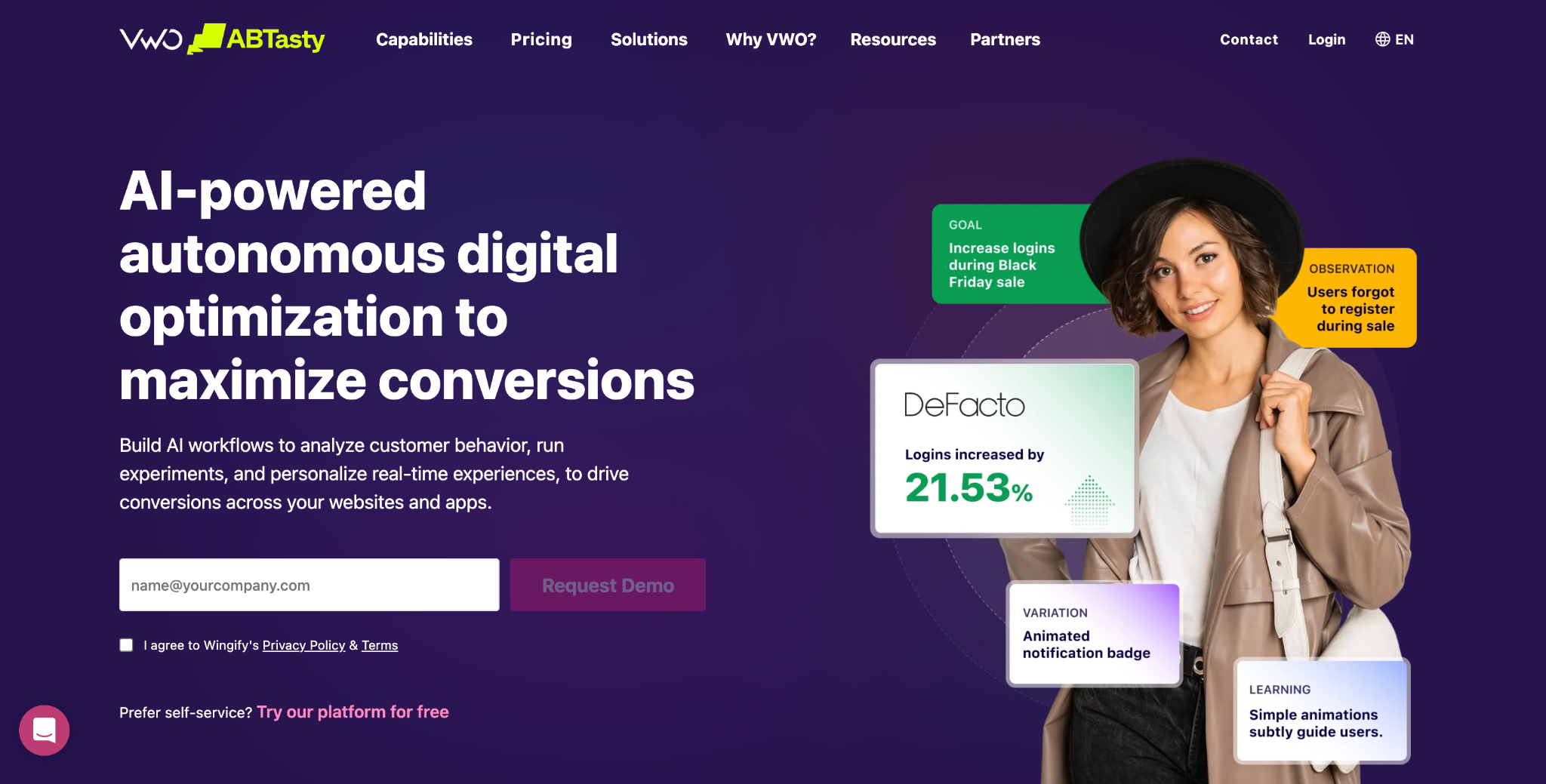
Best for: Marketing teams that want a single platform covering testing, personalisation, and behavioural analytics.
VWO is one of the longest-running website A/B testing tools on the market, combining a visual editor with heatmaps, session recordings, and survey tools in one product.
It's aimed squarely at marketing and conversion rate optimisation (CRO) teams rather than engineering.
Key features:
- Drag-and-drop visual editor so you can build page variations without code.
- Built-in heatmaps and session recordings to help explain test results.
- Multivariate and split URL testing alongside standard A/B tests.
- Server-side testing option for teams that want to run experiments beyond the web page.
AB Tasty
Best for: marketing teams that want testing and personalisation bundled with AI-assisted idea generation.
Description: AB Tasty combines a visual and code editor with personalisation features and an AI layer that helps generate ideas for what to test next. It's popular among mid-sized and enterprise marketing teams running a high volume of tests.
- Visual editor with an option to drop into custom code for complex tests.
- AI-assisted recommendations to help generate ideas for new experiments.
- Personalisation capabilities that extend beyond simple A/B tests into targeted content delivery.
- Audience segmentation based on behaviour, source, and custom traits.
Convert
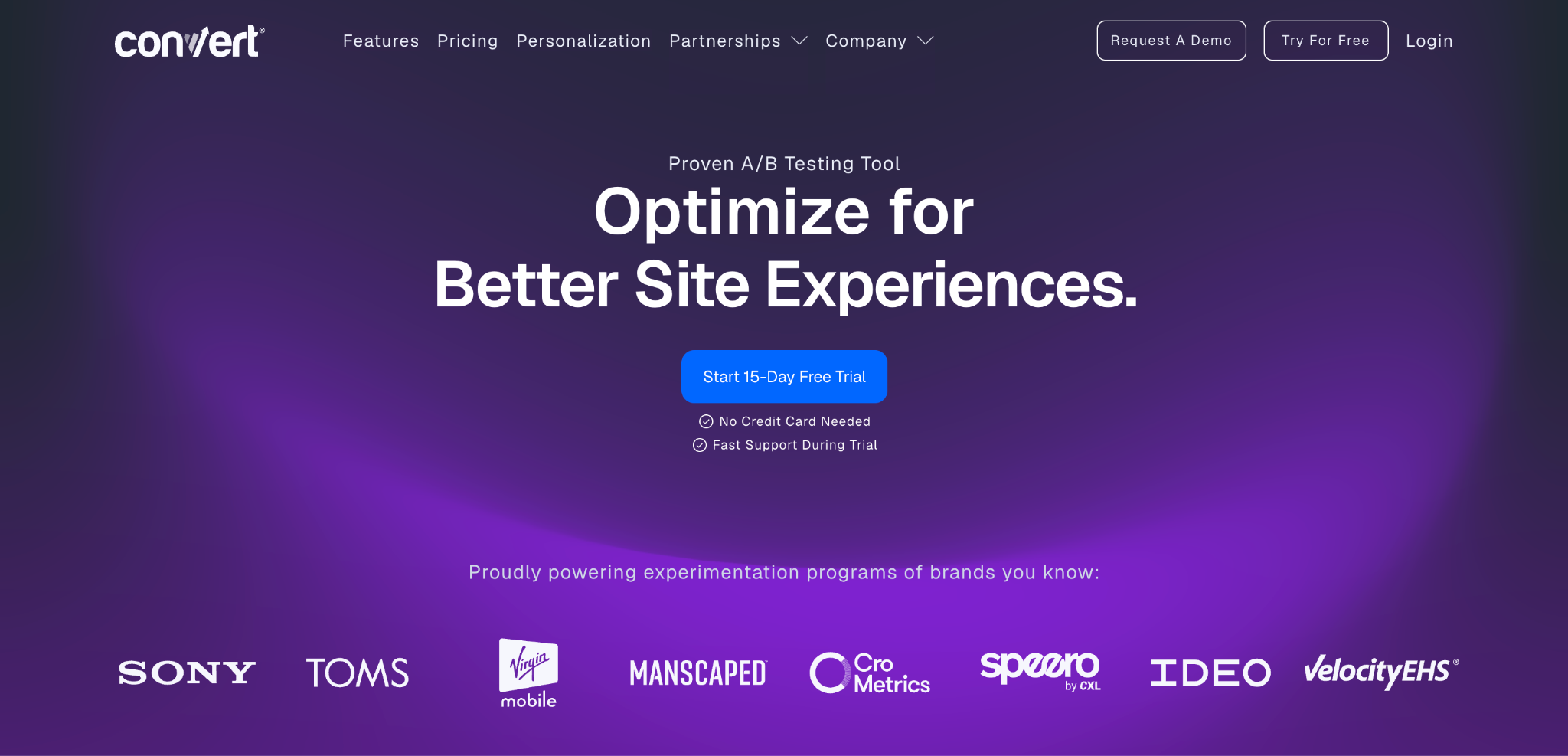
Best for: Privacy-conscious teams that want a dedicated testing tool without a bundled analytics suite.
Convert focuses specifically on A/B and multivariate testing for websites, without trying to be a full behavioural analytics platform on top. It's built with data privacy as a selling point, which appeals to teams in regulated markets.
Key features:
- Visual editor plus a code editor for more complex test variations.
- Strong multivariate testing support.
- Integrates with existing analytics tools instead of replacing them.
- Consent-aware testing designed to respect visitor privacy settings by default.
Unbounce
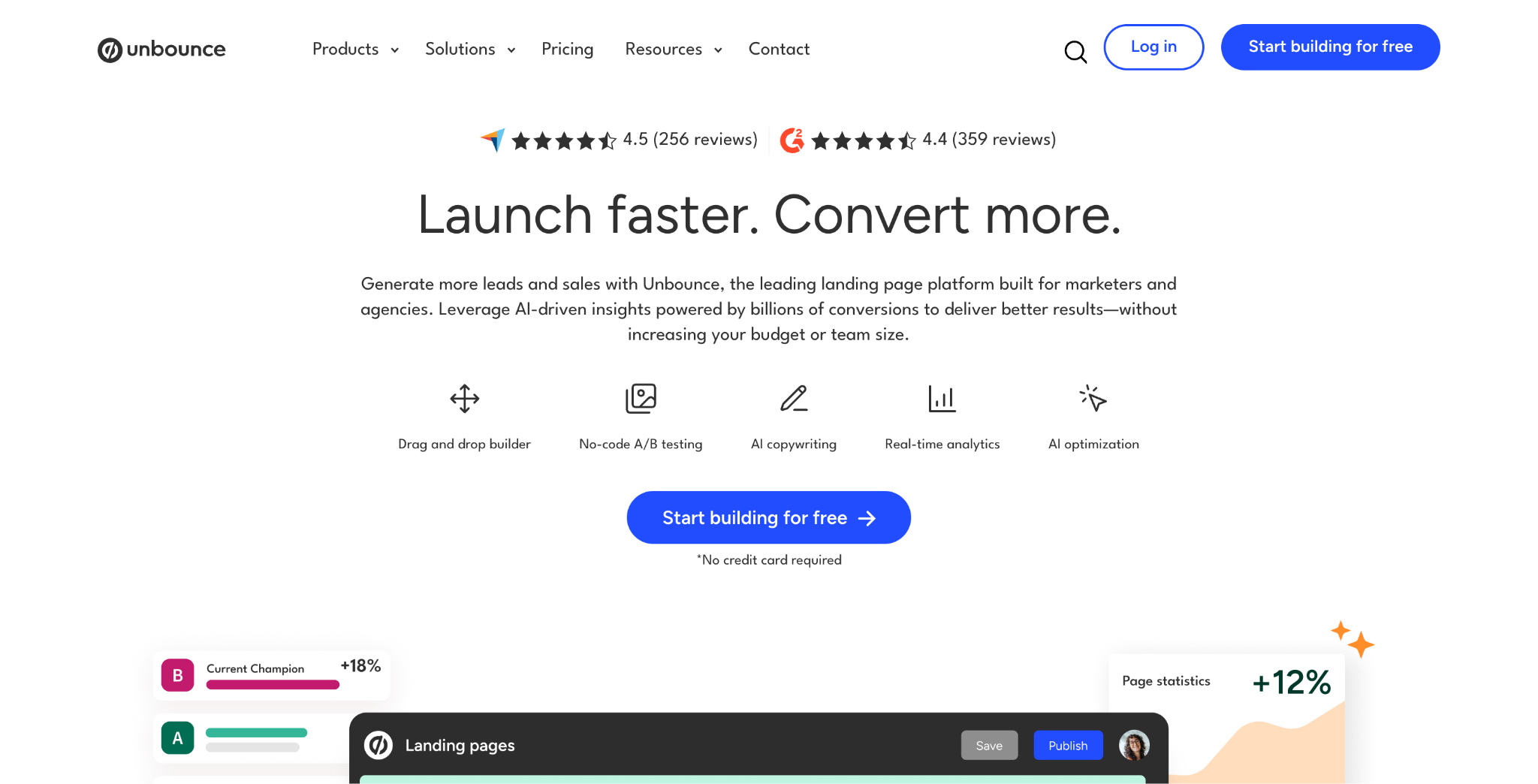
Best for: Marketing teams building and testing standalone landing pages without developer involvement.
Unbounce is a landing page builder with A/B testing built in, rather than a general-purpose testing tool for an entire website. It's aimed at marketing teams who need to launch and test a landing page fast, particularly around paid campaigns.
Key features:
- Drag-and-drop landing page builder with A/B testing on any page you create.
- AI-assisted copy suggestions for headlines and calls to action.
- Built-in conversion rate tracking for each landing page variant.
- Templates designed around common marketing use cases, from webinars to product launches.
Dynamic Yield
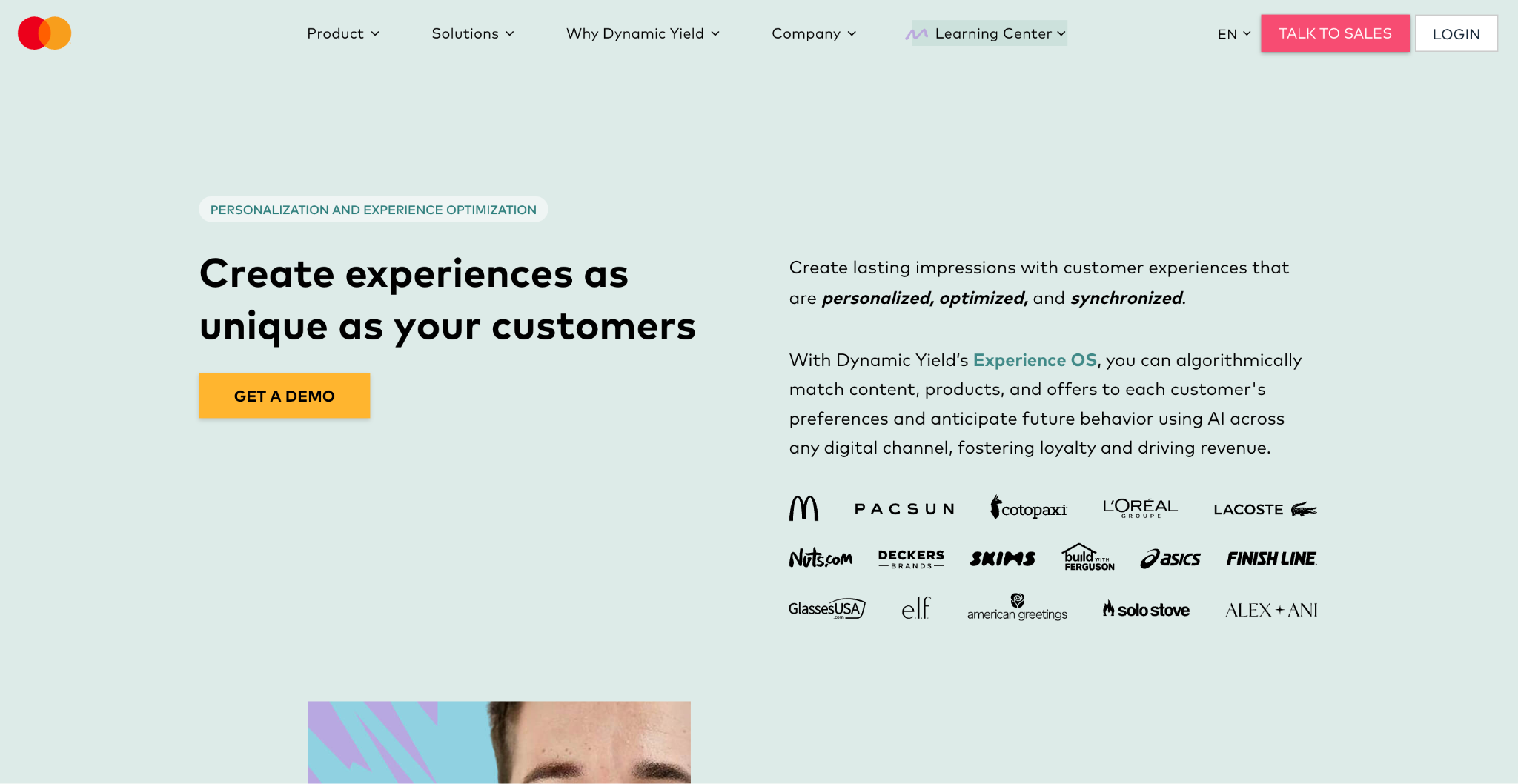
Best for: Enterprise teams that want testing tied closely to personalisation and product recommendations.
Dynamic Yield leans further into personalisation than most tools on this list, with A/B testing as one part of a broader engine for tailoring content, offers, and product recommendations to different audience segments.
Key features:
- Visual editor for building and testing on-site experiences.
- Recommendation engine that can be tested and optimised alongside page content.
- Deep audience segmentation based on behaviour and purchase history.
- Omnichannel personalisation across web, email, and app.
Choosing the right A/B testing tool for your team
If your marketing or growth team is testing pages and copy, then look for a website A/B testing tool with a visual editor initially, before considering other features.
If your product or engineering team is testing features, pricing, or in-app flows, make sure your software A/B testing tool is built on feature flags instead.
Also, a test that touches business logic, a mobile app, or a server-side decision needs a platform with proper SDK support.
Conclusion
A/B testing tools all promise the same outcome: a data-informed answer to which version performs better.
If your team is testing behind feature flags rather than through a visual page editor, Flagsmith gives you feature flag management, segmentation, and multivariate testing in one open-source platform that you can run in the cloud or self-host.
You can sign up for free and start running your first test today.
A/B testing tools FAQs
What are the top A/B testing tools for product engineers in 2026?
Product engineers running feature-level experiments are best served by platforms built around feature flags.
Flagsmith, LaunchDarkly, Statsig, GrowthBook, and PostHog all fit this brief, with the right pick depending on whether you need self-hosting, a built-in analytics layer, or integration with a data warehouse you already use.
Is A/B testing the same as multivariate testing?
No. A/B testing compares two or more complete variations against each other, changing everything at once between version A and version B.
Multivariate testing changes multiple individual variables within the same test and measures how each one, and each combination, affects the result. Multivariate tests need considerably more traffic to reach statistical significance with their results, since they're running several tests at once.
Do I need a developer to run an A/B test?
It depends on the category of tool. Website A/B testing tools with a visual editor are built so marketing teams can launch tests without developer involvement, beyond the initial script installation.
Software A/B testing tools built around feature flags need an engineer to wrap the relevant code in a flag and connect the SDK, even if a non-technical teammate can then manage the test's targeting and rollout from the platform's user interface.
What are the best A/B testing tools for e-commerce?
Most e-commerce teams end up needing both categories: website and feature A/B testing.
A website A/B testing tool such as VWO or Dynamic Yield handles landing pages, product listing layouts, and checkout copy, while a software A/B testing tool such as Flagsmith, Statsig, or GrowthBook covers app features, pricing logic, or recommendation algorithms that live in the codebase rather than on a page.
If your store runs mostly through a content management system with limited custom development, a website testing tool may be enough to cover most of what you need. If you run a native app or custom-built product logic, you'll want a software testing tool in the mix too.
What are the best tools for visual A/B testing?
Visual, no-code testing is the domain of website A/B testing tools.
Platforms like VWO, AB Tasty, and Unbounce let you build and launch a test through a visual editor without touching code, which is exactly what a marketing team testing a landing page needs.





























































OpenTelemetry, without the vendor lock-in: Introducing full observability for Open Source and Self-Hosted Flagsmith customers
















































