

The 8 Best Product Experimentation Tools in 2026


The right product experimentation tools depend on who's running the tests and what tests are being run. An engineering team validating a new pricing model needs something different from a growth team iterating on a landing page's user flows, while an analytics team that wants experiment results alongside the rest of their product data needs something different again.
In this guide, we split eight experimentation platforms into three categories based on who they're built for and what they are built to do: product and engineering teams shipping in-product changes, growth teams optimising web pages, and analytics-led teams that want testing built on top of behavioural data.
You'll find a comparison table, what to factor into your decision before you commit budget to one, and answers to the product experimentation questions startups and product managers ask.
What are product experimentation tools?
Product experimentation tools enable you to test a change to your product against a control group before rolling it out to everyone. Instead of shipping a new onboarding flow, pricing page, user interface (UI), or feature and hoping it helps, you expose it to specific user segments, measure how they respond against clear success metrics, and use the result to decide whether to ship it more widely.
Built into a product experimentation framework, the right tool replaces guesswork with reliable data drawn from how real users actually behave.
Most platforms in this space support a few overlapping experimentation methods:
- A/B testing compares two versions of an element of a product or a page—like a button, a page, a feature, or a background—and measures which one performs better.
- Multivariate testing compares multiple variables and their combinations at once to work out which mix drives the best outcome.
- Feature experimentation applies the same logic to in-product changes, often building on the feature flags and feature management tooling a team already uses to control releases.
Web experimentation tools are built around visual editors, so marketing and growth teams can build page tests without waiting on engineering, while feature experimentation tools use software development kits (SDKs) and application programming interfaces (APIs) to enable engineering teams to test server-side logic.
Product experimentation tools compared at a glance
Before the full breakdown, here's how all eight platforms stack up by category and what each one is built to do.
Best experimentation tools for product teams
Here are three platforms built around feature flags, making them the natural choice for engineering and product teams testing changes inside the product rather than on a marketing page.
Flagsmith
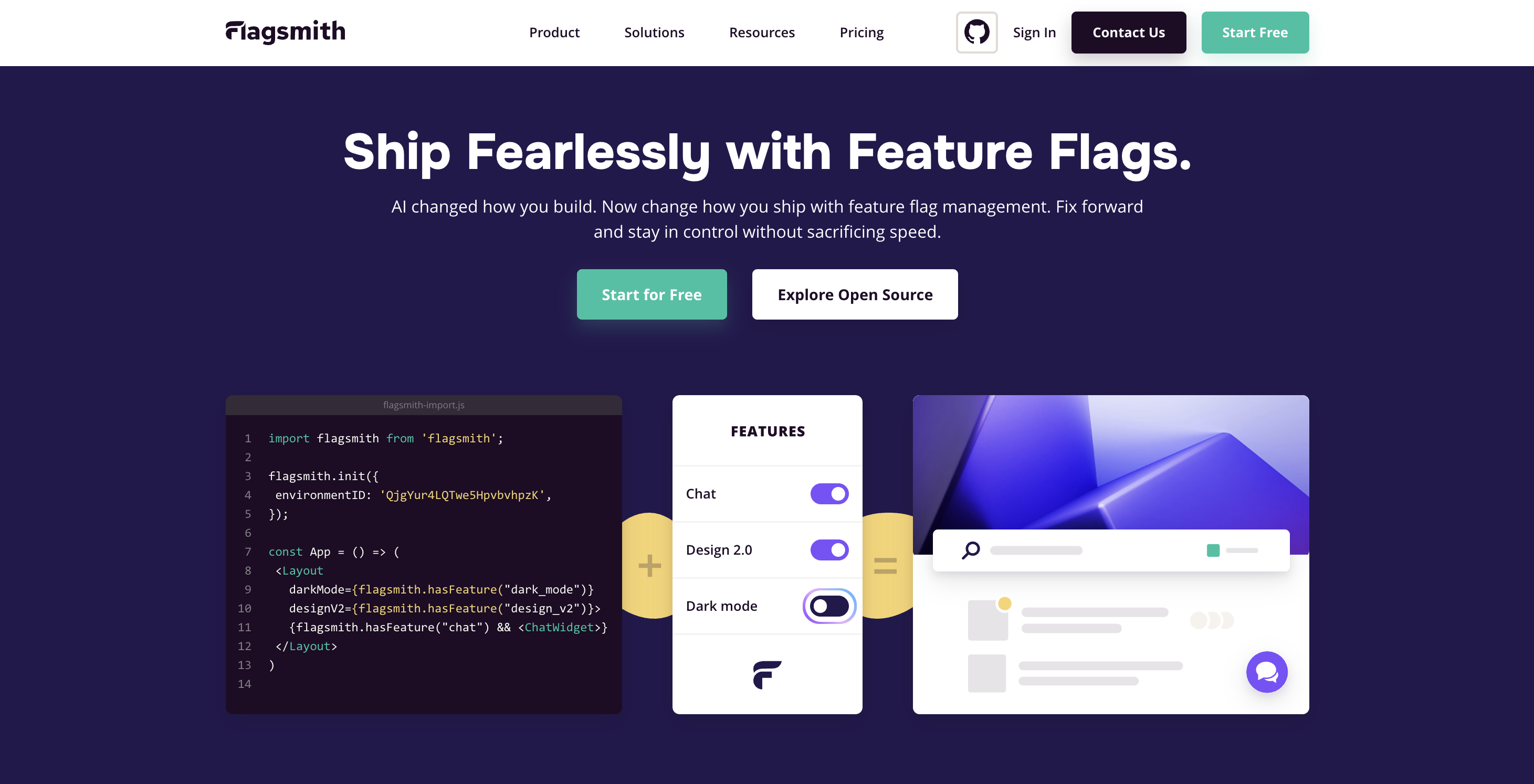
Best for: Engineering teams that want feature flags, segmentation, and experimentation with the option to self-host.
Flagsmith is an open-source feature flag and remote config platform that treats experimentation as a natural extension of the flags a team already uses to control releases. You define a flag, add variations of a value you want to test, set the percentage split for each variant and a control group, then watch how users respond—there is no separate testing product to learn.
Flagsmith stands apart from most of the platforms in this article thanks to the choice of deployment it gives you. Teams can run it as SaaS, self-host it on their own infrastructure, or take a private cloud option that Flagsmith manages on their behalf, and every option shares the same core functionality.
Regulated industries can benefit from this freedom the most, since it's genuinely harder for a banking or healthcare engineering team to justify a cloud-only testing tool than it is for a marketing team optimising a landing page.
Flagsmith's A/B and multivariate testing solution connects to your preferred analytics tool so you can assess data there rather than reading it inside Flagsmith.
Alternatively, try out Flagsmith's new Experimentation feature, where users can run end-to-end A/B tests on the platform.
Features
- Percentage-based rollouts with a control group, controlled from the same interface used for flag management.
- Segmentation to target specific user groups, beta testers, or tenants.
- Self-hosted, private cloud, or SaaS deployment, all with the same core feature set.
- OpenFeature support to avoid vendor lock-in.
- Integrations with existing analytics, database, and performance-monitoring tools instead of a separate reporting layer.
Statsig
Best for: Engineering teams that want enterprise-grade statistical rigour without enterprise pricing.
Statsig built its reputation on making advanced experimentation techniques available to teams of any size. Variance reduction and sequential testing come standard on every tier, and the platform can run either through a hosted cloud service or alongside your chosen data warehouse.
Product and engineering teams use Statsig to run feature flags, product analytics, and experiments from a single metric catalogue, so a conversion metric defined once shows up consistently across every test.
If your team runs dozens of experiments a quarter, you need a high level of consistency in your testing to prevent disagreements over whose numbers are right from slowing down decision-making.
Features
- Sequential testing that means you can call a result early without inflating the false positive rate.
- Holdout groups for measuring the cumulative impact of several experiments over time.
- Mutually exclusive experiment groups to stop overlapping tests from interfering with each other.
- Warehouse-native deployment alongside a hosted option.
- Unlimited feature flags included at every tier.
Optimizely
Best for: Enterprises running mature, multi-team experimentation programmes.
Optimizely was one of the first platforms that popularised visual A/B testing, and it now covers web experimentation, feature experimentation, and personalisation in one suite.
Its dual approach—a visual editor for marketers and APIs for engineers—suits large organisations where several teams run tests with different levels of technical comfort.
However, due to the breadth of its offering and extensive program management tools, pricing scales steeply with traffic and experiment volume, and results tend to live apart from a team's core product analytics unless you connect the two yourself.
Features
- Point-and-click visual editor with a template library for common test types.
- Client-side and server-side testing support.
- Multivariate testing for combinations of several variables at once.
- Feature flags with instant rollback.
- Advanced audience segmentation and behavioural targeting.
- Real-time statistical significance reporting.
Experimentation tools for product growth
These three platforms lead with web experimentation, making them a natural fit for growth and marketing teams optimising pages and funnels rather than in-product logic.
VWO
Best for: Marketing and growth teams testing web pages without engineering support.
VWO has built its name as a visual editor that enables marketers to build A/B, split, and multivariate tests on landing pages without writing code.
VWO Copilot generates test hypotheses and variations from simple text prompts, speeding up the transition from having an idea to actually running a test.
For product teams that need server-side testing, VWO Feature Experimentation adds feature flags, staged environments, and multi-armed bandit testing that dynamically shifts traffic toward a better-performing variant as a test runs.
VWO also recently merged with previous competitor AB Tasty to become an even bigger player in the market. However, it isn't completely clear yet how this will affect new customers.
Features
- Visual editor with a library of pre-built user interface elements.
- Detailed targeting by traffic source, device, browser, new vs. returning users, and other specific user segments.
- Multi-armed bandit testing that shifts traffic toward a winning variant automatically.
- Over 40 one-click integrations across analytics, CRM, and ecommerce tools.
Kameleoon
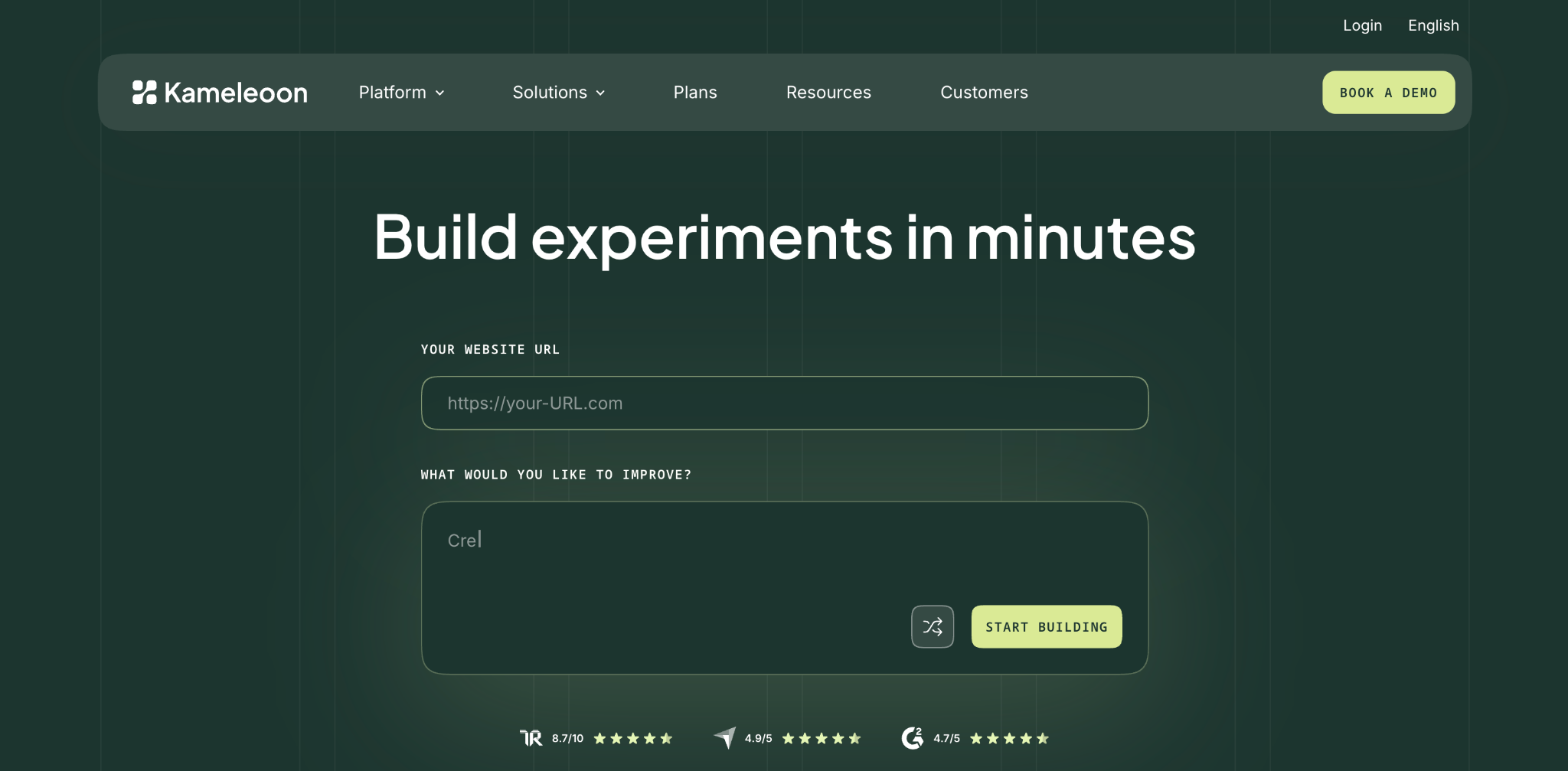
Best for: Teams that want AI-assisted targeting alongside web experimentation.
Kameleoon delivers A/B testing and personalisation through an intuitive, no-code editor. Its segment builder allows teams to target visitors on precise behavioural criteria, and the platform layers AI-assisted personalisation on top of standard test variants.
Kameleoon asks more of a team during the advanced setup stage. The built-in editor covers common cases well, but complex personalisation scenarios or advanced tests tend to need developer involvement and dedicated technical resources.
Features
- No-code editor for building and modifying page variants.
- Segment builder for precise, rule-based visitor targeting.
- AI-assisted personalisation and product recommendations.
- Web and feature experimentation in one platform.
- Custom pricing based on business needs.
Best product experimentation tools for analytics
These three platforms start from behavioural analytics, so experimentation results land next to the rest of a team's product data rather than in a separate tool.
Amplitude
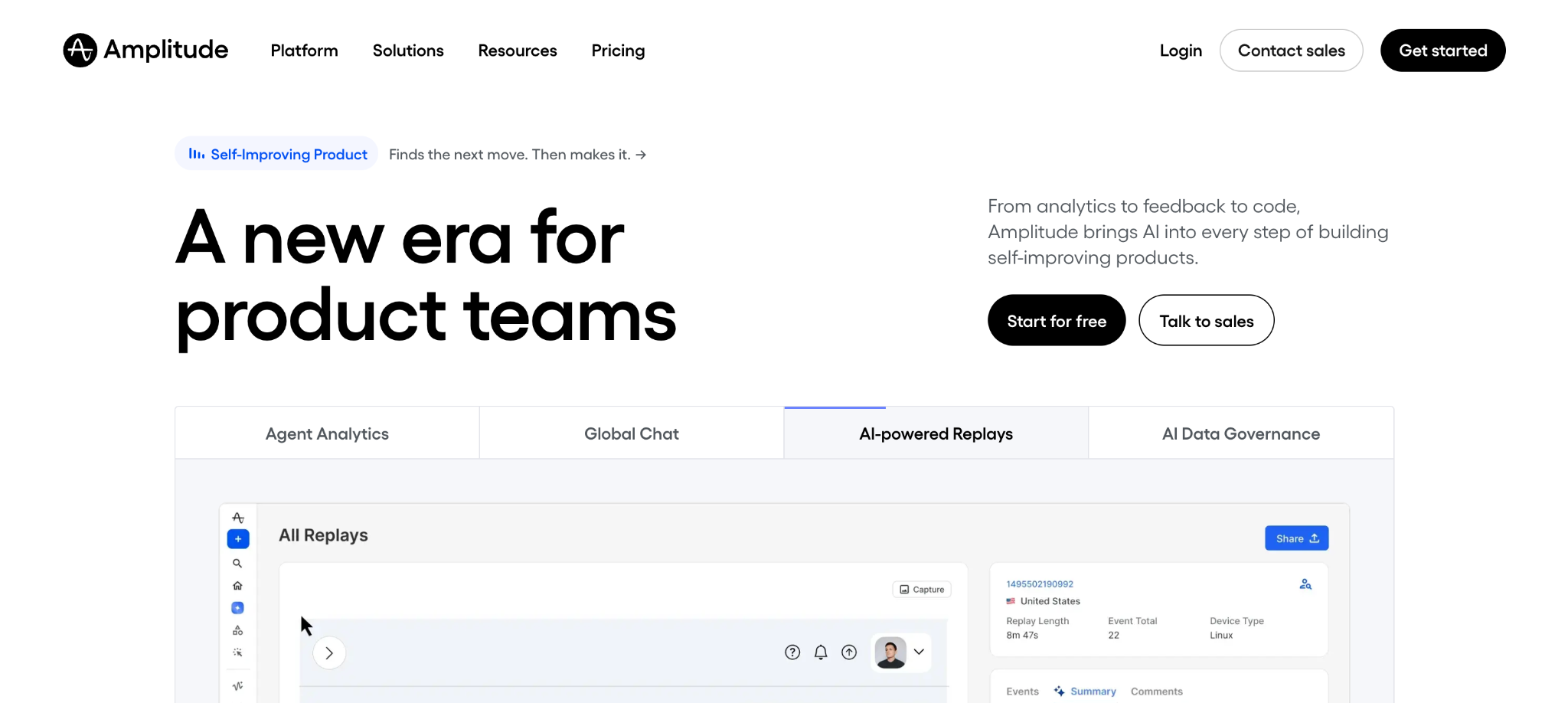
Best for: Product teams that want experimentation built on shared behavioural analytics.
Amplitude combines web and feature experimentation with the same behavioural analytics it's well known for, so a team can test a landing page variant and measure its effect on activation, user retention, or revenue weeks later using the same cohort definitions used elsewhere in the platform.
That shared foundation removes a common source of friction: different tools reporting different numbers for the same metric, and it turns raw usage data into detailed insights the whole team can act on.
Feature Experimentation handles the more technical side, supporting A/B/n and multivariate tests with mutual exclusion groups, holdout groups, and layered flags as a team's testing programme matures.
Web Experimentation covers the no-code side, with an AI feature that generates variant suggestions for teams.
Features
- Shared metrics and cohorts across analytics and experimentation.
- Mutual exclusion groups, holdouts, and layered flags for mature programmes.
- No-code visual editor plus AI-generated variant suggestions.
- Approval workflows and exposure management for multi-team governance.
- A/B/n and multivariate testing support.
- Free tier covering both web and feature experimentation up to a set volume of tracked users.
Mixpanel
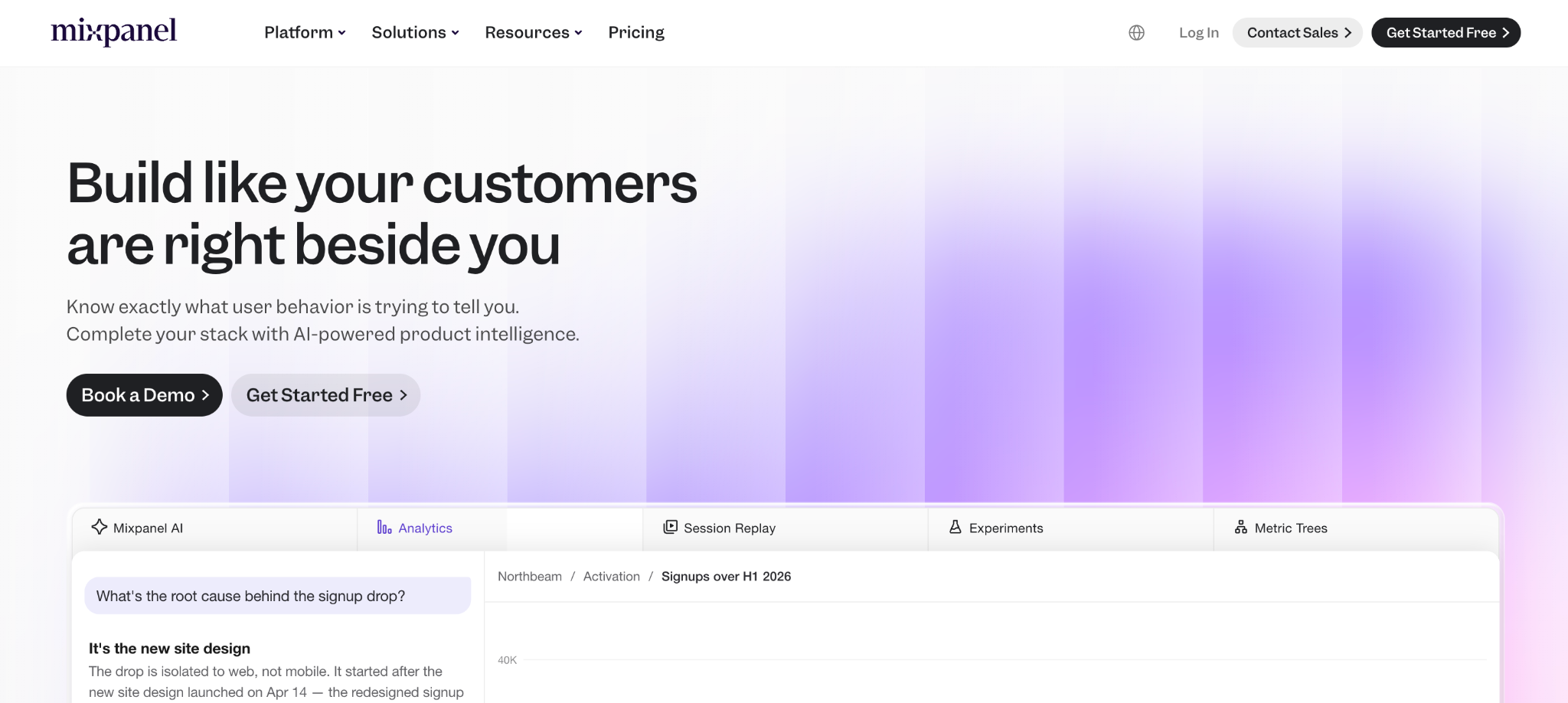
Best for: Teams that already track granular product events and want experimentation layered on top.
Mixpanel is primarily a product analytics tool, built around tracking individual user events, funnels, and retention rather than running tests itself.
Teams often evaluate it alongside a separate testing platform, since the events and cohorts it captures tend to define the metrics an experiment is judged against.
Due to that separation, there's no built-in way to run an A/B test, so a team gets strong event-level analytics but needs to pair it with a dedicated testing tool, and keeping metric definitions consistent across both systems takes ongoing discipline.
Features
- Event-based tracking with custom properties for detailed context.
- Dynamic segmentation and cohort analysis.
- Conversion funnel and user flow visualisation.
- Competitive free tier for smaller-scale tracking.
PostHog
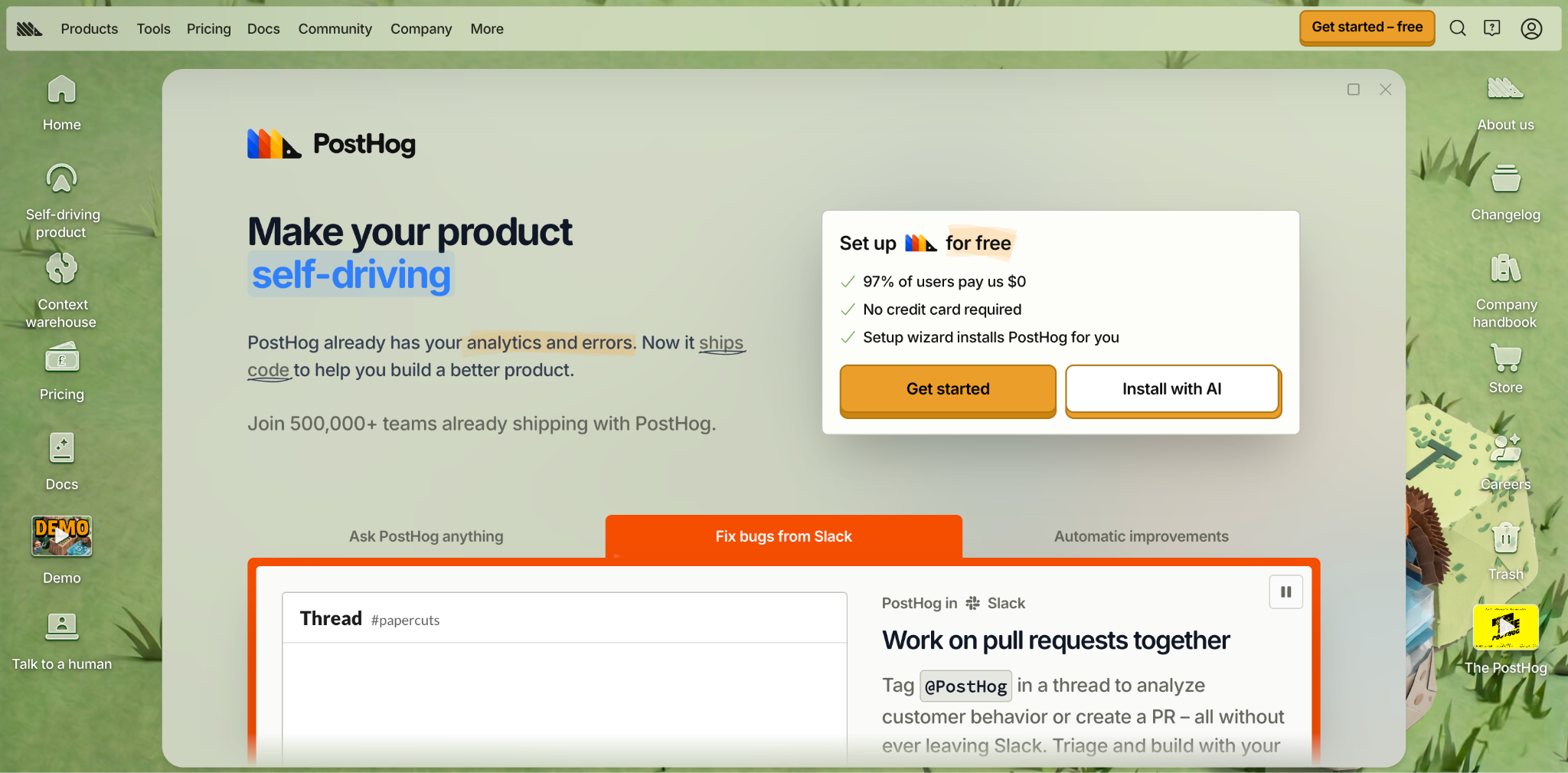
Best for: Engineering-led teams that want an open-source, all-in-one product analytics and experimentation stack.
PostHog is an open-source product analytics platform that bundles feature flags, experiments, session replay, and event tracking into a single self-hostable stack.
Engineering teams who'd rather own their analytics infrastructure than depend entirely on a third-party vendor often go for PostHog, particularly when data residency or cost control are important to them.
However, as they are self-hosting, teams take on the work of deploying and maintaining the platform, and it takes engineering time to wire everything up correctly for them to get the most from its feature-flag-driven experimentation.
Features
- Feature flags and experiments alongside product analytics in one tool.
- Self-hosting option for full control over data and infrastructure.
- Session replay and event tracking included in the same platform.
- Open-source core that teams can inspect and extend.
- Cost-effective entry point compared with fully managed alternatives.
How to choose the right product experimentation tool
Though there are eight options on the table, and most cover A/B testing, targeting, and some form of statistical significance reporting, you will still need to find the right category of solution first, before assessing features.
However, once you know what you need, here are the features to consider.
- Developer involvement. No-code visual editors, like those from VWO and Kameleoon, suit growth teams with limited engineering resources. SDK-driven platforms, like Statsig and Flagsmith, suit engineering teams testing changes inside their products.
- Integration capabilities. Check whether you can find experiment results in the analytics stack your team already trusts, or whether you'll be reconciling numbers across two separate systems.
- Statistical rigour. Look at how each platform calculates statistical significance and how large a sample size it needs—though this is more important for low-traffic products than high-traffic marketing sites.
- Self-hosting and data residency. Regulated teams should weigh whether a cloud-only tool meets their compliance requirements, or whether a self-hosted option like Flagsmith or PostHog is a better starting point.
- Budget and pricing transparency. Several platforms here are enterprise-quote-only. If you want to start testing before a procurement conversation, prioritise tools with a genuine, usable free tier.
- Experimentation maturity. A team running its first few tests won't need the sophistication required by a team one running dozens a quarter across multiple product areas. Don't pay for holdout groups and layered flags before you need them.
- Customer insights alongside the numbers. A tool that only tells you which variant won is not as useful as one that helps you gather user feedback, session recordings, and qualitative user research to explain why it won, so your future experiments start from valuable insights rather than a guess.
Conclusion
There's no single best product experimentation tool. Instead, find the tool that matches how your team ships changes and the business outcomes you're chasing, whether that's customer acquisition, user retention, churn reduction, or something else down the customer journey.
Growth teams optimising pages will get more from a visual editor like VWO. Analytics-led teams will get more from a platform like Amplitude that keeps testing and analysis in one place. Engineering teams that want feature flags, segmentation, and experimentation together are what Flagsmith is built for.
If that sounds like your team, sign up for Flagsmith and run your first experiment on top of your feature flags.
Product experimentation tools FAQs
What are the best product experimentation tools for startups?
Startups generally do best with tools that have a genuine free tier and don't require a procurement conversation to start testing.
Flagsmith and PostHog both offer free, self-hostable open-source versions, Amplitude's free tier covers both web and feature experimentation up to a set volume of users, and Mixpanel's free tier suits early-stage event tracking.
Enterprise-quote-only platforms like Optimizely tend to be a better fit once a company has scaled past this stage.
What are the best product experimentation tools for product managers?
Product managers typically want a tool that shows how an experiment affects the metrics they already track, without needing an engineer to pull the numbers.
Amplitude and Statsig both suit this well, since experiment results share the same metric definitions as the rest of the analytics.
Flagsmith is a strong option for product managers working closely with engineering teams who want to toggle features and see results without a separate testing product to learn.





























































OpenTelemetry, without the vendor lock-in: Introducing full observability for Open Source and Self-Hosted Flagsmith customers
















































