

The Best A/B Testing Software in 2026

To pick the best A/B testing software, you have to first know what you are looking for exactly to narrow down your search.
Some of the best A/B testing tools are built for marketers who want a visual editor and a landing page. Others are built for engineering and product teams who want to ship a test behind a feature flag and measure it against a metric that matters.
This list covers both. It starts with an overall ranking, followed by a head-to-head comparison table, then a full breakdown of each tool: what it's best for, its features, its pricing structure, and each ones pros and cons.
After that, you'll find the best A/B testing software for app developers, startups, visual testing, and tight budgets, since the right answer depends heavily on who's asking.
What is A/B testing software?
A/B testing software enables you to show two or more versions of a page, feature, or in-app experience to different users, then measures which version performs better against a goal you define. It handles the parts you don't want to build yourself: randomly assigning visitors to a variant, enforcing statistical significance, and reporting the result once the test has run long enough to trust it.
An A/B testing tool is different from an analytics tool. For example, Google Analytics and similar analytics platforms are superb at exploratory data analysis and telling you what users did after the fact, but they don't decide who sees which variant, and they don't run the statistical engine that tells you a result is real rather than noise.
Plenty of teams pair a separate analytics tool with their testing platform for this reason, feeding results into the analytics platform they already trust for deeper customer journey optimisation.
Broadly, A/B testing software splits into two families:
- Visual, web-focused tools built for marketing teams, with point-and-click editors for testing headlines, layouts, and landing pages.
- Server-side, usually feature-flag-driven, tools built for product and engineering teams, where a test is just a flag with more than one variation, evaluated inside the application rather than injected into a web page after it loads.
What to look for in A/B testing software
Not every tool that claims to do A/B testing can support serious experimentation. A few features separate the two:
- Statistical engine. A clear, built-in approach to reading results, such as Bayesian or sequential testing, so you’re not tempted to call a winner before the data justifies it.
- Feature flag management. Proper feature flags for tests that live inside the product, not just a traffic splitter bolted onto a marketing tool.
- Multivariate testing. Testing more than two variations of a feature once you move past simple A/B splits.
- Visual editor. Essential for non-technical teams, largely irrelevant for engineering teams running server-side testing.
- Mobile support. Native SDKs for iOS and Android, not just a web snippet.
- Integration with your existing stack. Sending results into the analytics tools, customer data platform, or data warehouse you already use, rather than a new one.
The best A/B testing software: full list
The list below mixes both categories. If you're a marketer who wants a visual editor and nothing else, skip ahead to the visual testing section after this table.
Flagsmith
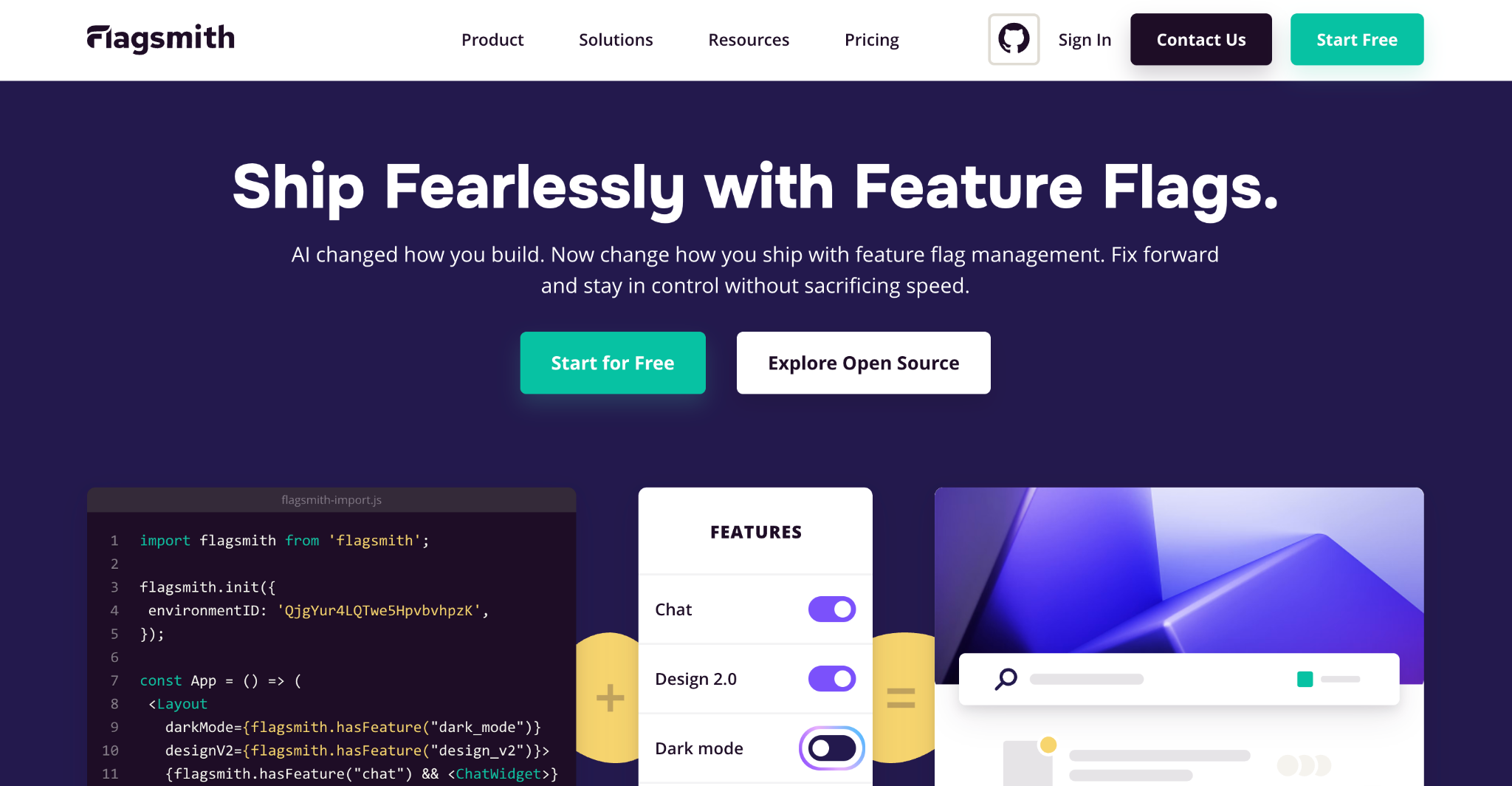
Best for: Engineering and product teams that want feature flags and A/B testing on the same platform, with the option to self-host.
Flagsmith is an open-source feature management platform built around a simple idea: a test is just a feature flag with more than one variation.
Instead of running experimentation as a separate tool bolted onto your release process, you define a multivariate flag, set the traffic split, and let Flagsmith automatically allocate traffic across the variations while your existing analytics platform measures the result.
That approach makes Flagsmith a natural fit for product and engineering teams running server-side testing, since the flag evaluation happens inside your application rather than through a script injected into a web page. It also means the same flag you used to test a feature safely in production can stay in place afterwards as a permanent kill switch or a gradual rollout mechanism, without introducing a second system to maintain.
Because it's open source under a permissive licence, you can self-host Flagsmith for free with no feature limitations, or run it as a managed cloud service instead. Teams in regulated industries really benefit from these deployment options, as does anyone who'd rather not hand customer data to a third party just to run an experiment.
Features
- Multivariate flags, so you can split traffic across two or more variations from a single flag, the basis for A/B and A/B/n testing.
- Segment targeting, which enables you to target specific users, percentages of your audience, or custom segments.
- Self-hosted or managed cloud deployment, with the same core feature set either way.
- SDKs covering web, mobile, and server-side frameworks.
- Environment-level permissions and audit logs.
- Integrations with the analytics tools and data pipelines engineering teams already run.
Pricing structure
Flagsmith's Free cloud plan is free forever, not a trial, and covers unlimited feature flags, environments, and segments for up to 50,000 API requests a month, though A/B and multivariate testing specifically is a Start-Up plan feature and up.
The Start-Up plan costs $45 a month for up to 1,000,000 requests, adding A/B and MVT testing and third-party integrations, and the Scale-Up plan costs $300 a month for 5,000,000-plus requests, adding SSO and governance features, with custom Enterprise pricing above that.
Self-hosting the open-source core is free with no request limits, and includes multivariate flags as part of the BSD-3-Clause-licensed feature set.
Optimizely
Best for: Large enterprise teams running cross-functional experimentation programmes across web, mobile, and backend systems.
Optimizely built its name on web experimentation and has since split its product into separate tools, including Web Experimentation and Feature Experimentation for server-side and full-stack testing. It's one of the few platforms with the engineering depth to support high-traffic enterprise teams running hundreds of simultaneous tests, with a statistical engine built to handle that scale without throwing up false positives.
The tradeoff is cost and complexity. Pricing isn't published, and quotes for Feature Experimentation alone commonly run into the tens of thousands of dollars a year, often doubling again if Web Experimentation sits on the same contract.
There is a free Rollouts tier for feature flags and a single A/B test, but it acts more as an on-ramp to a paid plan rather than a long-term option.
Features
- Stats Engine with sequential testing, built to reduce false positives at high test velocity.
- Separate Web Experimentation and Feature Experimentation products for marketing-led and engineering-led testing.
- Full-stack SDKs for server-side and mobile testing.
- Audience targeting across multiple metrics at once.
- Enterprise-grade governance and audit history.
Pricing structure
Optimizely doesn't publish its pricing. Its own pricing page states that "every Optimizely plan is individually packaged" around your specific needs, and third-party buyer reports commonly put Feature Experimentation quotes in the $50,000 to $120,000-plus range annually, with custom enterprise contracts scaling from there.
Wingify (formerly VWO and AB Tasty)
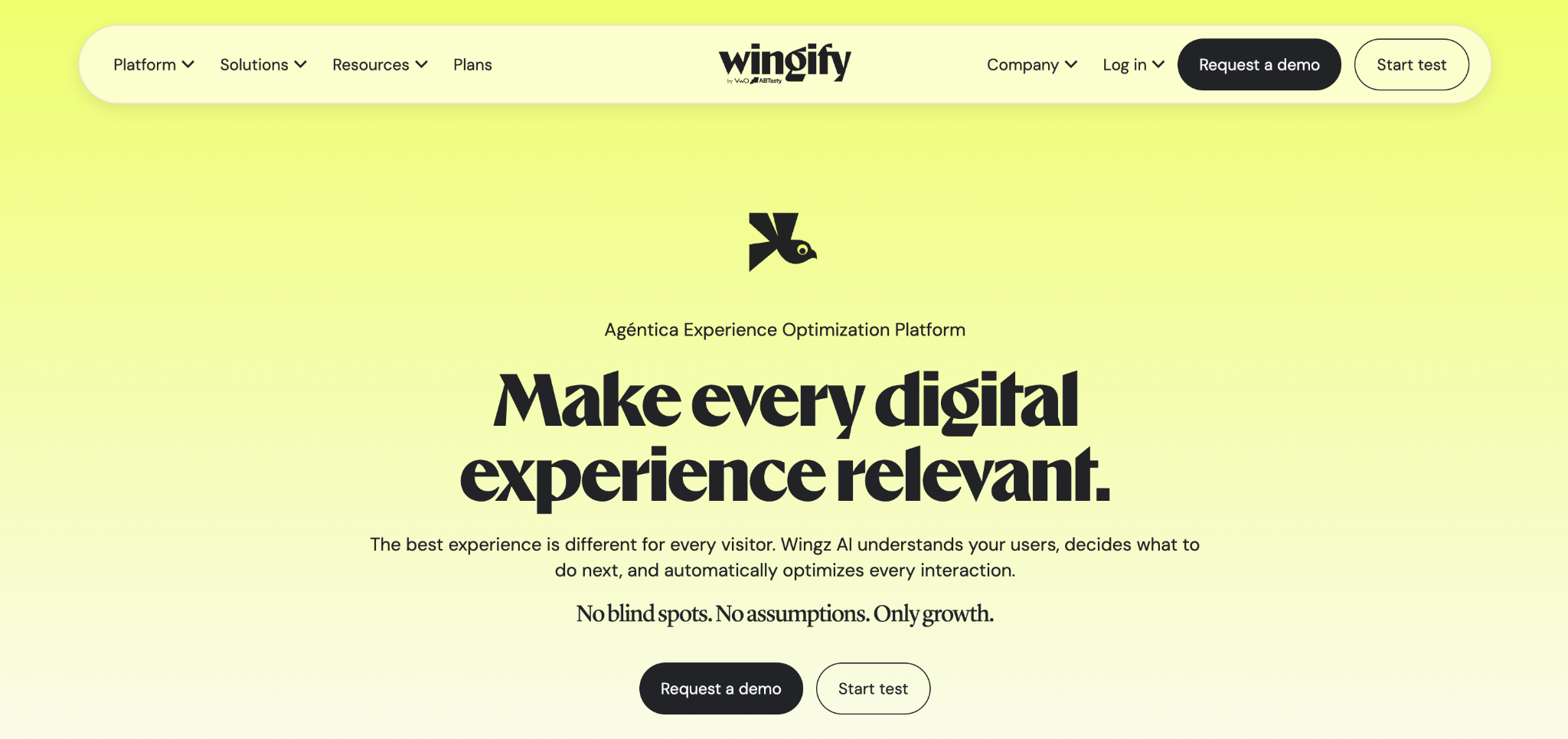
Best for: Marketing and growth teams that want a visual editor, personalisation, and behavioural analytics on one platform, without relying on engineering teams.
Wingify is the company that was formed when VWO and AB Tasty, two of the most recognisable names in web experimentation, merged in 2026. The deal was announced in January, the combined business launched under the single Wingify brand in September.
The core product is still a visual editor that lets non-technical teams change a headline, swap an image, or restructure a page layout, then split traffic between test variations without writing code.
It covers split URL testing and landing page optimisation well, and AB Tasty’s side of the business adds a personalisation engine that can target specific users or segments outside of a formal experiment.
Wingify now packages experimentation, personalisation, behavioural insights, feature management, and customer engagement together, positioning itself as an all-in-one platform for conversion rate optimisation.
For marketing teams juggling multiple tools, that consolidation is the main appeal. Product and engineering teams can get feature flags and server-side testing from the tool, but they sit inside an experimentation platform built primarily for marketers.
Features
- Visual, point-and-click editor for building web experiments and test variations without code.
- Split URL testing and multivariate testing, for comparing separate landing pages or multiple page elements at once.
- Heatmaps and session replay, so behavioural data sits on the same platform as your tests.
- Personalisation engine to deliver personalised experiences to specific segments across the customer journey.
- Feature flags and server-side testing, plus mobile support for running experiments inside mobile apps.
- SmartStats, VWO’s statistical model, for reaching statistical significance faster.
- AI-assisted test idea generation.
Pricing structure
Wingify sells the combined platform through Growth, Pro, and Enterprise tiers. VWO’s old free Starter plan has been discontinued, so there’s no longer a free plan or free tier. Higher traffic levels and the Pro and Enterprise tiers are quote-based, so most teams will need a sales conversation before they can budget.
Statsig
Best for: Engineering teams that want product experimentation, feature flags, and analytics in a single platform with transparent, usage-based pricing.
Statsig was built by engineers who'd previously worked on experimentation at Facebook, and it shows in the product's priorities: everything is API-first, and pricing is based on events rather than a quote you negotiate.
Alongside GrowthBook and Flagsmith, it is a serious option for product and engineering teams who want testing capabilities built into their release process rather than layered on top of it.
Where Statsig stands apart is the breadth of what's bundled in: feature flags, experimentation, and product analytics all draw from the same event stream, so you're not stitching together a separate analytics tool to see what a test did to user behaviour.
Features
- Feature flags and multivariate experiments built on the same event pipeline as analytics.
- Sequential testing to call a result early without inflating the false positive rate.
- Custom events and funnel analysis across multiple metrics from a single test.
- Automated rollout features for gradually shifting traffic toward a winning variant.
- Session replay included alongside testing.
Pricing structure
Statsig's Developer plan is free for up to 2 million events a month, with no credit card required and unlimited seats. The Pro plan costs $150 a month for 5 million events, with overages billed at $0.05 per 1,000 events beyond that. Enterprise pricing is custom, with volume discounts.
GrowthBook
Best for: Data and engineering teams that want an open-source experimentation platform running directly against their existing data warehouse.
GrowthBook takes a different approach to most of the tools on this list: rather than storing experiment data in its own system, it connects to the data warehouse and analytics platform you already run, then layers statistical analysis and a feature flag management interface on top, instead of exporting data into yet another vendor's reporting tool.
As iut is open source, GrowthBook can be fully self-hosted with no feature limitations, making it a popular choice among growth teams who want serious experimentation capabilities without an enterprise budget.
Features
- Warehouse-native architecture, connecting directly to the data warehouse you already use.
- Bayesian and frequentist statistical engines, switchable depending on the test.
- Visible SQL queries behind every result, so you can audit how a number was calculated.
- Feature flagging alongside experimentation, self-hosted at no cost.
Pricing structure
You can self-host GrowthBook completely free with unlimited feature flags and experiments included. The managed Cloud Starter plan is also free, for up to three users and one project, with the Cloud Pro plan costing $40 per seat a month for up to 30 users, and custom Enterprise pricing above that.
PostHog
Best for: Startups and product teams that want product analytics, feature flags, and experiments in one platform with a genuinely generous free tier.
PostHog started as a product analytics tool and expanded into an all-in-one platform that now bundles session replay, feature flags, and A/B testing alongside its original analytics core.
The free tier is the standout: the first 1 million events a month at no cost across every product, enough for most early-stage startups to run a real testing programme before paying anything.
Because experiments run on the same feature flag and event infrastructure as the rest of the platform, you get conversion funnel analysis, custom events, and behavioural analytics without a separate tool, a combination growth teams at smaller companies tend to appreciate.
Features
- Feature flags and multivariate experiments, billed as part of the same flag infrastructure.
- Product analytics with conversion funnel analysis and custom events out of the box.
- Session replay for watching how users interacted with each variant.
- Generous, genuinely free tier with no time limit.
- Open-source and self-hostable, alongside a managed cloud option.
Pricing structure
PostHog's free tier covers feature flags, experiments, product analytics, and session replay with no time limit and no credit card required, including the first 1 million events a month at no cost across every product
Beyond that, pricing is usage-based and billed per product rather than tiered by seat, with volume discounts and startup pricing available on request.
Unbounce
Best for: Marketing teams and small businesses focused on landing page optimisation rather than in-product testing.
Unbounce is a landing page builder first and an A/B testing tool second. You build a page with its drag-and-drop editor, then split traffic between variants to see which converts better, which makes it a good choice if you run marketing campaigns and lead generation work rather than product or feature testing.
Recent pricing changes have made Unbounce more accessible at the entry level, though some agencies managing multiple accounts have reported steep increases once they scale up.
Features
- Drag-and-drop landing page builder with built-in split testing.
- AI-assisted copy and layout suggestions.
- Conversion-focused templates built for specific campaign types.
- Dynamic text replacement for matching landing page copy to ad campaigns.
Pricing structure
Unbounce's Starter plan costs 29 a month for up to 500 visits and 5 pages, rising through Build (99/month, up to 20,000 visits), Experiment (149/month, up to 30,000 visits), and Optimize (249/month, up to 50,000 visits), with custom Concierge and Agency plans above that.
A 14-day free trial is available with no credit card required, and annual billing saves 25% across the standard tiers.
Best A/B testing software for app developers
Testing inside a mobile app is a different problem from testing a web page. There's no quick script-tag change to push, app store approvals slow down iteration, and you need an SDK that works natively on iOS and Android rather than a browser snippet.
- Flagsmith: With native mobile SDKs and multivariate flags, a test ships inside your next release rather than needing a separate mobile testing product, and self-hosting is better for apps handling sensitive data.
- Statsig: Built with engineering teams in mind from the start, with strong SDK support and sequential testing suited to the slower iteration cycle of app releases.
- GrowthBook: Self-hosted, warehouse-native model works well for app teams that already pipe mobile analytics into a central warehouse.
For a deeper look at the specific challenges of testing inside a mobile app, see our guide to mobile A/B testing.
The best A/B testing software for startups
Early-stage teams need two things a lot of enterprise-first tools don't offer: a free tier generous enough to run real tests, and setup simple enough that you're not burning your first few weeks on configuration.
- Flagsmith: A free cloud plan for feature flags, plus a self-hosted option that's free forever and includes full multivariate testing from day one.
- PostHog: A generous free tier, bundling analytics, flags, and experiments together so a small team isn't paying for multiple tools.
- GrowthBook: A fully-featured, free self-hosted option for startups with the engineering resources to run their own infrastructure.
All three avoid the quote-walled enterprise pricing that makes tools like Optimizely and AB Tasty a hard sell for a team still finding product-market fit.
What are the best tools for visual A/B testing?
If you need a visual editor rather than a feature flag, go for one of the tools built for marketing teams.
- VWO: The most established visual editor on this list, with session replay and heatmaps bundled in.
- AB Tasty: A strong alternative with deeper personalisation features layered on top of the same no-code approach.
- Unbounce: The right choice specifically for landing pages, rather than testing changes across an entire website.
The best affordable A/B testing software
Affordable takes on different meanings when you're comparing against a $120,000 enterprise contract versus a $0 self-hosted option.
- Flagsmith: Completely free, self-hosted option with full multivariate testing included, plus a free cloud tier for feature flags.
- PostHog: A free tier generous enough that most early-stage teams won't hit a paywall for months.
- GrowthBook: Free self-hosted plan with the full statistical engine included, no feature gating.
Compare that against VWO's recently discontinued free tier, or Optimizely and AB Tasty's quote-based enterprise pricing, and there is a clear gap in accessibility for smaller teams.
Conclusion
There's no single best A/B testing software, only the best one for how your team tests.
If you're an engineering or product team that wants feature flags and experimentation in one platform, with the option to self-host, try Flagsmith.
If you're a marketer who needs a visual editor and nothing else, VWO, AB Tasty, or Unbounce will serve you better.
Whichever direction you choose, the tools covered here should be enough to build a shortlist and start evaluating rather than guessing.
If you want to see how feature-flag-driven testing works in practice, sign up for a free Flagsmith account and run your first test today.
Best A/B testing software FAQs
What is the best A/B testing software?
It depends on who's running the test. Flagsmith is the best option for engineering and product teams who want feature flags and experimentation on one platform, while VWO, AB Tasty, and Unbounce are better suited to marketing teams who want a visual, no-code editor.
What are the best A/B testing software options for teams without developers?
VWO, AB Tasty, and Unbounce are all built around a no-code visual editor, so marketing teams can launch a test without writing code or waiting on engineering.
Is there a completely free A/B testing tool?
Yes. Flagsmith, PostHog, and GrowthBook all offer genuinely free, fully-featured self-hosted options, alongside free cloud tiers that don't require a credit card to start.






























































OpenTelemetry, without the vendor lock-in: Introducing full observability for Open Source and Self-Hosted Flagsmith customers
















































